Skip to content
07-848 2005

FREE LayOut Video Tutorials

Learn LayOut for 2D presentations and construction drawings.

Older lessons may show a different interface; known versions are labelled.

19 tutorials

LayOut Essential Tutorials

  1. Introduction to LayOutTrimble SketchUp
  2. Model ViewportTrimble SketchUp
  3. Layers & PagesTrimble SketchUp
  4. DimensionsTrimble SketchUp
  5. Drawing ShapesTrimble SketchUp
  6. Importing FilesTrimble SketchUp
  7. Presentation ModeTrimble SketchUp
  8. ScrapbooksTrimble SketchUp
  9. Scaled DrawingTrimble SketchUp

LayOut Intermediate Tutorials

  1. More DimensionsTrimble SketchUp
  2. Auto TextTrimble SketchUp
  3. Dimensions Deep DiveTrimble SketchUp
  4. MaskingTrimble SketchUp
  5. Saving TemplatesTrimble SketchUp
  6. Line ScalingTrimble SketchUp
  7. Reconnecting DimensionsTrimble SketchUp
  8. Drop ShadowsTrimble SketchUp
  9. LayOut 2022 ChangesTrimble SketchUp LayOut 2022
  10. Easier Drafting with Brand New LayOut Drawing Tools (official SketchUp)Trimble SketchUp

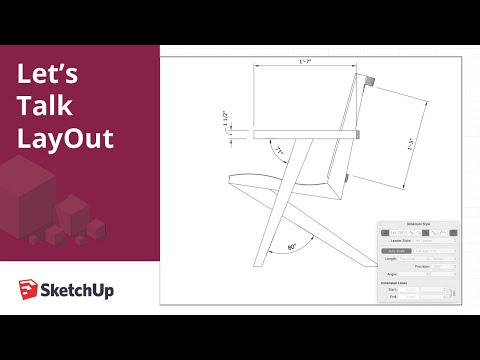
Video tutorial

If the video does not play here, watch on YouTube (opens a new tab).

SketchUp's free LayOut Essentials course on Trimble Learn (formerly SketchUp Campus) covers the fundamentals end to end - free with a Trimble ID.

LayOut 2026 added four drafting tools - Trim, Extend, Fillet and Chamfer - and its upgraded graphics engine is now the default renderer, so current tutorials are worth a look even if you learnt LayOut years ago. For working-drawing training tailored to NZ consent documentation, book our SketchUp training.