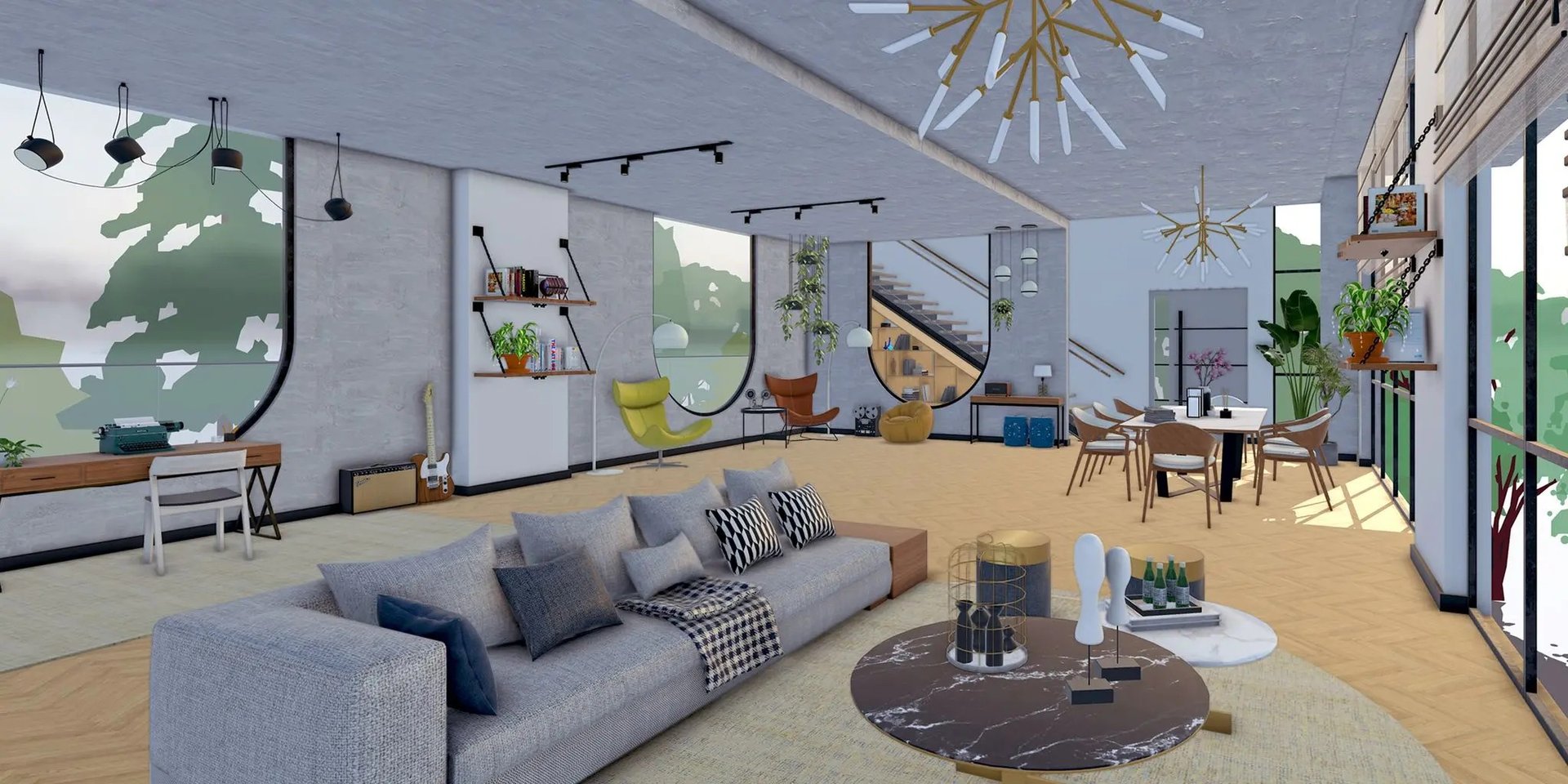
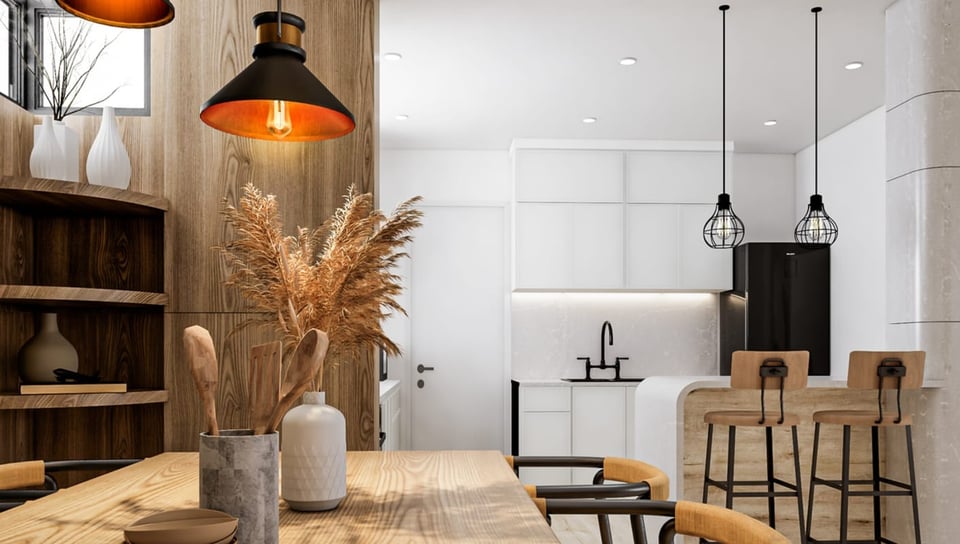
Model and furnish interiors
Build the room in 3D, bring in furniture, fixtures and lighting, then adjust the composition while the client brief is still taking shape.
Use 3D Warehouse to find manufacturer models and reusable components instead of modelling every object from scratch.
Apply Photoreal Materials and image-based Environments to compare timber, stone, fabric and colour in context.
Keep curated component, material and style libraries ready for the next residential or commercial project.
Present and review interiors
Move from a clear SketchUp model to real-time walkthroughs or polished production renders, then keep feedback tied to the space being discussed.
Use Enscape to test options with the client and see the result without a long render wait.
Use V-Ray when lighting, material detail and camera control make the image part of what you hand over.
Share the model for review so comments relate to the exact room, object or view.
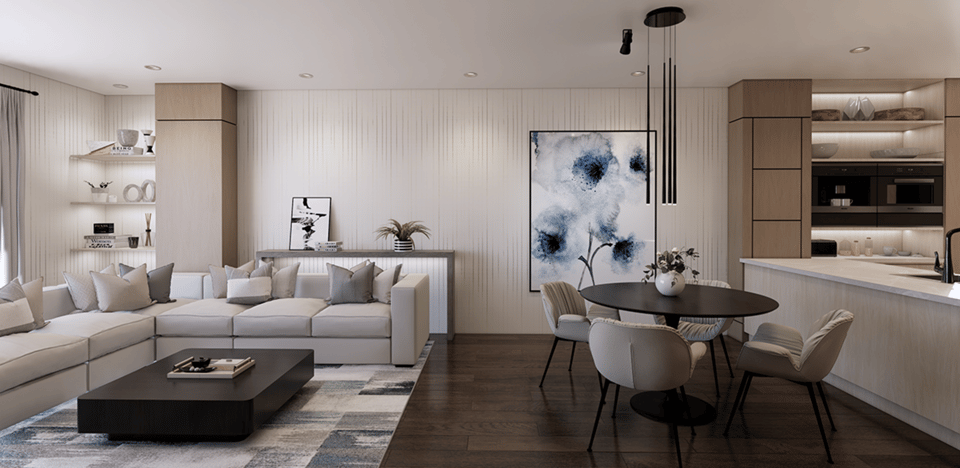
Across interior projects
From room study to fit-out
Use the same visual process at different scales, then add documentation and rendering where the job needs them.
Residential
Test kitchens, bathrooms, renovations and whole-home interiors before finishes and fixtures are committed.
Hospitality and retail
Compare layouts, sightlines, furniture and brand moments in a space clients can understand quickly.
Workplace and tenant fit-outs
Coordinate the spatial plan, presentation visuals and LayOut drawing pages from the same model.


