
Scan-to-CAD prepares captured meshes for reverse engineering, feature extraction, CAD modelling and 3D printing. Choose Pro when you need to sketch and model directly on scan data.
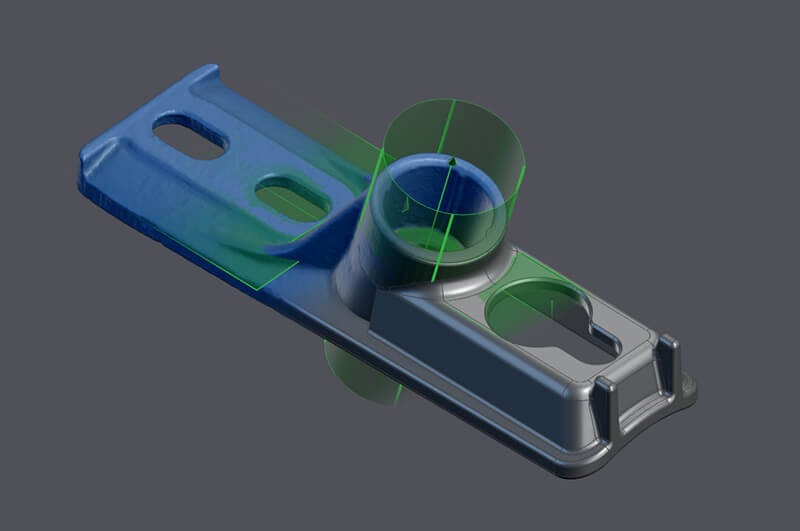
From scan data to editable CAD geometry
1Mesh editing
Clean, fill, merge and optimise the captured mesh.
2Alignment
Align the scan to the required coordinate system.
3Feature extraction
Extract surfaces, curves, cross-sections and geometric entities.
42D sketching
In Pro, sketch directly from scan cross-sections.
53D modelling
In Pro, create parametric features and solid geometry.
6Transfer to CAD
Export standard geometry or transfer editable parametric data into your CAD system.
Scan-to-CAD editions compared
Both editions prepare and transfer scan data. Pro adds sketching and modelling directly on the scan.
| Feature | Scan-to-CAD | Scan-to-CAD Pro |
|---|---|---|
| IGES/STEP CAD file import/export | ✓ | ✓ |
| Mesh editing tools | ✓ | ✓ |
| Surfaces | ✓ | ✓ |
| Alignment | ✓ | ✓ |
| Entity creation | ✓ | ✓ |
| Basic measurement tools | ✓ | ✓ |
| 2D sketching | ✖ | ✓ |
| 3D modelling | ✖ | ✓ |
| Transfer to major CAD software | ✓ | ✓ |
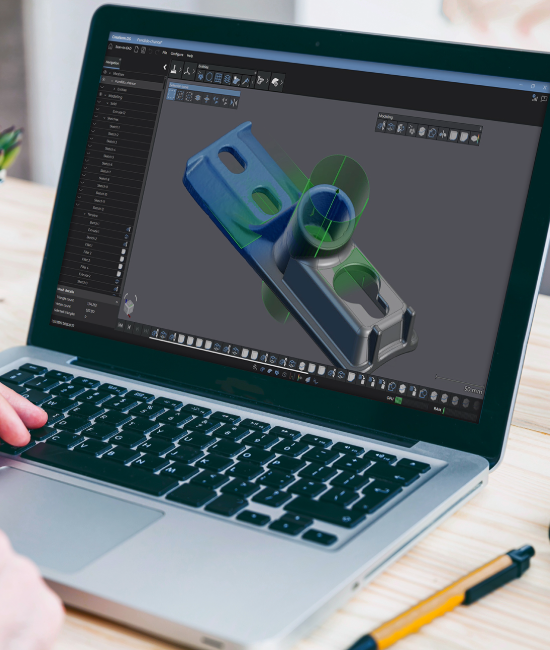
Where Scan-to-CAD fits
Reverse engineering
Recover usable geometry and design intent from an existing part.
Product development
Use captured geometry as the foundation for a new or revised design.
Repairs and retrofits
Model replacement parts and interfaces for damaged or obsolete equipment.