Industries
Make your ideas easier to see, test and share

Architecture
Shape early ideas quickly, develop them in 3D, then keep plans, sections and details connected to the model in LayOut.

Interior design
Plan spaces with real products and materials, compare options, and give clients a clear view before anything is ordered.

Landscape architecture
Build terrain from contours, place planting and hardscape, study sun and shadows, and present the whole site in context.

Urban planning
Model neighbourhoods at scale, compare massing and public-space options, and make complex proposals easy to follow.
SketchUp plans
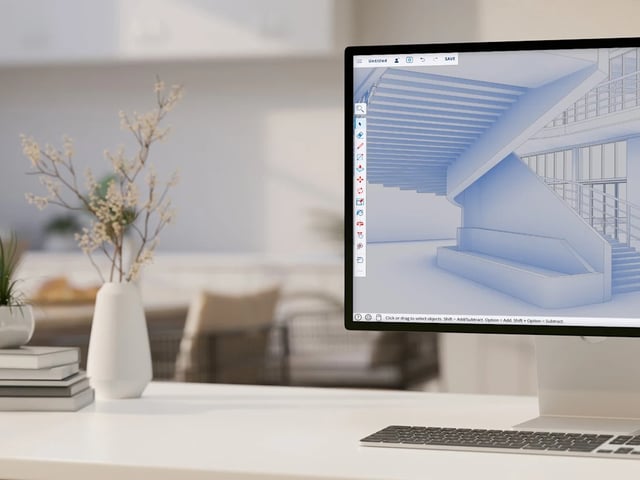 SketchUpSketchUp Go3D modelling on iPad and in the browser - sketch, mark up and share from wherever the job takes you.
 SketchUpSketchUp Pro3D modelling on desktop, web and iPad, with LayOut for 2D documentation.
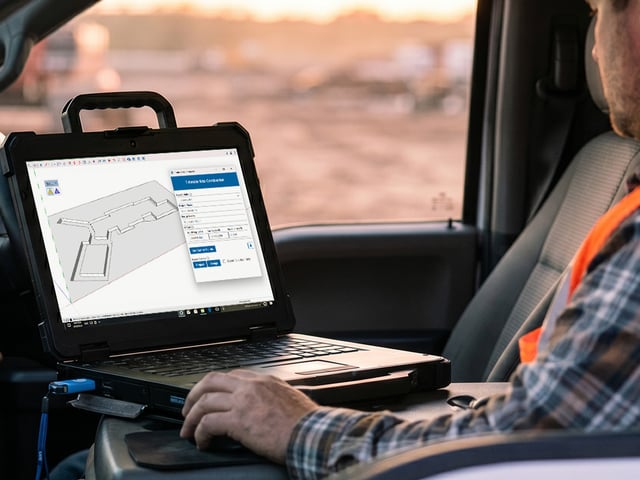 SketchUpSketchUp Pro Civil ContractorEverything in SketchUp Pro, plus Trimble Site Contractor and Field Points - for civil and earthworks contractors taking designs to the field and the machine.
 SketchUpSketchUp Pro Advanced WorkflowsEverything in SketchUp Pro, plus Scan Essentials, Revit Importer and Trimble Site Contractor - for teams working between scan, BIM and site.
 SketchUpSketchUp StudioEverything in SketchUp Pro, plus V-Ray rendering, point-cloud modelling and Revit import.
Help in your time zone
Practical help from a New Zealand team that has used SketchUp since 2002, and still does every day.
Learn the fundamentals, industry techniques and LayOut documentation.
Get help with setup, licensing and day-to-day SketchUp questions.
Our top three SketchUp tutorials on YouTube have more than 250,000 views between them.
SketchUp downloads, renewals, plugins and where to buy
Download and install
Get the current installer, start your 7-day trial, or find installation guidance.
Renew your subscription
See renewal timing, account options and what happens if a subscription lapses.
Add extensions
Browse SketchUp extensions for architecture, landscape, fabrication, visualisation and more.
Buy SketchUp in New Zealand
See authorised sellers, NZD invoicing and how to compare current plans.
SketchUp questions, answered
Which SketchUp plan should I choose?
SketchUp Go suits modelling on iPad and in a browser. Pro adds the desktop modeller, LayOut documentation and extensions. Advanced Workflows adds Scan Essentials, Revit Importer and Trimble Site Contractor on top of Pro. Studio adds V-Ray rendering as well. Compare the plans and features side by side.
Can I try SketchUp before I buy?
Yes. The 7-day trial gives you the SketchUp Studio toolset. SketchUp Free is available in a browser for personal projects. See SketchUp Free vs Pro for the differences.
Do you provide SketchUp training and support?
Yes. Explore our SketchUp training for practical courses, or contact New Zealand-based SketchUp support for help with licensing, setup and modelling questions.
Will SketchUp run on my computer?
Check the current SketchUp system requirements before you download or buy. Contact our support team if you want help checking a specific workstation.
How do SketchUp renewals work?
Subscriptions renew annually. See SketchUp renewals for account options, timing and what to do if a subscription has lapsed.