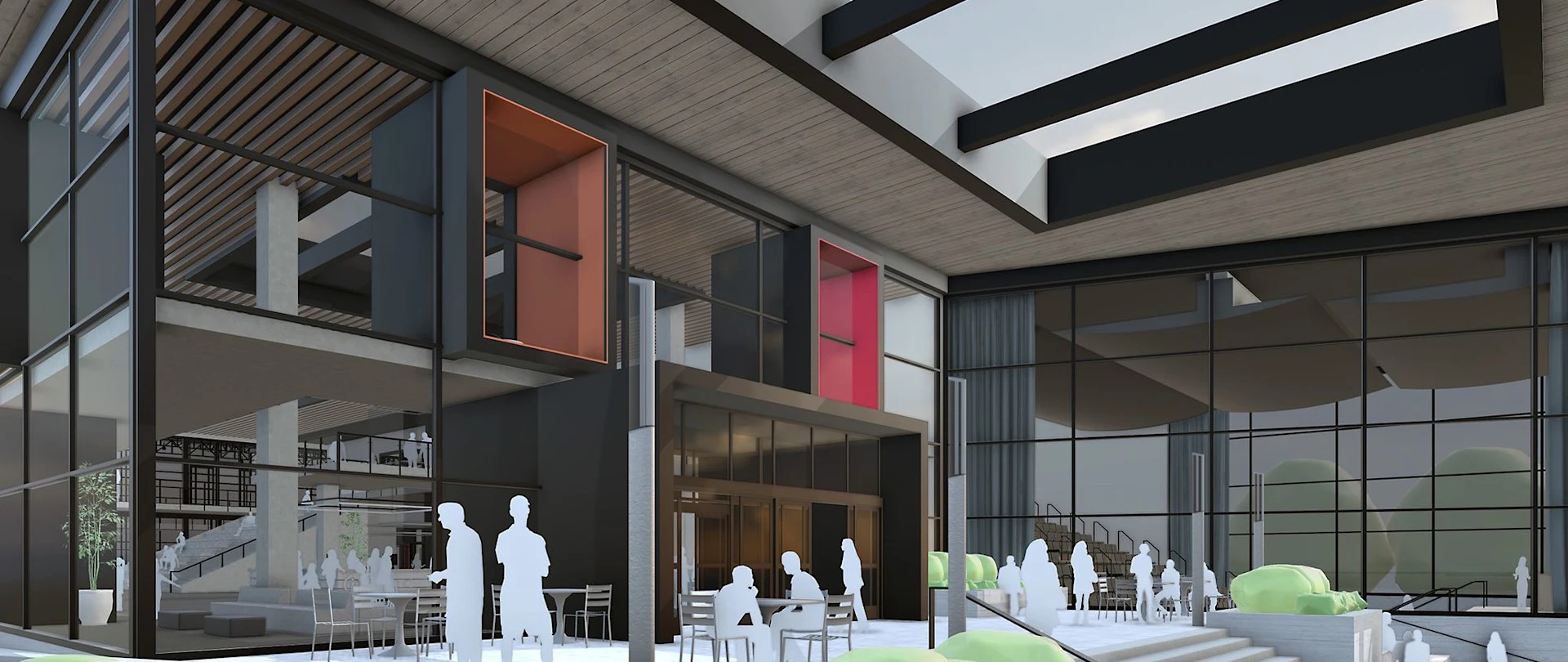

SketchUp Pro Advanced Workflows is SketchUp Pro with the three interoperability extensions added: Scan Essentials for point clouds, Revit Importer for BIM handover, and Trimble Site Contractor for site and earthworks. If your projects move between a scanner, a consultant's Revit model and the ground, this is the subscription that keeps all three in one modelling environment.
What's included
Three extensions on top of SketchUp Pro
Everything in a Pro subscription is here - desktop, LayOut, web, iPad, Extension Warehouse, Trimble Connect and 150 monthly AI credits. Advanced Workflows adds the three that connect SketchUp to the rest of the project.
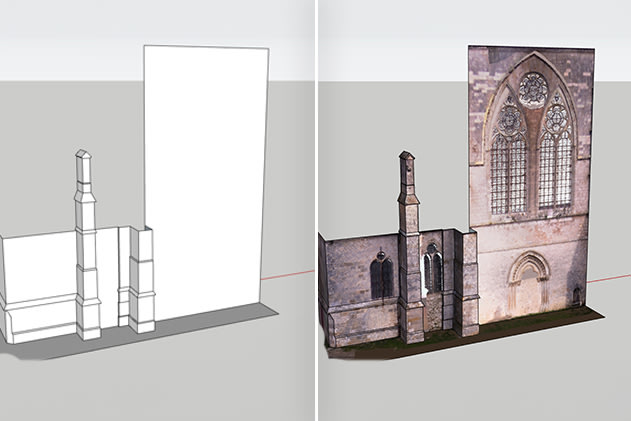
Scan Essentials
Bring laser-scan and photogrammetry point clouds straight into SketchUp, then model over them. Handles large clouds without a separate reality-capture package.
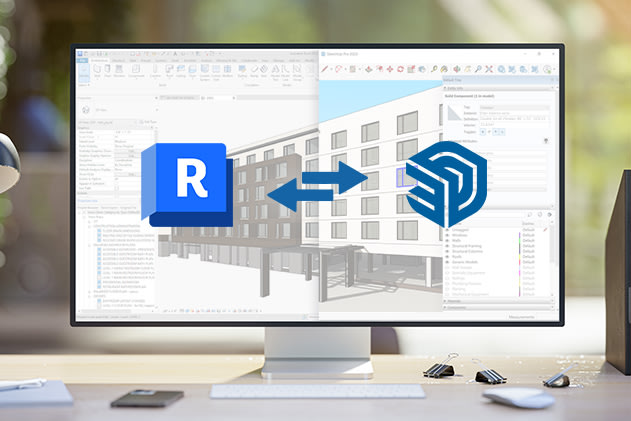
Revit Importer
Import Revit models directly as usable SketchUp geometry.
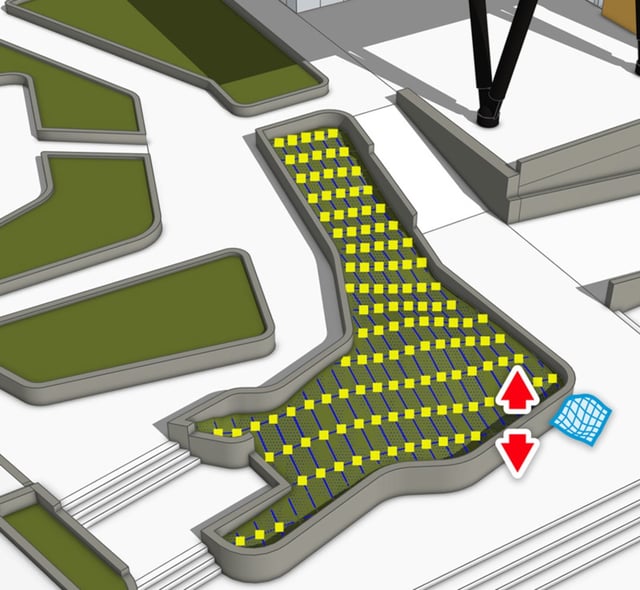
Trimble Site Contractor
Model site work in SketchUp and take it to the field: surfaces, volumes and machine-readable design files for grading and earthworks.
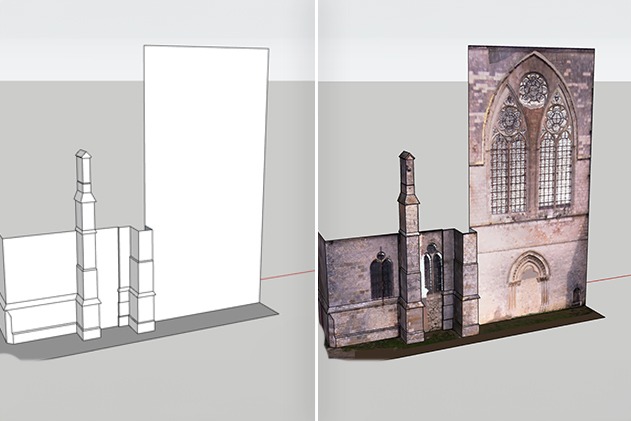
Model from point clouds
Import the scan, set it up in the Point Cloud Manager and trace the geometry you actually need. Existing-conditions work that used to mean a measured survey and a separate reality-capture licence happens in the same file as the design.
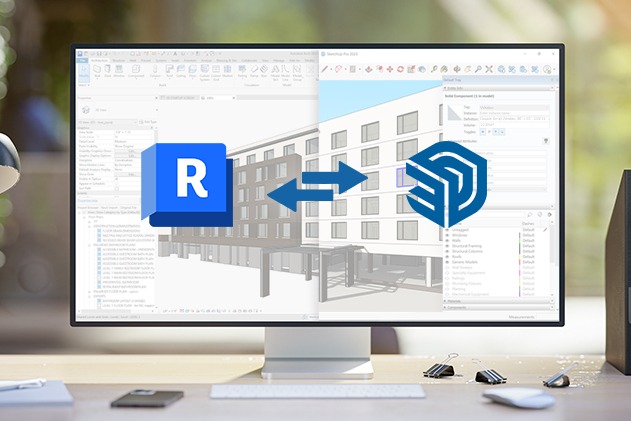
Import Revit models
Open an .rvt file directly in SketchUp with its structure intact, so architectural, structural and services models from the rest of the design team land as geometry you can work with rather than something to be redrawn.
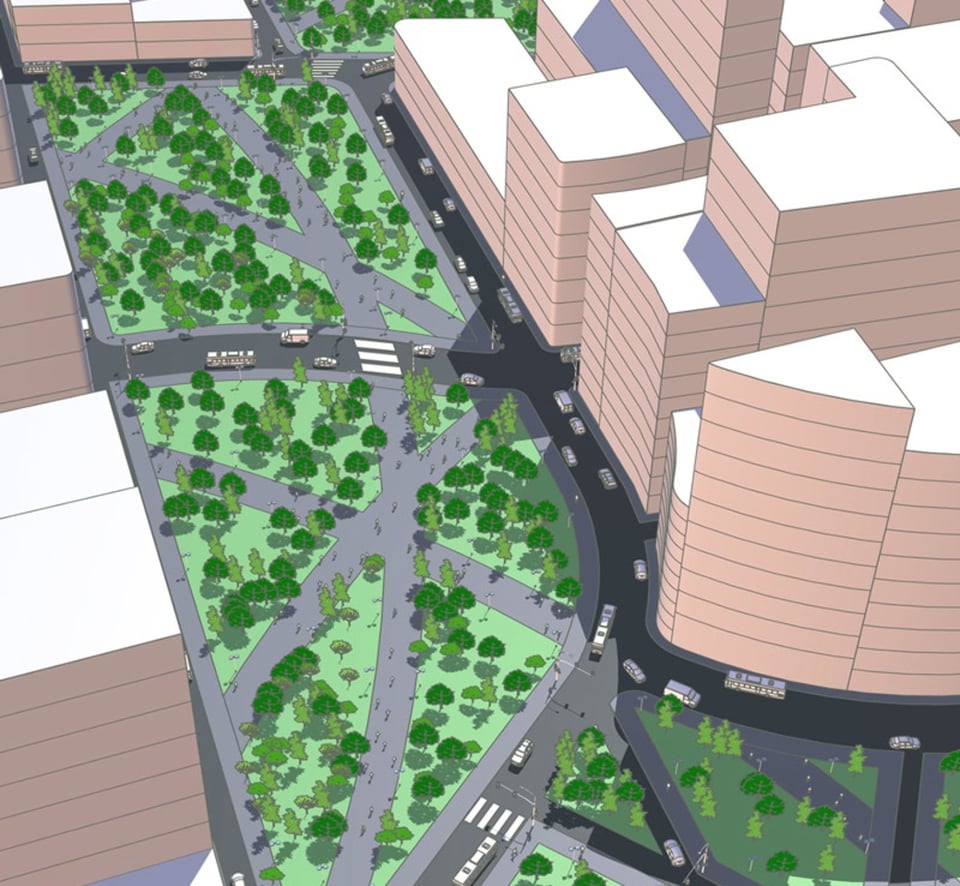
Site and earthworks
Build the site model, generate surfaces and cut-and-fill volumes, and export design files the machine control systems on site can read. The same model carries the design intent from the office to the excavator.
For the full feature list straight from Trimble, read what is included in SketchUp Pro Advanced Workflows in our support centre.
Buy it from people who use it every day
We've used SketchUp since 2002, the year we became its New Zealand distributor, and we still use it every day.
Set-up help and troubleshooting from a team that has used SketchUp since 2002, including the extensions.
GST handled properly whether you pay by card or on invoice.
We track your renewal and sort upgrades when your needs change.
100% NZ owned. Official Trimble SketchUp distributor since 2002.
SketchUp Pro Advanced Workflows FAQs
What is the difference between Advanced Workflows and Advanced Workflows Plus?
The software is identical - Advanced Workflows Plus adds our NZ services: remote support from our SketchUp experts, the advanced video tutorial library, and access to our NZ training courses. It is the same Plus arrangement we offer on Pro and Studio.
Do I need Windows?
Scan Essentials is a Windows-only extension, so the point-cloud workflow needs a Windows machine. Everything else in the subscription - SketchUp for Desktop, LayOut, Revit Importer, Site Contractor, web and iPad - is unaffected, and a mixed Windows and Mac team can share one set of subscriptions.
How is this different from SketchUp Studio?
Studio adds V-Ray. Choose Advanced Workflows if you need the modelling tools and render elsewhere or do not render.
What if I only need one of the extensions?
If you only need one of the three extensions, there are narrower plans: SketchUp Pro Scan is Pro plus Scan Essentials, and SketchUp Pro Civil Contractor is Pro plus Site Contractor. Talk to us and we will work out which one fits.
Can I use it on more than one computer?
Yes - your subscription can be signed in on up to two devices, and you deauthorise a device from your Trimble account when you move to a new machine. SketchUp needs an intermittent internet connection and keeps working offline for up to 28 days.
How quickly do I get my subscription?
You will receive your subscription details and sign-in instructions within one business day of purchase.
Can you invoice our business?
Yes - checkout supports paying on invoice for NZ businesses, and every purchase comes with a GST invoice in NZ dollars from Professional CAD Systems.
Tell us what you need SketchUp to do
Tick what your work involves and we will name the SketchUp plan that covers it. Prices are per seat, billed annually.
SketchUp Pro Advanced Workflows, $949.00 per yr.