V-Ray
Free V-Ray for SketchUp Video Tutorials
Learn V-Ray for SketchUp, from materials and lighting to a complete project workflow. Follow the lessons in order or find a technique to try in your next scene.
Browse at your own pace. Select a tutorial to watch. Older lessons may show a different interface; known versions are labelled.
28 tutorials
No tutorials match your search. Try another term or clear the filters.
Getting started


Complete project workflow
 Setting up a project from start to finish - Intro
 Placing Chaos Cosmos assets
 Iterating with V-Ray Vision
 Object Scattering
 Staging your Interior
 Working with Generic Materials
 Working with Chaos Cosmos Assets
 Using the Sun & Sky System
 Finding the best light with Light Gen
 Creating evening skies
 Daytime Interior Lighting & Material Techniques
 Camera Settings for Virtual Photography
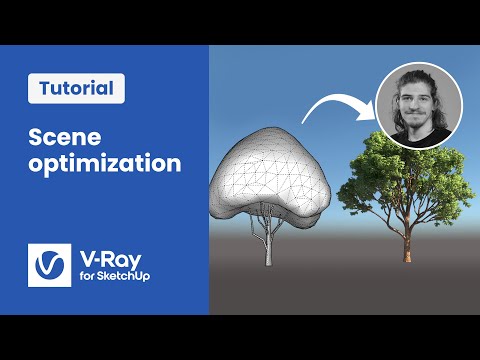 Tips on Optimising Scene Geometry
 Adding Atmospheric & Volumetric Effects
 V-Ray Frame Buffer and post-processing
 Creating and exporting animations
V-Ray 5 tutorials
 How to create the best natural lighting with Light Gen
 How to render multiple views quickly with Chaos Cloud
 How to import and manage Chaos Cosmos 3D models
 How to explore your scenes in real-time with V-Ray Vision
 How to use custom HDRI libraries in Light Gen
 Getting started with Chaos Vantage
 Applying Chaos Cosmos materials in your scene
 How to build realistic terrain with Scatter
 How to work with V-Ray Decal
- Getting started with Chaos Vantage