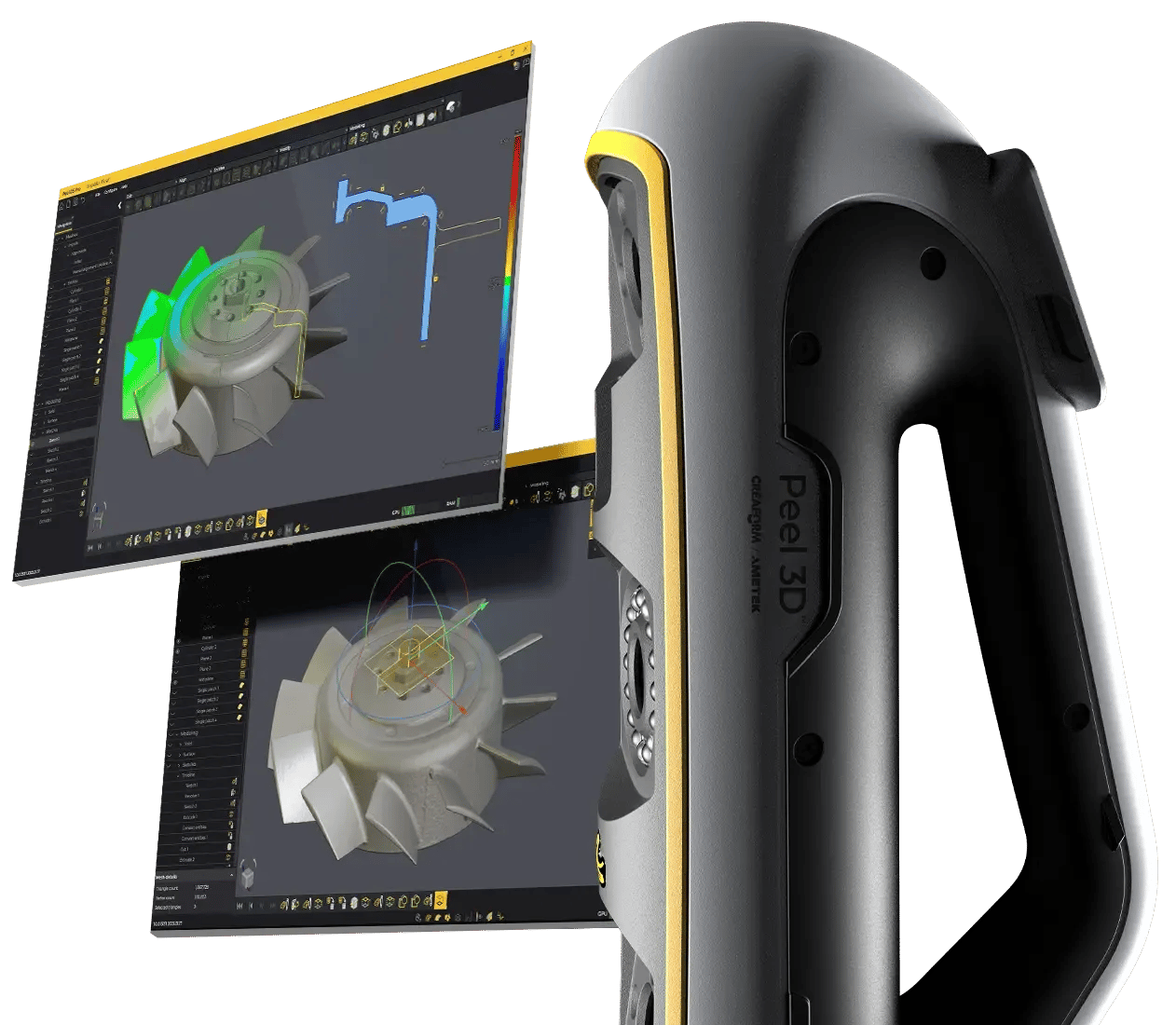
Capture performance, integrated modelling
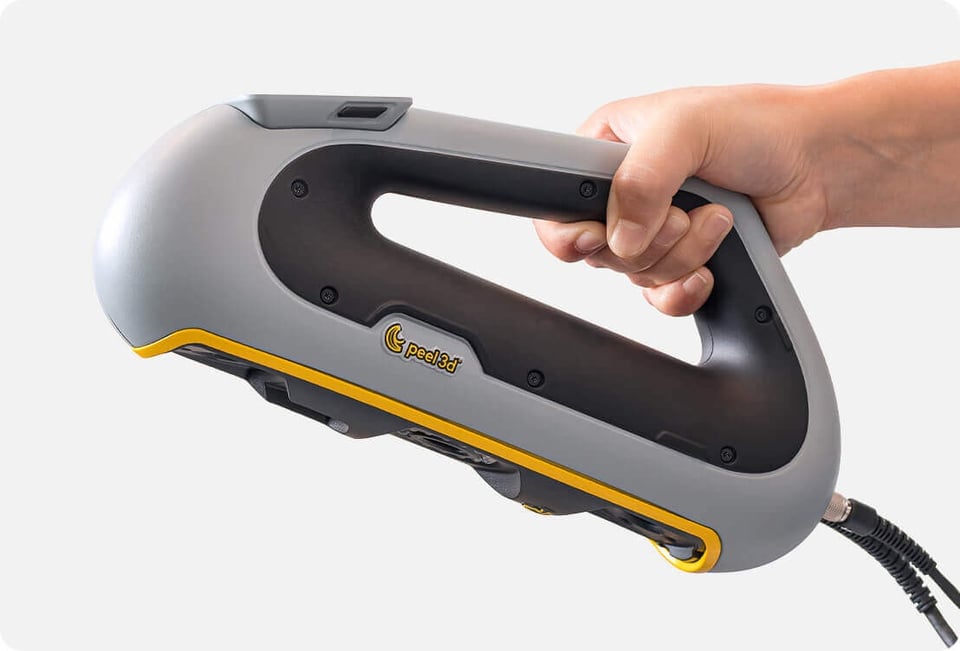
A grip that works around the part
The multi-position handle supports one-handed scanning from the top, side or underside, helping operators stay comfortable as they move around complex geometry.
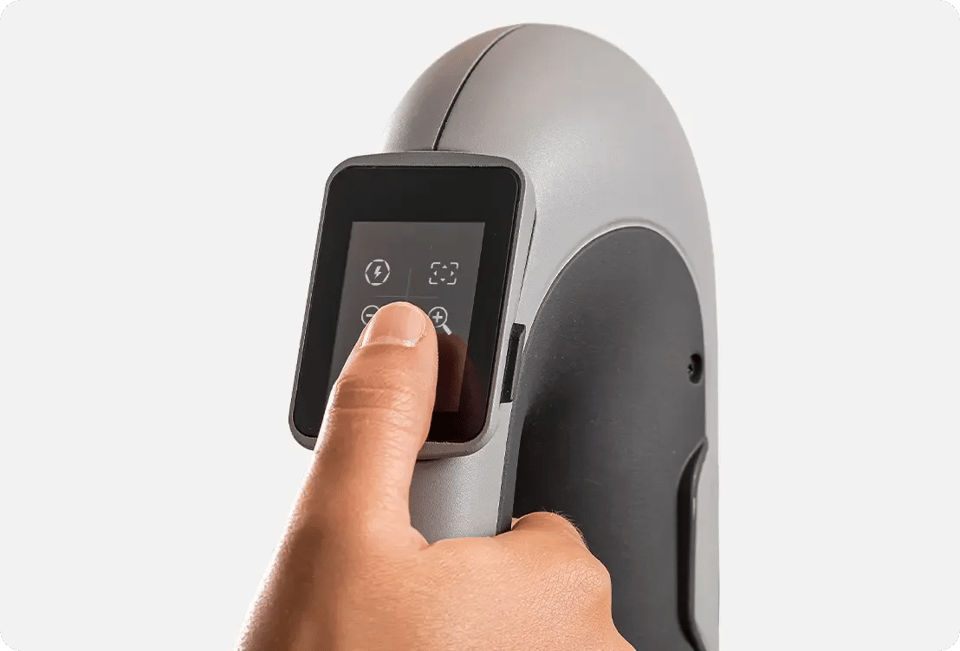
Keep scan feedback in view
The integrated display keeps distance, coverage and scanner controls close to the object, so the operator can stay focused even when the computer is out of sight.
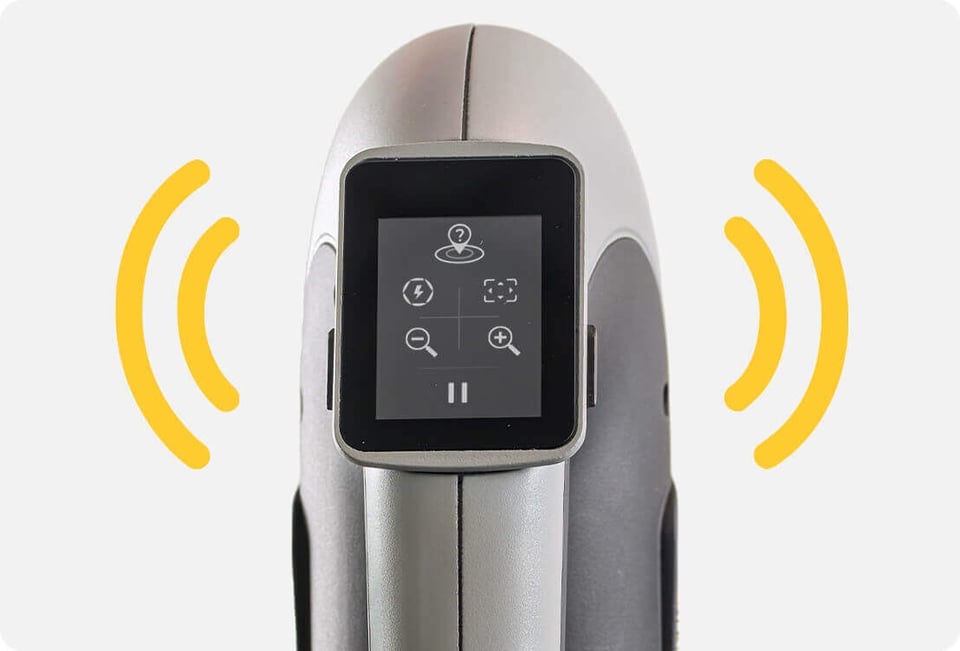
Feel when the scan needs attention
Vibration patterns guide you as you scan.
From real part to editable CAD model
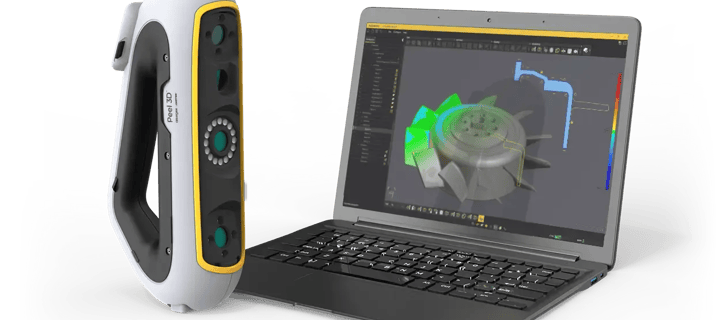
Peel 3 Pro.CAD combines the handheld scanner with software designed around scan data. Capture geometry, align and clean the mesh, sketch from extracted profiles, model prismatic features, compare the result and export a production-ready model.
Trace critical profiles and apply constraints around the original design intent.
Turn sketches and extracted features into editable geometry.
Use deviation analysis to check the model against the scan.
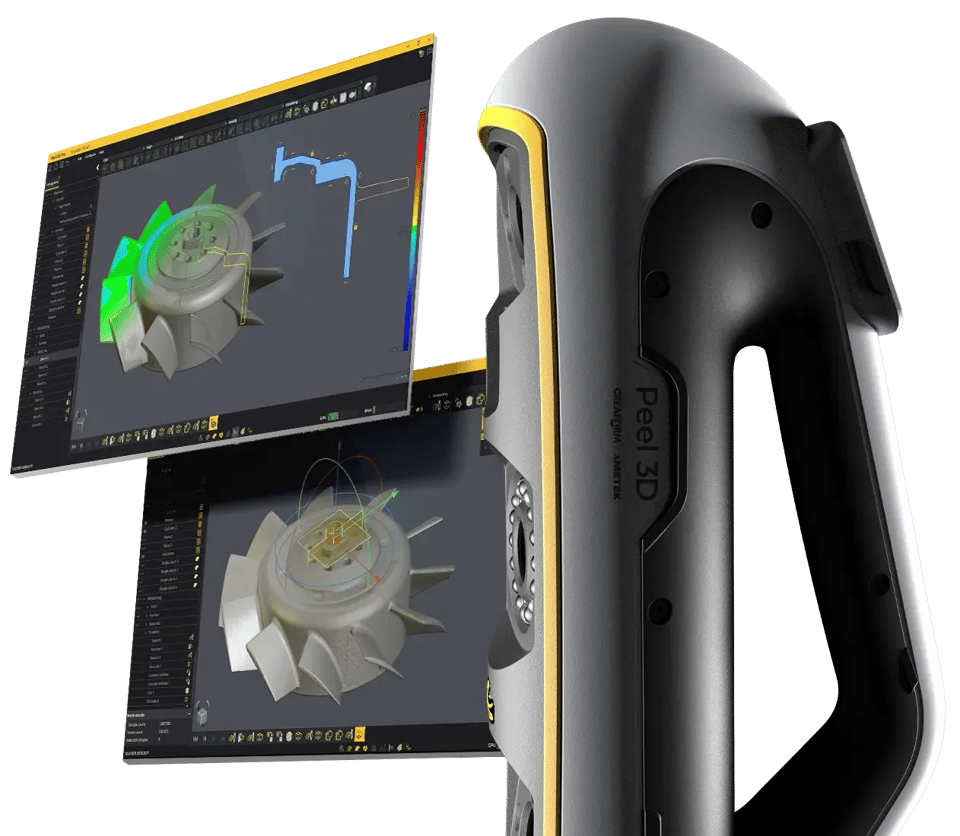
Six-step workflow
Scan-to-CAD workflow
1. Scan the object
Capture the part while Peel.OS shows covered and missing areas in real time.
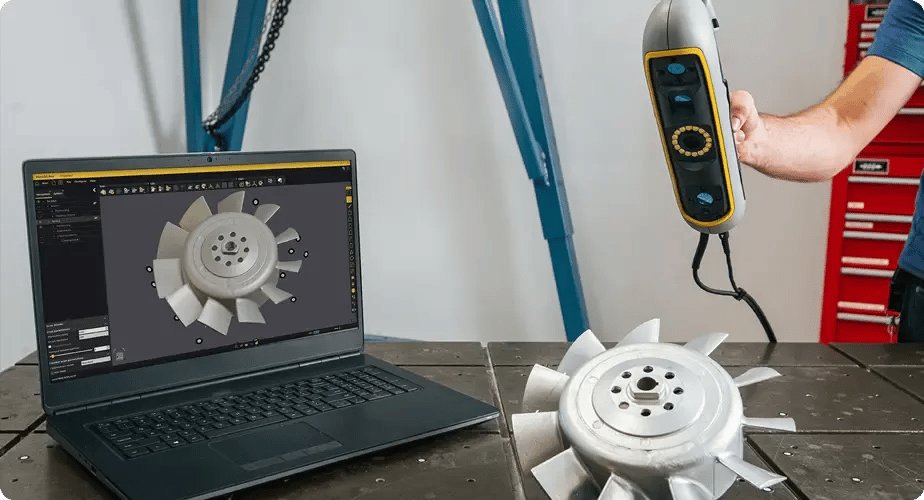
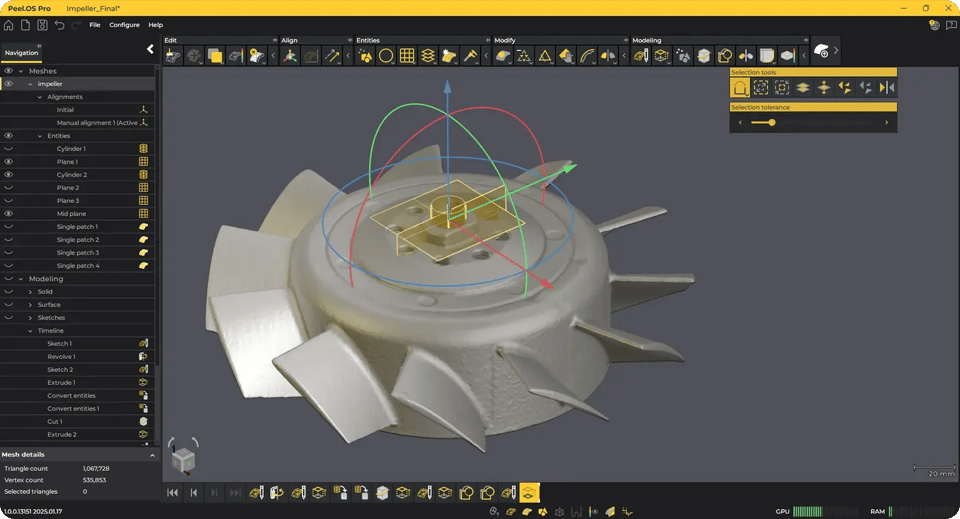
2. Finalise and align
Clean, optimise and align the mesh so it is ready for reverse engineering.
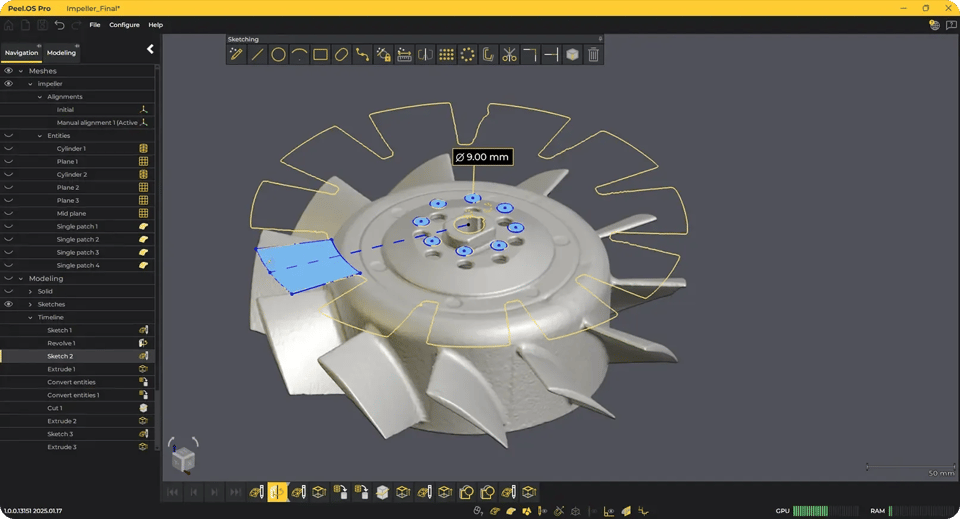
3. Sketch
Trace critical shapes from extracted profiles and constrain the design intent.
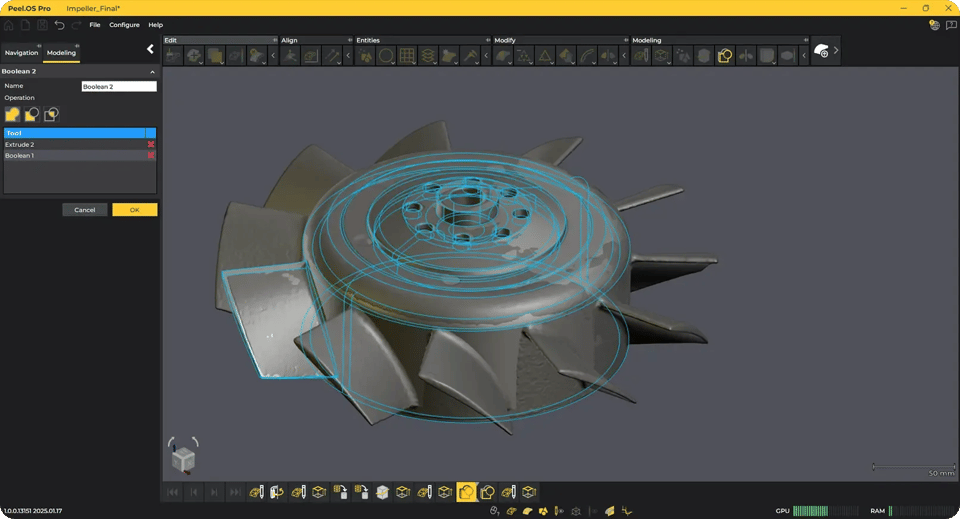
4. Model
Build editable geometry and extract prismatic features from the scan.
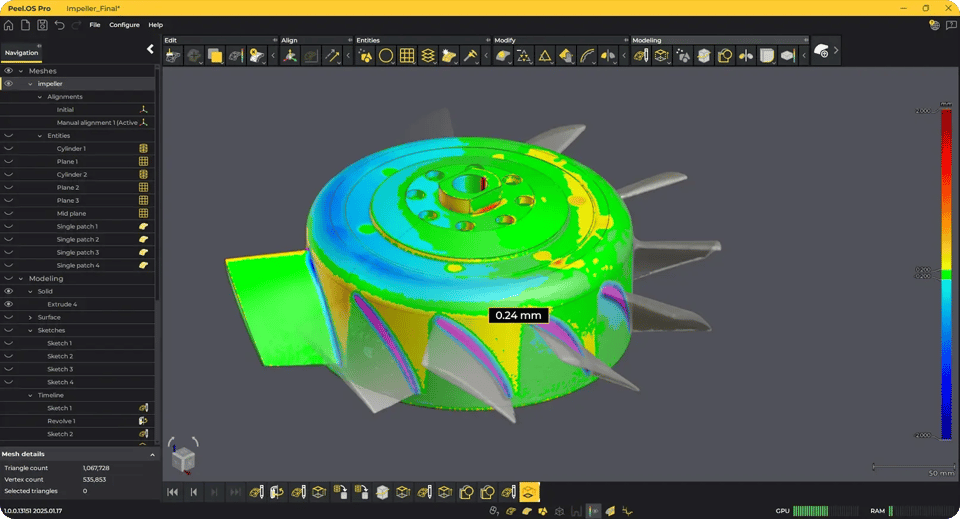
5. Compare and refine
Check deviations between the model and scan, then adjust where it matters.
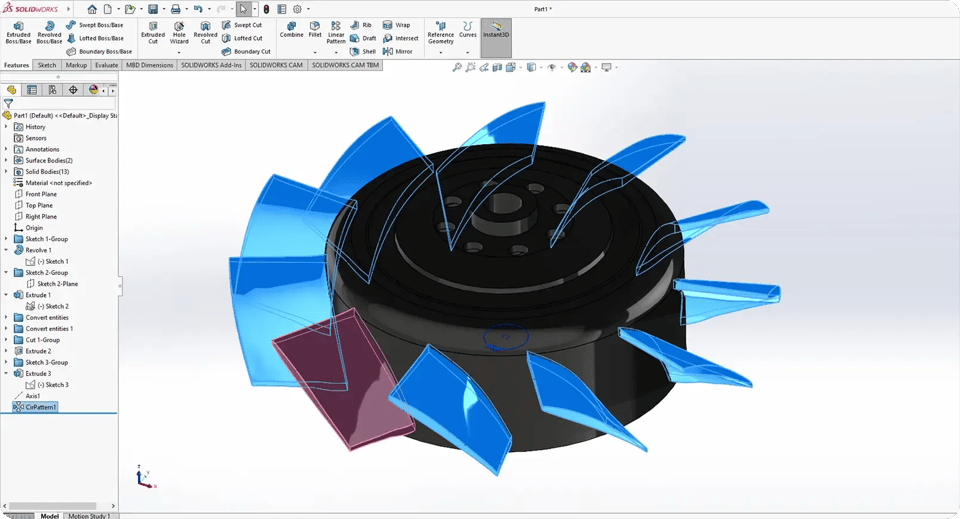
6. Export
Send the finished model onward in a compatible CAD format or transfer the modelling timeline to SolidWorks.
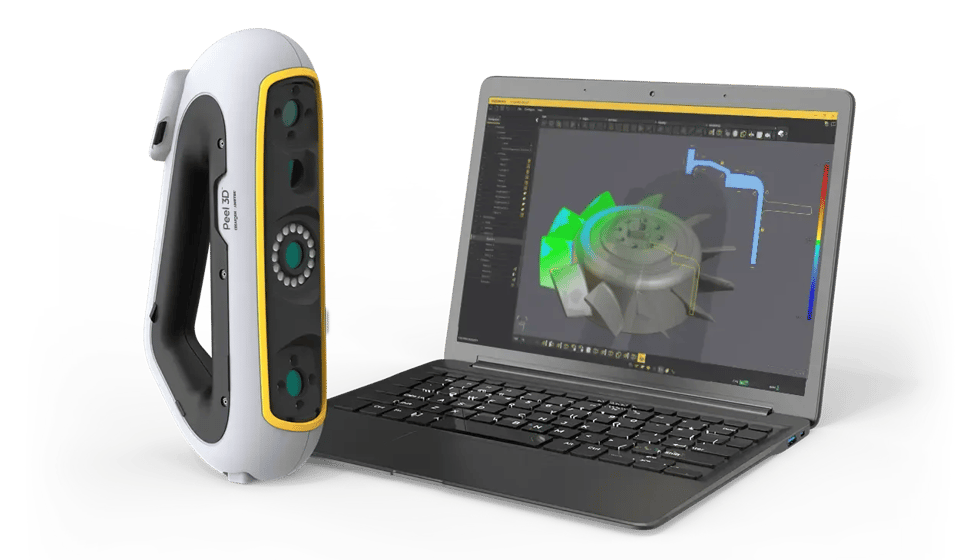
Purpose-built for scan data
The interface brings alignment, extraction, sketching, modelling and inspection together. The result is less back-and-forth between scanning and general CAD tools, while standard exports keep the finished model useful downstream.
Everything needed for the first scan
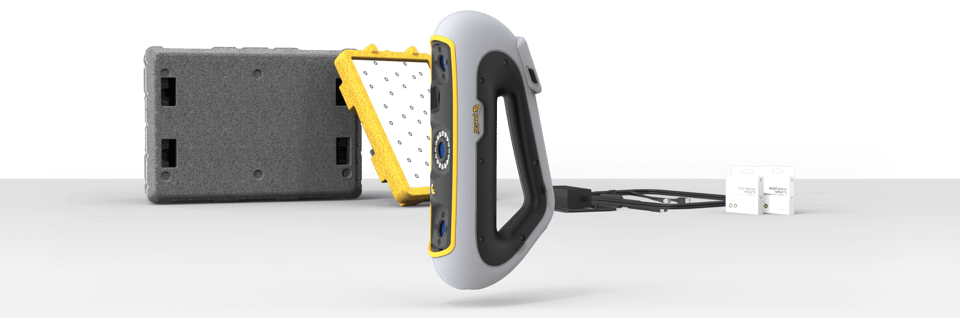
Choose the Peel package that matches your output
| Feature | peel 3 | peel 3.CAD | peel 3 Pro.CAD |
|---|---|---|---|
| Included software | Peel.OS | Peel.OS and Peel.CAD | Peel.OS and Peel.CAD Pro |
| Main output | Clean mesh | Extracted CAD entities, surfaces and sections | Editable scan-derived CAD model |
| Feature extraction | Not included | Included | Included |
| Sketching and modelling | Use downstream software | Use downstream CAD software | Included |
| Model comparison and refinement | Use downstream software | Use downstream CAD software | Included |
| CAD hand-off | Mesh formats | STP, IGS, CSV and DXF entities | CAD model export and SolidWorks timeline transfer |
| Best fit | Capture, visualisation and mesh workflows | Reverse engineering into an existing CAD tool | Integrated reverse engineering and model creation |
Built for parts that need to become models

MRO and spare parts
Recreate unavailable components, document changes and produce repair-ready geometry.
- Legacy equipment
- Replacement parts
- Repair and modification

Aftermarket and tuning
Capture vehicle components and packaging constraints before designing a replacement or retrofit.
- Performance parts
- EV conversions
- Component retrofits
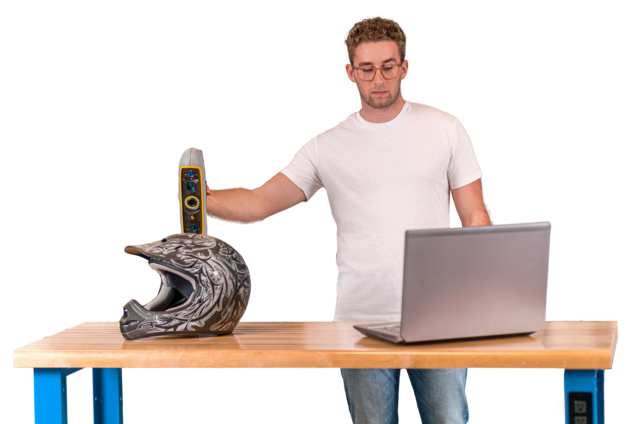
Product design
Turn handmade, modified or legacy objects into editable reference geometry for a new design.
- Existing product capture
- Design iteration
- Prototype refinement
Peel 3 scanner specifications
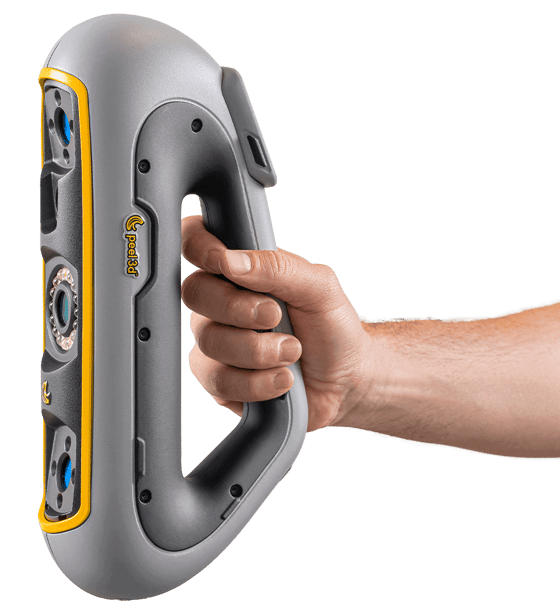
peel 3 Pro.CAD
- Recommended object size
- 0.1 to 3.0 m0.3 to 10 ft
- Accuracy
- Up to 0.050 mm0.0020 in
- Volumetric accuracy
- 0.050 mm + 0.100 mm/m0.0020 in + 0.0012 in/ft
- Mesh resolution
- 0.250 mm0.01 in
- Scanning area
- 340 x 475 mm13.39 x 18.7 in
- Measurement rate
- 1,250,000 measurements/s
- Working distance
- 250 to 550 mm9.8 to 21.7 in
- Positioning methods
- Geometry, targets and texture
- Weight
- 950 g2.1 lb
- Connectivity
- USB 3.0
Pricing
Build your Peel 3 kit
Your kit
Peel 3 Pro.CAD
- Peel 3 Pro.CAD $21,290.00
One-off purchase
Total excl. shipping
Shipping from $835.00, chosen at checkout.
Peel 3 Pro.CAD, $21,290.00 in total excl. shipping. Shipping from $835.00, chosen at checkout.
peel 3 Pro.CAD questions
What is the difference between Peel.CAD and Peel.CAD Pro?
Peel.CAD extracts entities, surfaces and cross-sections so you can continue in another CAD package. Peel.CAD Pro adds sketching, modelling, model comparison and a more complete scan-to-CAD workflow inside the Peel environment.
How does the SolidWorks hand-off work?
Peel.CAD Pro can transfer the modelling timeline to SolidWorks so sketches and model operations can continue as native components. For other CAD systems, use the supported model and entity exchange formats.
Can the result be used for 3D printing?
Yes. Peel.CAD Pro can export STL for additive manufacturing, as well as CAD exchange formats for engineering and production workflows.
Are positioning targets always required?
No. Peel 3 can position from geometry, targets and texture. Targets are particularly useful on flatter or smoother surfaces, or when accuracy is the priority.
Can we test it on one of our parts?
Yes. That is the recommended way to evaluate the package. Bring a representative part and the required downstream deliverable so we can test capture, modelling and export together.
What local support is available?
Professional CAD Systems provides New Zealand-based evaluation, setup, training and technical support. We will also confirm the current hardware, software and protection-plan terms in your quote.