Corona for 3ds Max
Corona Slicer Material
This page provides information on the Corona Converter, its settings, and its usage.
Last updated 10 February 2026
This page provides information on the Corona Converter, its settings, and its usage.
Overview
With the Corona Slicer Material, you can use any object in your scene to cut away parts of another object where they intersect. This is a render-time effect so it will not change the actual geometry.
Slicer with Chaos Corona for 3ds Max - YouTube
Tap to unmute
Slicer with Chaos Corona for 3ds Max
Chaos Corona

Chaos Corona
79.3K subscribers
Watch on
Settings
Cap sliced geometry – When enabled, holes in the objects caused by this slicer are filled with a given material.
Override cap materials – If enabled, the above Cap material is used to fill holes in the objects, otherwise, each hole is filled with the original material of the sliced object.
Include/exclude objects – Use this list to include or exclude scene objects that will be affected by the slicing geometry. If the mode is set to Exclude and the list is empty, the Slicer material will slice any object intersecting with it.
Inverse slicing – When enabled, everything outside of the slicer is excluded from rendering.

Examples
Click on any image to view it at a higher resolution.
Inverse sclicing
This example illustrates the effect of the Inverse Slicing option. The scene shows a jug intersecting a box. The box is used to cut parts of the jug.

Original geometry

Sliced geometry
Inverse slicing is OFF
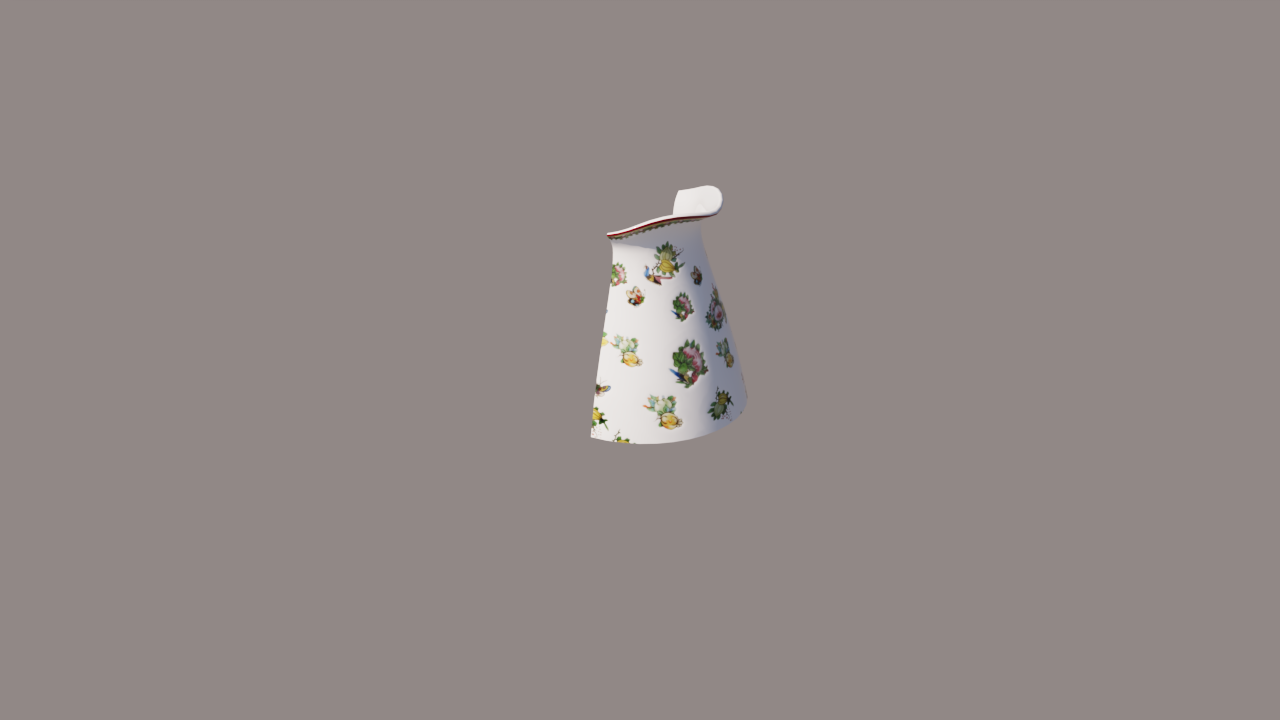
Sliced geometry
Inverse slicing is ON
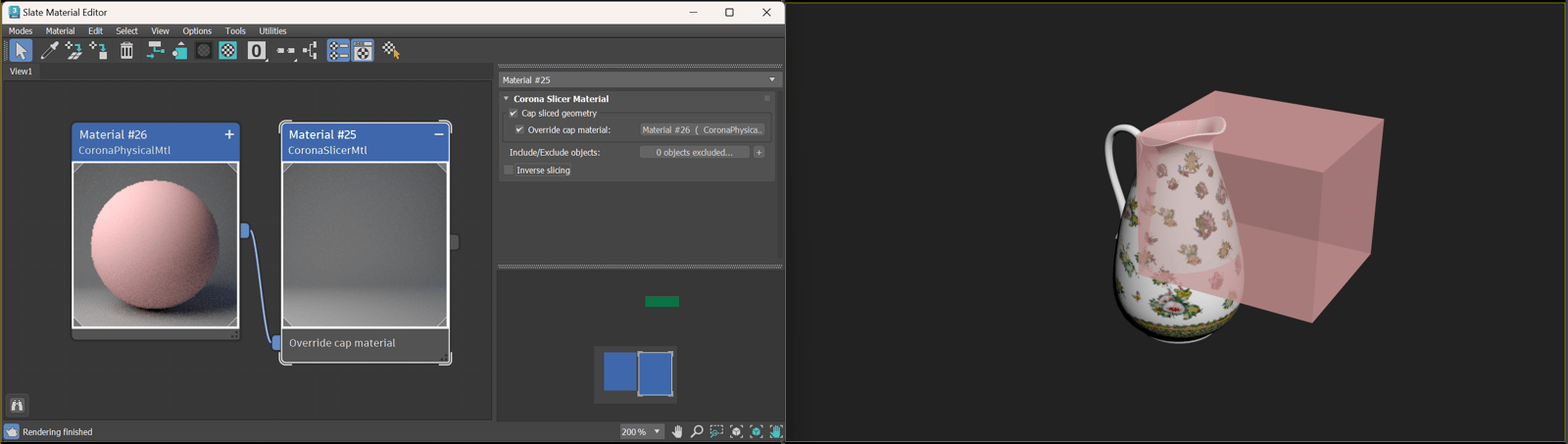
Setup