Enscape for Archicad
Free Trial
This page describes how to activate and use the Enscape Free Trial.
Last updated 1 September 2026
This page describes how to activate and use the Enscape Free Trial.
Overview
The Enscape Free Trial provides access to the product for up to 30 days and adds a watermark to all renders.
The Enscape Free Trial activation consists of the following steps:
- Go to the trial page and start the free trial.
- Complete the checkout process.
- Download Enscape
- Install Enscape
- Activate Enscape
Steps
Visit the Free Trial Page
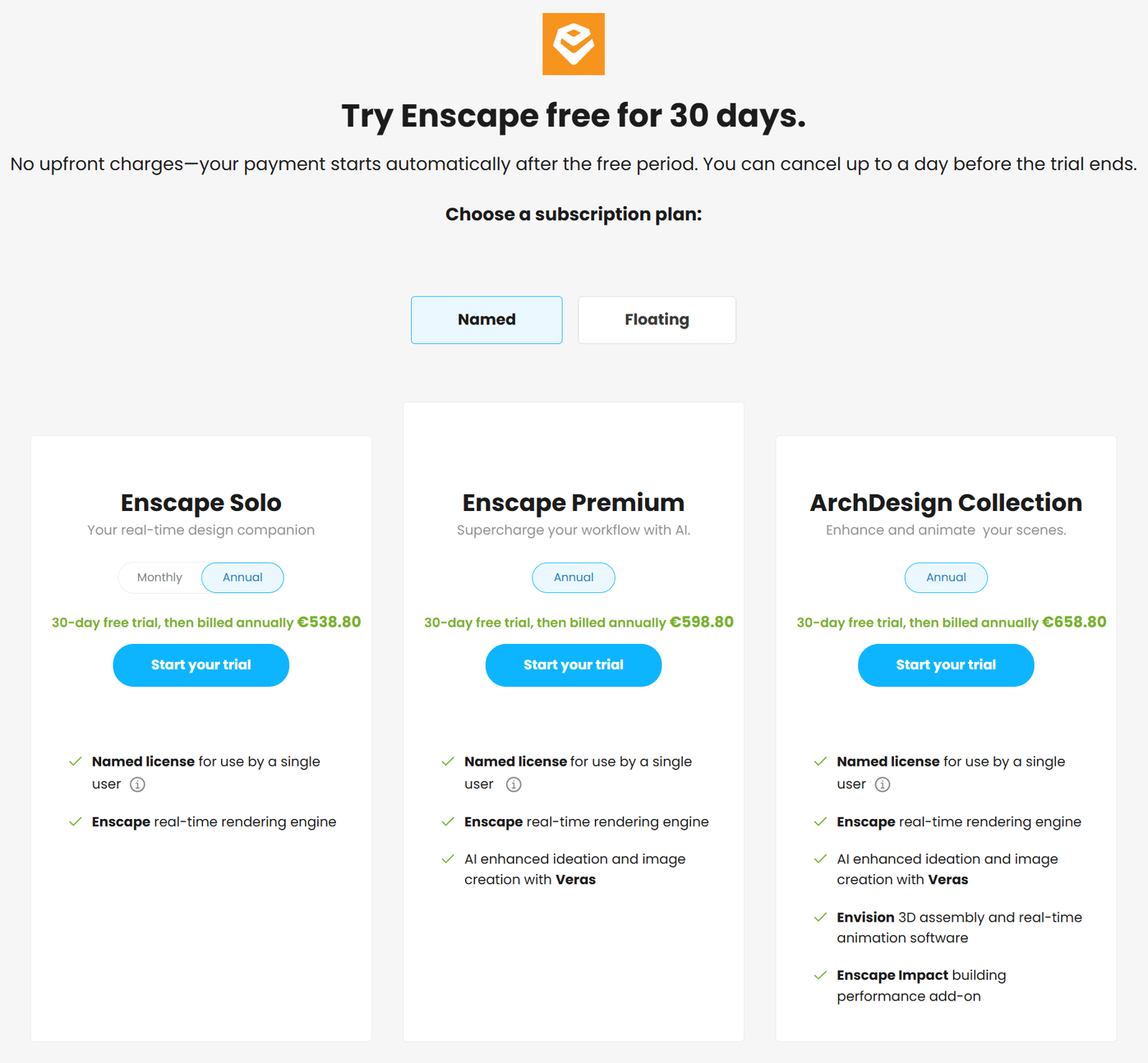
Go to the Enscape Trial Page and click Start your trial under the desired product. Select the license type (Named or Floating), product bundle (Solo, Premium, or Collection), and subscription type (monthly or annual). For more information, see Chaos Suite offerings.
Complete the Checkout Process
Enter an email address and billing details, and complete the checkout process.
Billing starts automatically after the free trial. Cancel the trial before the end date to avoid charges.

Activate Chaos Account (non-registered users)
After completing the checkout process, an account setup email is sent. Use the link in the email to set a password and activate the account.
Download Enscape
- Click the Download button to open the Active Products page in http://my.chaos.com .

- Click the Download button.
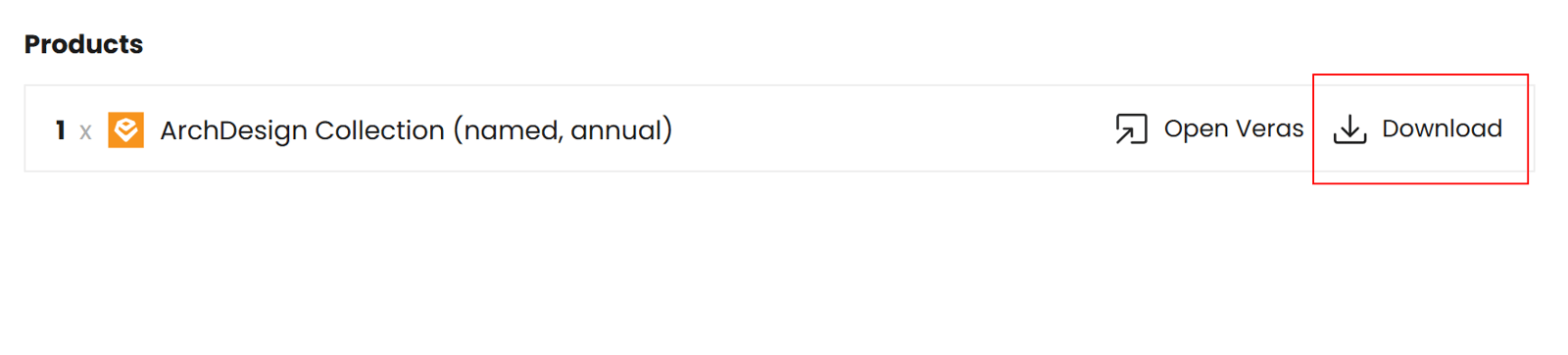
- On the Download page, select the OS version and download the installer. Run the installer after the download completes and follow the on-screen instructions to complete the installation.

Install Enscape
Follow the First Steps guide to install and activate Enscape.
Canceling the Subscription
To cancel the subscription, go to the Active Products page in http://my.chaos.com. The Cancel subscription link is located under the Auto renewal status.
Click the link, complete the questionnaire, and disable auto-renewal. The trial remains active until the expiration date but is removed from the account afterward and does not renew.
