Enscape Release Notes
4.8.0 Windows
Last updated 1 September 2026
Release Notes 25.06.2025
New
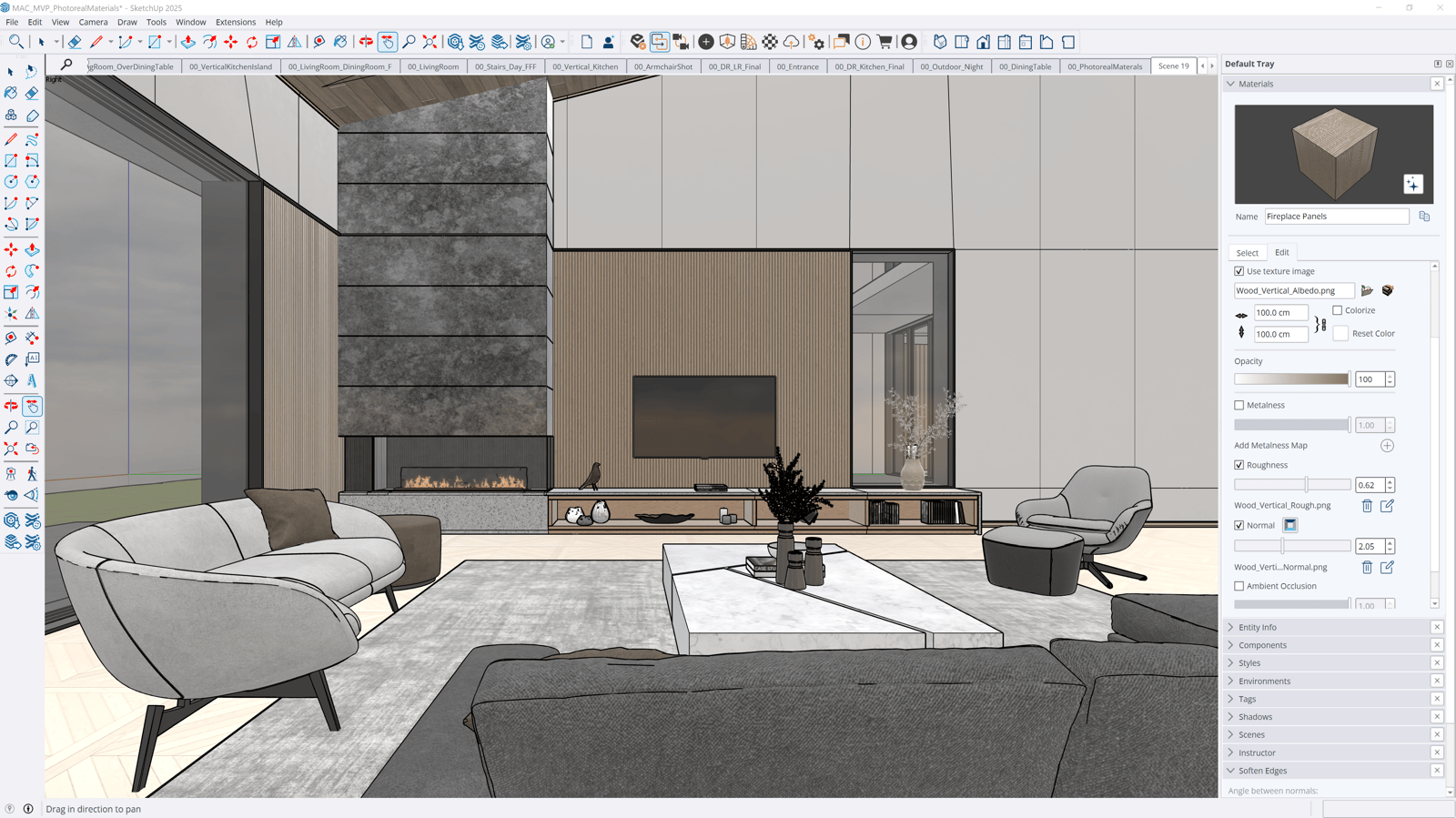
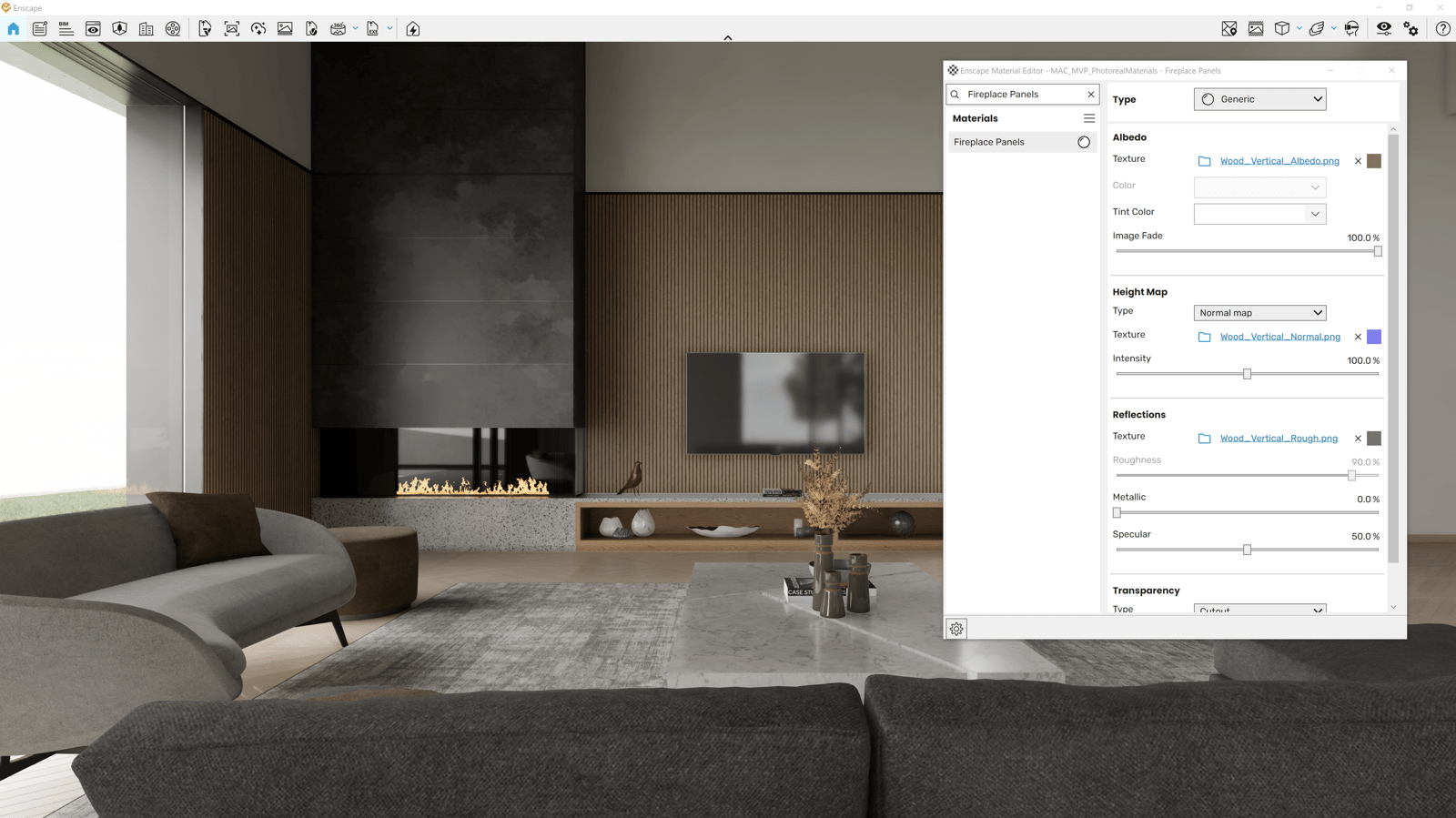
- Support Photoreal Materials in SketchUp 2025: Enscape now supports the new physically based (“photoreal”) materials introduced in SketchUp 2025, ensuring a seamless, high-fidelity rendering experience that matches material definitions across both platforms. Metalness map and Ambient occlusion are not supported.
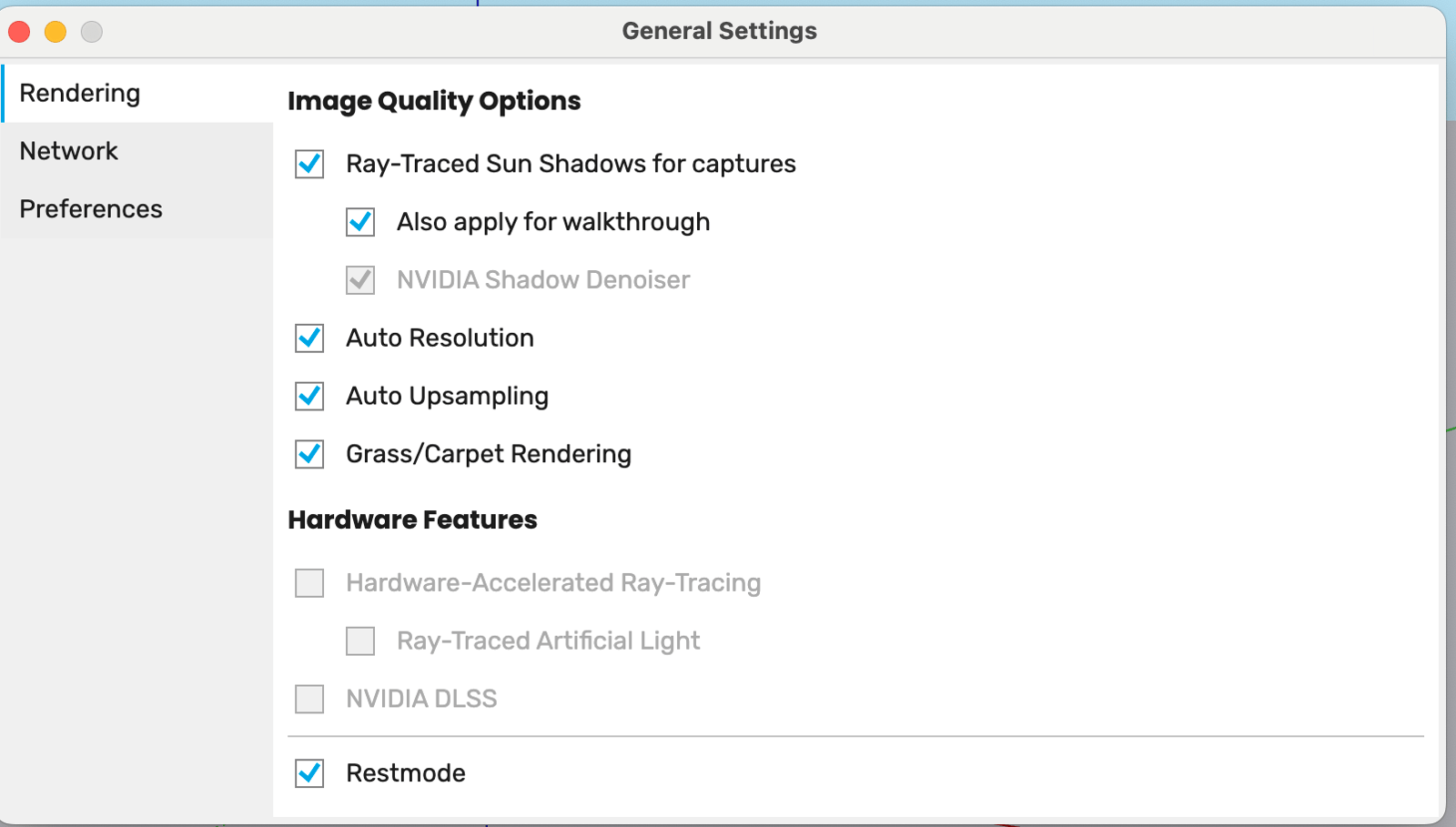
- Image Quality Improvements - Ray-Traced Sun Shadows for Walkthrough Mode: This update enables software ray traced sun shadows in walkthrough mode, with performance optimized for small to medium scenes and a toggle option for user control. Users with hardware ray tracing can now disable sun shadows in walkthroughs without turning off the feature entirely.
- Check for Running Embedded Apps and Errors reporting: Improve handling of running processes and error reporting for all embedded installations in the Enscape Installer.
- Improved Visual Balance in Pen & Pencil Sketch Mode: Adjusted the appearance of vegetation contours and hatching in Pen/Pencil sketch mode. Contours are now more clearly visible, and hatching no longer appears darker than the outlines, resulting in a more readable and visually balanced sketch style.
- 24 FPS Video Output Setting: The Frames per Second dropdown in Visual Settings > Output > Video now includes 24 FPS as an option, enabling users to export videos with cinematic frame rates alongside existing values.
- UI enhancements
- Enscape Material Editor - Values in input fields are accepted after user presses Enter or when the field is out of focus
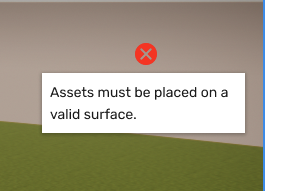
- Asset placement - Invalid surfaces notification during asset placement
- Artistic visual modes - Artistic visual modes cannot be activated at the same time as 3D TV Stereo Mode.
- Updated Enscape Installer icons
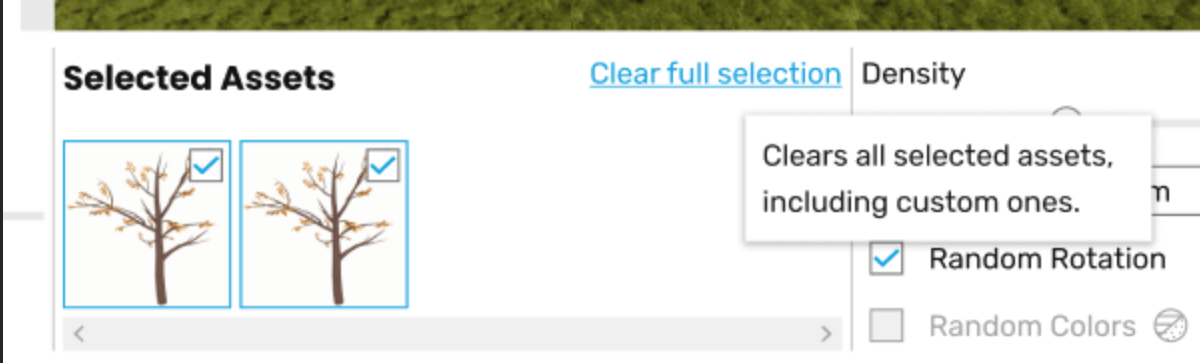
- Multi asset selection improved tooltip
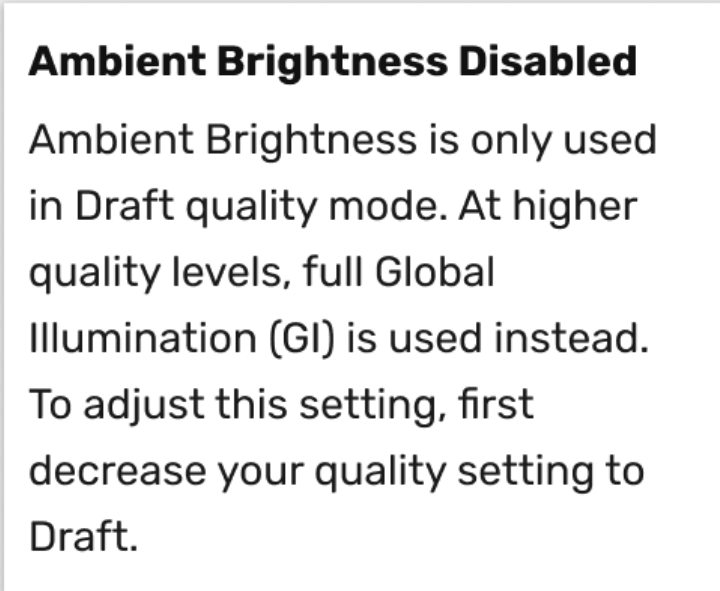
- Visual settings - Ambient Brightness (Visual Settings > Atmosphere > Illumination) is now disabled as option when the Rendering Quality is not set to Draft
- Chaos Academy Link Added to Help Panel - The Enscape Help panel now includes a direct link to Chaos Academy, making it easier for users to access learning resources and training materials.

Fixed Bugs
- Enscape Does Not Start On CPUs Without AVX2 Support: Enscape now starts on CPUs with SSE4.2 support
- Favorite views do not show up in VR or standalones: Favorite views are now properly displayed.
- Asset Library – Rotation Y gets stuck at 270–271 degrees when using the mouse scroll wheel: Rotation now works smoothly.
- Assigned shortcut disappears from settings UI: Assigned shortcuts now persist and are shown correctly across settings sessions.
- Error when trying to edit a collaboration annotation: Annotations can now be successfully modified.
- Veras - Inconsistent toolbar button style: Icon is now styled as all other icons on the toolbar
- NewForma Connect - Orthographic camera can lead to loading issue: Orthographic camera can now be used properly with NewForma Connect functionality
- Custom Asset Editor encrypts imported files when converting their format: Custom assets can now be successfully exported and imported again.
- CryptographicException when exporting IES lights to V-Ray scene: Resolved a rare issue where exporting scenes containing multiple IES lights to V-Ray scene could intermittently trigger a CryptographicException, potentially interrupting the export process.
- Fatal error when acquiring license for Enscape renderer window: Fixed an extremely rare race condition that could eventually lead to a crash with the fatal error “Failed while retrying to engage a license.”
- [Enscape Impact] Top Floor Of Building Is Not Recognized: The whole building is now analyzed.
- VR - Changing seated/roomscale mode while moving keeps you moving forward after you've stopped holding the joystick: Changing modes now works properly.
- [SketchUp] Per-View Section Plane Visibility Is Determined By Native Global RenderingOptions: Section plane is now respected during the batch rendering of the first view.
- [SketchUp] View Not Reapplied After Batch Rendering: section planes are now visualized properly
- [SketchUp] Crash When Using Erase in The Ruby Console: the command now is executed properly
- [SketchUp] Black and White Images Are Not Correctly Shown in Material Editor: The preview now looks like the original image, same as when the texture is added via Enscape ME.
- [SketchUp] Installing Enscape Into a Custom Directory Does Not Work: Enscape can now be can be installed correctly within folder that have any character or unicodes
- [Revit] Collaborative annotations functionality crashes Revit 2026: Collaboration mode now works properly.
- [Revit] Enscape is stuck when the view transition is unfinished while screenshot capture starts: Enscape now functions as expected.
- [Revit] Specific Material Schema Parsing Crashes Enscape: Enscape now starts and works properly with no crashes.
- [Vectorworks] Geometry Sync Breaks After Switching to Top/Plan View: Now geometry gets updated accordingly.
- [Rhino] Cannot create materials based on TIFF images: Now materials are successfully created
- [Rhino] View switching does not work with multiple documents: Resolved an issue in Rhino 8 where switching views from the View Management panel with multiple documents open only updated the camera orientation without displaying the correct geometry from the selected project.
Known Issues
- SSO Login Bug Prevents Second User from Using Enscape on Same PC: A second user cannot sign in into Enscape using their own credentials and obtain a license session.