Enscape Release Notes
4.9.0 Windows
Last updated 1 September 2026
Release Notes 30.07.2025
New
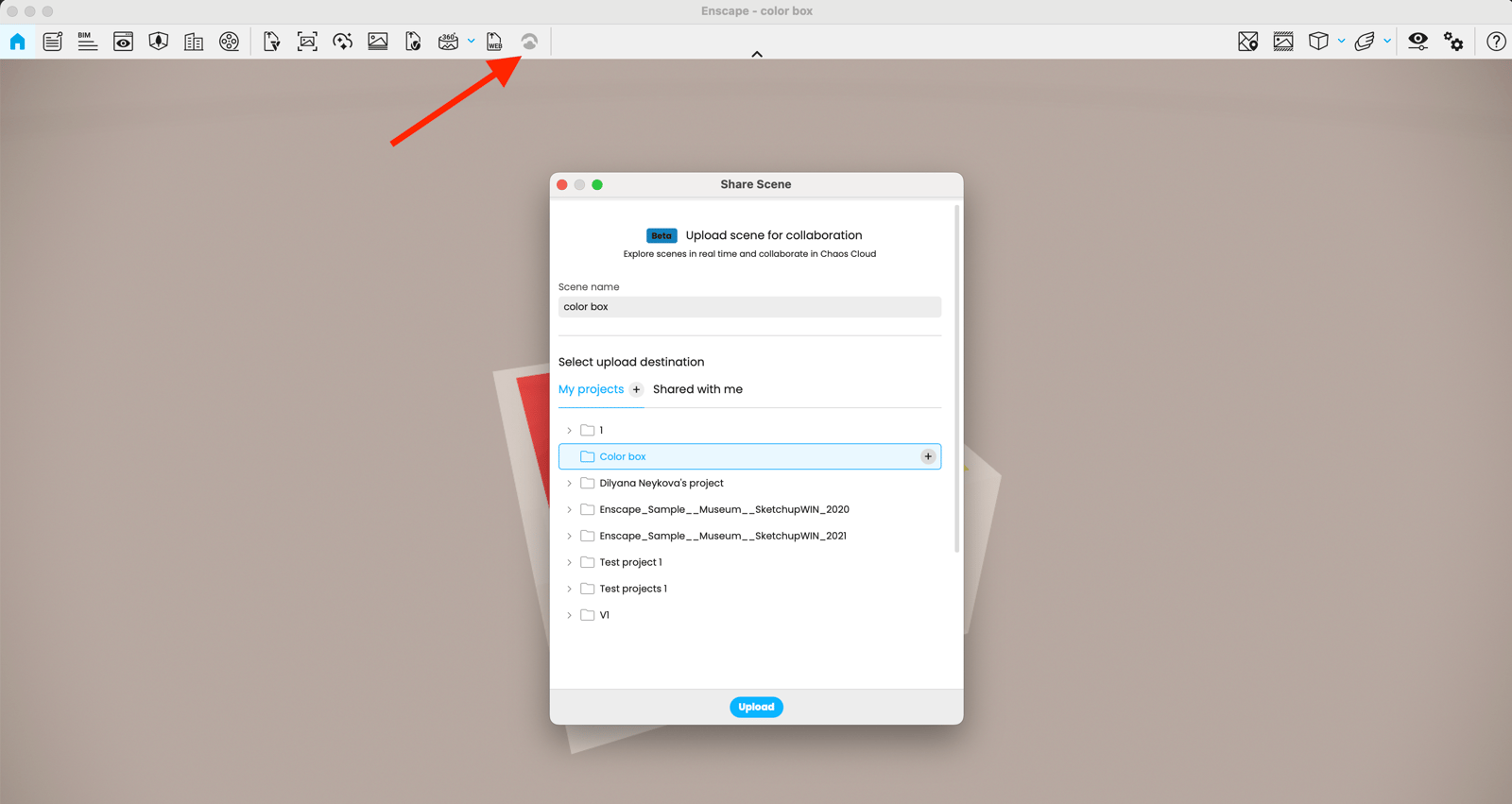
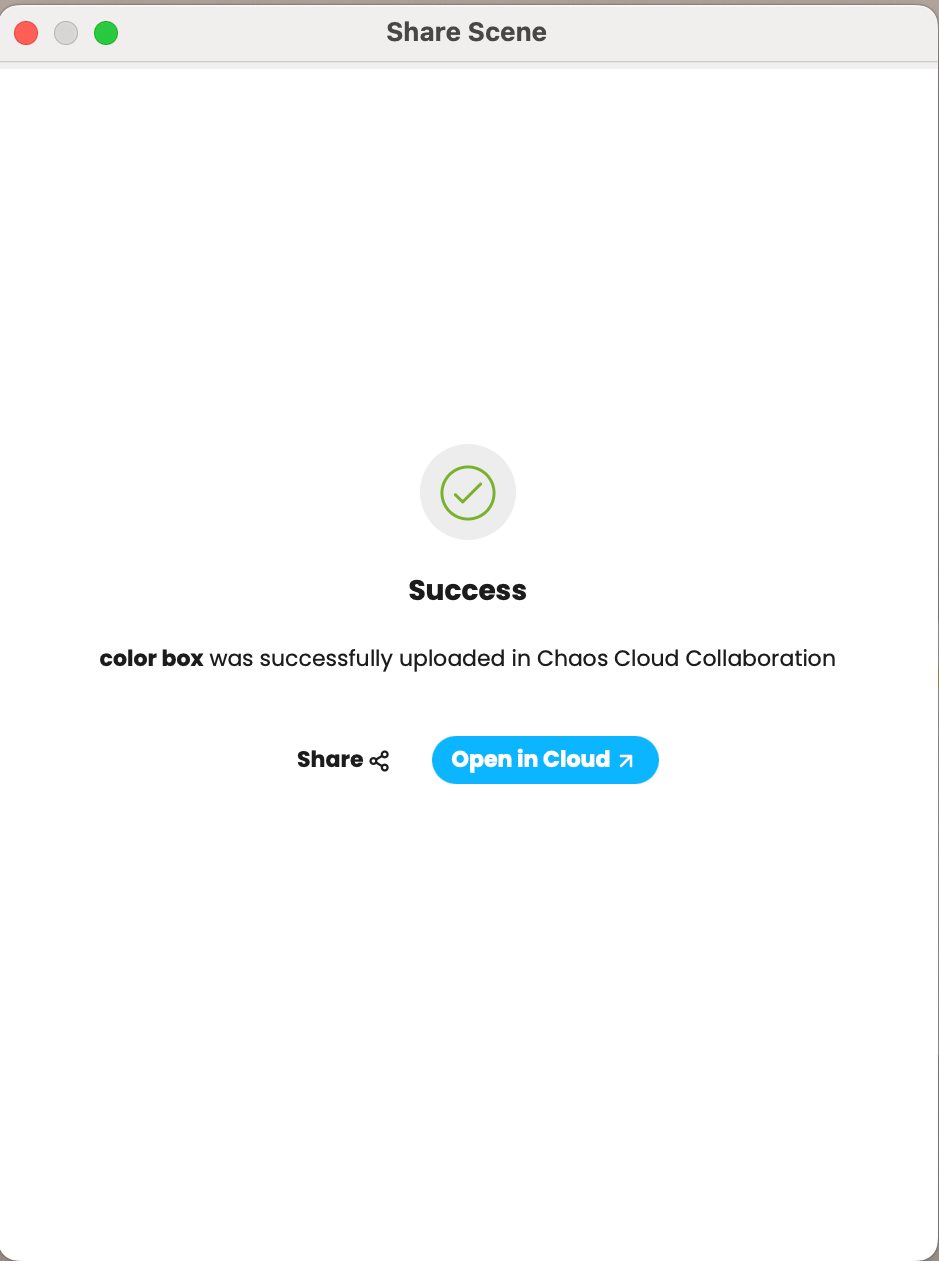
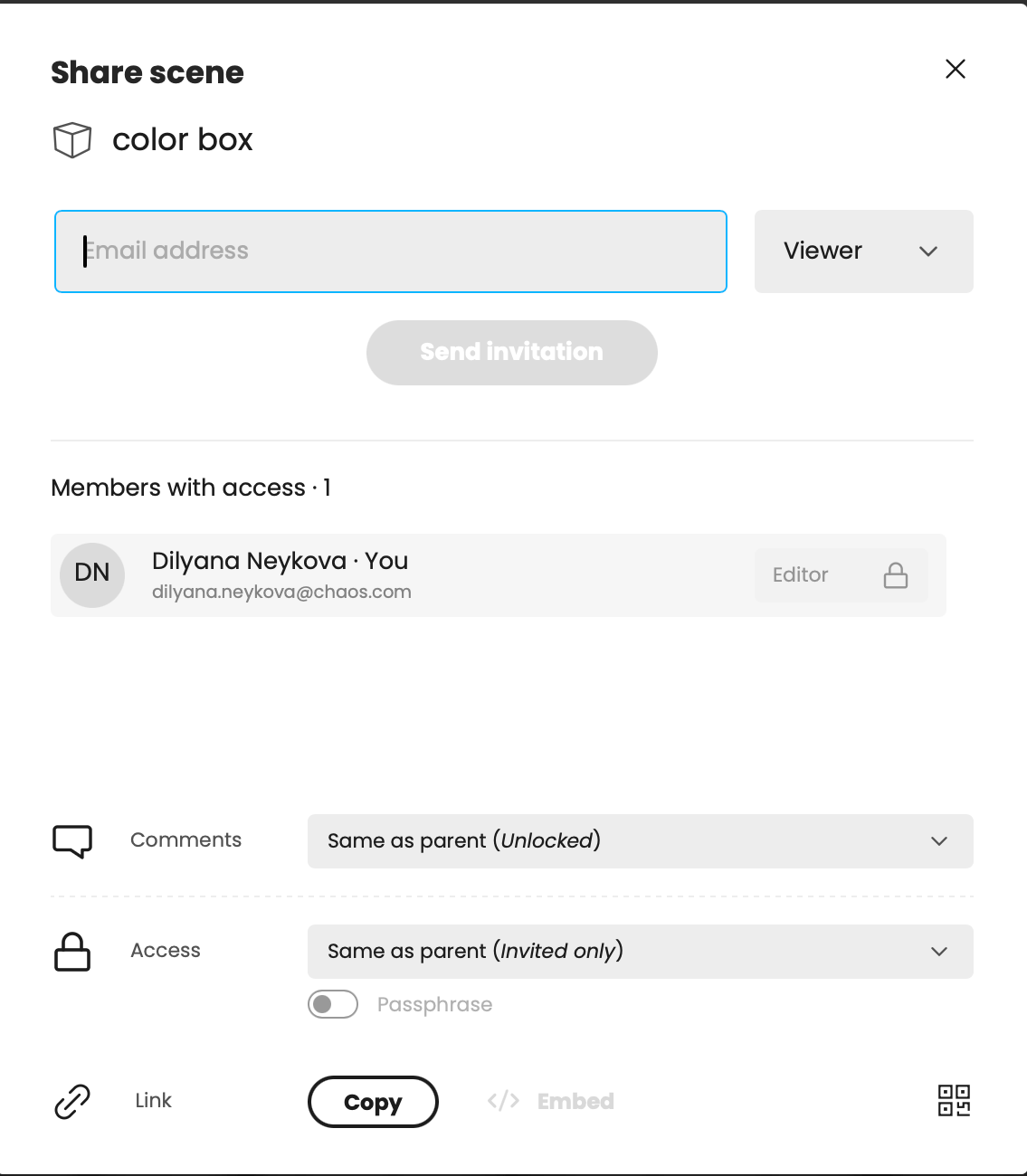
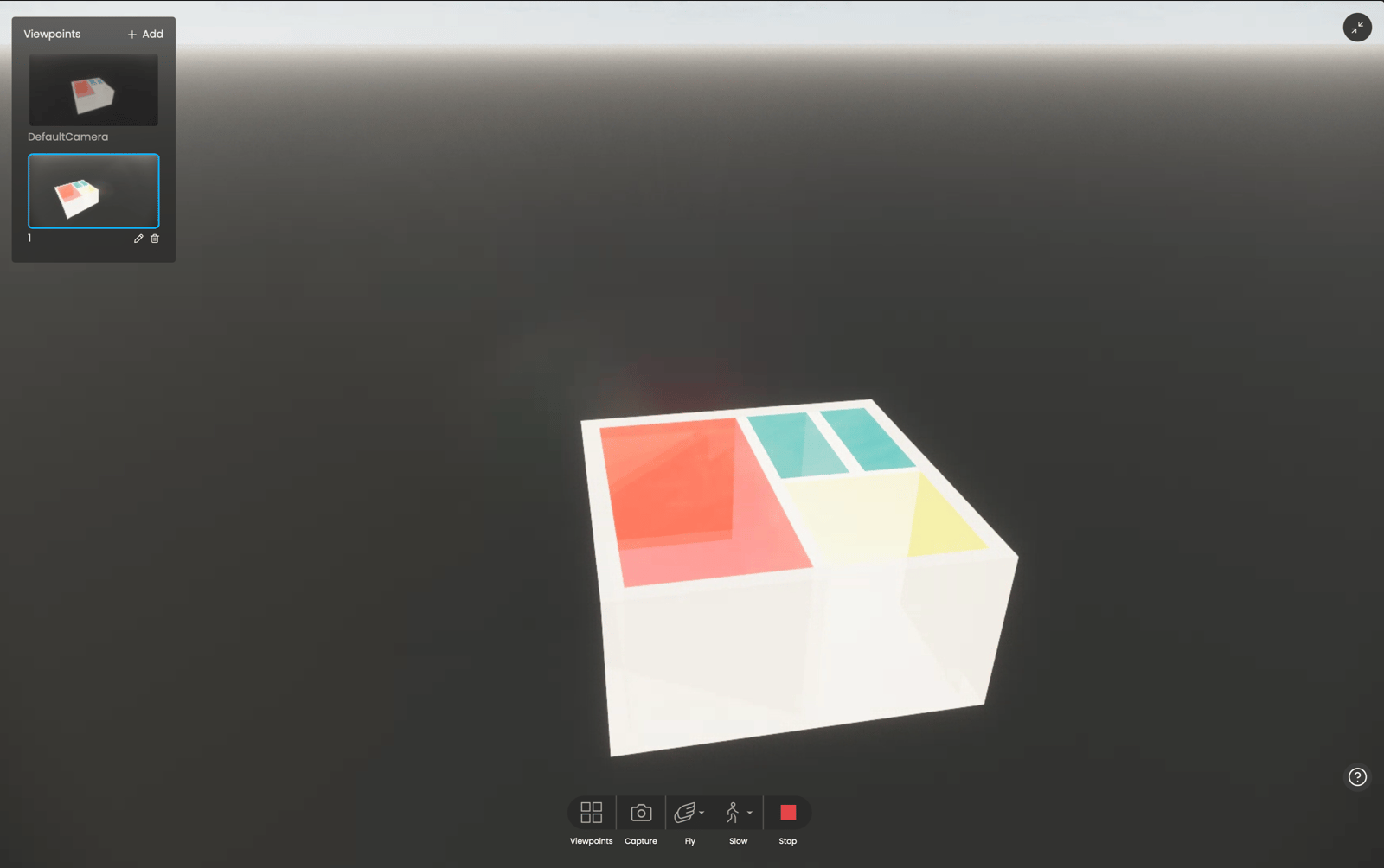
- 3D Scene sharing: Upload your 3D scene to Chaos cloud and share it with your team or customers. With our new 3D Streaming (Beta) service, you can provide a comprehensive understanding of your designs, and improve customer satisfaction and buy-in. Keep reviewers invested in the design process by exploring 3D scenes in real time, zooming in on the details, and communicating feedback with comment and visual annotation tools.
- [Impact] Section Tool for Room Level Analysis: Designers working on complex projects can now explore building performance results more effectively with the new Section Tool. This visual-only feature allows you to create horizontal cut views of your model, so you can focus on one floor at a time without affecting your simulation results.
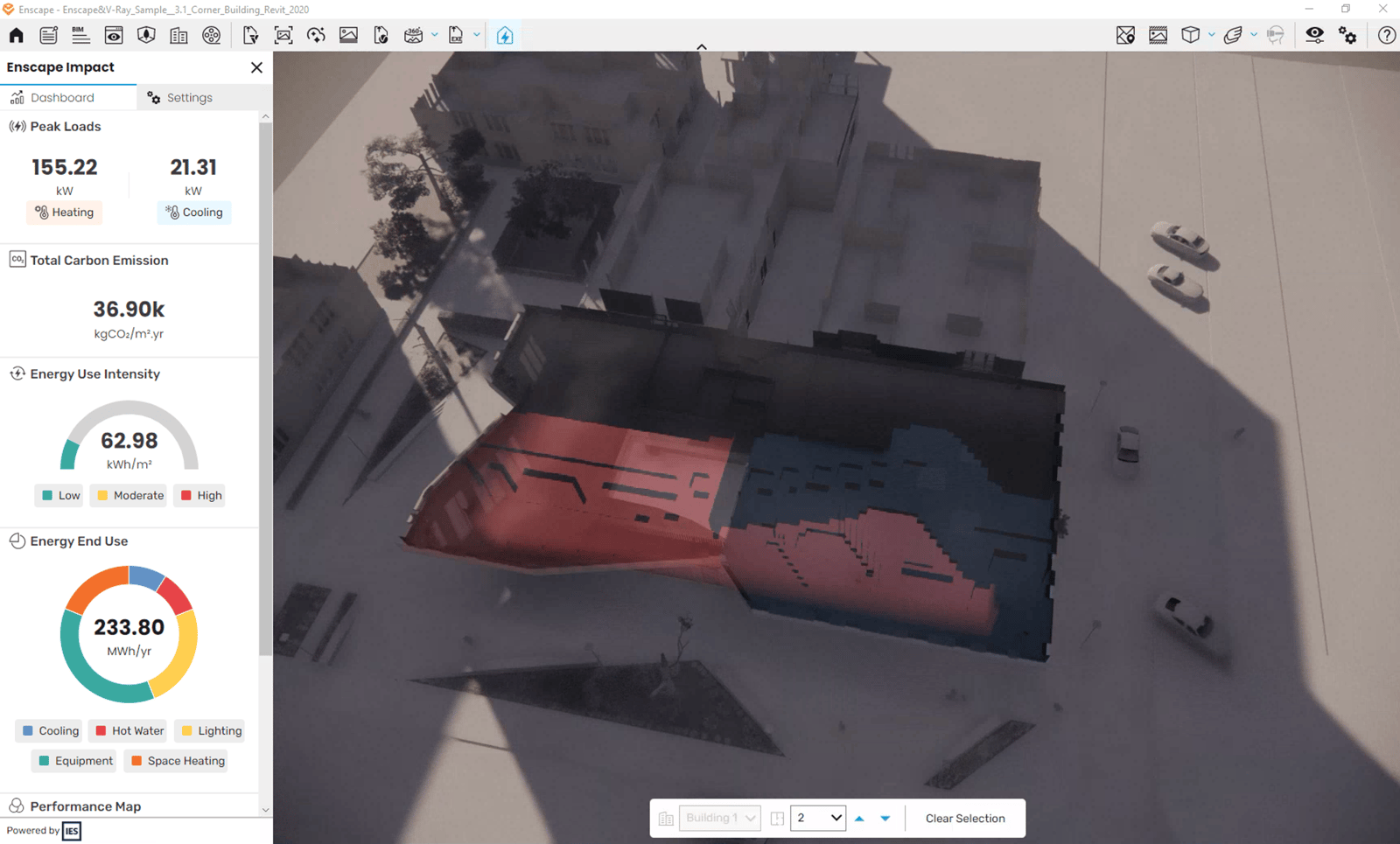
- [Impact] Heating Peak Load: To support more accurate HVAC system sizing, the Domestic Hot Water (DHW) component is now excluded from the Peak Heating Load calculation. This ensures the value reflects only the space heating demand, leading to more relevant system design decisions.
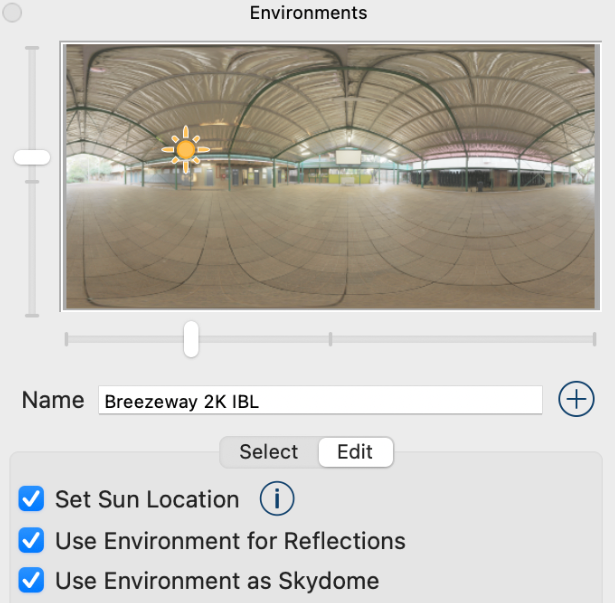
- SketchUp 2025 Environmental Sun Position Sync: Sun position changes made in SketchUp 2025 under Environments tab are now accurately reflected in Enscape. Both live changes and batch-rendered views will respect SketchUp’s sun configuration, following its prioritization of environment vs. date-time settings. This ensures consistent lighting between the modeling environment and final renderings.
- SketchUp 2025 Enscape Material textures fully embedded: To improve portability and prevent broken texture links, Enscape now embeds all material textures (including those in slots not natively supported by SketchUp) directly into the SketchUp project file.
- License Acknowledgements now included with EXE exports: A License Acknowledgements PDF is now automatically included in the exported Enscape Standalone Executable and available in the temp scene folder when executed on the user’s machine, fulfilling legal requirements and improving transparency.
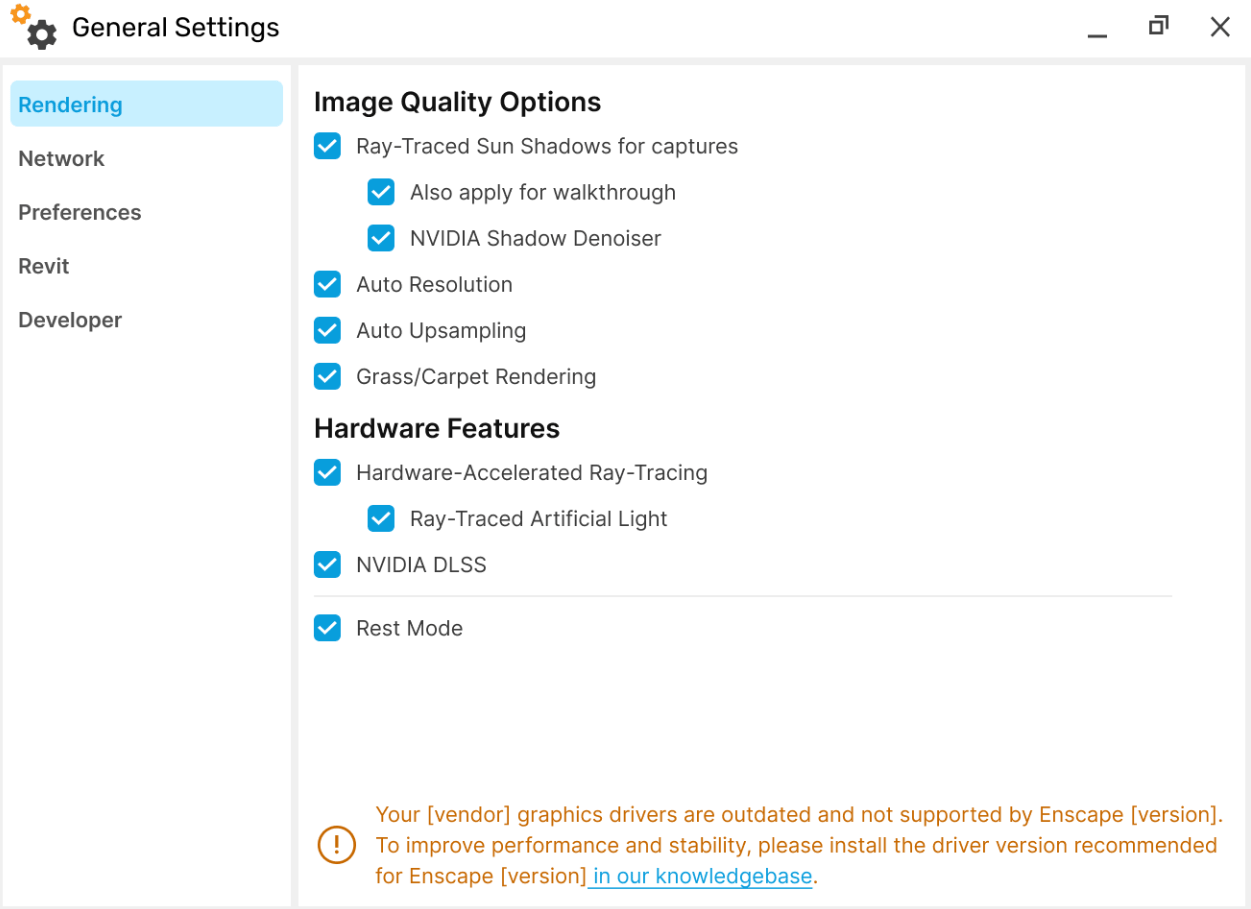
- Outdated Graphics Driver Notification: Users are now notified, If the system graphics driver is more than 180 days older than the Enscape plugin build date.
- Removed Support for SketchUp 2022 and older versions: Starting with Enscape 4.9, support for old versions will be removed. This allows us to streamline development, improve code quality, and focus on supporting the latest SketchUp versions.
- Removed Support for Revit 2022 and older versions: Starting with Enscape 4.9, support for old versions will be removed. This allows us to streamline development, improve code quality, and focus on supporting the latest Revit versions.
- Removed Support for Rhino 6: Starting with Enscape 4.9, support for old versions will be removed. This allows us to streamline development, improve code quality, and focus on supporting the latest Rhino versions.
Fixed Bugs
- Revit/Vectorworks: After a crash of the Enscape process, it can now be restarted using the Start button.
- Revit: Fix materials with textures that are from AdditionalRenderAppearancePaths that use environment variables not showing up on Enscape.
- Multi Asset Placement: Mouse cursor is now hidden during area selection to avoid visual overlap with placement preview.
- Sun Position Sliders: Circular sliders for Azimuth and Altitude can now be dragged as expected in the View Management panel.
- Transform Gizmo: Scaling now continues properly after re-entering the window, even if the mouse cursor temporarily leaves the viewport.
- [Impact] Performance map: Removed exterior visual colored artefacts.
- AMD’s FidelityFX Super Resolution: Changed loading behavior for external libraries that Enscape relies on to fix an issue that happens in rare cases when initializing AMD’s FidelityFX Super Resolution (FSR).
- Sketchup 2025: Enscape not starting. Changed loading behavior for external libraries that Enscape relies on.
- Material Editor: Sometimes changes of Roughness parameter were lost
- Save screenshot: Fixed crash when the target path for captures with specific settings contained non-Latin characters