Enscape for Revit
Enscape Accounts
This page provides information about Enscape license account management.
Last updated 7 February 2026
This page provides information about Enscape license account management.
Overview
Starting with Enscape 4.1, license management has been moved to My Chaos. Please use the new portal to manage your licenses.


Users with Enscape versions belows 4.1.1 still have the possibility to view and manage their Panorama and Web Standalone uploads on My Enscape. You can log in to your Enscape Account by clicking the button on the Enscape website top menu or by opening the Enscape Account window via the Enscape ribbon in CAD.

Enscape Account Menu
The default interface of your accounts menu will give you an overview of your existing license stats. Here’s a breakdown of the Enscape Account menu options on the top right that are still available on My Enscape:
- Uploads allows a user to manage access to Panoramas and Web Standalone files.
- Adjust your profile data within the Edit Profile option. This includes name, email, and country.
- Click Logout to sign out of your Enscape account.
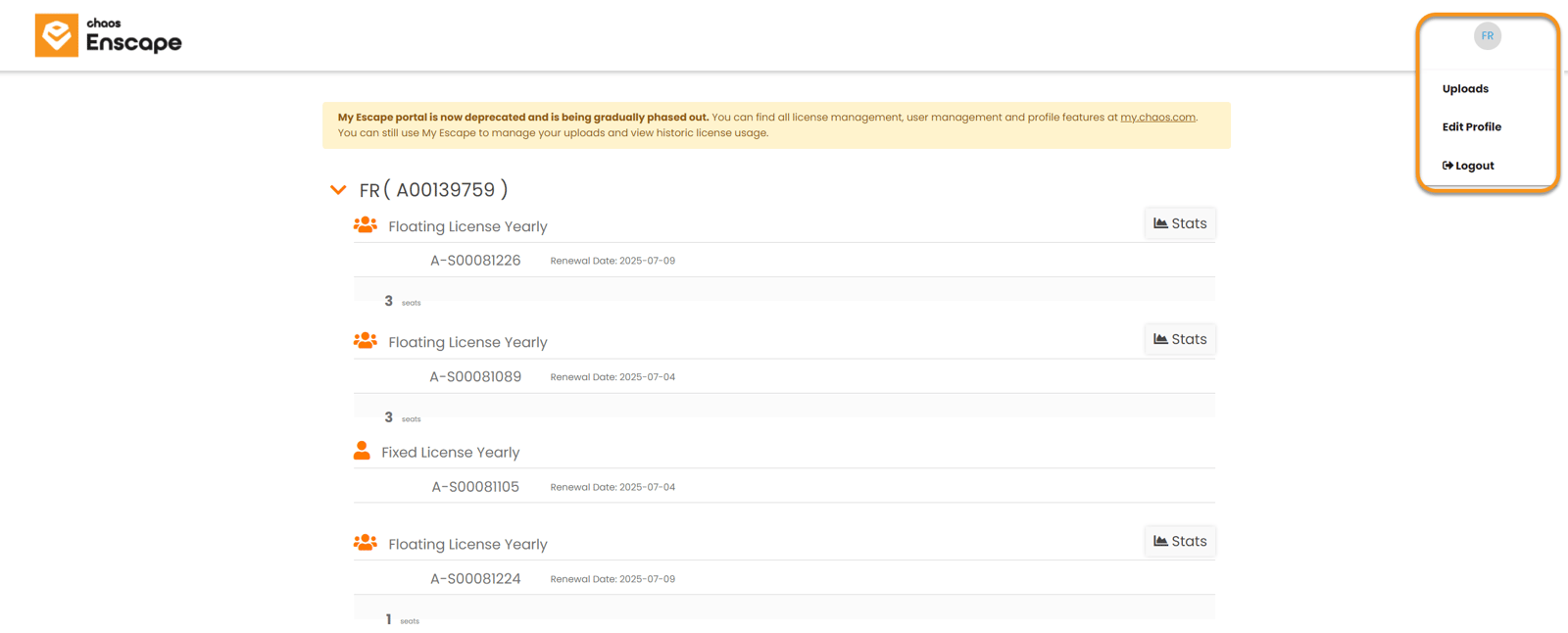
Enscape Account Menu
Uploads
The functions that are available for everyone within the Enscape License Center’s Uploads area allow the possibility to share, move, rename, and delete Panoramas and Web Standalone files, as well as create Panorama Galleries where multiple Panoramas from the same project can be linked together.
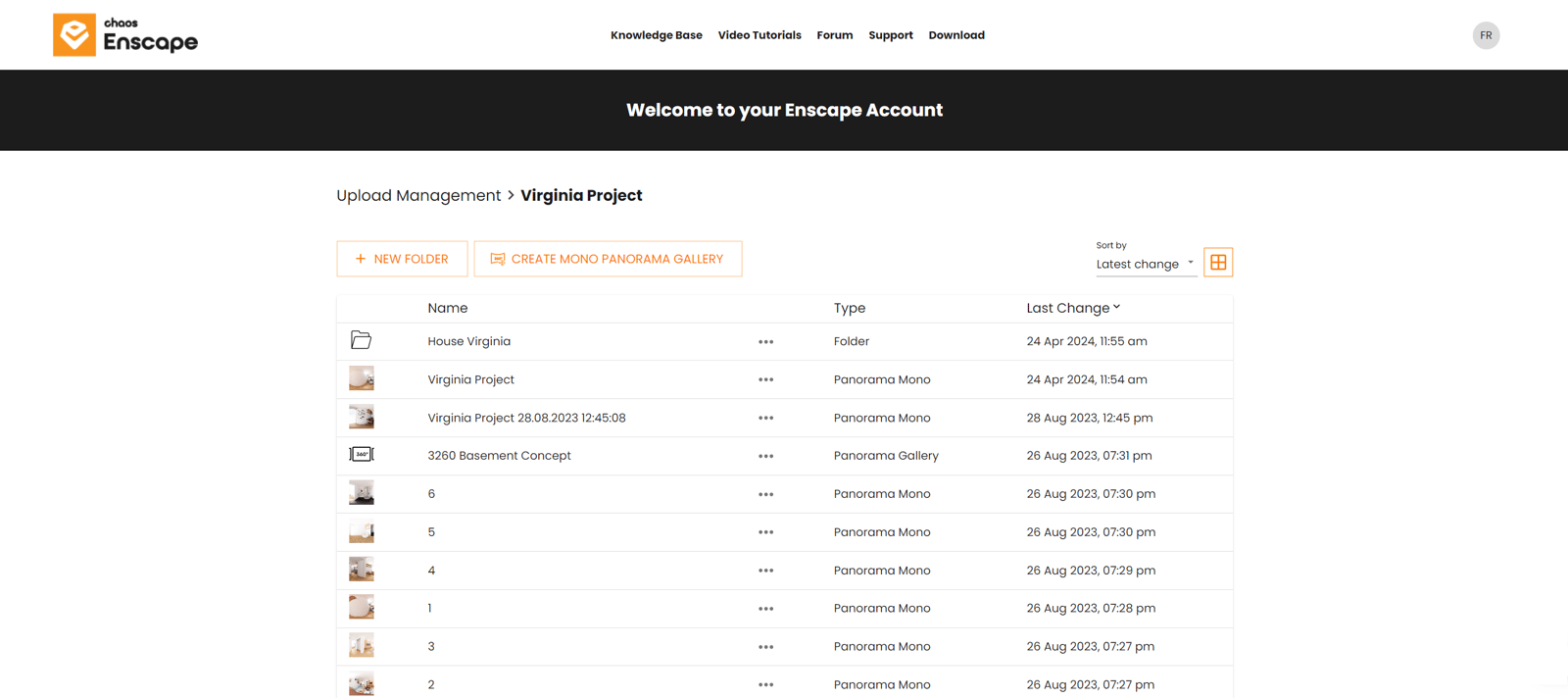
Upload Management
Edit Profile
Click Profile to view or edit your personal details such as name, country and your email address. You will also be able to view your Customer number in the last field of this page. Click Save changes to save the changes you made.

Edit profile
Logout
Click Logout to sign out of your Enscape account.