Enscape for Revit
Enscape Impact Overview
This page provides general information about Enscape Impact.
Last updated 1 September 2026
This page provides general information about Enscape Impact.
Overview
Enscape Impact is a building performance analysis component integrated into Enscape. It allows architects and designers to conduct real-time energy performance assessments during early stages of design, assisting in making informed decisions that enhance sustainability and efficiency. Enscape Impact integrates seamlessly with existing Enscape workflows, allowing users to conduct real-time energy performance assessments directly within the design environment. This integration ensures that sustainability considerations are embedded into the design process from the outset, enhancing both efficiency and environmental performance without disrupting established workflows.
Enscape Impact can be accessed from within the Enscape Viewport User Interface (UI) toolbar.

Impact button in the Enscape Toolbar
In case you don't have a license available for Impact, you will be prompted to visit your Chaos Account and purchase a license.
Please make sure you have an active license before proceeding to use the feature.
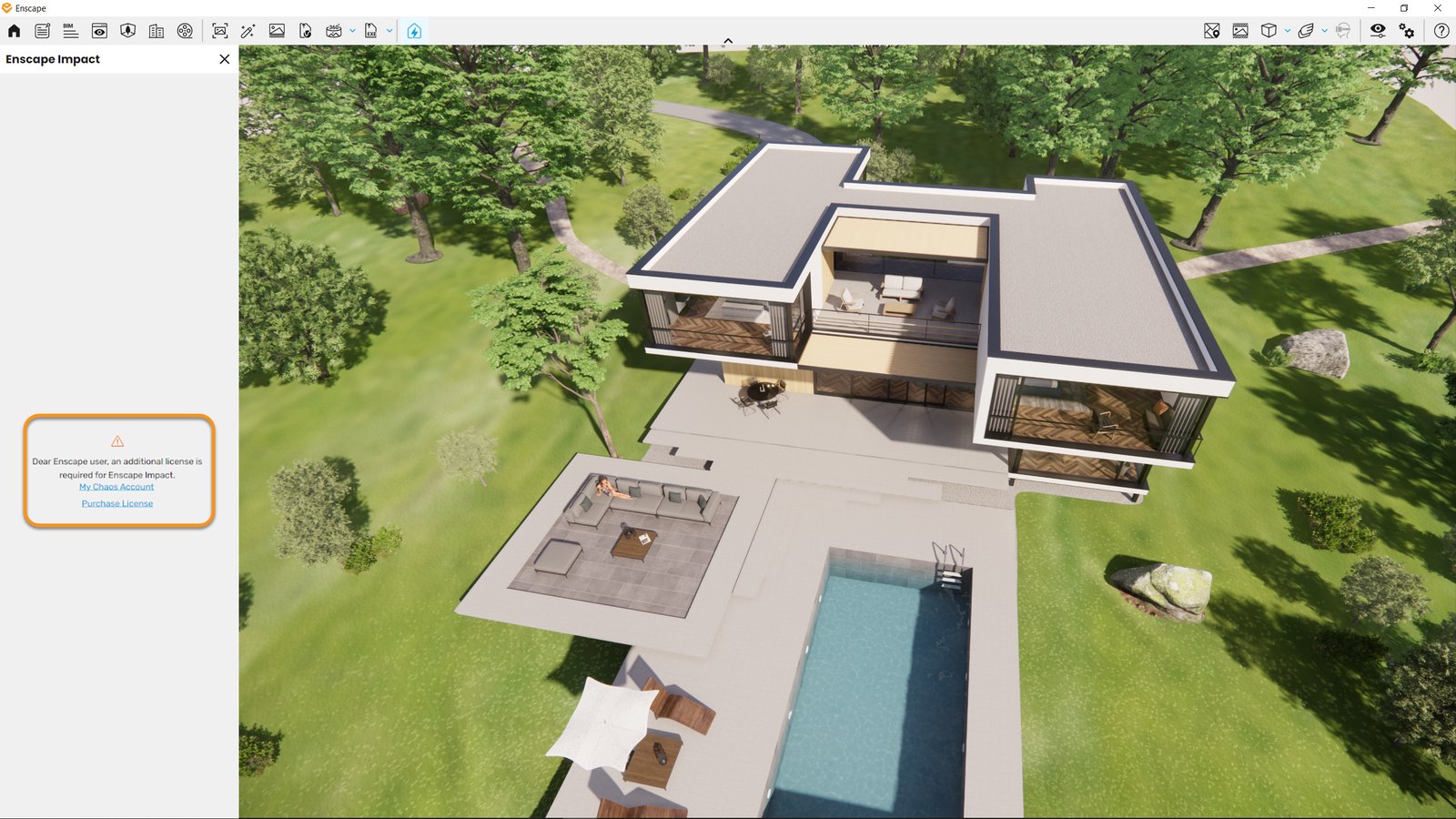
Impact Error Message
If the scene to be simulated is too large, an error message will be displayed.
To enable the processing, try isolating a specific building and removing its surrounding environment. Ensure that there are no detached objects far from your building.
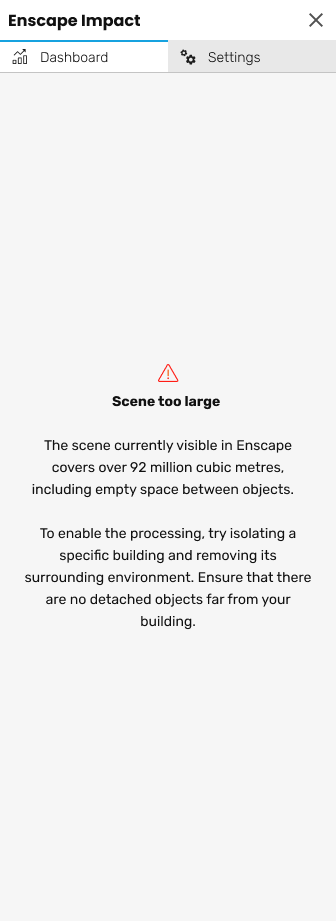
Impact Error Message
The first time you click on the Impact button, the sidebar will open in order to start the analysis. You will have to fill in the necessary information there before the analysis starts.

Impact Sidebar