Enscape
Chaos License Quick Start Guide
This page provides information on how to get started with licensing Enscape.
Last updated 1 July 2026
This page provides information on how to get started with licensing Enscape.
Steps
- Start your CAD. From the Enscape toolbar, click Start Enscape () to launch Enscape.
- The first time you use Enscape, a prompt to log in with your Chaos account may appear.
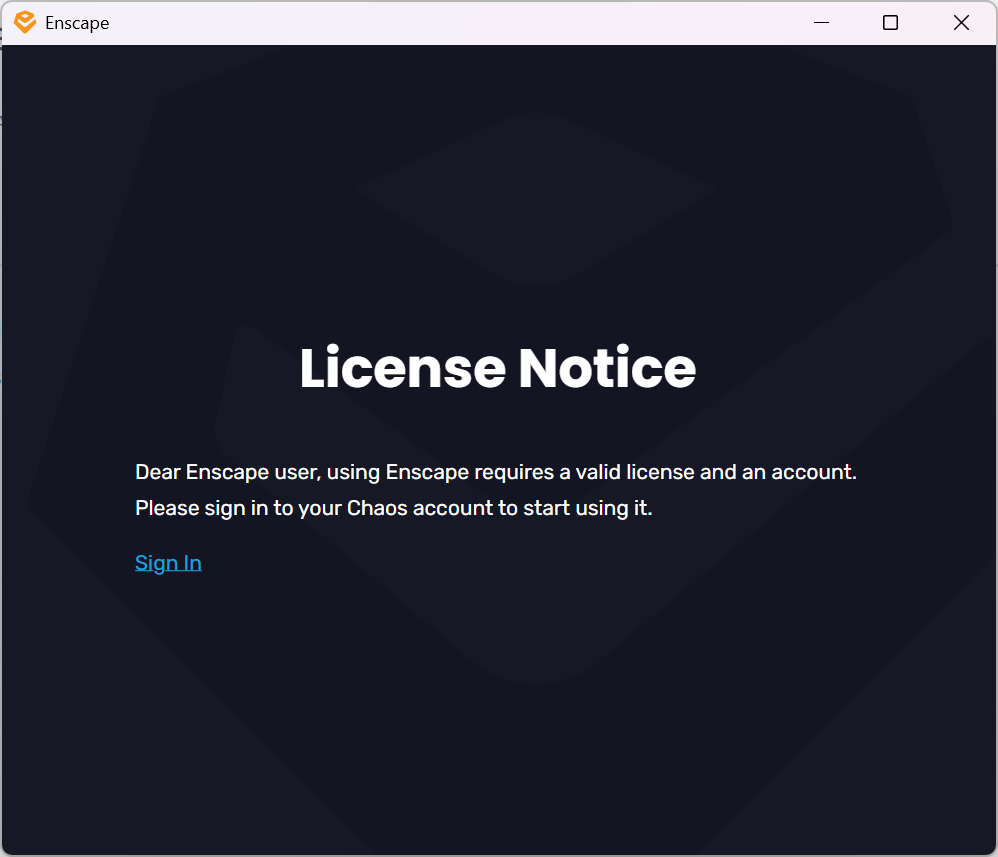
- Alternatively, select Chaos Account () from the Enscape toolbar.

- Enter your Chaos credentials.

Chaos Single Sign-On Page
- Close the login page after you see the confirmation of a successful login.Start using your Chaos product.

Sign in confirmation
Floating Licenses
Floating Licenses can be shared among multiple machines and used either online or on a local network, depending on the setup.
To use an online floating pool, your Administrator needs to add you to their Organization. This sends an automatic email confirmation that includes a link you can use to create an account if you don't have one yet.
After that, you can follow the same activation steps as above to connect to the online floating pool.
- Proceed with a default installation.
- Sign in with your Chaos Account when prompted.
If you are an Administrator in an Organization, see the Cloud-Based Floating Licensing page for a guide on how to share licenses through the my.chaos portal.
If your organization prefers to centrally manage licenses, enable anonymous device-based access, or deploy licenses within an offline or secure network environment, refer to the License Server Deployment page.
Notes
If you are using V-Ray version 7.0 or earlier, the activation of your license is part of the installation process. At the end of the installation, you are prompted to sign in with your Chaos account in the web browser.
Troubleshooting
If you are experiencing any difficulty installing or running the Chaos License Server, please refer to the Troubleshooting page for possible solutions.