V-Ray for Cinema 4D
Uninstall V-Ray
This page provides information on uninstalling V-Ray for Cinema 4D.
Last updated 19 September 2025
This page provides information on uninstalling V-Ray for Cinema 4D.
Overview
The V-Ray installer automatically uninstalls any previous versions before installing a newer version. If you need to manually uninstall V-Ray, please make sure that Cinema 4D or V-Ray components are not being used.
Uninstalling V-Ray
The Uninstaller originally resides in the following location:
For Windows: C:\Program Files\Chaos Group\V-Ray\Cinema 4D Rxx\uninstall
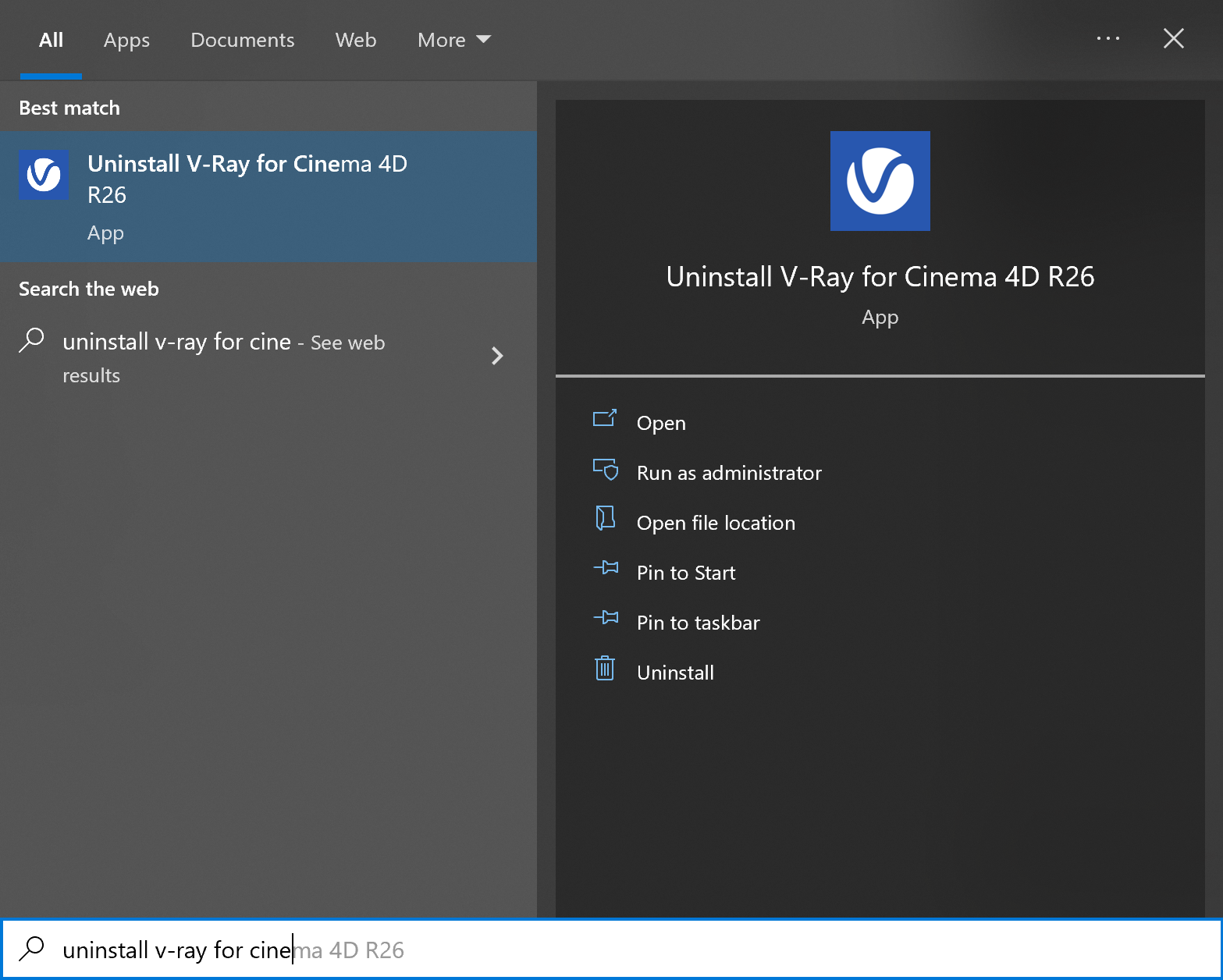
To access the V-Ray uninstaller from the Start menu, search for Uninstall V-Ray...
For macOS: /Applications/ChaosGroup/V-Ray/Cinema4DRxx/uninstall/uninstaller.app
This starts the V-Ray uninstaller. Follow the on-screen instructions to remove V-Ray from your system and restore any files overwritten by the installation.