V-Ray for Cinema 4D
VolumeGrid
This page provides general information and links about the V-Ray Volumetric Grid.
Last updated 19 September 2025
This page provides general information and links about the V-Ray Volumetric Grid.
Overview
The V-Ray Volumetric Grid allows you to load, shade, and render grid-based simulation cache files, unlike the Environment Fog, which is a general-purpose volumetric shader and requires no files on disk.
In addition to volumetric rendering, the V-Ray Volume Grid supports Isosurface rendering and meshing.
Currently, the following file formats are supported:
- OpenVDB (.vdb) - Supported by Houdini® and RealFlow®
- Field3D (.f3d) - Supported by FumeFX® and Maya® (using 3rd party plugins)
- PhoenixFD (.aur) - Phoenix FD® native volume format
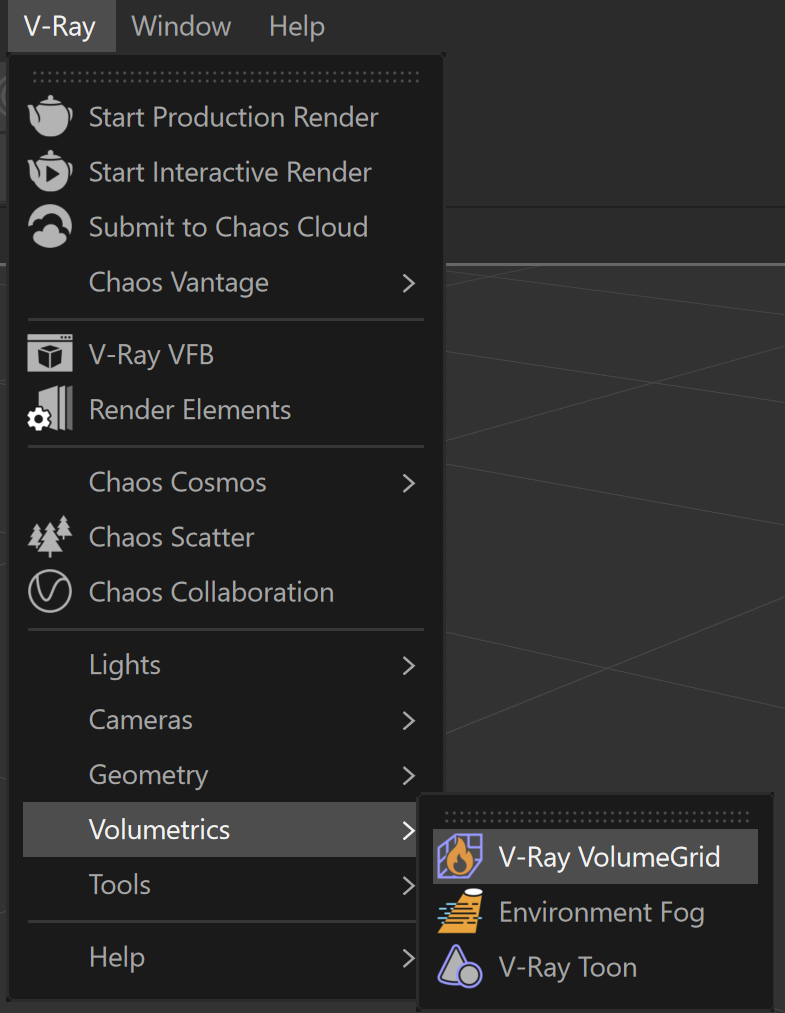
UI Path: ||V-Ray menu|| > Volumetrics > V-Ray Volume Grid

Parameter Rollouts
Frame Info
Quickly check the size, dimensions, and contents of the loaded cache file for the current frame.
View
Input
Determine the path of the input files for rendering and preview the playback effects.
View
Preview
Control the representation of the cache files in the viewport.
View
Rendering
All parameters necessary for rendering a Fire / Smoke simulation.
View
Extra Tips
The following page contains extra tips for using the V-Ray Volume Grid:
- Volumetric Grid Tips is an information page containing distributed rendering and FumeFX render settings tips.