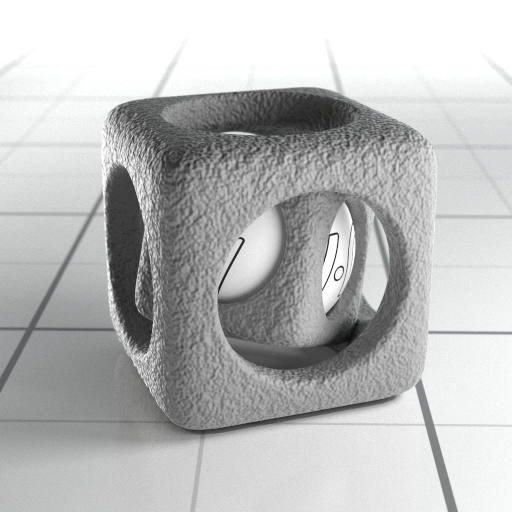
This page provides information about the Bump material in V-Ray for Rhino.
Last updated 1 September 2026
This page provides information about the Bump material in V-Ray for Rhino.
Overview
The Bump Material gives the ability to add bump map and normal map effects when using any material.
Simply apply a Bump Material to an object to add additional bump or normal map functionality. Stacking multiple Bump Materials together can create a more complex surface material by allowing the use of several bump and/or normal maps together easily.
One of the common use cases of the Bump material is to produce a Round Edges effect for other materials in combination with Local Space Bump map. The correct workflow is the following:
Select the material you wish to enhance with the rounded corners effect;
Enable its Bump effect (or add a Bump material attribute);
Create an Edges texture in the Bump map slot and set the Bump mode to Local Space Bump;
If further tweaks to the effect are needed, adjust the Edges texture's parameters and/or Bump amount value.
The Bump material settings are organized in Basic and Advanced modes. You can switch the mode from the toggle button under the Preview Swatch or globally from the Configuration rollout of the Settings tab.
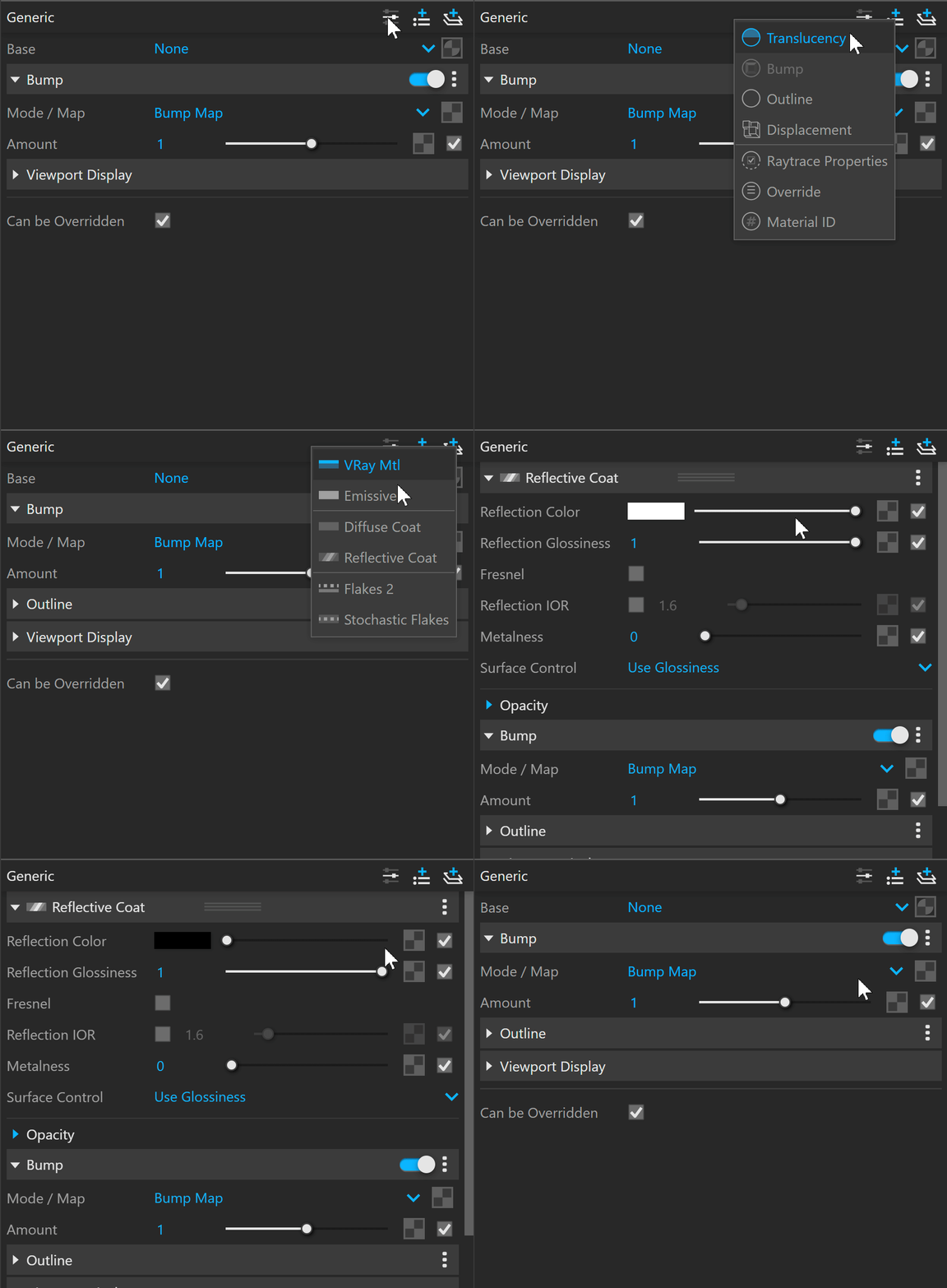
Add Layer and Add Attribute buttons are provided for some V-Ray materials, including Bump. You can select an additional layer that can add up to the appearance of the material. For more information, see the Add Attribute and Add Layer sections.
The context menu of the Color slot provides options to Copy and Paste, as well as to Reset the color.
A Reset option is provided in the context menu of each Number Slider. You can reset the slider value to the default one.
Parameters
Base – Allows the user to select the base material to which the bump/normal effect is added.
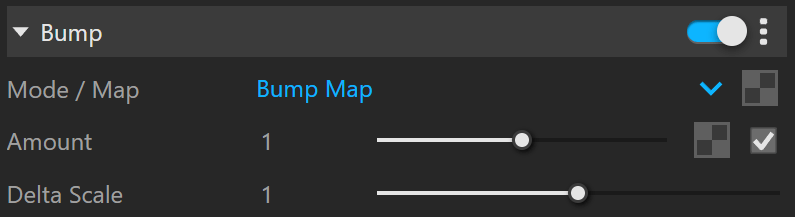
Bump
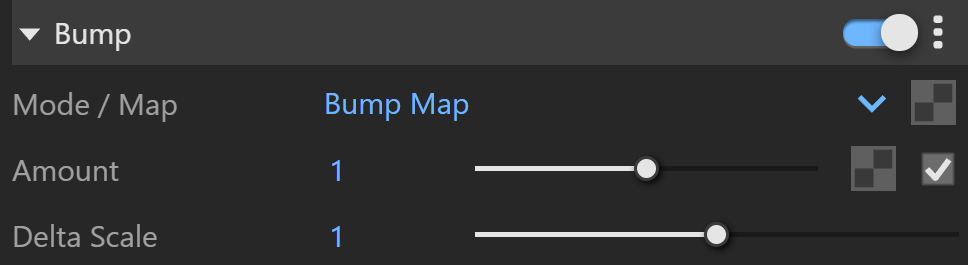
Mode / Map – Allows the user to specify whether a bump map or a normal map effect is added to the base material.
Bump Map – A height map should be used. Normal Map – RGB map should be used. If a Bitmap texture is slotted its color space must be set to Rendering Space (Linear). Local Space Bump – Uses a local space bump map to determine the bump effect applied.
Amount – A multiplier for the bump/normal map.
Delta Scale – It specifies a scale for sampling the bitmap when Bump Map is selected. The exact value is calculated automatically by V-Ray, but can be scaled here.
Viewport Display
Viewport Texture – The selected texture is displayed in the viewport.
Override Control
Can be Overridden – When enabled, the material can be overridden by the Material Override option in the Settings.
Attributes
The Attributes available for the Bump material are as follows.
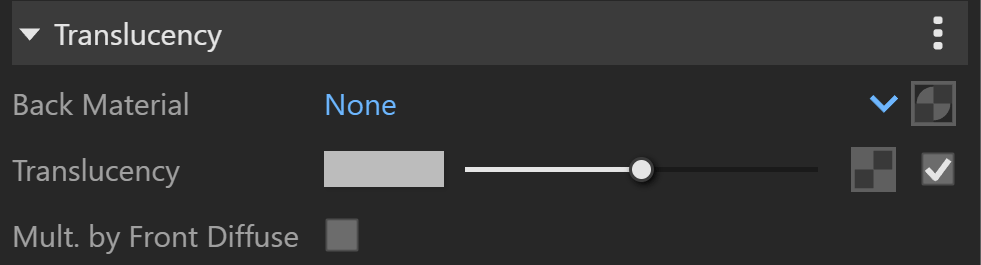
Translucency
Translucency
Bump
Bump
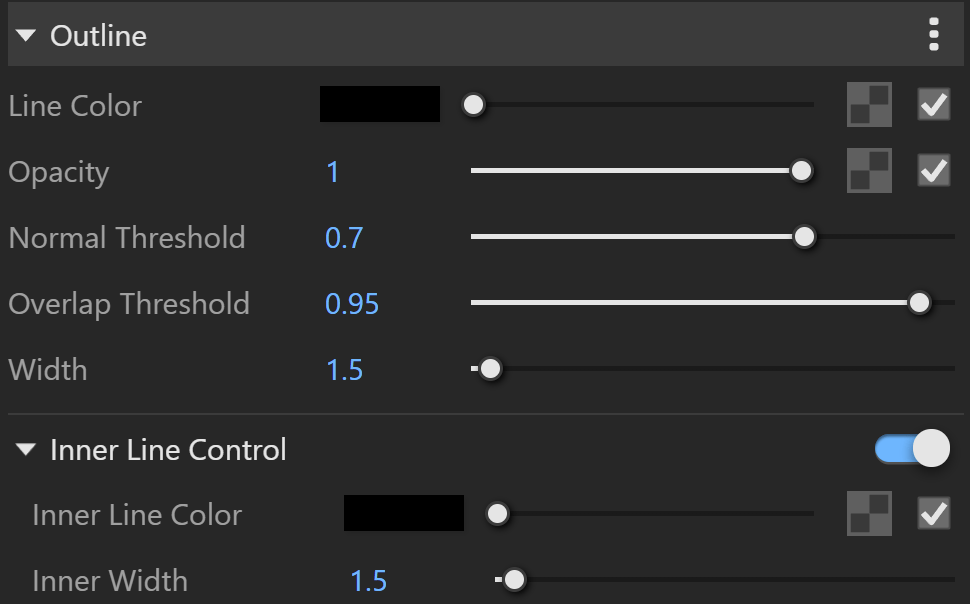
Outline
Outline
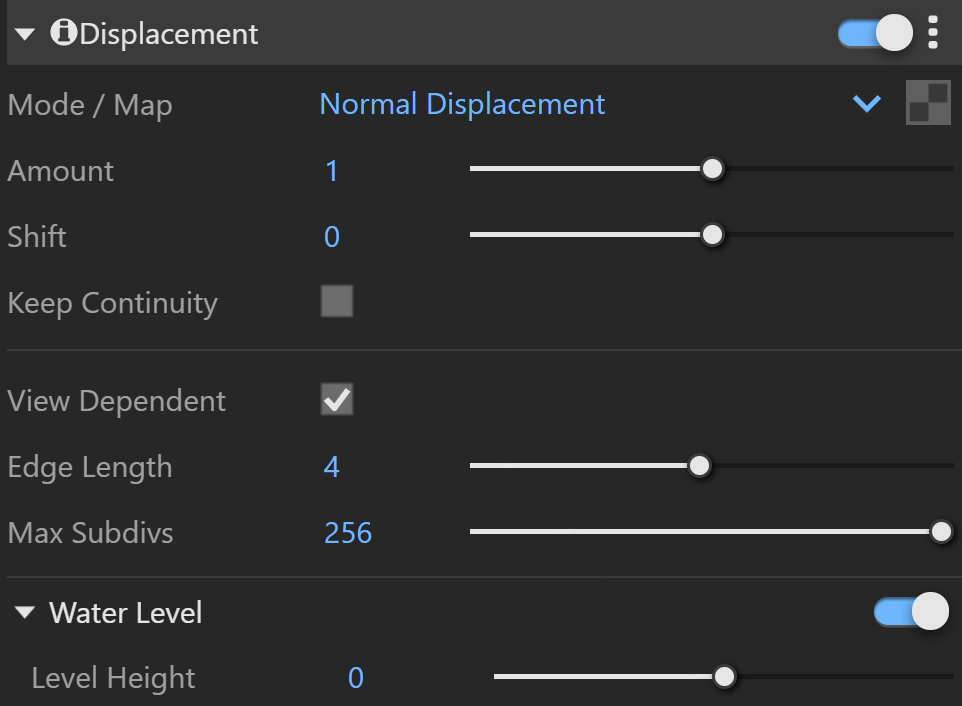
Displacement
Displacement
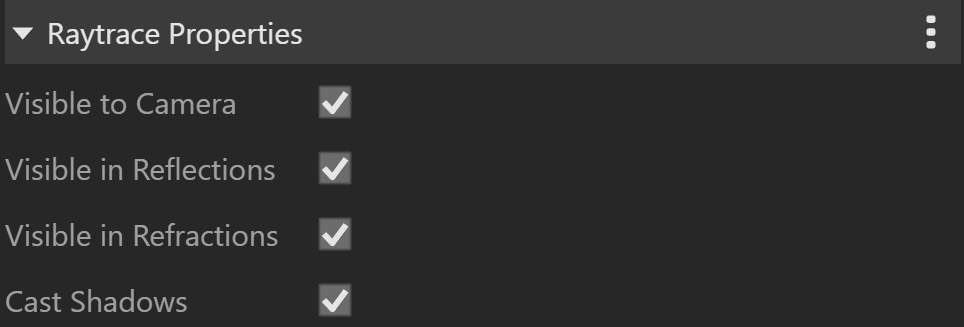
Raytrace Properties
Raytrace Properties
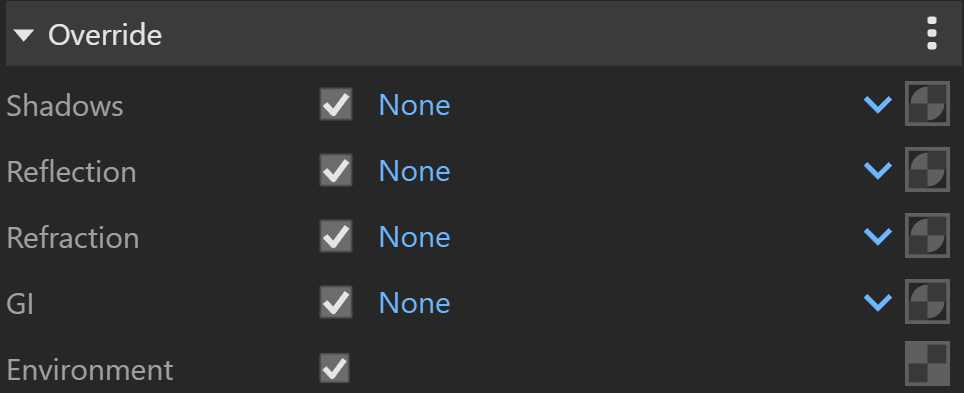
Override
Override
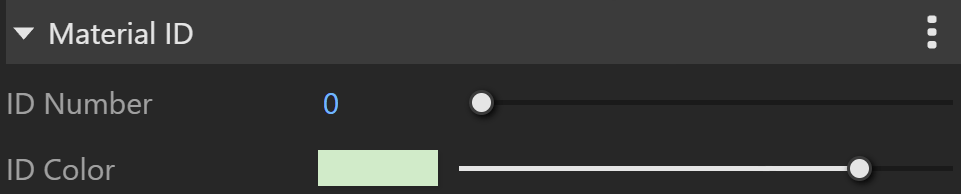
Material ID
Material ID
Layers
The Layers available for the Bump material are as follows.
VRay Mtl
Emissive
Diffuse Coat
Reflective Coat
Flakes 2
Stochastic Flakes
Notes
The 2D mapping (landscape) method only supports one UV mapping channel.