V-Ray for Rhino
Falloff
This page provides information on the V-Ray Falloff Texture.
Last updated 1 September 2026
This page provides information on the V-Ray Falloff Texture.
Overview
Falloff produces a texture with values from white to black, based on the angular falloff of the surface of the geometry based on the face normals.


UI Paths
||V-Ray Asset Editor|| > Textures (right-click) > Falloff
||V-Ray Asset Editor|| > Create Asset (left-click) > Textures > Falloff
Parameters
Color A – Controls the front color. When a texture is selected, it overrides the color as long as the texture checkbox is enabled.
Color B – Controls the side color. When a texture is selected, it overrides the color as long as the texture checkbox is enabled.
Falloff Type – Specifies the method for determining falloff range:
Perpendicular/Parallel – Sets the falloff range based on a 180-degree change in face normal direction.
Towards/Away – The falloff range is based on a 180-degree change in face normal direction.
Fresnel – Sets the falloff range based on the IOR (Index of Refraction). The color range is controlled by the IOR.
Distance Blend – Sets the falloff range based on the distance that is specified from the camera.
Direction – Specifies the direction for defining falloff:
View Z – Defines the falloff based on the camera viewing direction (camera Z-Axis).
View X – Defines the falloff based on the camera X-Axis.
View Y – Defines the falloff based on the camera Y-Axis.
Explicit – Defines the falloff based on a defined position.
Local X – Defines the falloff based on the local X-Axis.
Local Y – Defines the falloff based on the local Y-Axis.
Local Z – Defines the falloff based on the local Z-Axis.
World X – Defines the falloff based on the world X-Axis.
World Y – Defines the falloff based on the world Y-Axis.
World Z – Defines the falloff based on the world Z-Axis.
Invert – When enabled, inverts the color values.
Direction (Vector) – Defines a specific direction when falloff Direction is set to Explicit.
Fresnel IOR – Defines the IOR (Index of Refraction) used by Falloff. This option is available when Falloff Type is set to Fresnel.
Far Distance (A) – Specifies the far distance value. Available when Falloff Type is set to Distance Blend.
Near Distance (B) – Specifies the near distance value. Available when Falloff Type is set to Distance Blend.
Extrapolate – When enabled, the falloff effect continues beyond the Near and Far distances. Available when Falloff Type is set to Distance Blend.

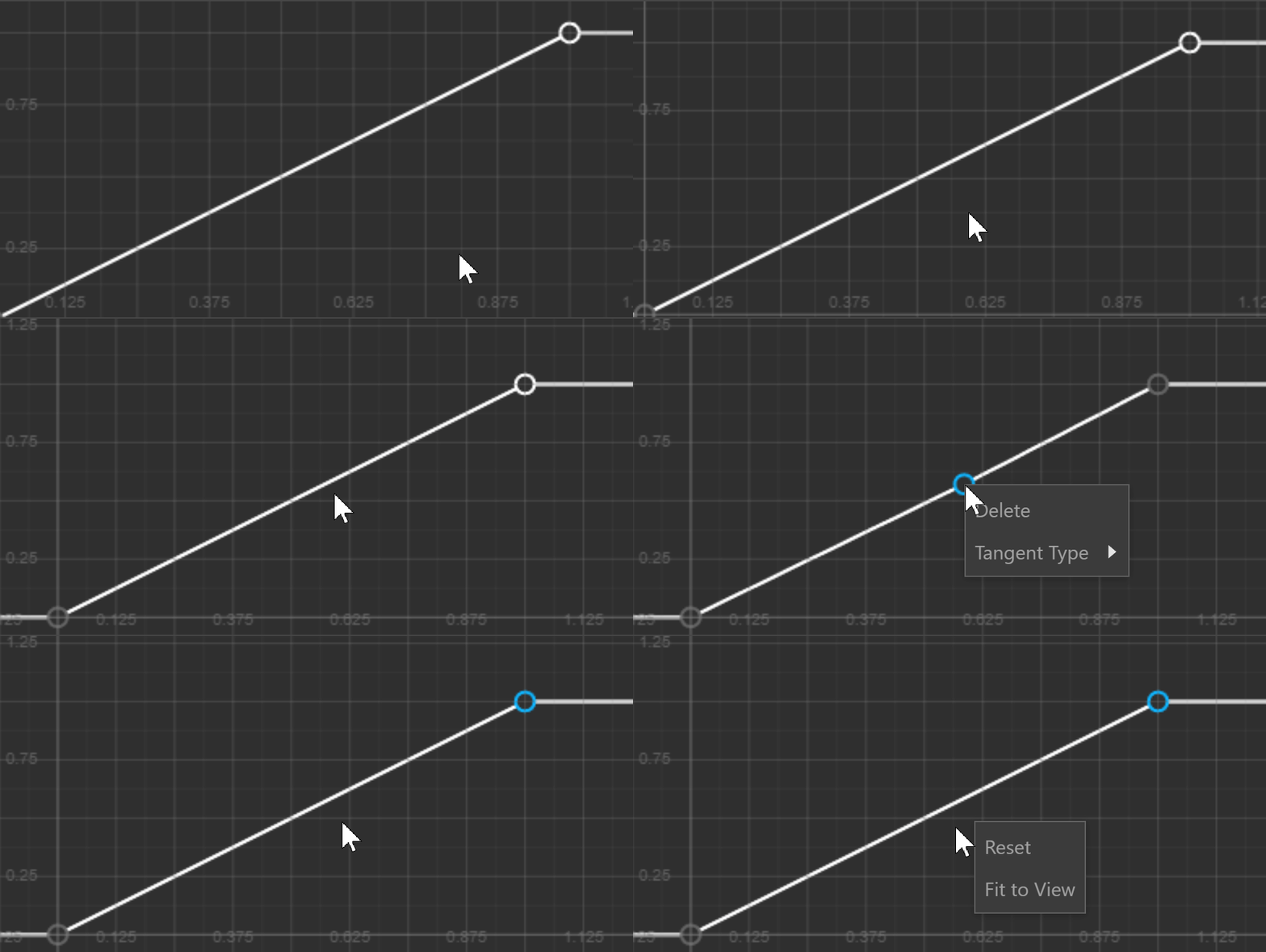
Mix Curve
Mix Curve – Enables the use of a mix curve. It allows you to choose whether to use the blend input texture(s) to blend the two colors.
Tangent Type – Specifies the type of the selected curve control point.
None – No handles.
Free – The Bezier handles are unlocked.
Locked – The handles' angle and length are locked.
Position – The position of the selected curve control point. The position cannot surpass neighboring points or their tangent handle positions.
Value – The value of the selected curve control point.
Click here to see the menu options.

Multipliers
Mode – Specifies the multiplication mode of the colors.
Multiply– The color used for blending is black.
Blend Amount – The color used for blending is the one specified in the color slot.
Color A – Blends between a color and a texture, if specified.
Color B – Blends between a color and a texture, if specified.
