V-Ray for Rhino
Filter Generator Tool
This page describes the Filter Generator for Lens Effects.
Last updated 18 May 2026
This page describes the Filter Generator for Lens Effects.
Overview
The Filter Generator is a simple tool for composing filters (HDR images in *.hdr format). It is specially designed to produce filters for the Lens Effects.

UI Path
||Start Menu|| > Filter generator tool
Installation
Windows: start the filter_generator executable from C:\Program Files\Chaos\V-Ray\V-Ray for Rhinoceros\vrayappsdk\bin.
File Options

The file menu shows options for saving and loading presets and exporting the final filter kernel.
Radial Symmetric Pattern Parameters

The Radial Symmetric Pattern parameters control the scale of the overall Lens Filter.
Shape – Adjusts the size of the pattern.
Corona Flare Lines Pattern Parameters
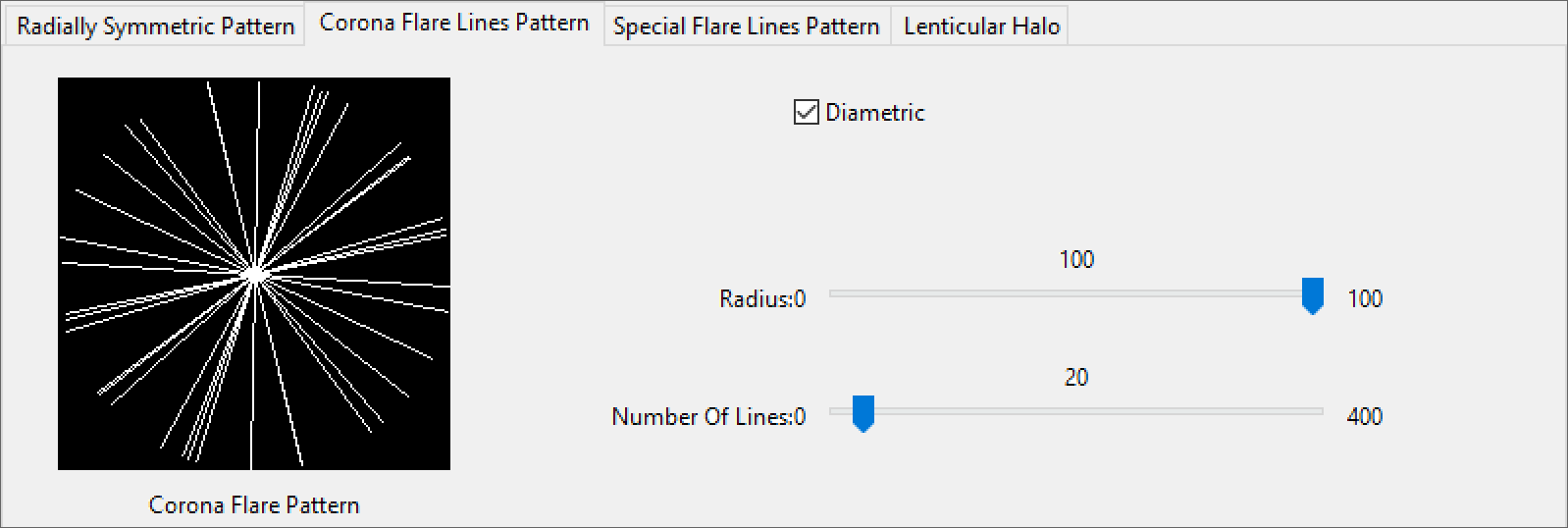
The Corona Flare Pattern parameters control the amount of rays emanating from the light source.
Diametric – When enabled, mirrors the pattern across the center.
Radius – Controls the size of the pattern radius.
Number Of Lines – Controls the number of lines in the pattern.
Click here to expand the Corona Flare Lines Pattern Example




Special Flare Lines Pattern Parameters

The Special Flare Pattern parameters control the pattern of the Special Flares Lines.
Ray Pattern Dropdown – Determines the number of Ray groups.
Radius – Scale of the Special Flares Lines Lens kernel in Percent.
Number of Lines – Determines the amount of lines used in each ray pattern.
Range – Controls the spread of the Ray Pattern.
Rotation – Rotates the entire Special Flare Lines Pattern in degrees.
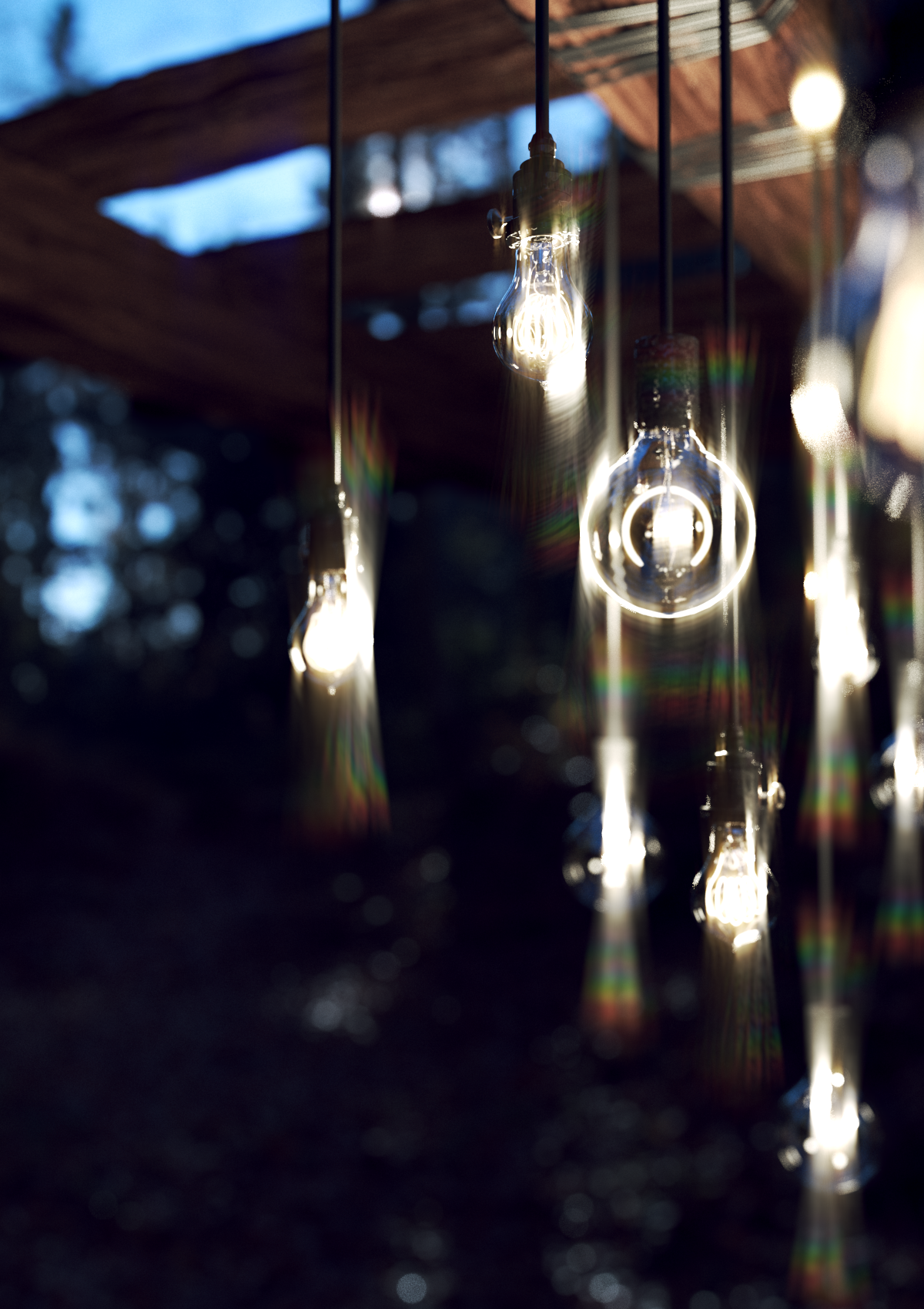
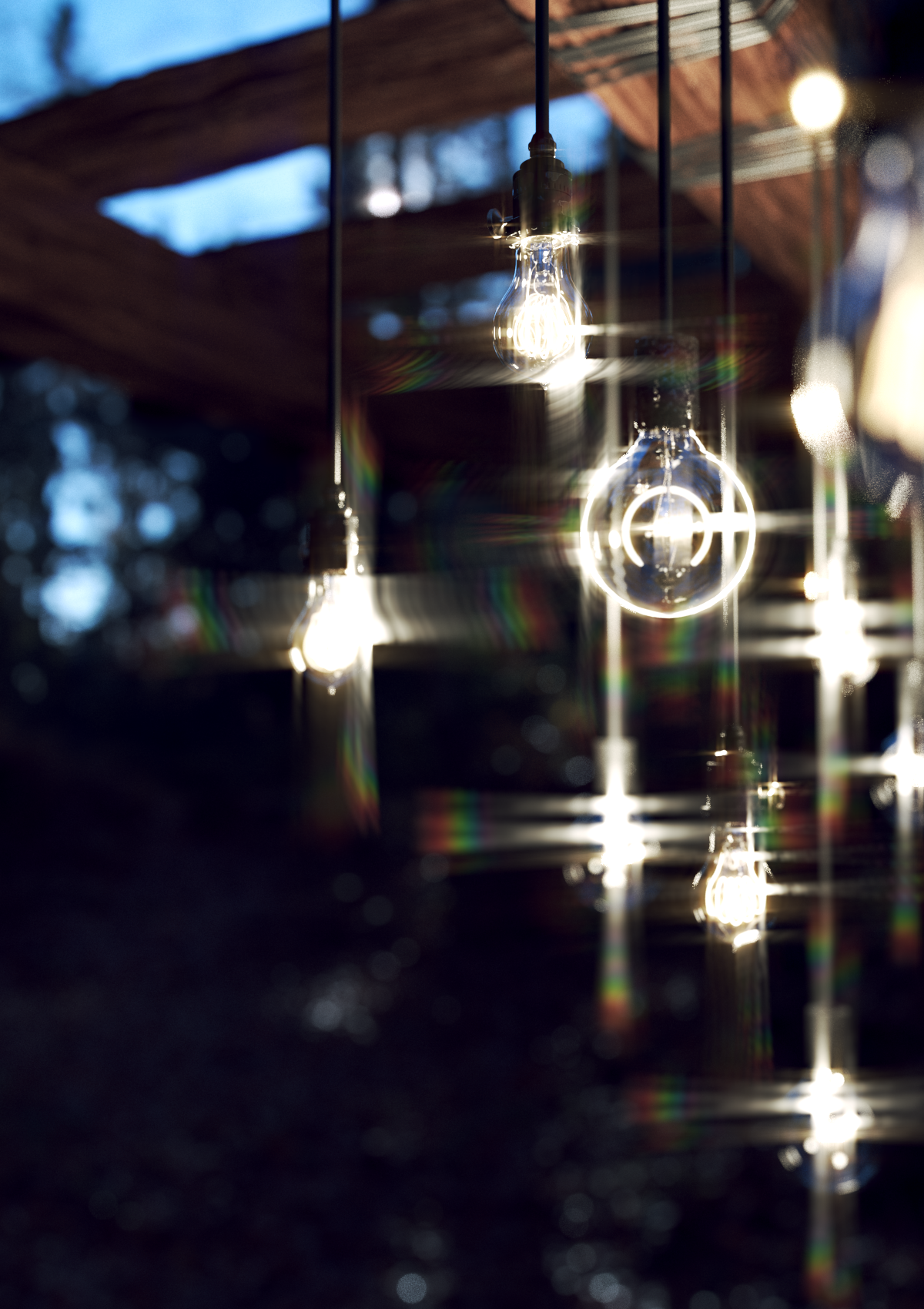
Click here to expand the Special Flare Lines Pattern Example










Lenticular Halo Parameters

The Lenticular Halo parameters control the bounds of the halo.
Inner Radius – Sets the inner bounds of the Lenticular Halo
Outer Radius – Sets the outer bounds of the Lenticular Halo.
Click here to expand the Lenticular Halo Example






Mix Parameters

The Mix parameters control how the Lens Parameters mix together into the final Filter kernel.
Pattern 1 – Sets the percentage Radial Symmetric Pattern 1 is mixed with the final Filter kernel.
Pattern 2 – Sets the percentage Radial Symmetric Pattern 2 is mixed with the final Filter kernel.
Halo – Sets the percentage the Lenticular Halo has on the final Filter kernel.
Aspect – Determines the Aspect Ratio of the final Filter kernel.
Apply Corona Flare Pattern – Enables kernel filtering with the Corona Flare Pattern.
Apply Special Flare Pattern – Enables kernel filtering with the Special Flare Pattern.
Click here to expand the Special Flare Lines Pattern Example