V-Ray for Rhino
V-Ray Bitmap
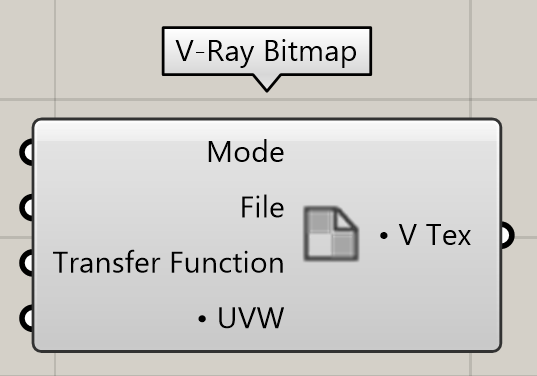
This page provides information on the V-Ray Bitmap Texture Component in V-Ray for Grasshopper.
Last updated 18 May 2026
This page provides information on the V-Ray Bitmap Texture Component in V-Ray for Grasshopper.
Overview
V-Ray Bitmap component is used to load a bitmap image as a texture.
Input Parameters
Mode (Integer) – Switches between a Bitmap Texture and Vertex Color mode.
File (Path) – File Path to the texture map.
Transfer Function (Integer) – Specifies the transfer function for the loaded image file.
None – No correction is applied.
sRGB – The loaded image is considered in sRGB transfer function. Inverse sRGB gamma curve is applied.
UVW (Generic Data) – Specifies the texture placement within the UVW space of the object.
Output Parameters
V Tex (Generic Data) – Output slot of the Bitmap texture. It can be connected only to the Diffuse, Reflection or Emission input slots of the V-Ray Material Simple.
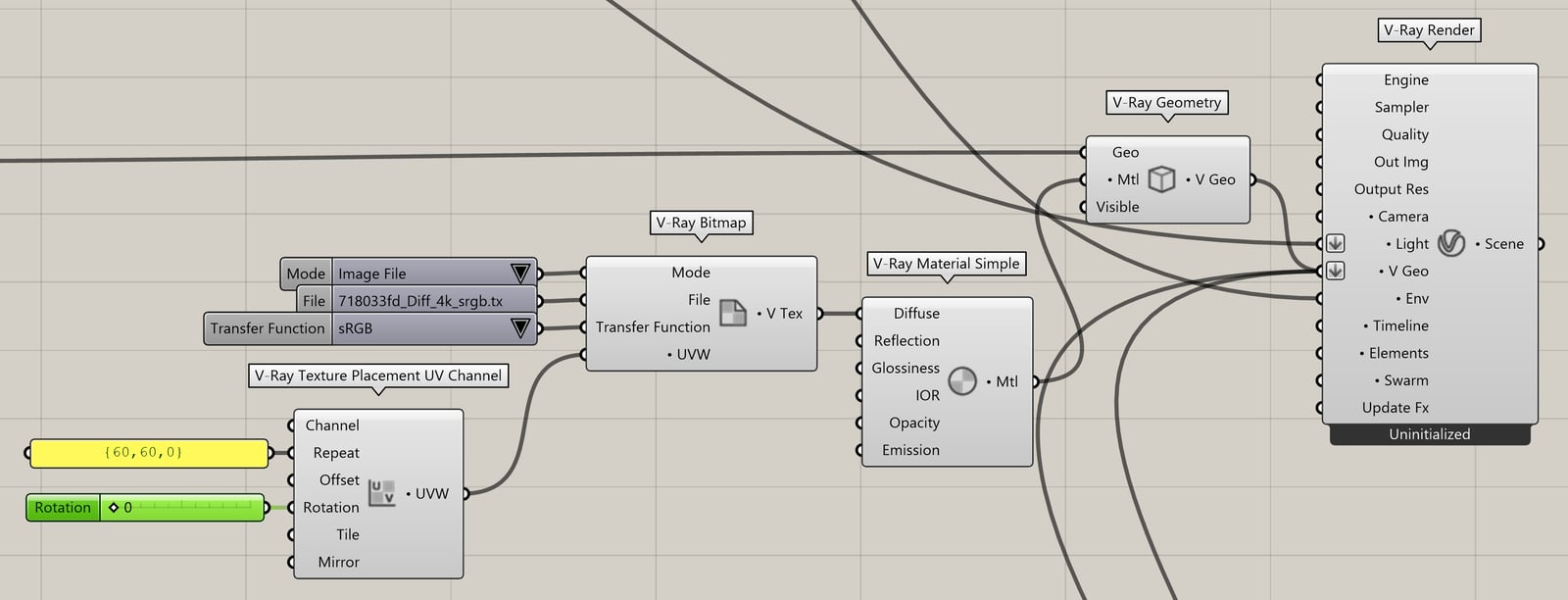
Example: Bitmap - Image File Mode
Download the GH definition here.
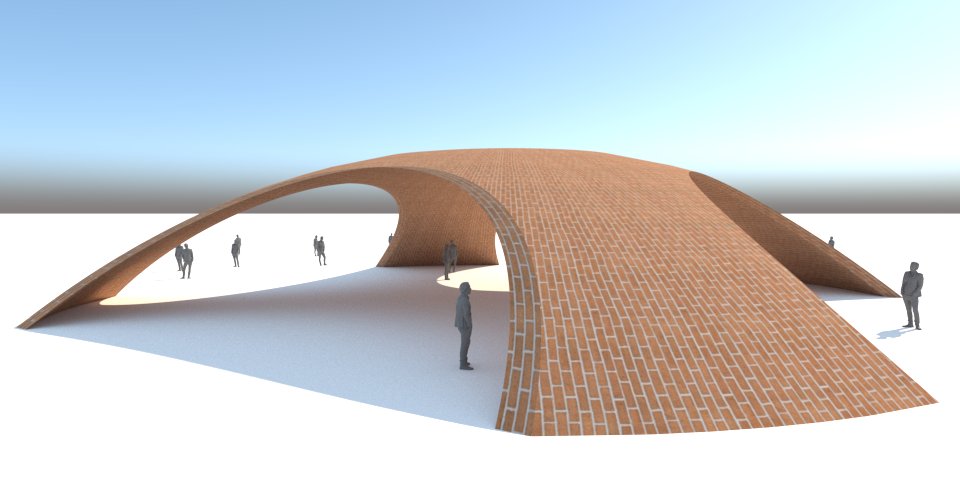
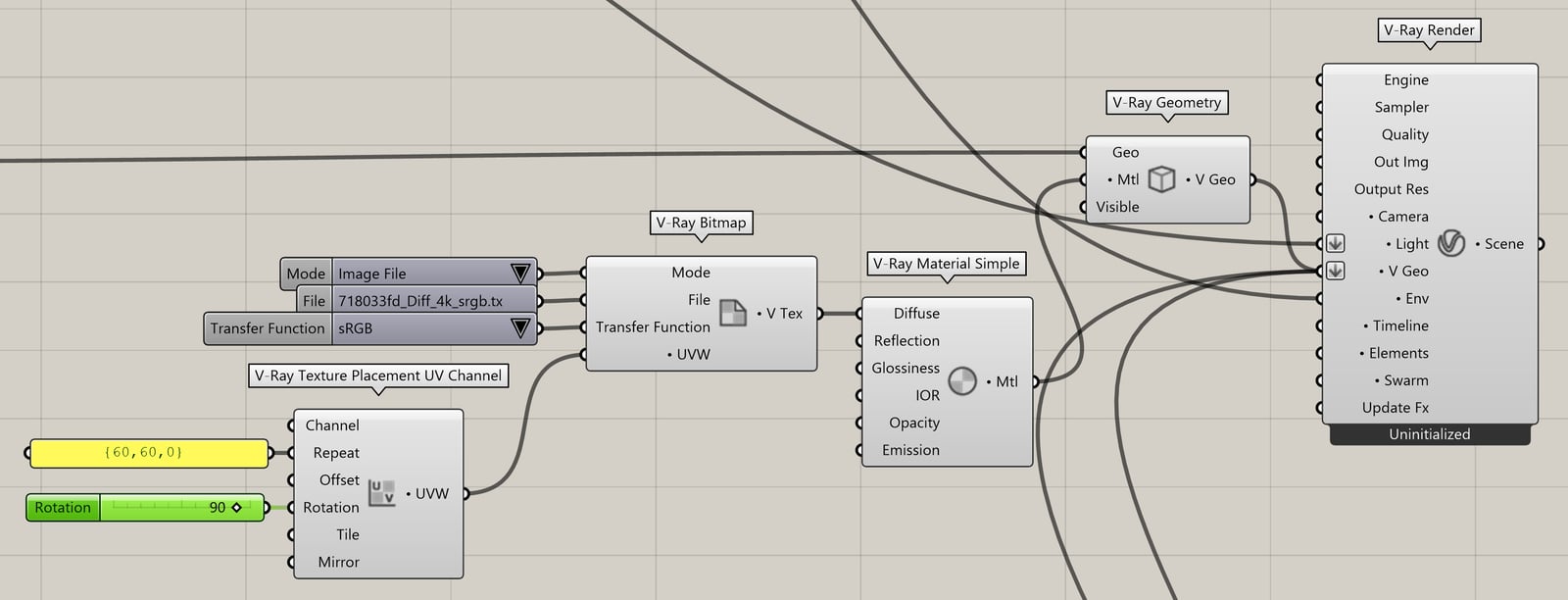
Example: Bitmap - Image File Mode, 90 Degrees Rotation
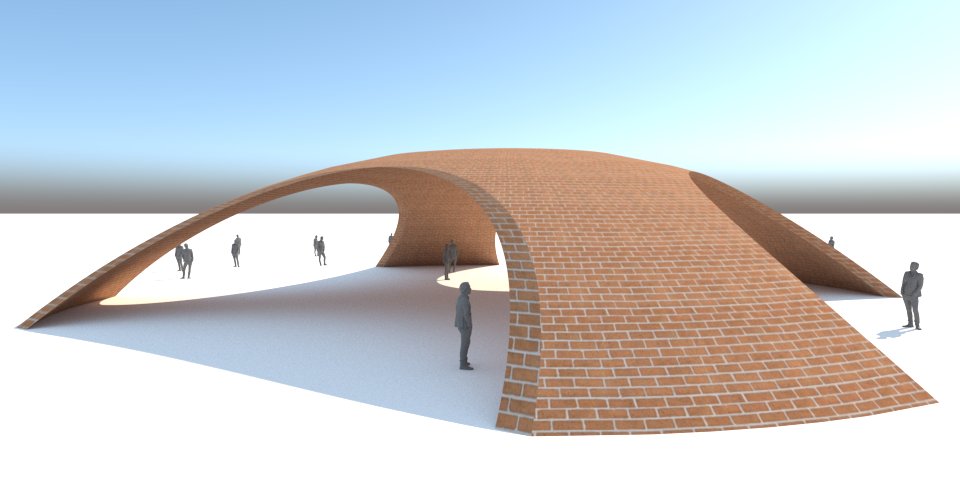
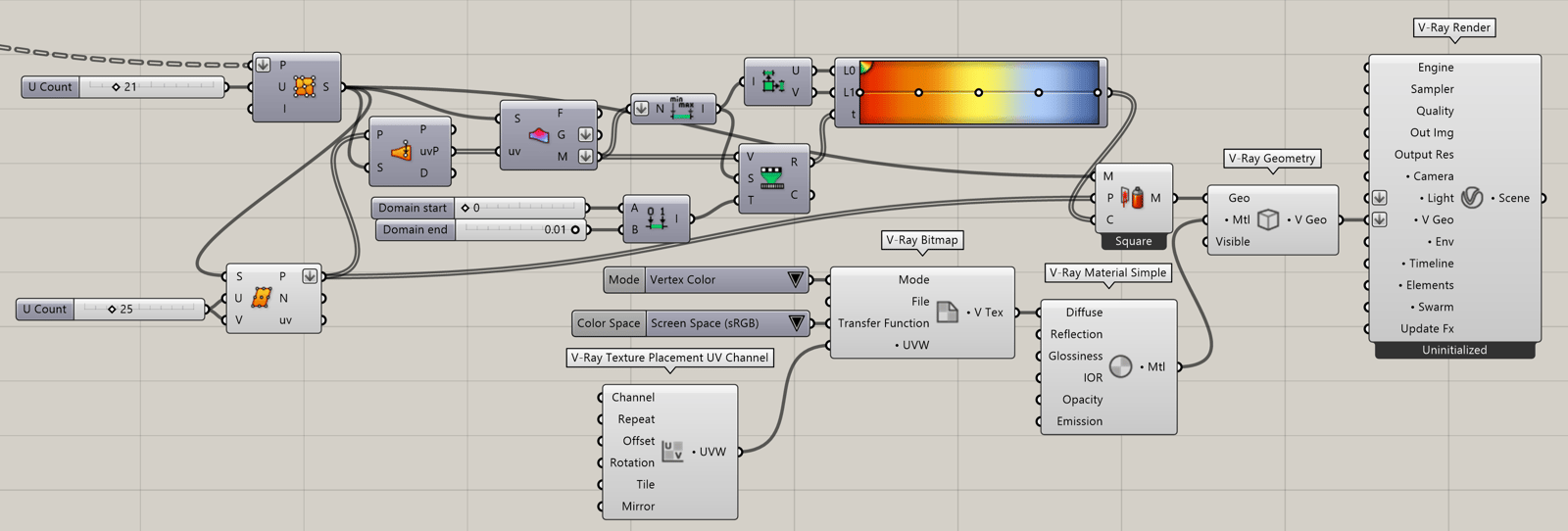
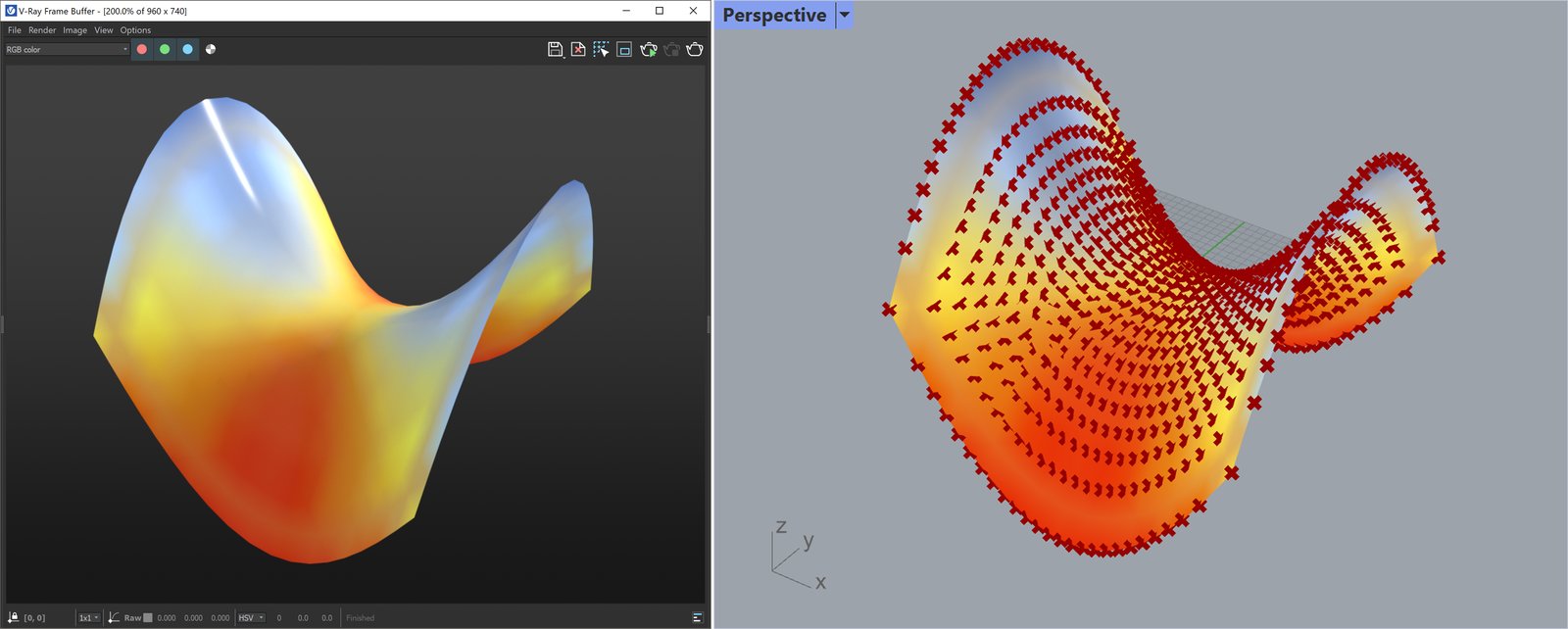
Example: Bitmap - Vertex Color Mode
Download the GH definition here.
Footnotes
1 – Vertex Color mode displays vertex colors computed in Rhino. When used, the Channels input value is ignored. Instead, V-Ray internally assigns and reads the vertex data in UV channel 0. Vertex colors of objects created in other platforms can be displayed by assigning their designated custom channel number.