V-Ray for Rhino
V-Ray Scene Importer
This page provides information about the V-Ray Scene Importer tool in V-Ray for Rhino.
Last updated 1 September 2026
This page provides information about the V-Ray Scene Importer tool in V-Ray for Rhino.
Overview
The V-Ray Scene Importer tool enables the import of .vrscene files directly as Rhino models and not just as references. The tool imports geometries, material assignments, and texture placement. The imported scene is scaled correctly based on the source file units configuration.
UI Path
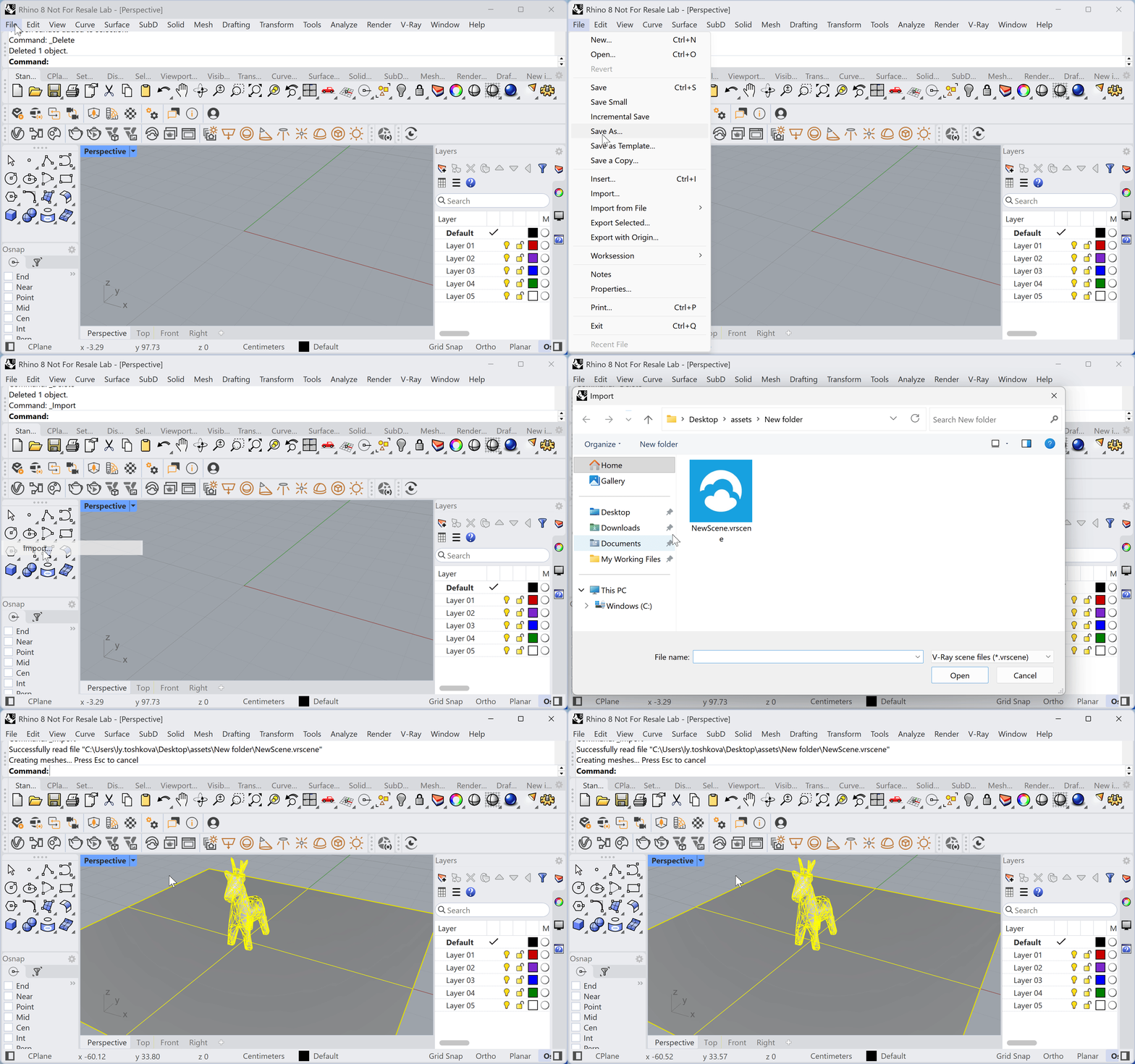
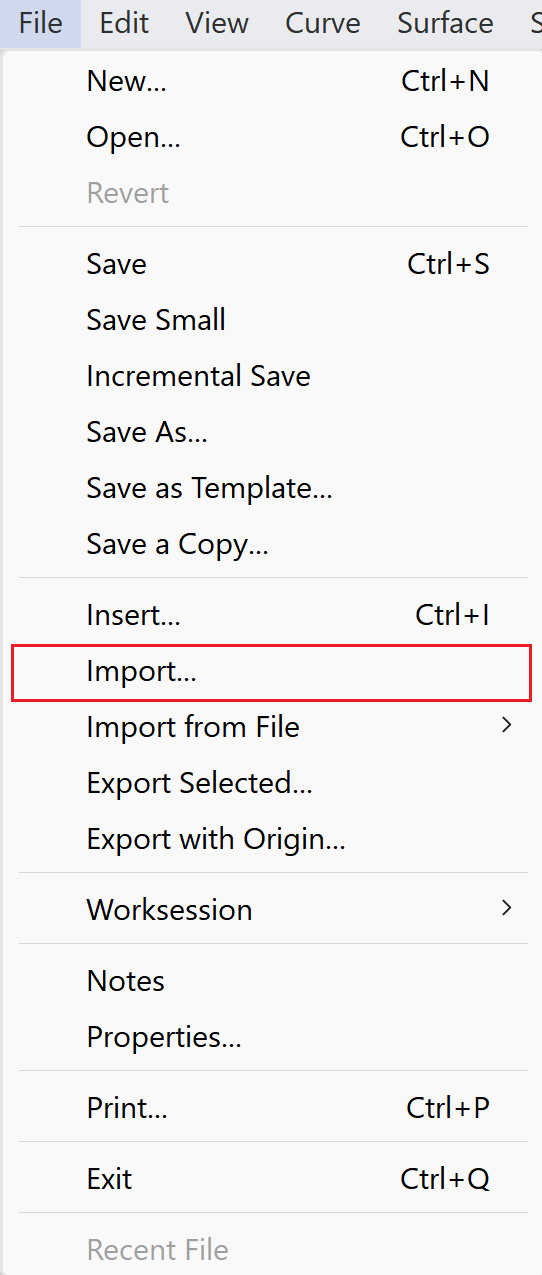
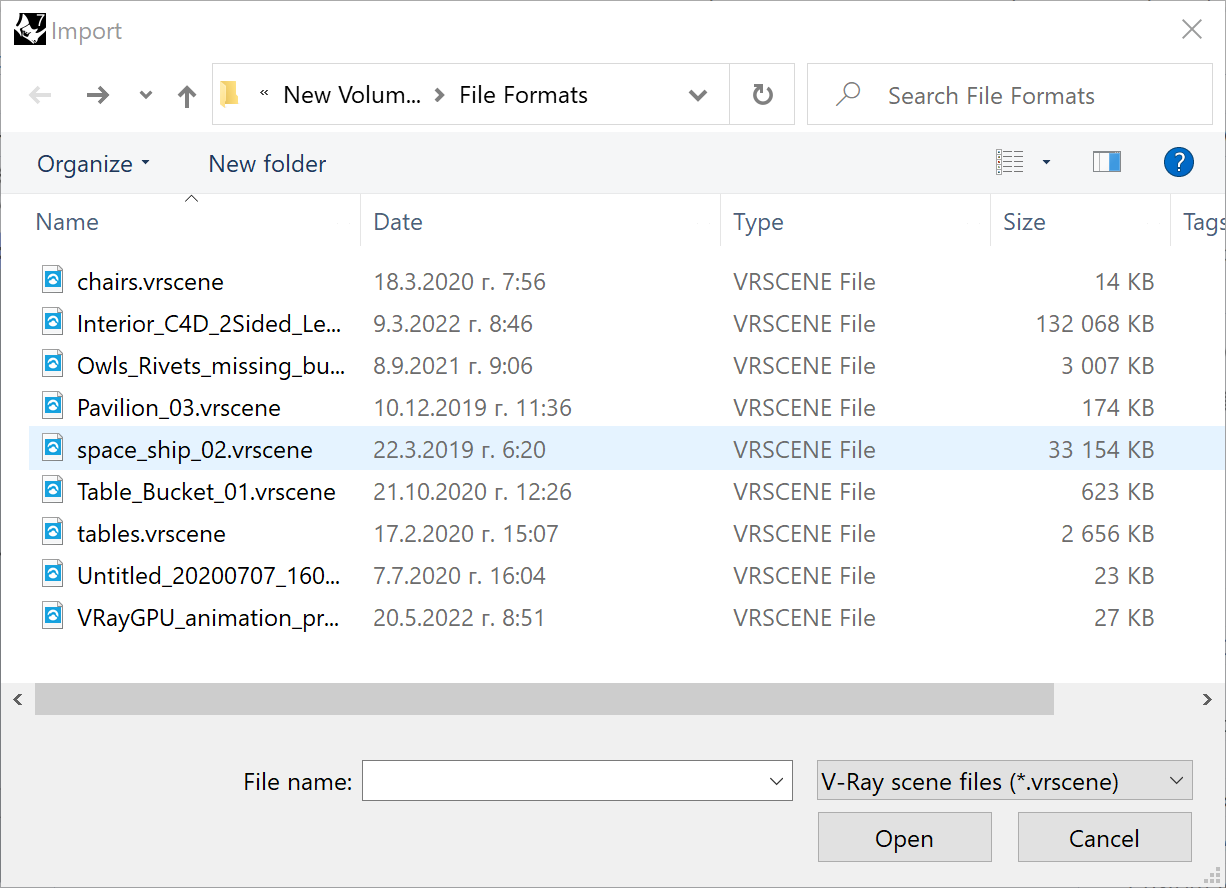
The V-Ray Scene Import tool is accessible through Rhino's main menu File > Import. Select a .vrscene file and click Open.
Usage Example
This example demonstrates the import of a .vrscene from 3ds Max. The first picture shows the scene and the render in the VFB. Once imported in Rhino, the render is the same. The scale is preserved as in the original project.
Note that the bonsai model is a Proxy Mesh which remains a proxy in Rhino after the import process is complete.
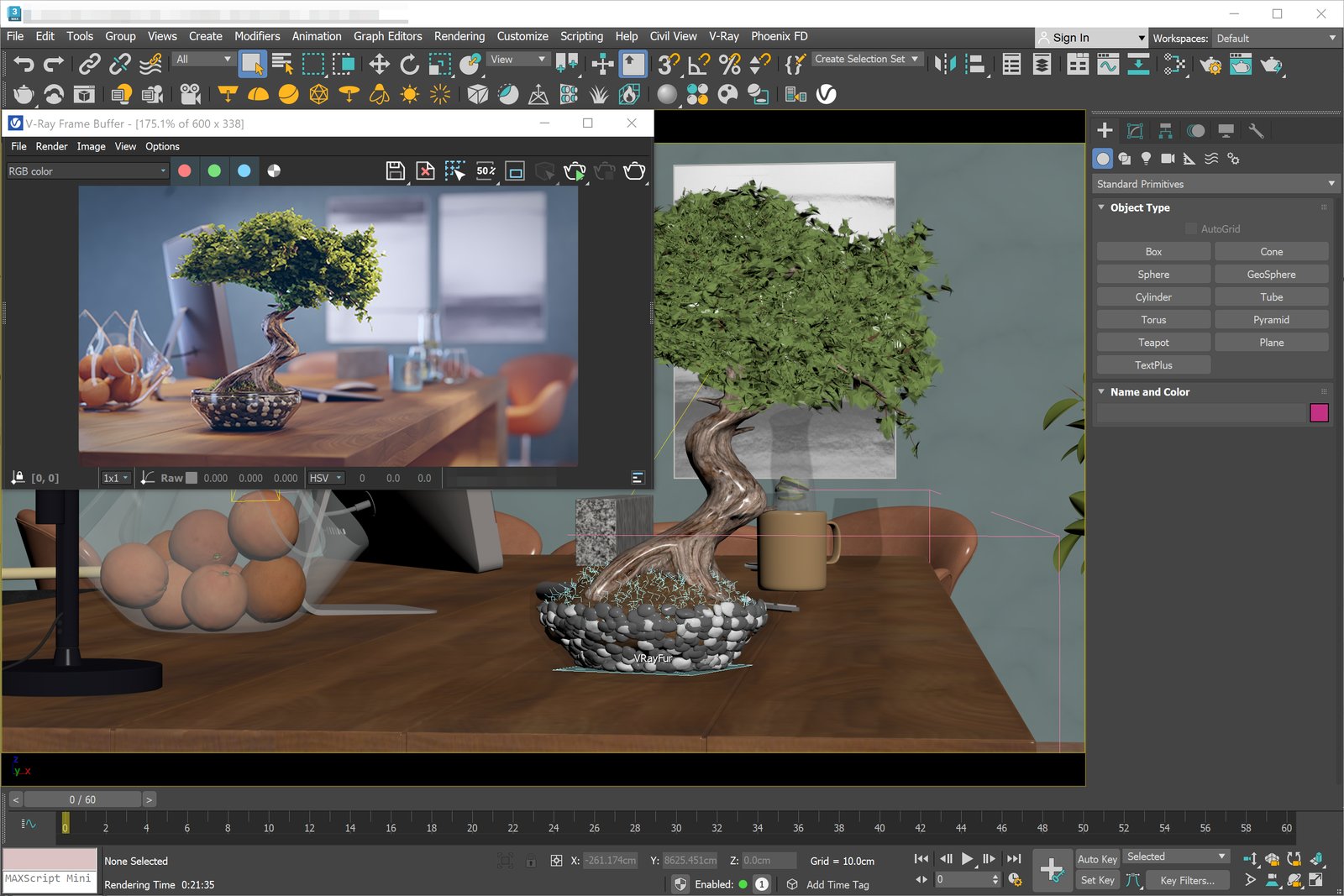
The scene in 3ds Max and the render in VFB
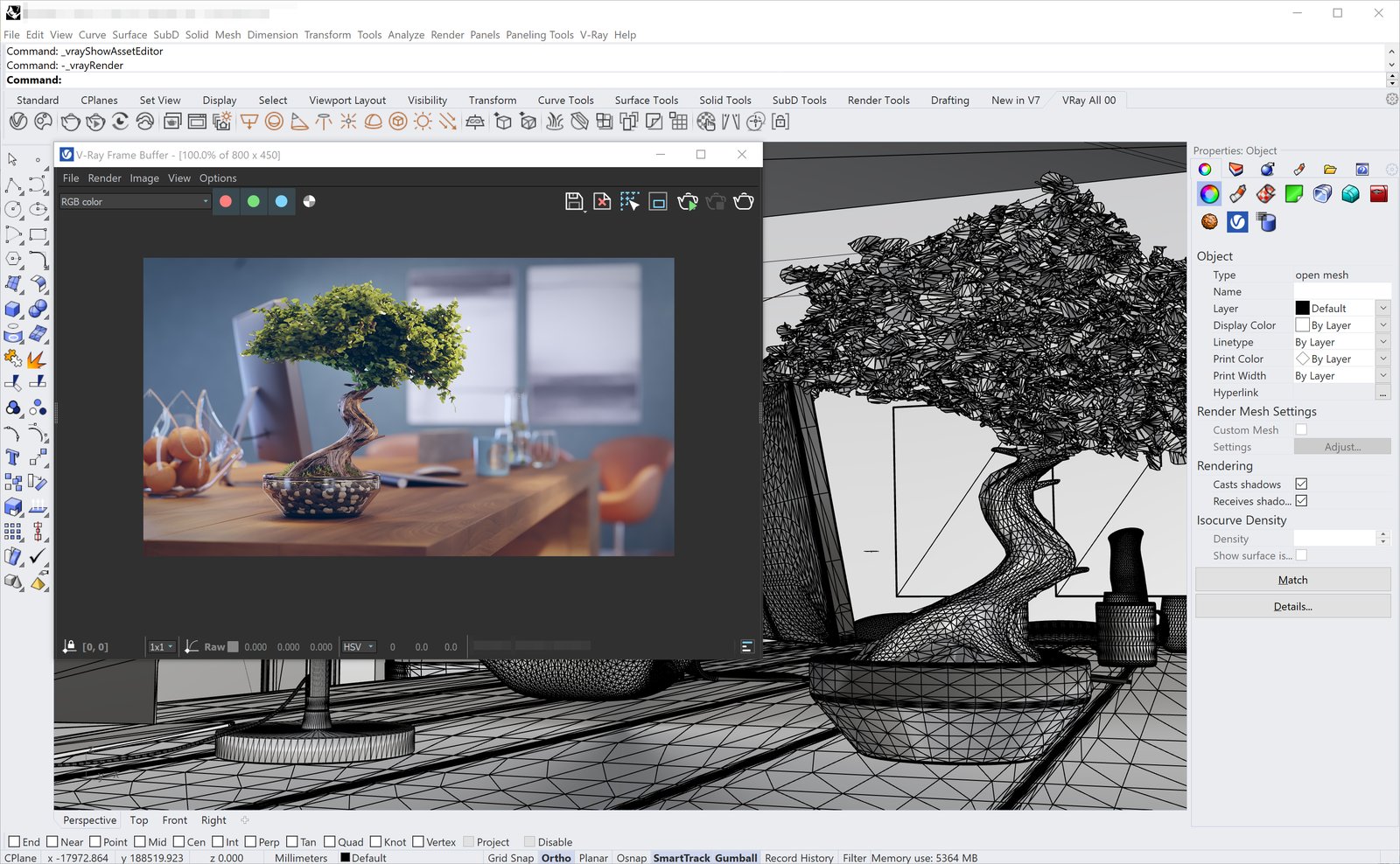
The imported .vrscene in Rhino and the render in VFB