V-Ray for Rhino
What's New in V-Ray
Release Notes: V-Ray 7, update 4, hotfix 2
Last updated 1 September 2026
Official Release
Date – Aug 6, 2026
Release Notes: V-Ray 7, update 4, hotfix 2
Download V-Ray 7 for Rhino
V-Ray 7, Update 4 New Features
Chaos Veras in V-Ray for Rhino
Veras is an AI-powered visualization tool that functions as an add-in for software such as V-Ray for Rhino. Quickly generate and explore design variations by transforming 3D models, sketches, or 2D images into high-quality renderings and animations. Utilize simple text prompts to control the style, materials, and mood of the generated images.
For more information, see the Veras for Rhino page.
Cloud Licensing
The new cloud licensing feature for V-Ray for Rhino streamlines the licensing process by removing the need for a local license server. This feature simplifies setup and management by eliminating the necessity for a locally installed License Server.
For more information, see the Installation page.
V-Ray 7, Update 3 New Features
Real-time rendering in the V-Ray viewport
V-Ray now offers real-time rendering capabilities at final-frame quality within its viewport, available with a Chaos Vantage license. This integration allows for easy switching between real-time rendering and offline rendering techniques. The unified workflow eliminates the need for additional windows, facilitating immediate visual feedback and enabling quicker iterations and more informed decision-making during design reviews.
Vantage utilizes full ray tracing to accurately simulate light behavior, avoiding rasterizations or approximations, which results in achieving realistic visuals in real-time. Leverage real-life cameras, lighting, materials, and global illumination to enhance the fidelity of projects. For more information on how to initiate a Live Link, see the Vantage Viewport Render page.
Quick Caustics (Experimental)
Utilize the new quick caustics for easier control and faster rendering. Remove the complexity associated with traditional photon-based setups. For common scenarios such as pools and water features, implement quick caustics to achieve believable light patterns without the overhead of full photon tracing. This approach delivers realistic water caustics with reduced setup time and enhanced performance, making caustics accessible, predictable, and practical for everyday visualization. For more information, see the Generic Quick Caustics page.
Parallax interiors
Implement parallax interiors to enhance realistic interior depth and lighting in exterior renders without requiring complex modeling or heavy geometry. Ensure that the solution remains lightweight for efficient rendering. Apply adjustments per window to maintain performance and achieve a lively appearance, particularly in night scenes. Keep the workflow fast and production-ready. For more information, see the Parallax page.
Gaussian Splats relighting
Adjust the lighting of Gaussian Splats to match the scene accurately. Rebalance pre-baked illumination to ensure splat assets integrate naturally into V-Ray projects. Incorporate Gaussian Splats effectively into a broader visualization workflow, especially when using assets captured under ambient lighting. For more information, see the Gaussian Splat page.
VFB improvements
Utilize the updated V-Ray Frame Buffer for improved color control and reliability in image handling. Access the new histogram widget to view the color distribution clearly. Manage backgrounds, reference images, and watermarks directly in the VFB using the advanced Image layer. For more information, see the V-Ray Frame Buffer page.
Node Material Editor (Beta)
Utilize the new Node-Based Material Editor to build and adjust V-Ray materials in SketchUp and Rhino visually. Connect nodes to enhance understanding of material logic and create complex shaders with greater control. Leverage this tool to complement existing material workflows, offering a flexible and intuitive approach to material creation. Access the early preview to explore its features, which set the foundation for a fully featured node-based editor in future V-Ray releases. For more information, see the V-Ray Node Editor page.
Scatter Cluster Painting
Use Scatter Clusters to achieve precise control over asset distribution across surfaces. Utilize the Cluster Painting mode to designate areas of higher density, such as flower patches in a lawn, while maintaining surrounding regions with sparse or uniform distribution. For more information, see the Cluster Painting section.
AI Mood Match (Beta)
Utilize AI Mood Match to automatically align the scene's lighting with the selected reference photo. Analyze the lighting conditions in the reference image and configure V-Ray's Sun and Sky or image-based lighting to match the mood accurately. This process streamlines the achievement of the desired lighting intent, reduces manual setup, and enhances confidence in achieving the correct look for scenes. For more information, see the V-Ray Light Gen page.
Cosmos Sets
Arrange compatible assets into ready-made groups for placement in a scene as a single unit. Use sets for furniture groupings and decorative details to quickly populate scenes with elements that naturally complement each other. Rearrange each set after placement to provide speed and flexibility in building realistic and well-composed environments. For more information, see the 3D Models Presets section.
V-Ray 7, Update 2 New Features
Strand Sampler
The Strand Sampler feature enables precise shading and texturing of hair and fur by providing detailed strand-related data to materials. It enhances realism in hair-based assets by allowing control over attributes such as strand thickness, color, and UV mapping.

Gaussian Splat Viewport Preview
The Gaussian Splat viewport preview displays a high-quality Gaussian-based preview of render elements directly in the viewport. This offers a smoother and more accurate representation of volumetrics, particles, and lighting effects during scene setup.

Gaussian Splat Clipping Masks
The Gaussian Splat Clipping Mask controls the visibility of point-based Gaussian splats by defining regions where splats are rendered or hidden based on a mask texture or procedural map. This allows you to precisely trim, blend, or reveal splat data in complex scenes without altering the underlying geometry or point cloud source.

Generic Presets
The Generic Presets introduce pre-configured material presets from Chaos Cosmos. This simplifies asset customization by offering ready-to-use configurations that can be applied with a single click.

Water Surface Texture
The new Water Surface texture adds a physically accurate procedural texture for simulating realistic water surfaces. Offers customizable parameters for wave height, direction, and wind interaction.
Eyedropper Color Picker
The new Eyedropper Color Picker allows you to sample colors directly from the VFB or interface using an intuitive eyedropper tool. Speeds up material editing and ensures consistent color selection across scenes.

Multi-Import from Chaos Cosmos
The Multi-Import from Chaos Cosmos enables the simultaneous import of multiple Cosmos assets. It increases scene-building efficiency by reducing repetitive drag-and-drop operations.

Enhanced Texture Randomization
The new Texture Randomization features offer advanced texture randomization controls for materials.

Capture Gradient Color Picker
The new Capture Gradient color picker allows you to make gradient textures by directly sampling the current scene or the UI.

Chaos Cloud 3D Streaming
The Chaos Cloud 3D streaming introduces real-time streaming of 3D scenes from Chaos Cloud for interactive presentations and reviews.

Exposure Layer
The Exposure Layer provides easy scene enhancements through the VFB.

Scatter Clusters
It adds new distribution methods and performance optimizations to V-Ray Scatter, offering greater artistic control and scalability for populating scenes with high-density geometry.

AI Enhancer
Applies machine-learning techniques to enhance render output with intelligent upscaling and detail refinement. Improves perceived quality of final images without additional rendering time.
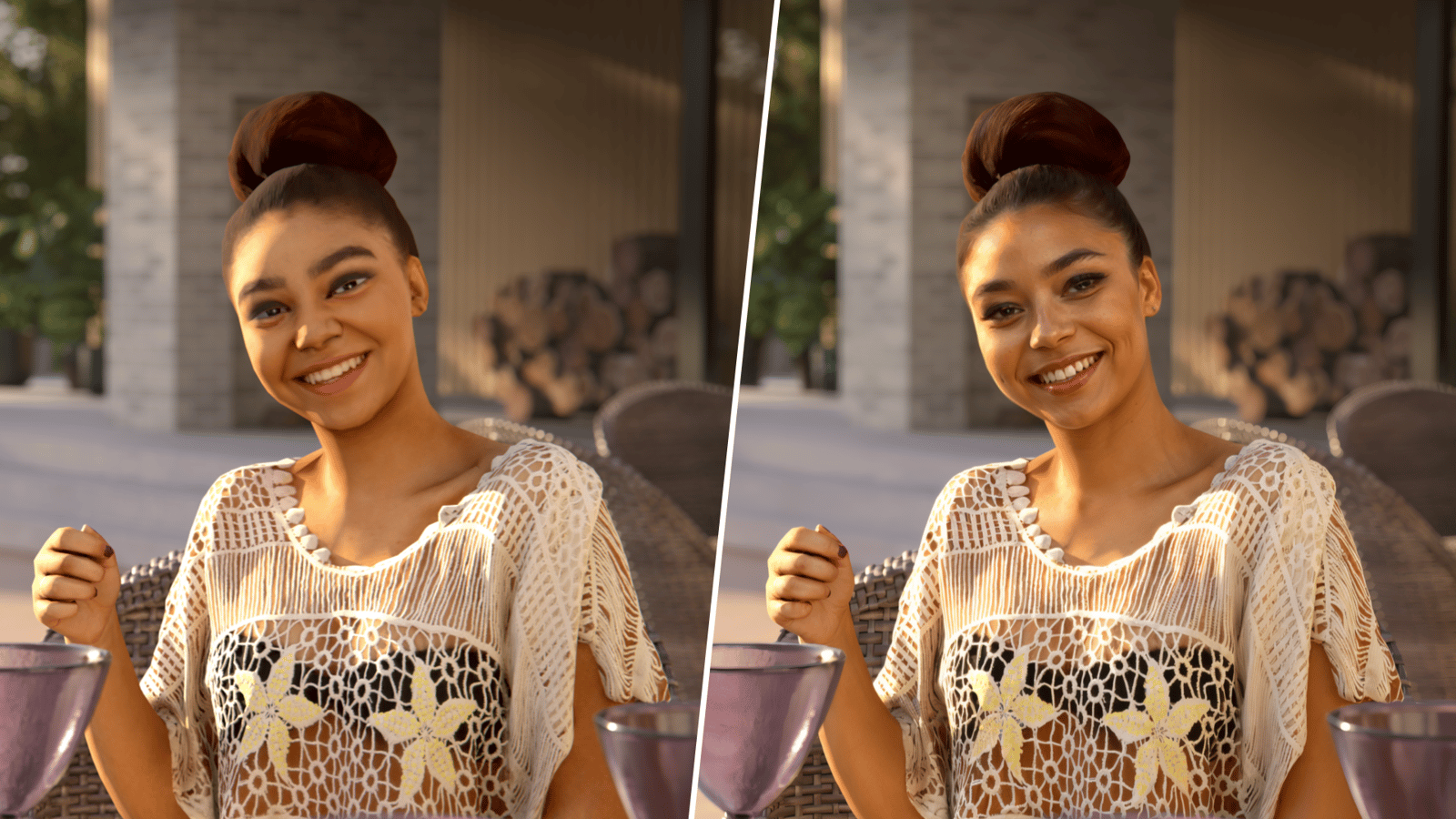
AI Material Generator
It uses AI to generate procedural materials based on your input or reference images. This accelerates look development by providing a fast starting point for material creation.

Night Sky
The Night Sky includes a new lighting model to simulate realistic night skies. Supports stars, moonlight, and atmospheric effects for nighttime scene rendering.

V-Ray 7 New Features
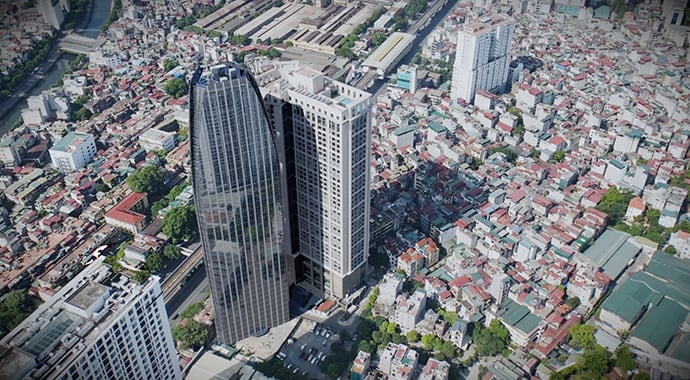
Gaussian Splats
View

Interactive Virtual Tours
View
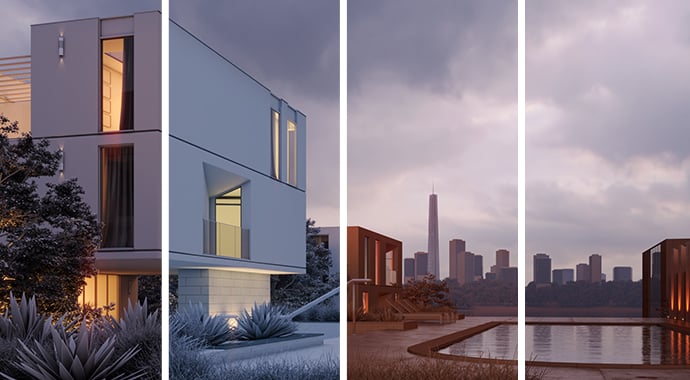
Material Override and Presets
View

Scatter Edge Trimming
View
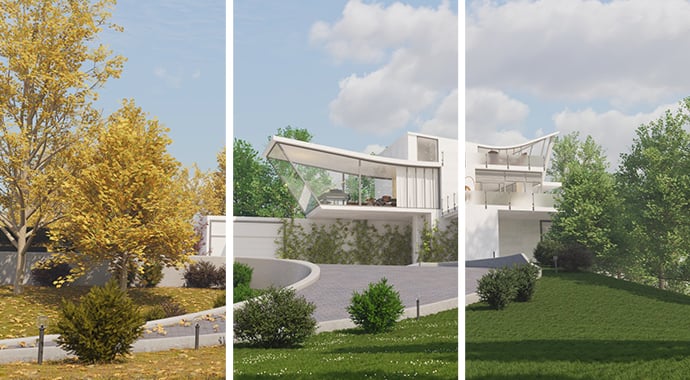
Cosmos Asset Variations
View

Automatic Denoiser
View

Color Correction Filters
View

Freeform Render Region
View
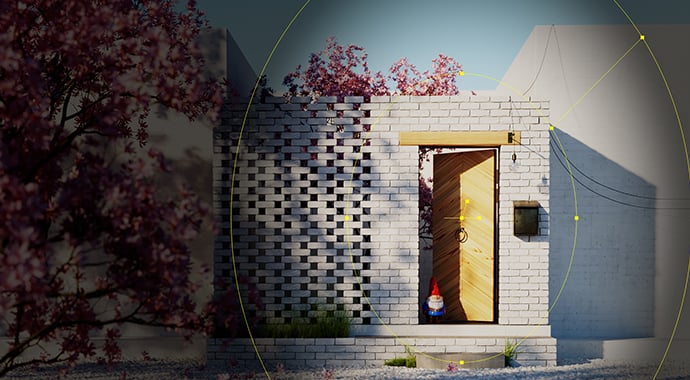
Vignette Layer
View

Light Mix for Emissive Materials
View
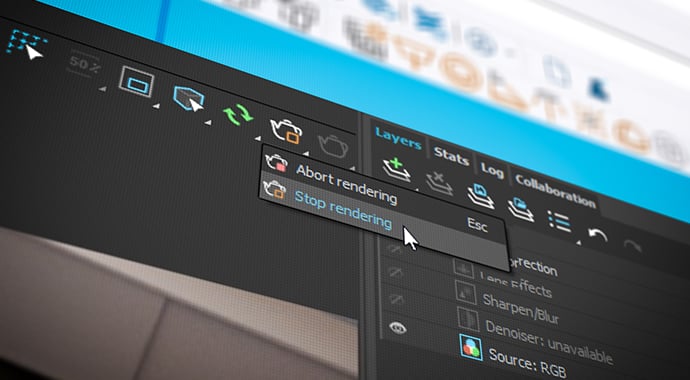
Stop Rendering Anytime
View

Layered Textures
View

Gradient Texture Remapping
View

Luminaires
View
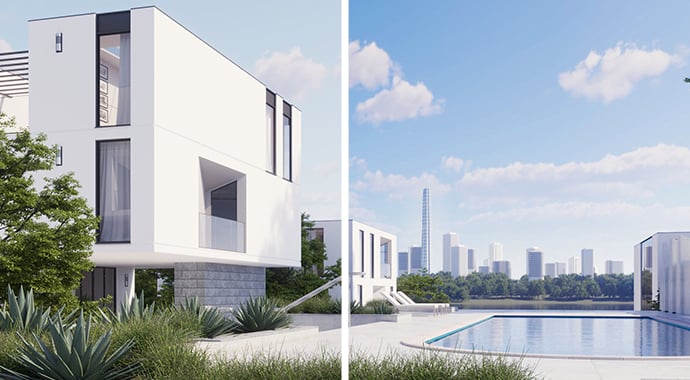
Even Better Sun & Sky
View

Faster V-Ray GPU and Caustics
View