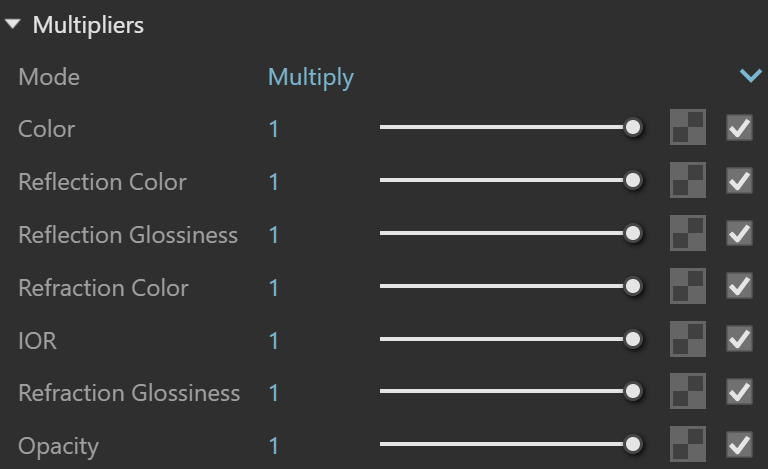
Use the Multipliers rollout in the Generic material's parameters to control how textures and colours blend.
Multipliers
Mode sets how the multipliers blend textures and colours.
Multiply blends the texture with black.
Blend Amount uses the colour you specify for blending.
Color controls the intensity of the Diffuse colour.
Reflection Color controls the intensity of the reflection colour.
Reflection Glossiness* controls the intensity of reflection sharpness.
Refraction Color controls the intensity of the refraction colour.
IOR* controls the intensity of the Index of Refraction value used to calculate refraction.
Refraction Glossiness* controls the intensity of refraction sharpness.
Opacity* controls the intensity of the material's overall Opacity.
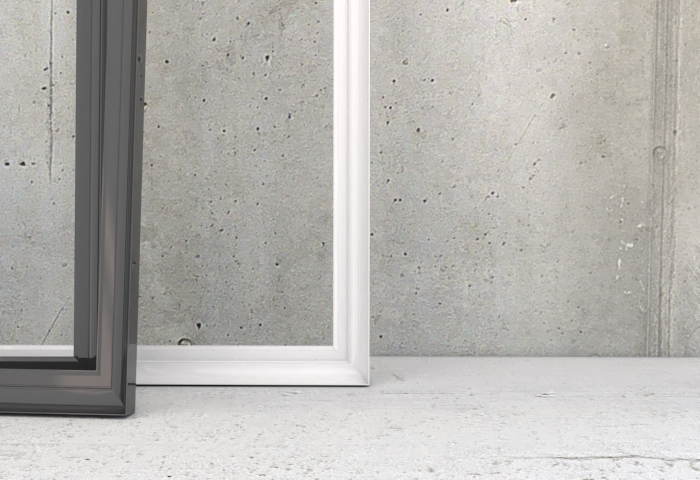
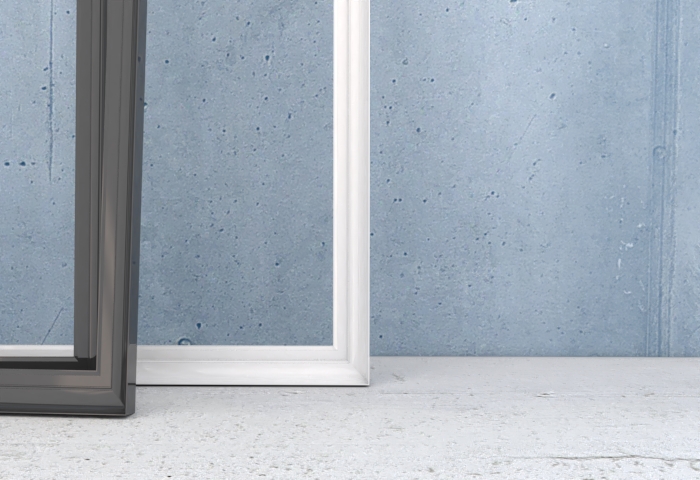
Example: blending colours
This example shows how Blend Amount mode works with the Color multiplier.
Notes
* The colour space adjusts automatically only when you create a Bitmap texture in the specified material slot. Copying and pasting, replacing or wrapping a texture does not trigger this adjustment.