Use the Quick Caustics rollout in the Generic material's parameters to set up caustics in V-Ray for SketchUp.
Overview
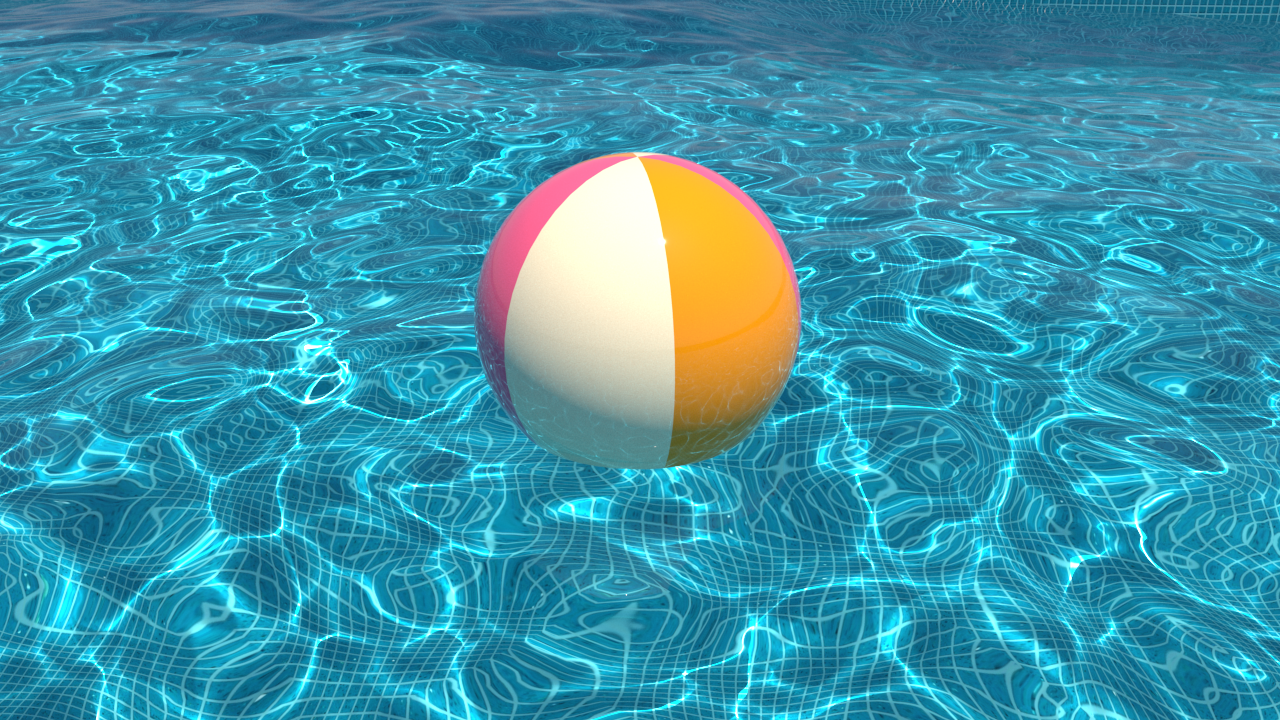
Quick Caustics is a fast alternative to traditional photon-mapped Caustics. It works with Sunlight without requiring you to set up Caustics in Settings. The geometry that casts caustics must have Normal Displacement applied or sufficient mesh tessellation.
Quick Caustics
Reflections / Depth. Enable this to make the material cast quick reflection caustics. This is an alternative to traditional photon-mapped caustics and currently works only with sunlight. Depth is measured in scene units and sets the maximum distance from the surface where the effect is visible. Use the minimum depth needed to keep render times down.
Refractions / Depth. Enable this to trace quick refraction caustics through the material. This is an alternative to traditional photon-mapped caustics and currently works only with sunlight. Depth is measured in scene units and sets the maximum distance from the surface where the effect is visible. Use the minimum depth needed to keep render times down.

Notes
- Scene units in SketchUp are always calculated in inches.