V-Ray for SketchUp
Generic Thin Film
The Thin Film rollout is part of the Generic material's parameters.
Last updated 1 September 2026
The Thin Film rollout is part of the Generic material's parameters.
Overview
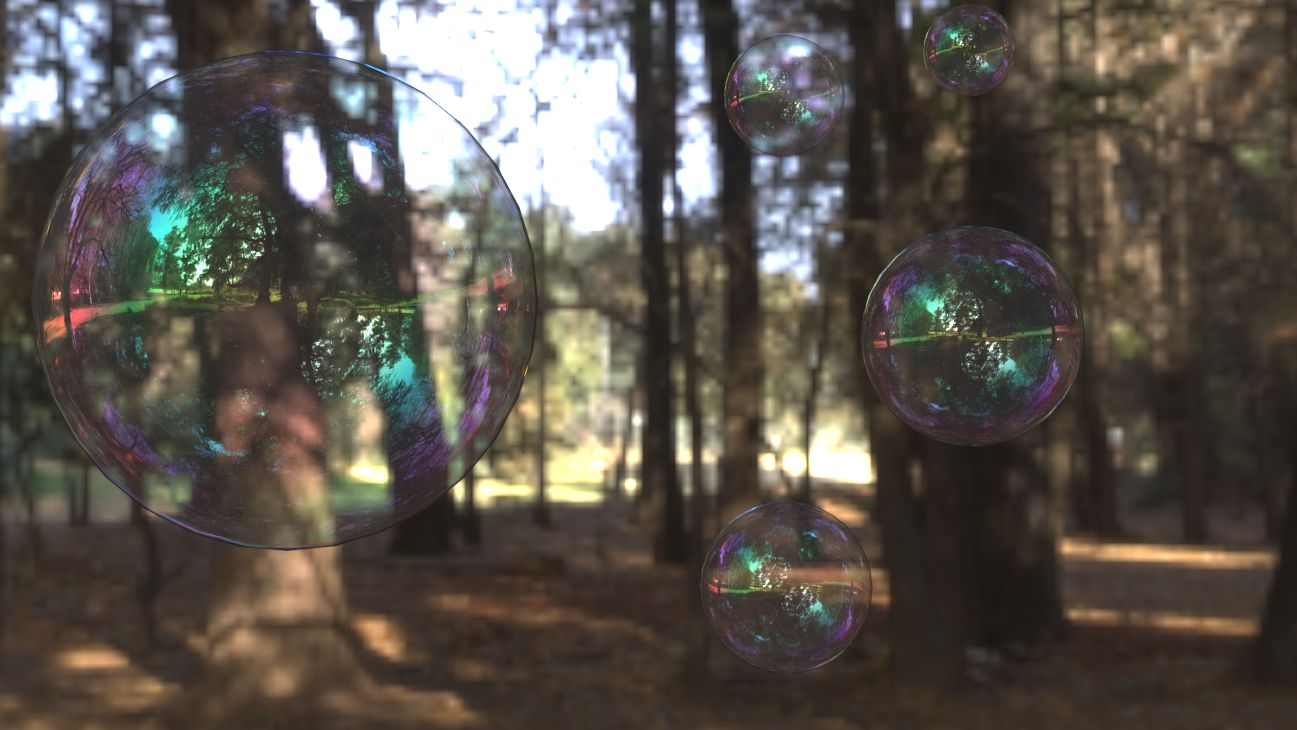
The Thin Film recreates the effect of thin film interference on a surface making the material iridescent. Some common uses are soap bubbles and reflective car paint layering.
Thin Film
Available only in Advanced mode.
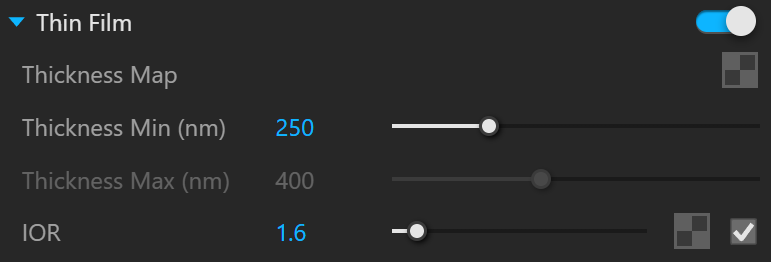
Thin Film – Turns on/off the thin film effect.
Thickness Map – Specifies the thickness texture. The map blends between the Min and Max thickness values and is expected to be in the range of 0-1. If there is no texture map, only the minimum thickness value is used.
Thickness Min (nm) – Determines the minimum thickness measured in nanometers. See the Thin Film Thickness example for more information.
Thickness Max (nm) – Determines the maximum thickness measured in nanometers.
IOR – Specifies the index of refraction of the medium the thin film is made of.
Example: Thin Film Thickness
This example shows how the Thickness Min (nm) parameter affects the V-Ray material. The Thin Film IOR is set to 1.4.

Thickness Min
= 0

Thickness Min
= 300
Thickness Min
= 600