V-Ray Tools
Lens Effects Filter Generator
This page contains information about V-Ray's standalone Lens Effects Filter Generator.
Last updated 21 November 2025
This page contains information about V-Ray's standalone Lens Effects Filter Generator.
Overview
The Filter Generator is a tool to create HDR filter kernels for use in the V-Ray Frame Buffer Lens Effects' Glare Image parameter.
The V-Ray Lens Effects Filter Generator is based largely on the model presented in Physically-Based Glare Effects for Digital Images. For a complete list of references, please see the References section.

Location
The Filter Generator utility is included with the V-Ray installation. See its location according to your host application:
- V-Ray for Maya
- V-Ray for Houdini
- V-Ray for Revit
- V-Ray for Unreal
- V-Ray for Cinema 4D
- V-Ray for SketchUp
- V-Ray for Rhino
File Options

The file menu shows options for saving and loading presets and exporting the final filter kernel.
Radial Symmetric Pattern Parameters

The Radial Symmetric Pattern parameters control the scale of the overall Lens Filter.
Shape – Adjusts the size of the pattern.
Corona Flare Lines Pattern Parameters
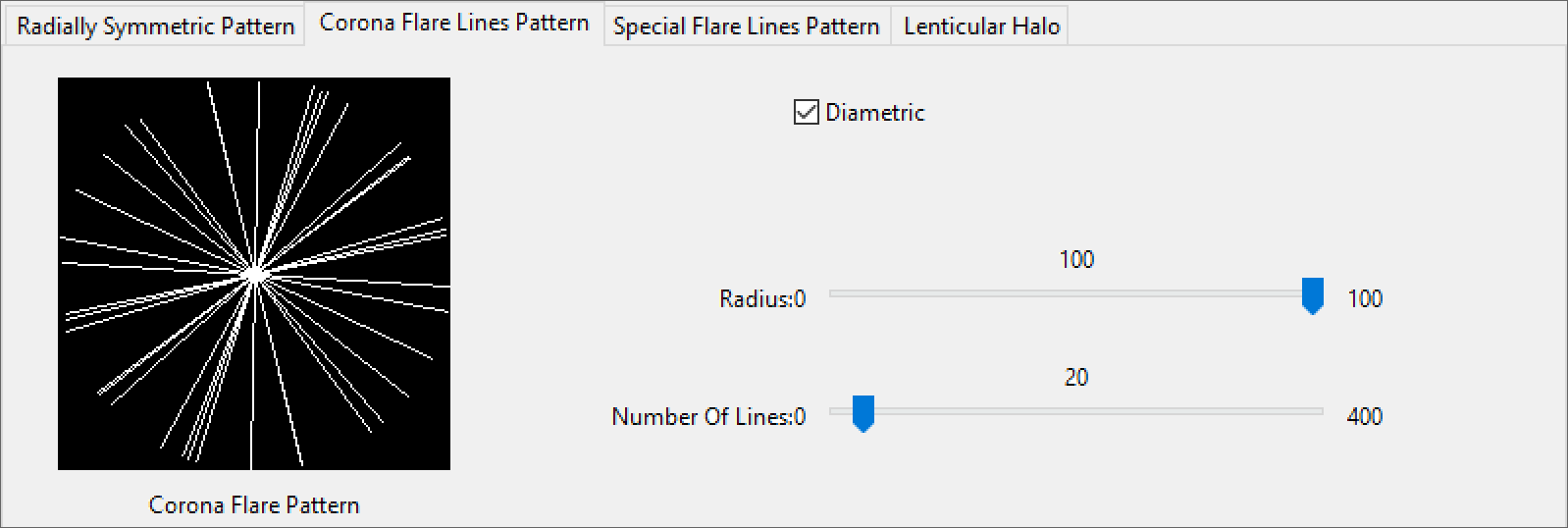
The Corona Flare Pattern parameters control the amount of rays emanating from the light source.
Diametric – When enabled, mirrors the pattern across the center.
Radius – Controls the size of the pattern radius.
Number Of Lines – Controls the number of lines in the pattern.
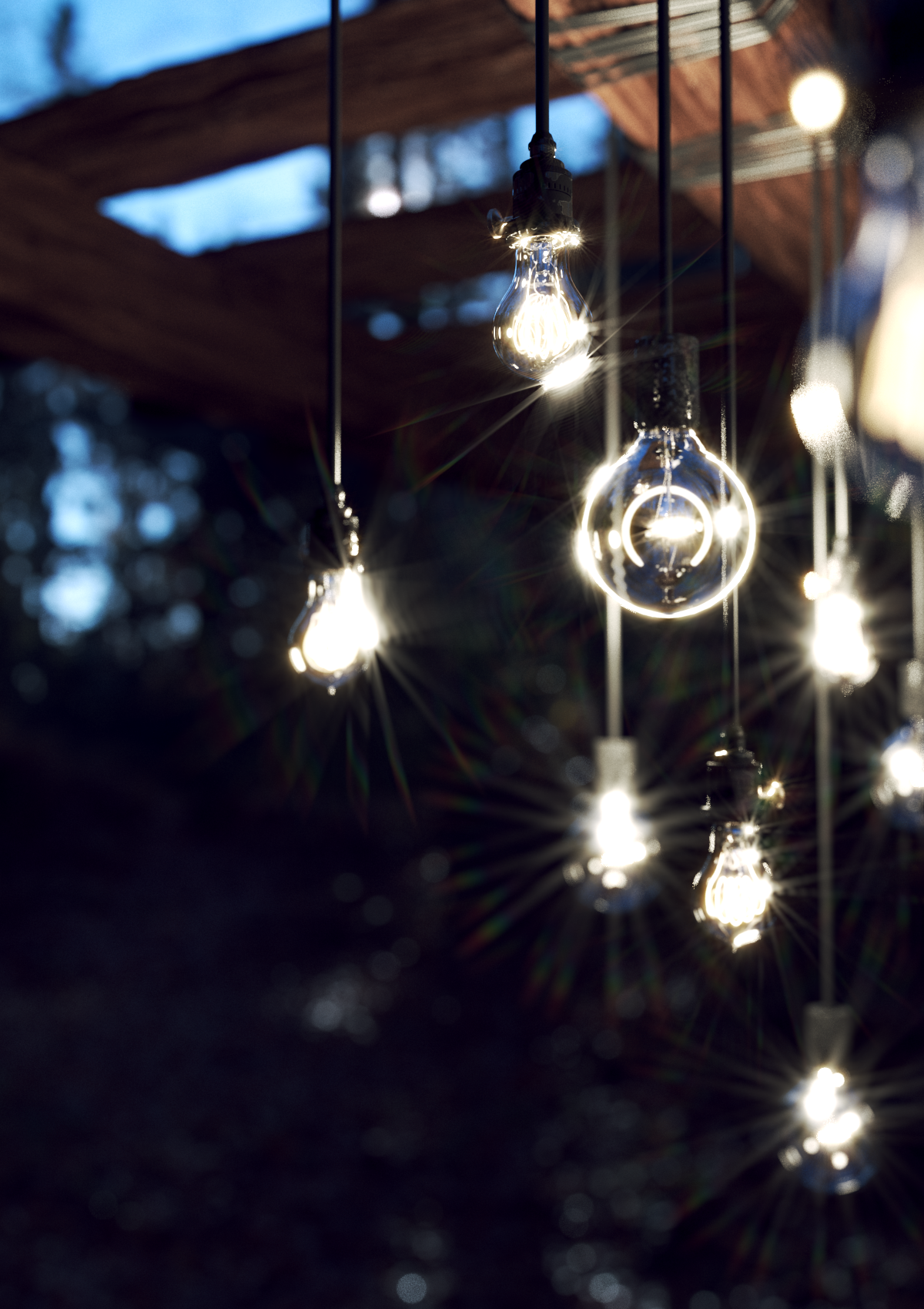
Click here to expand the Corona Flare Lines Pattern Example


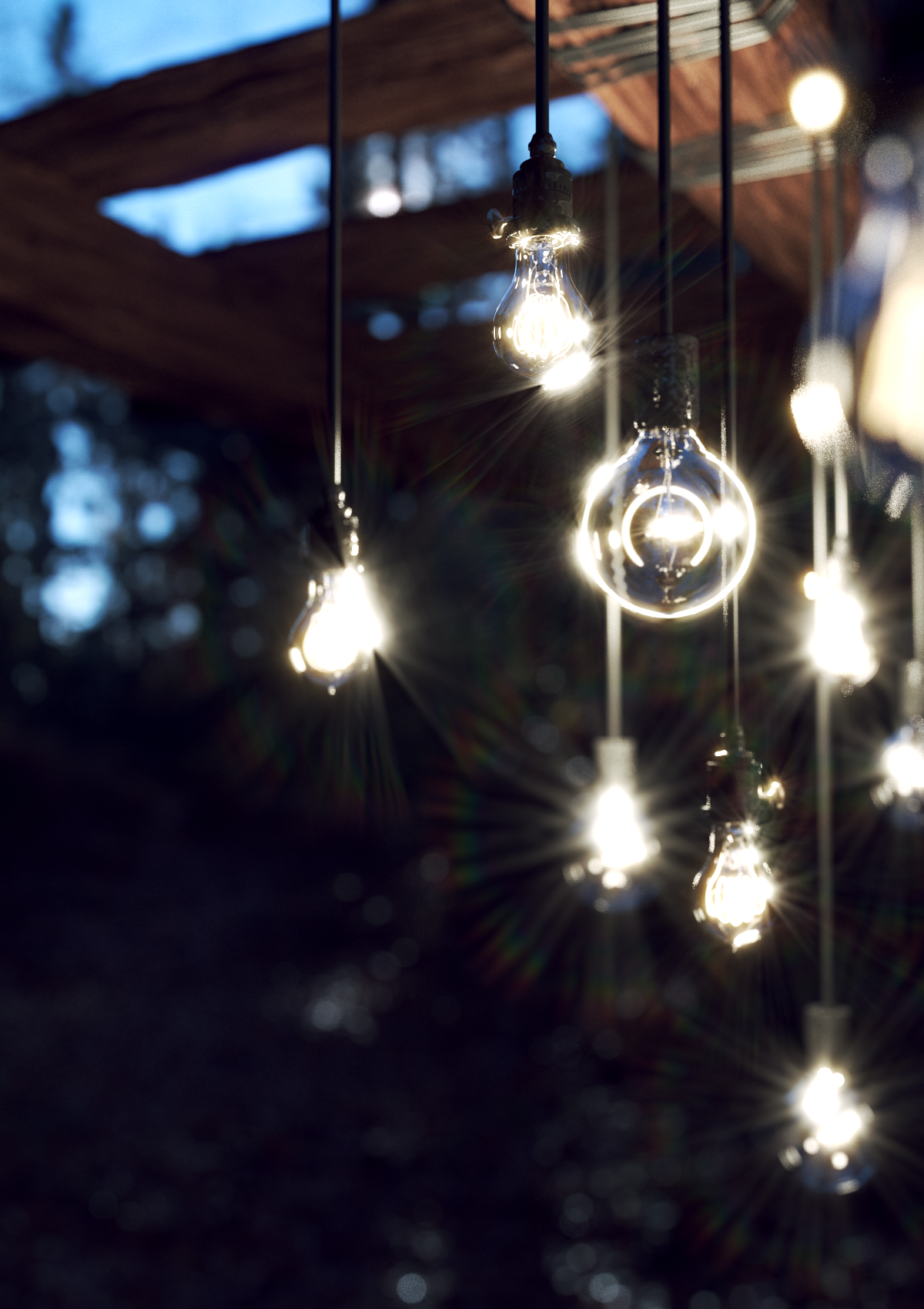
Special Flare Lines Pattern Parameters

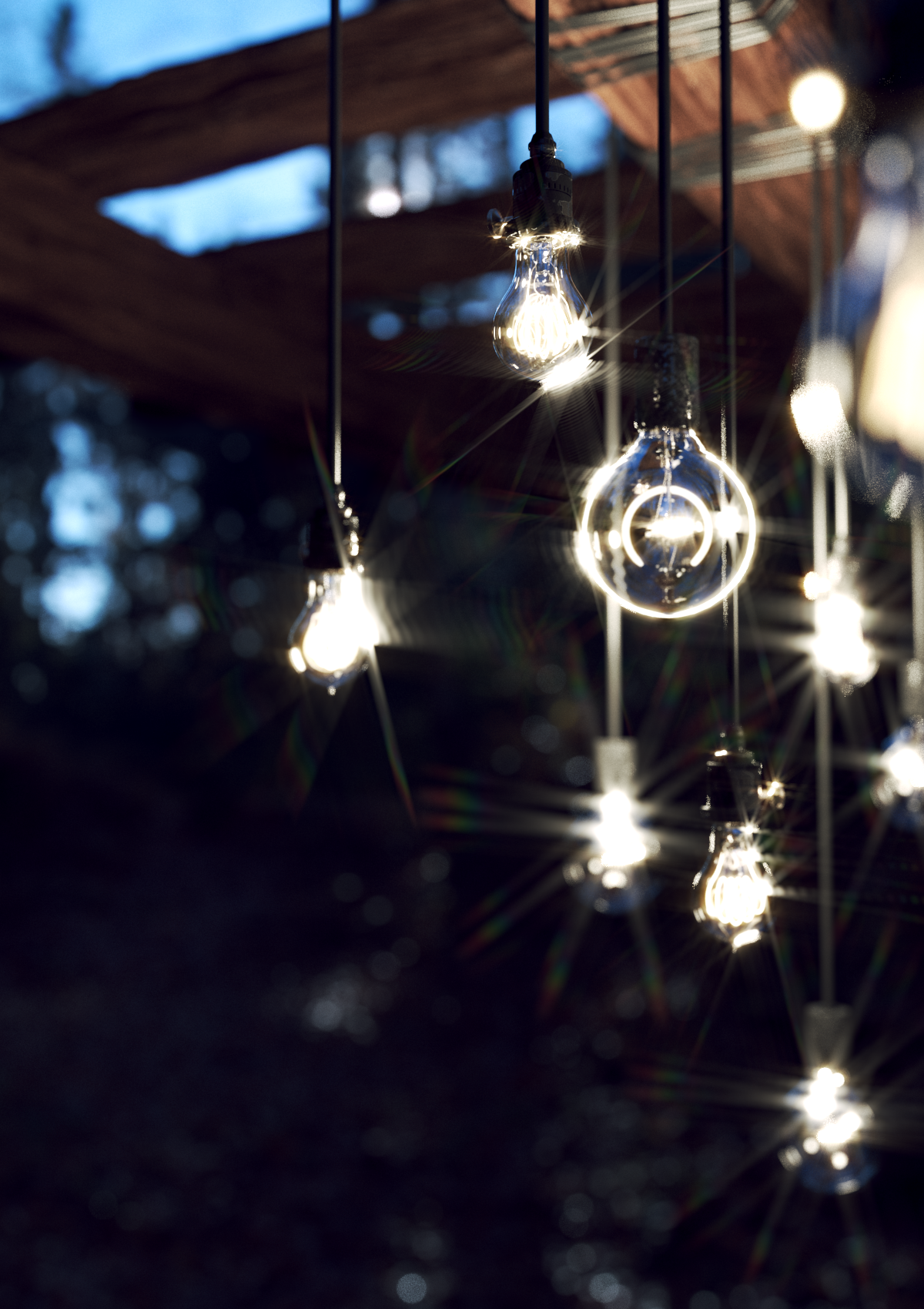
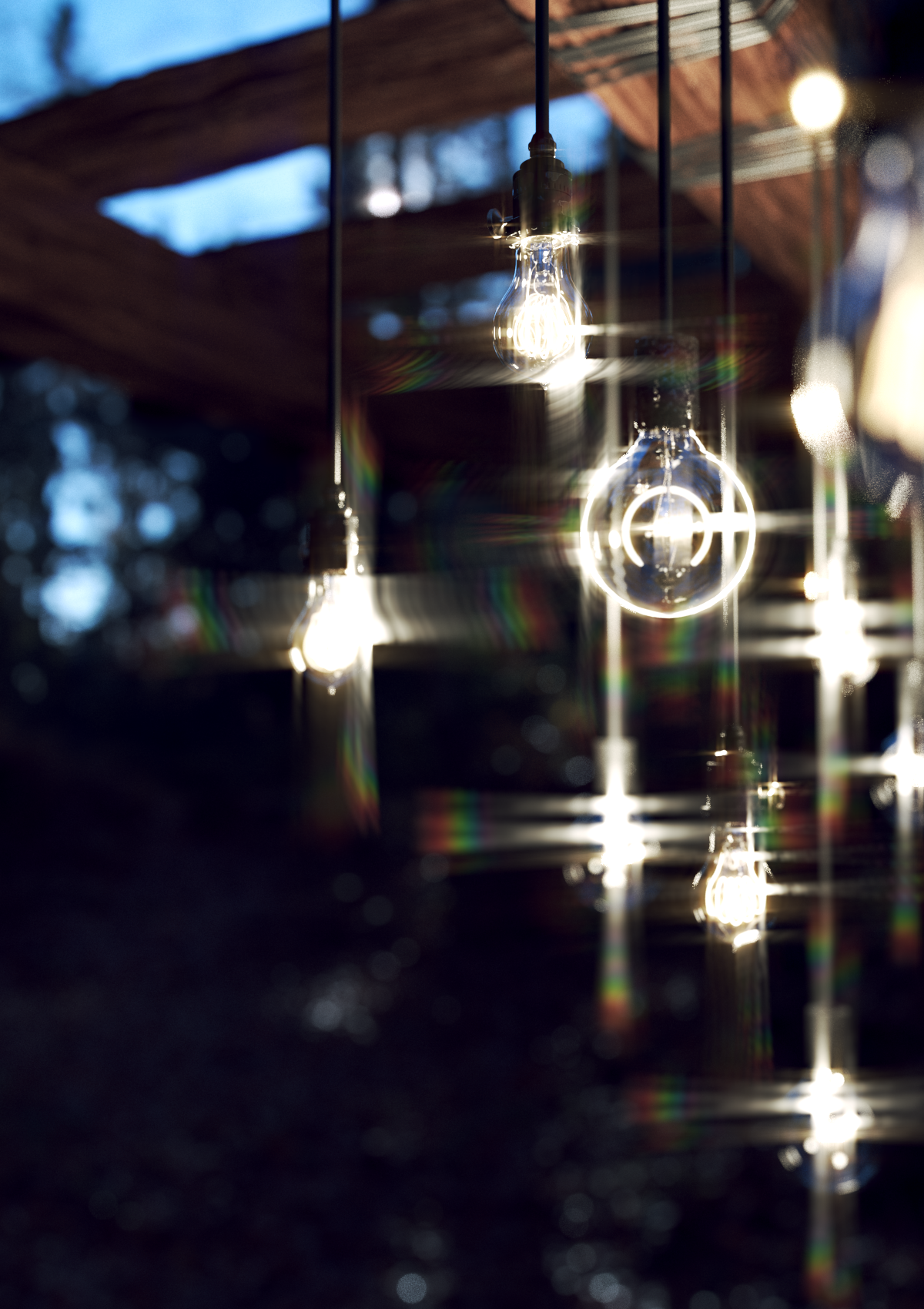
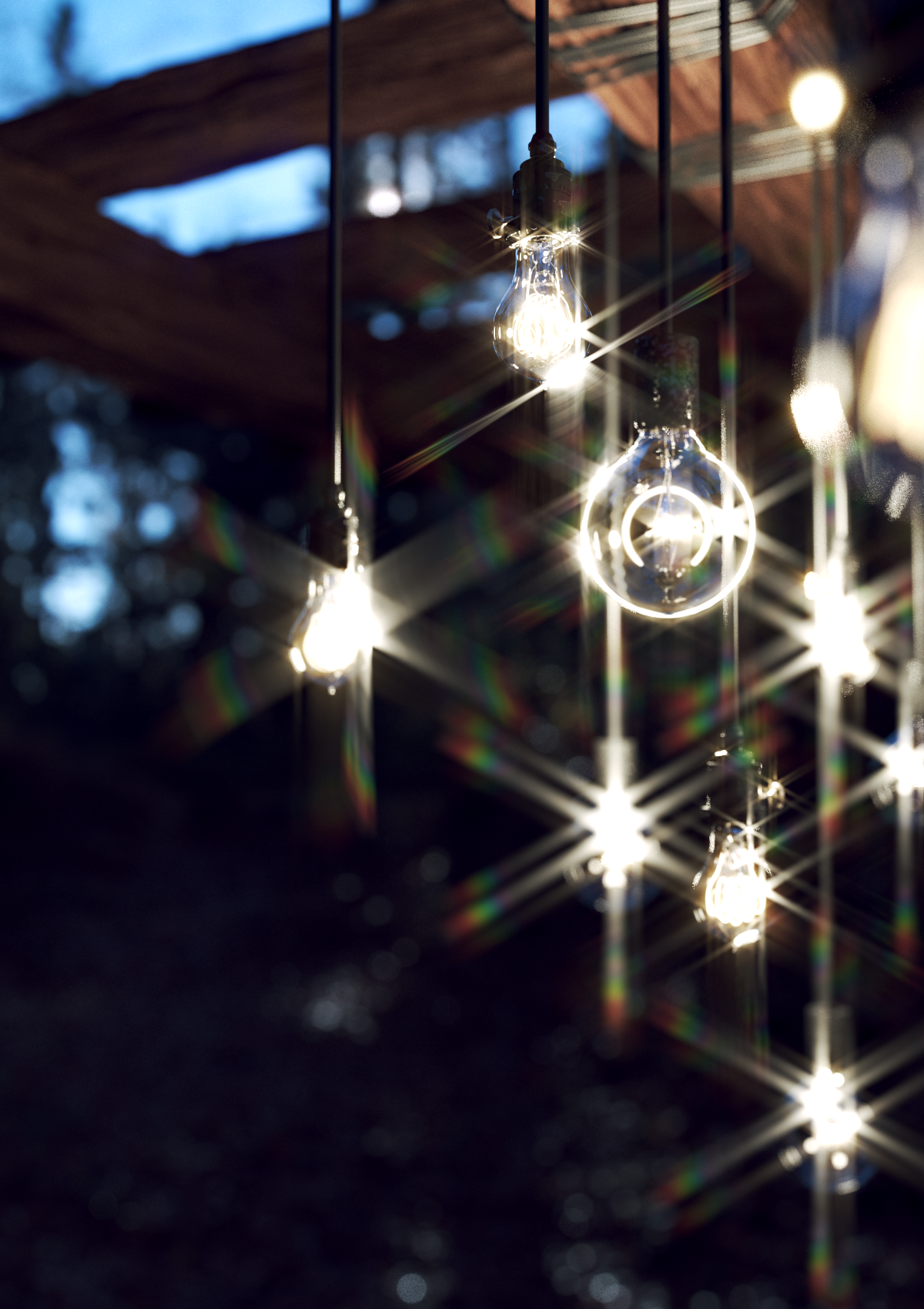
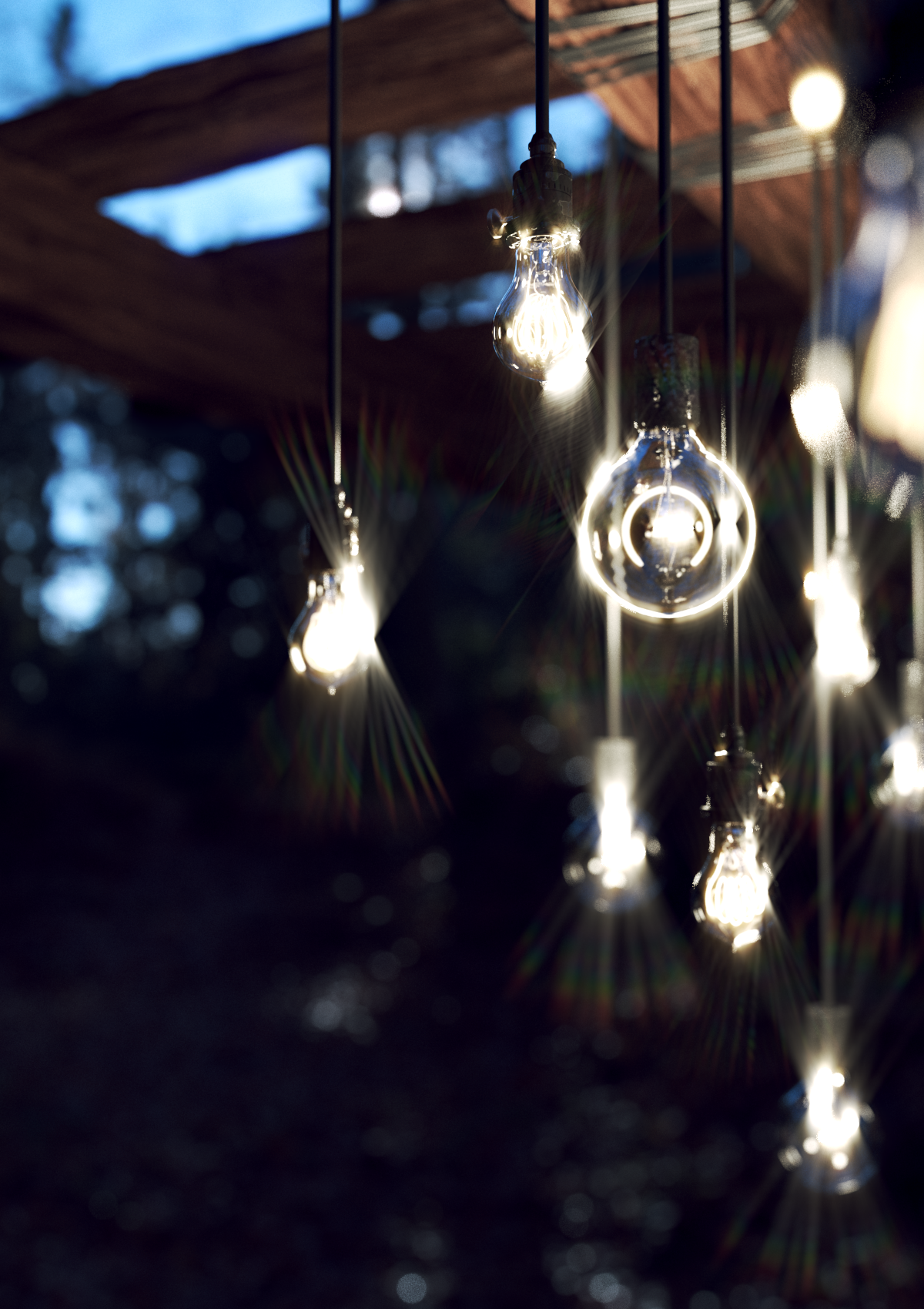
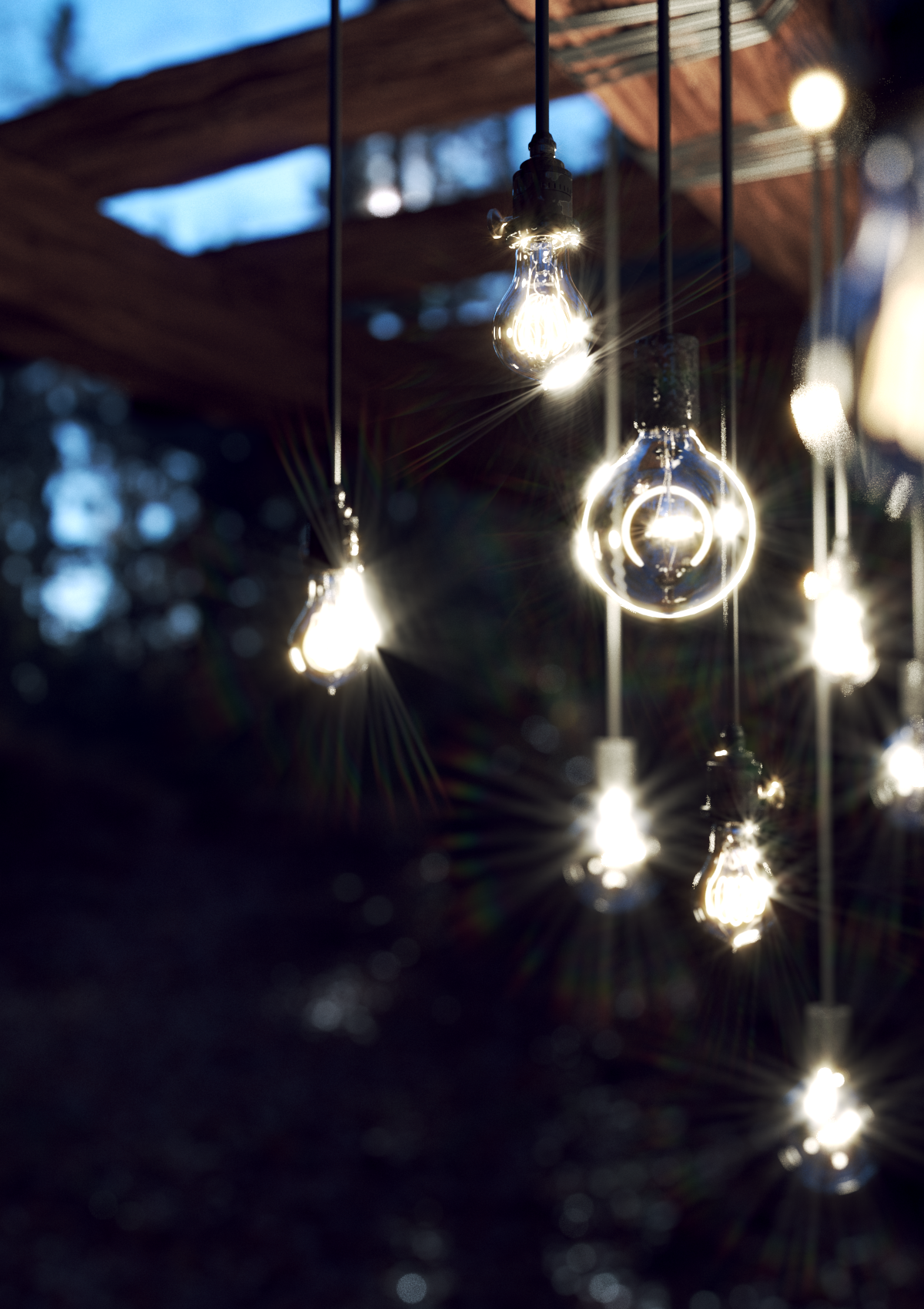
The Special Flare Pattern parameters control the pattern of the Special Flares Lines.
Ray Pattern Dropdown – Determines the number of Ray groups.
Radius – Scale of the Special Flares Lines Lens kernel in Percent.
Number of Lines – Determines the amount of lines used in each ray pattern.
Range – Controls the spread of the Ray Pattern.
Rotation – Rotates the entire Special Flare Lines Pattern in degrees.
Click here to expand the Special Flare Lines Pattern Example






Lenticular Halo Parameters

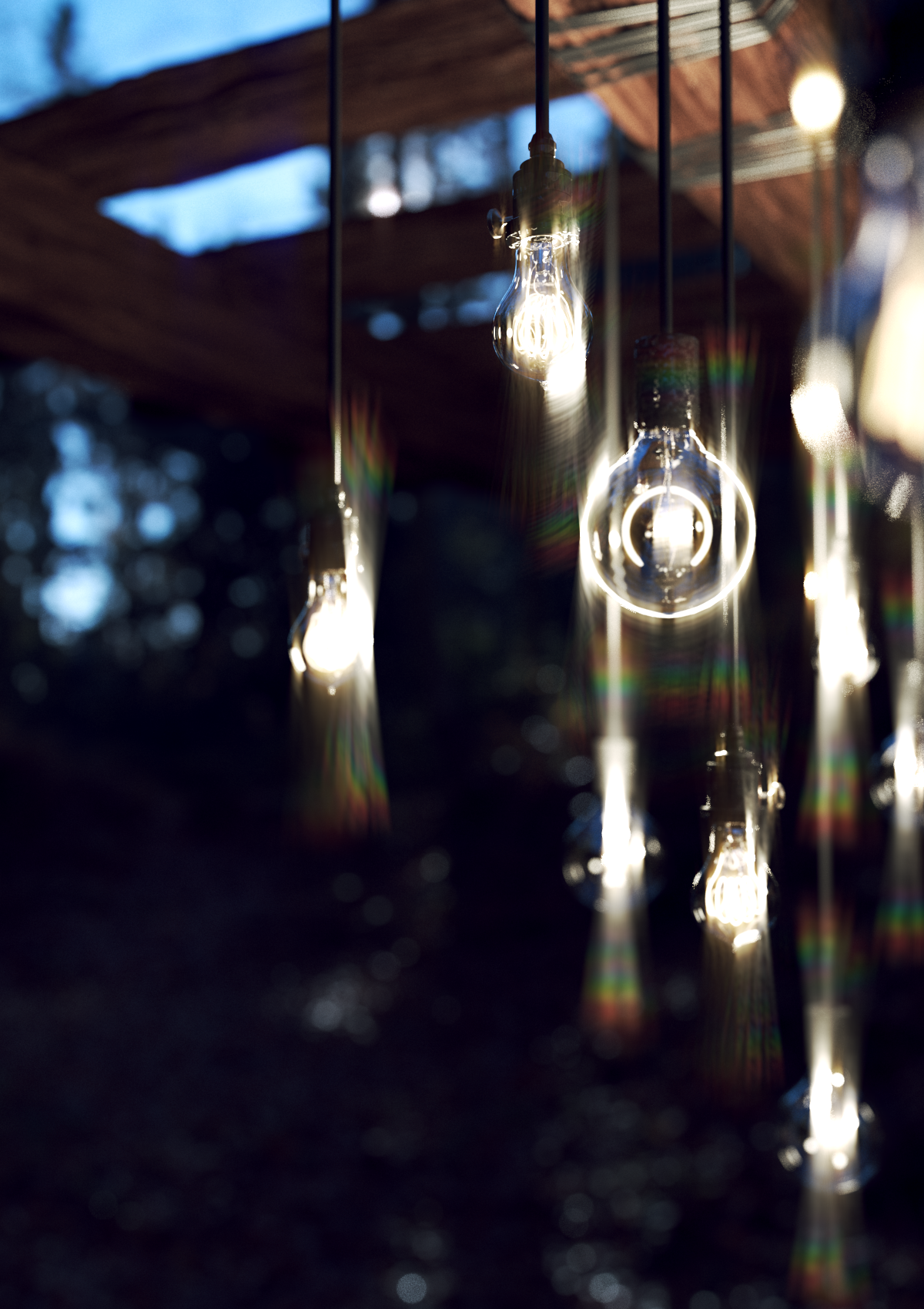
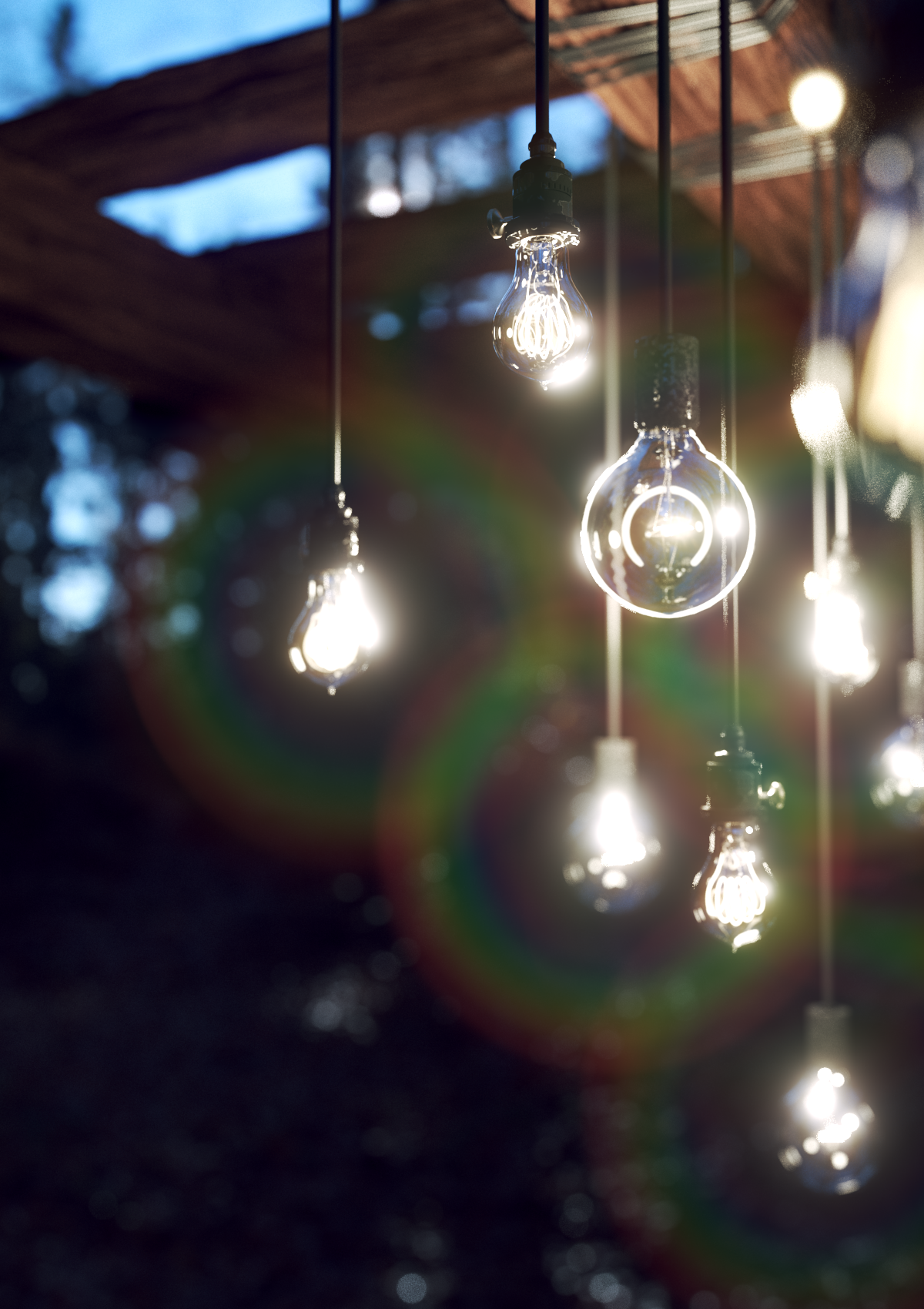
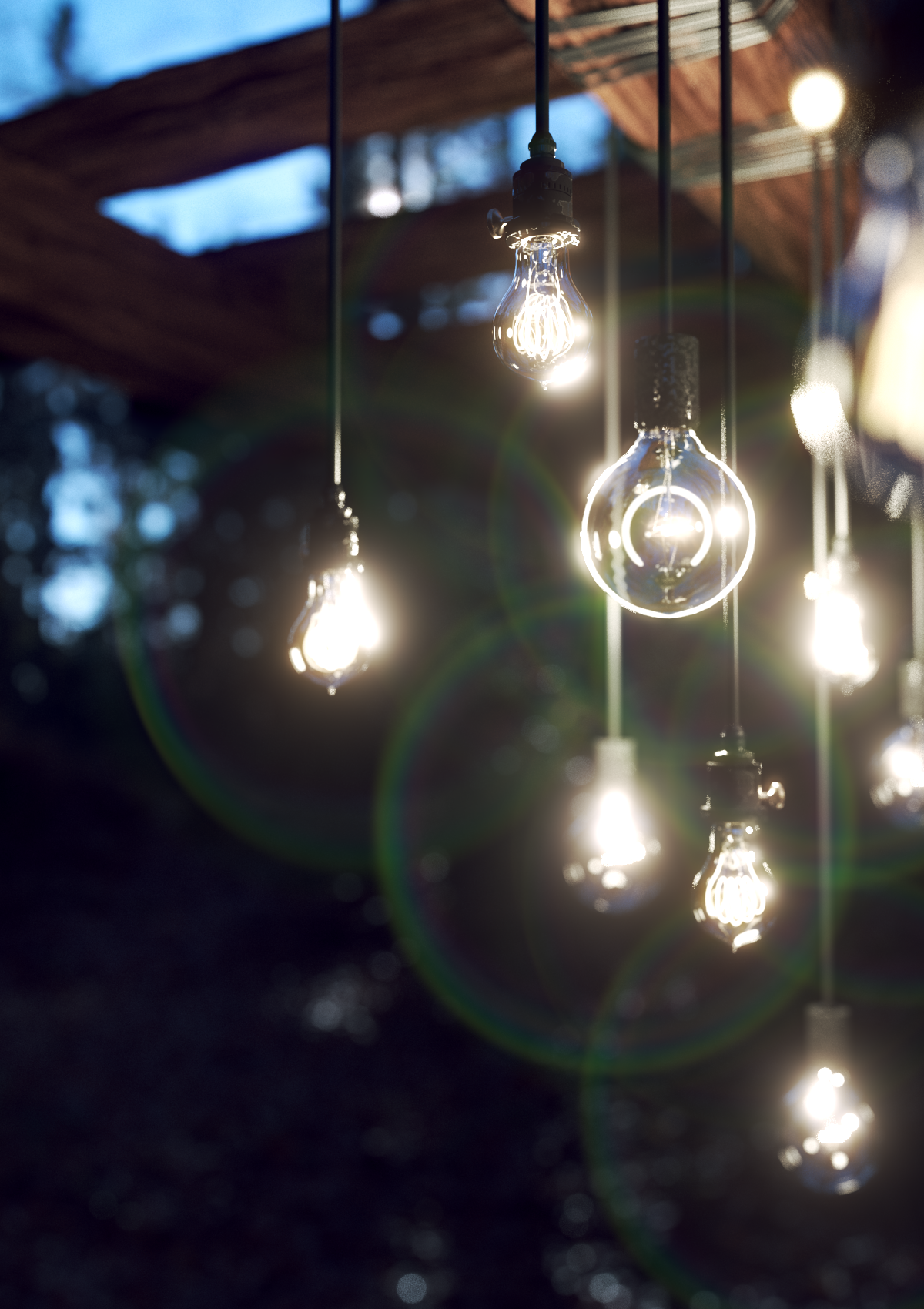
The Lenticular Halo parameters control the bounds of the halo.
Inner Radius – Sets the inner bounds of the Lenticular Halo
Outer Radius – Sets the outer bounds of the Lenticular Halo.
Click here to expand the Lenticular Halo Example




Mix Parameters

The Mix parameters control how the Lens Parameters mix together into the final Filter kernel.
Pattern 1 – Sets the percentage Radial Symmetric Pattern 1 is mixed with the final Filter kernel.
Pattern 2 – Sets the percentage Radial Symmetric Pattern 2 is mixed with the final Filter kernel.
Halo – Sets the percentage the Lenticular Halo has on the final Filter kernel.
Aspect – Determines the Aspect Ratio of the final Filter kernel.
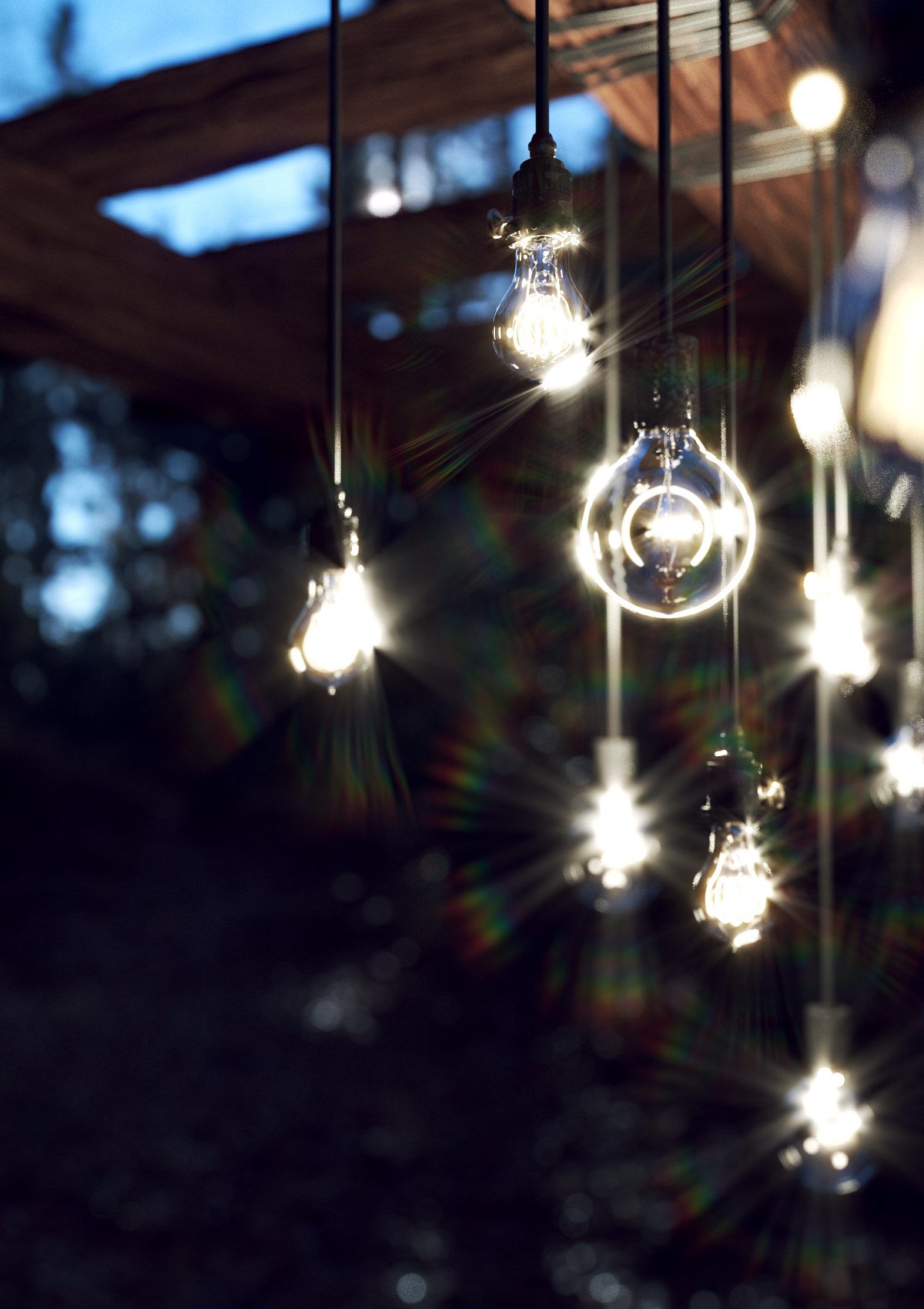
Apply Corona Flare Pattern – Enables kernel filtering with the Corona Flare Pattern.
Apply Special Flare Pattern – Enables kernel filtering with the Special Flare Pattern.
Click here to expand the Special Flare Lines Pattern Example


References
Here is a list of references about the V-Ray Sun and Sky implementation, as well as general information about the illumination of the Sun.
- G. Spencer, P. Shirley, K. Zimmerman, D.P. Greenberg
Physically-Based Glare Effects for Digital Images.;
An online version can be found at https://www.graphics.cornell.edu/pubs/1995/SSZG95.pdf.
This paper is the base for the V-Ray Lens Effects Filter Generator.