V-Ray for Unreal
Uninstall V-Ray
This page provides details on the uninstall process for V-Ray for Unreal.
Last updated 24 February 2026
This page provides details on the uninstall process for V-Ray for Unreal.
Uninstall
V-Ray installer will automatically uninstall any previous versions.
If you need to manually uninstall V-Ray, make sure that Unreal Engine or V-Ray components are not being used.
Then open the Windows Start Menu > V-Ray for Unreal > Uninstall V-Ray for Unreal or alternatively run C:\Program Files\Chaos Group\V-Ray\Unreal\uninstall\Uninstall V-Ray for Unreal.lnk .
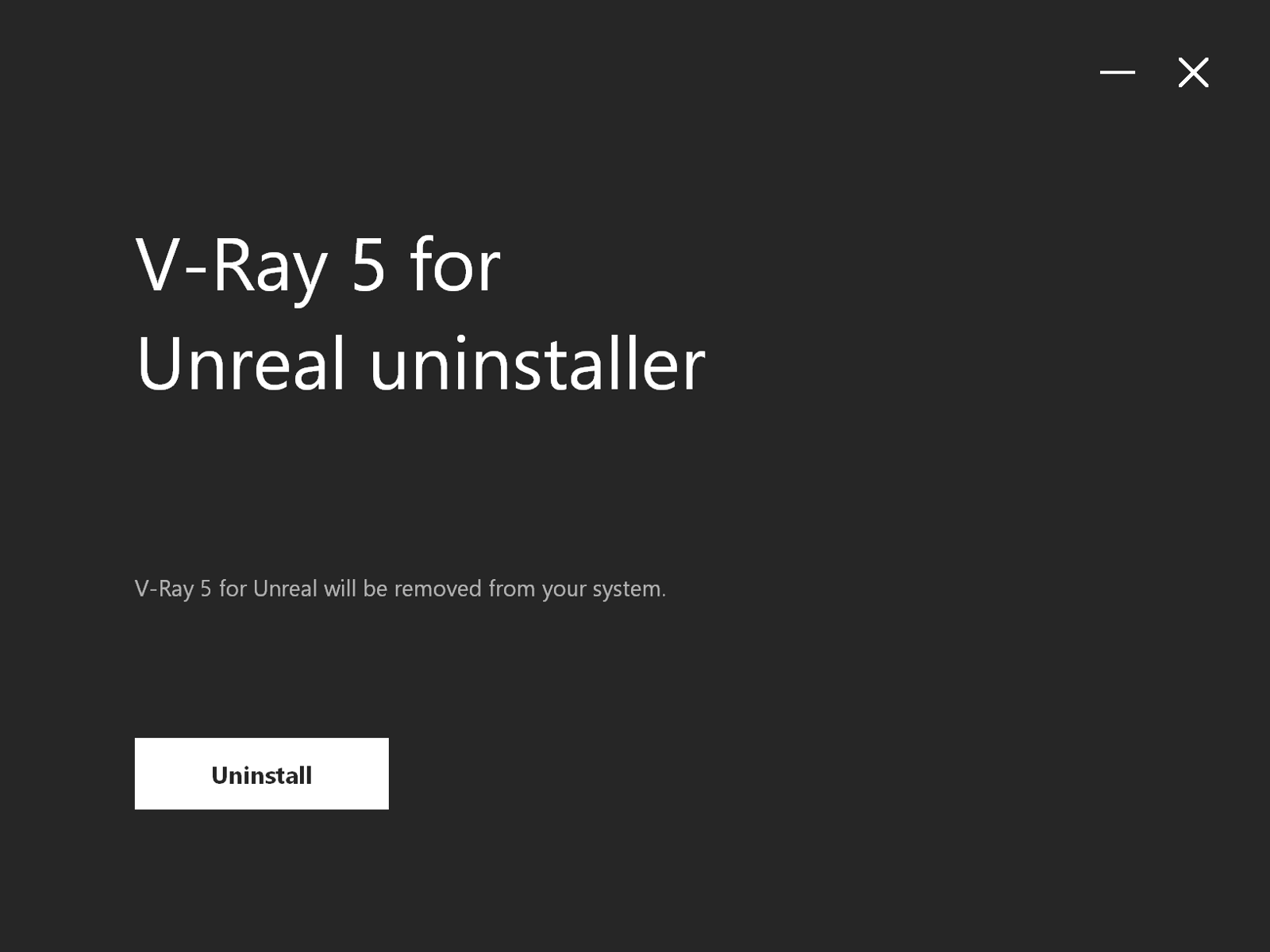
This will start the V-Ray uninstaller:
1. Click Uninstall to start the uninstallation process. This will remove V-Ray from your system and restore any files overwritten by the installation.
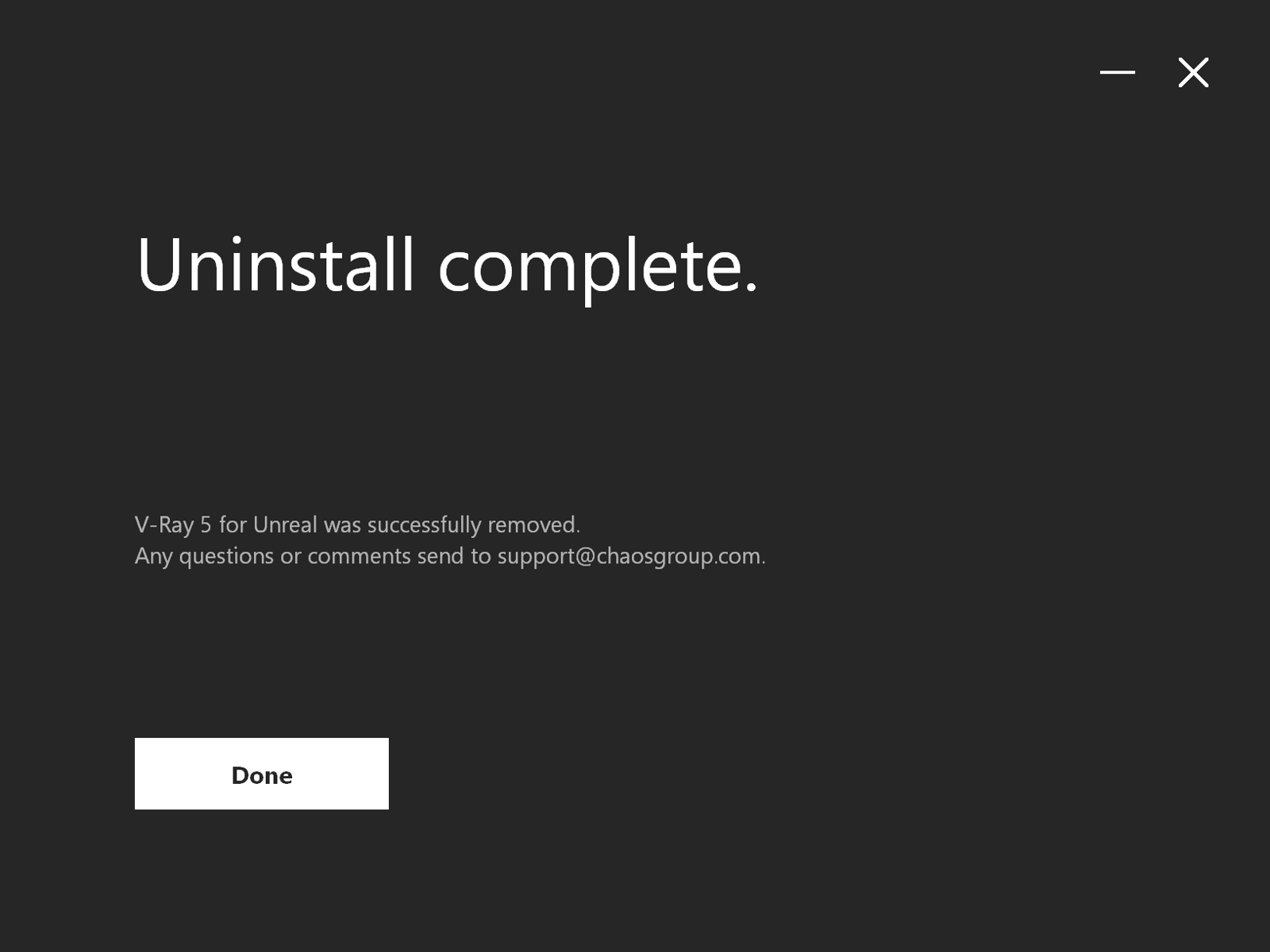
- Click Done to close the window and finish the uninstallation of V-Ray for Unreal.