KeyShot Studio
Connect to the Manager
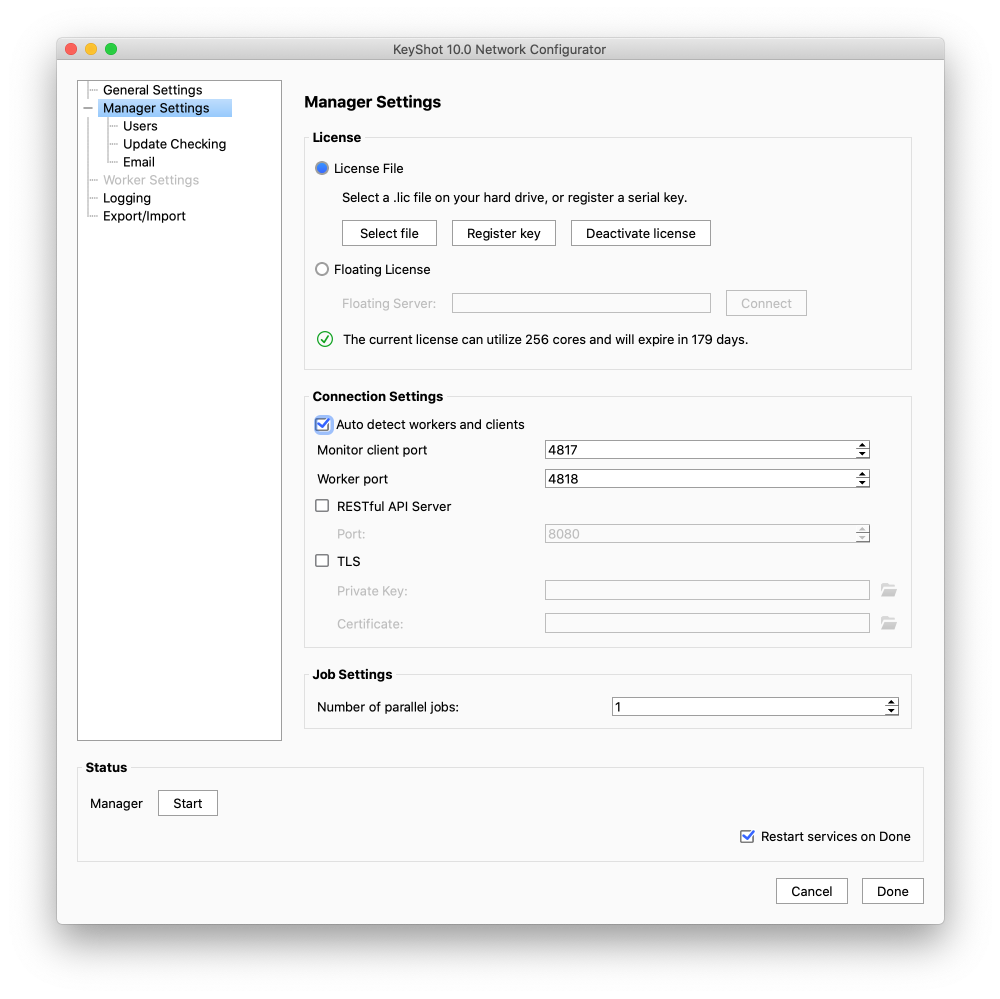
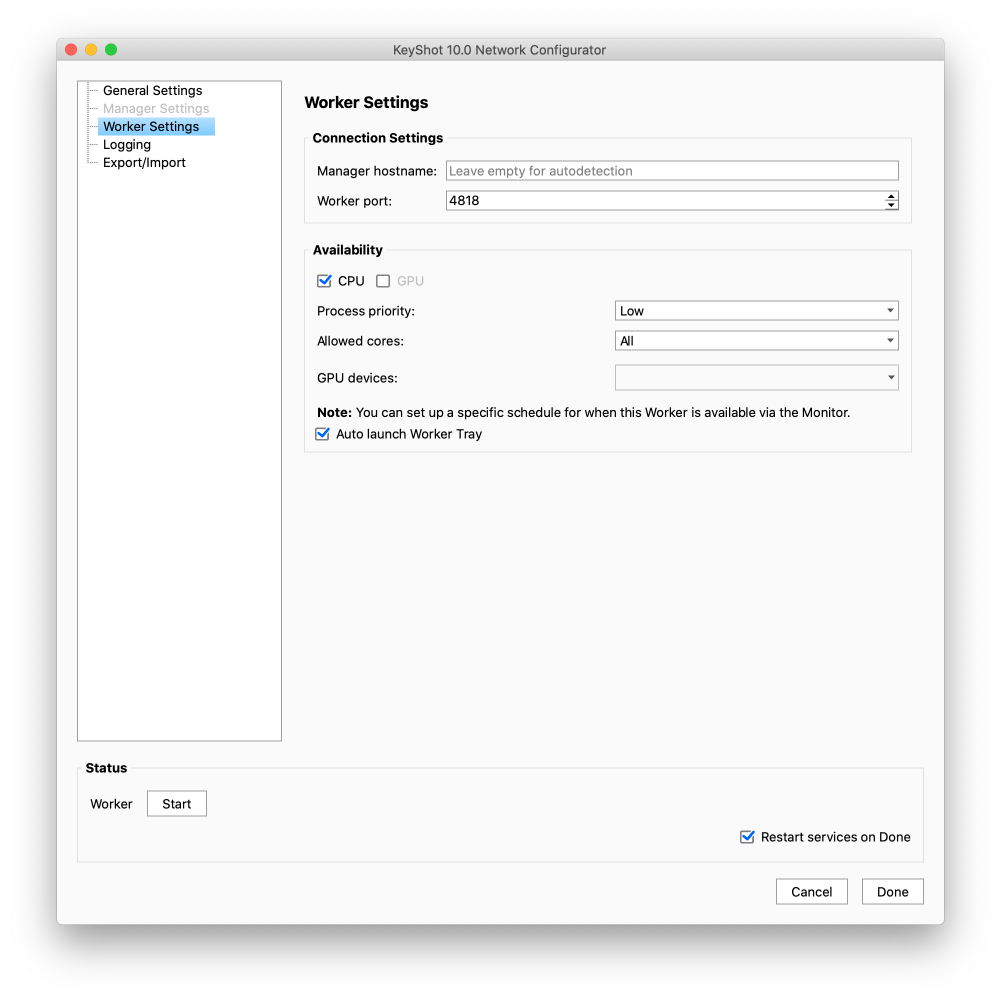
By default Network Rendering is set up to Auto detect manager and workers/clients.
Last updated 3 August 2026
Auto Detect Manager
By default Network Rendering is set up to Auto detect manager and workers/clients.
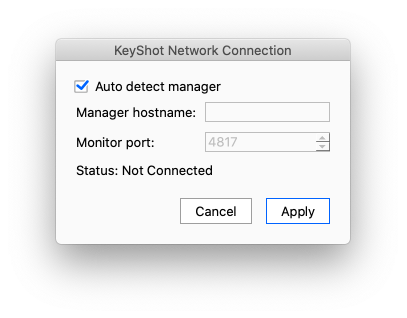
Worker and manager will just have to have the same port numbers specified in the Network Configurator and when you connect the Render Queue you only need to keep the Auto-detect option checked, when you connect. You find the connection dialog in the Render Queue menu File > Connection Settings…
Manually Connect to Manager
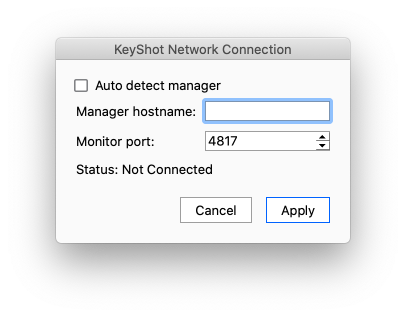
If Auto Detect is not enabled, or your network operates with Multiple Managers you can specify the Manager in the Connection Settings.
Disable Auto detect manager and fill in the manager hostname (or IP Address) as well as the port number.
How To Change The Port Numbers
The Default port numbers are
- 4847 to connect Render Queue and manager.
- 4848 to connect worker and manager.
We recommend keeping default port values. If you need to change the ports anyway you can do that in the Network Configurator. Make sure to change it on both Manager and Workers.