SketchUp AI Render (formerly Diffusion): AI rendering inside SketchUp
AI Render, formerly SketchUp Diffusion, turns a SketchUp model view into a photoreal or stylised render from a text prompt, using your plan's monthly AI credits.
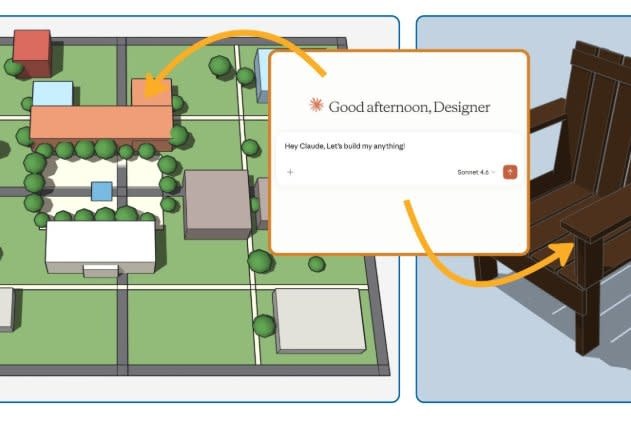
SketchUp + AI
AI Render brings generative AI into SketchUp so you can generate images from your model to explore ideas and present your design. It started out as SketchUp Diffusion in SketchUp Labs, was renamed AI Render, and has been generally available since December 2025. It works in SketchUp 2027.

Generate images from a model and a text prompt
Pick a view of your model, describe the materials, lighting and mood you want, and AI Render produces a photoreal or stylised image based on that view.
Overcome creative blocks
Try several directions in minutes before you commit to a full render, and use the results to start a conversation with your client.
Maintain creative control
Your model sets the composition, so the images stay tied to your design while the prompt changes the look.
Where AI Render runs
AI Render is built into SketchUp for Desktop as a pre-installed extension, and into SketchUp for Web and SketchUp for iPad. You no longer need to install it from Extension Warehouse.
What it costs
AI Render uses AI credits: each render uses 10 credits. Your SketchUp subscription includes a monthly allowance of credits, which refreshes each month and does not roll over:
- SketchUp Go: 100 credits a month.
- SketchUp Pro, Pro Scan, Pro Advanced Workflows and Pro Civil Contractor: 150 credits a month.
- SketchUp Studio and Studio for Higher Education: 200 credits a month.
The free SketchUp plan has no AI credits. See AI credits for current costs per feature.
Ready to try AI Render?
AI Render needs a paid SketchUp subscription with AI credits. If you are new to SketchUp, start with the 7-day free SketchUp trial. See Using AI Render to get started, and read what’s in SketchUp 2027 for the other AI tools included with your subscription, including AI Assistant and the SketchUp Connector for Claude.