Skip to content
07-848 2005

Chaos Cosmos, overview

AI Assets Generator

Use the Chaos Cosmos AI Assets Generator to create models and materials.

On this page
  1. Access the AI Assets Generator
  2. 3D Models
  3. Materials

Use the Chaos Cosmos AI Assets Generator to create models and materials.

Access the AI Assets Generator

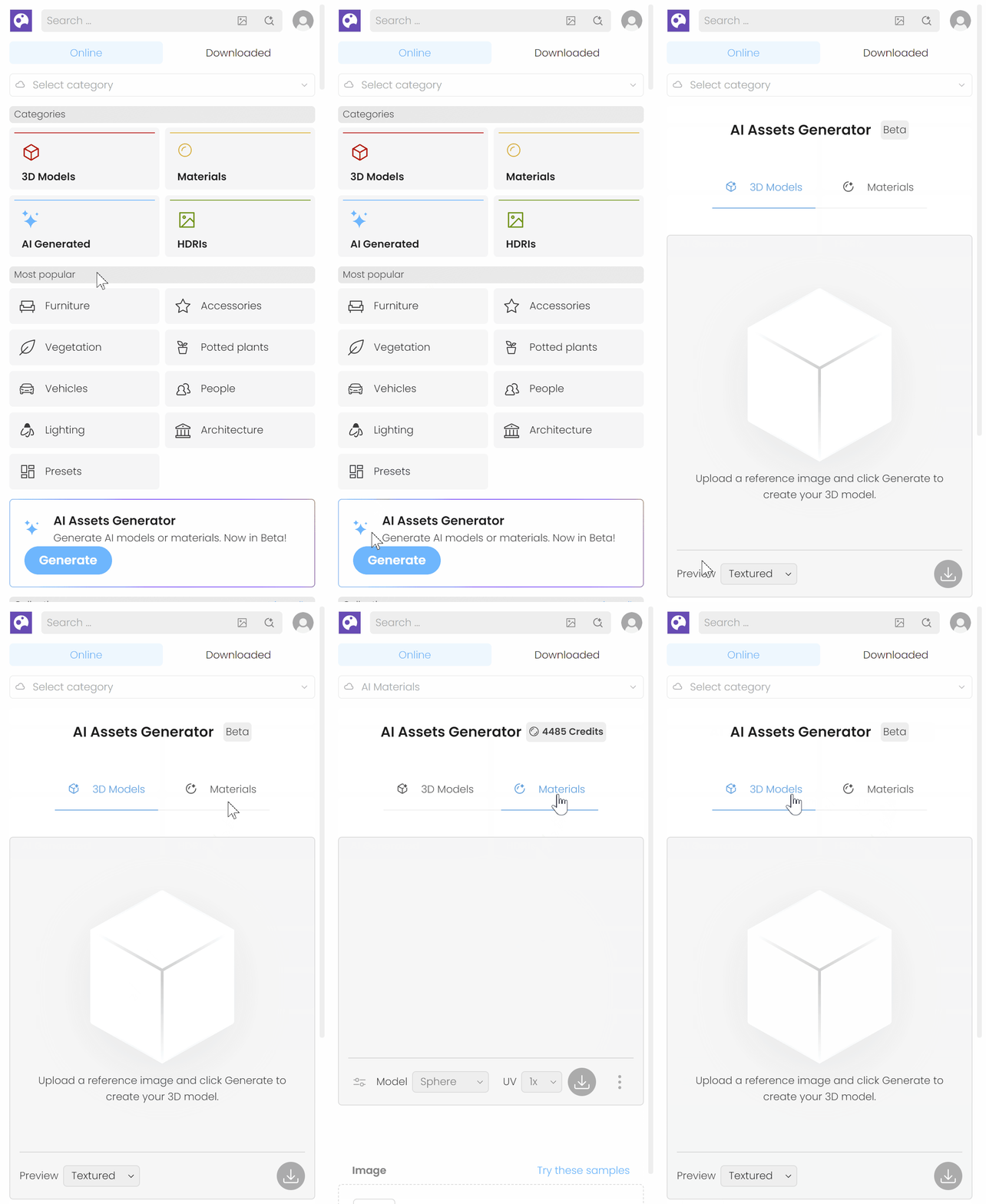
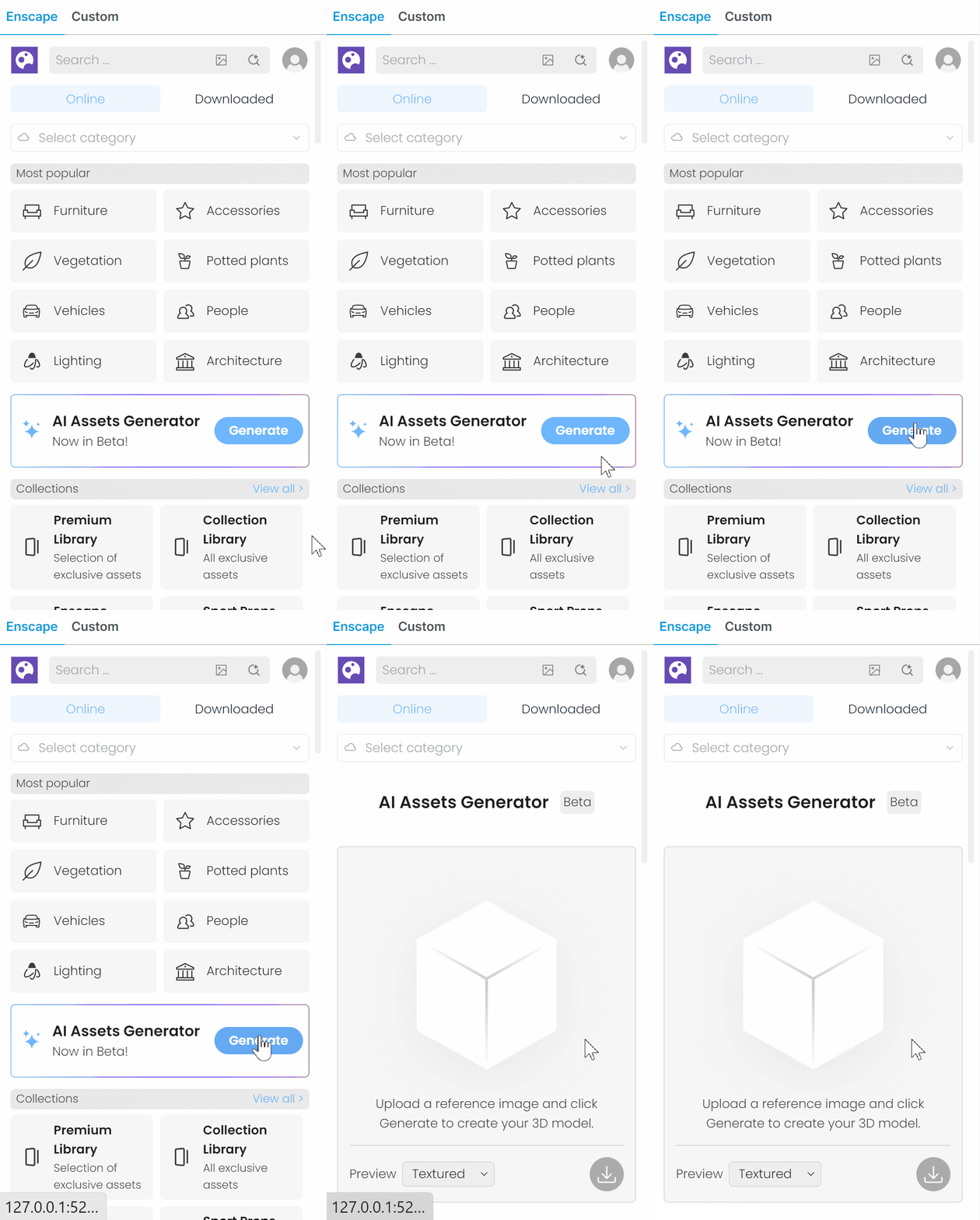
Open the Chaos Cosmos Browser / Cosmos Asset Library in your host platform. Make sure you are signed in to your account and have the latest version of Cosmos installed. On the Cosmos home screen, open AI Assets Generator. Choose 3D Models or Materials.

3D Models

Materials
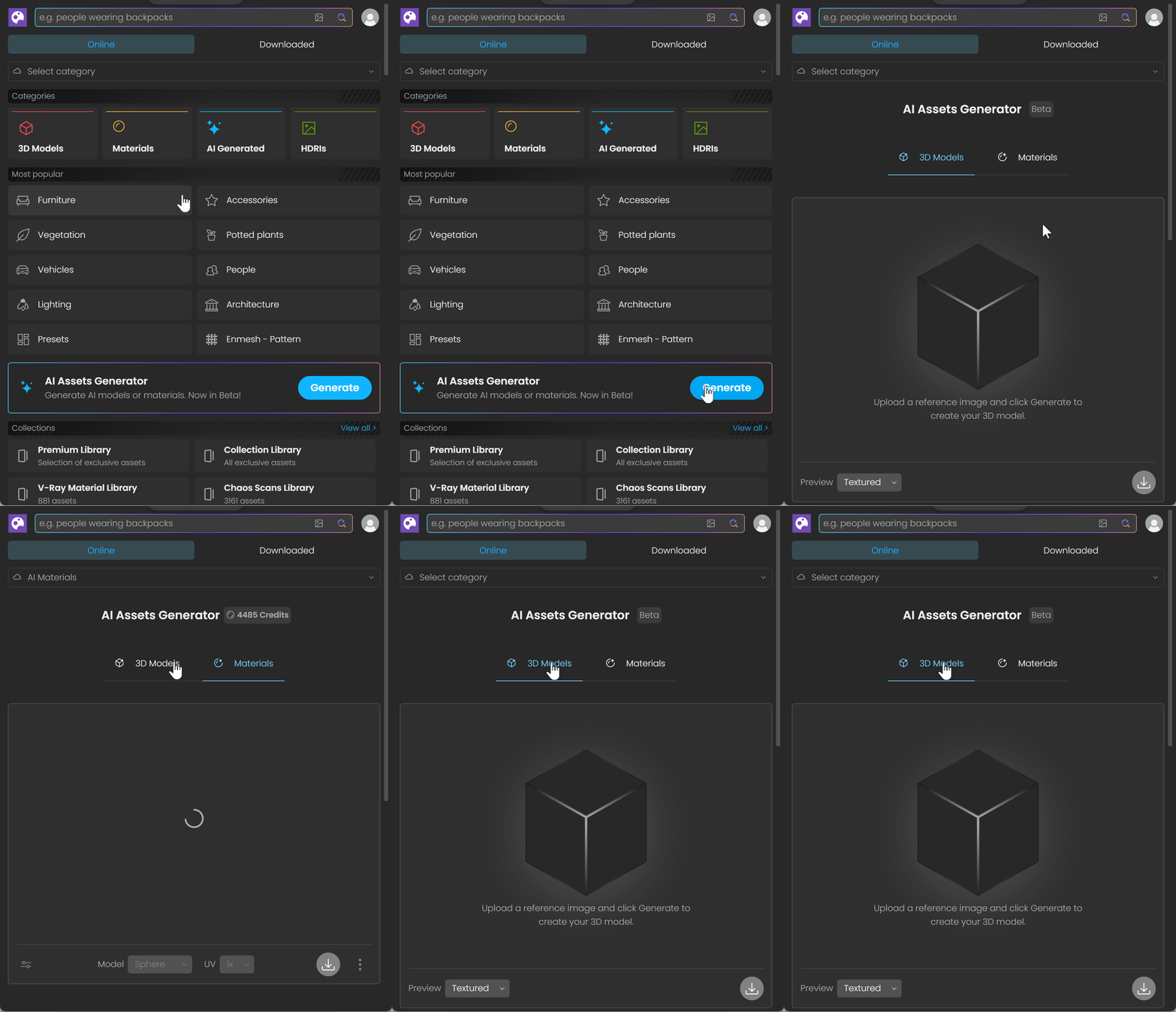
Chaos Cosmos Browser with 3D Models and Materials categories and the AI Assets Generator's Generate button.

AI Assets Generator access

Cosmos Asset Library home screen with the AI Assets Generator panel and blue Generate button.

Envision AI Assets Generator access

Envision asset library with the Enscape tab selected and the AI Assets Generator's Generate button.

Enscape AI Assets Generator access

Procadsys customer support

Still need help?

Licences, renewals and billing

Our New Zealand team looks after your Chaos licences, renewals and invoices.

Monday to Friday, 9:00 am to 4:30 pm NZ time, excluding New Zealand public holidays.

Technical problems

Installation errors, crashes and other technical problems with Chaos are handled by Chaos support.