Chaos Licensing
Accessing Licenses
This page explains how a user can access their license with Chaos Cloud Licensing and start using the product.
Last updated 4 November 2025
This page explains how a user can access their license with Chaos Cloud Licensing and start using the product.
Users Workflow
With Cloud Licensing, you get a license by signing in to the product with your Chaos Account.
To start using a product, there are two steps:
- You are added to your organization in My Chaos.
- You sign in inside the product.
Step 1: Get Added to the Organization
Your administrator needs to add you to the organization in My Chaos using your email address.
- When you are added, you receive an email confirmation.
- If you already have a Chaos Account under that email, you can sign in with it.
- If you do not have a Chaos Account yet, you can create one by following the link in the invitation email.
Once you are added and assigned access, you are allowed to use the organization’s licenses.
Step 2: Install and Sign in
- Install the Chaos product(s) for which your organization is licensed. Use the default installation options.
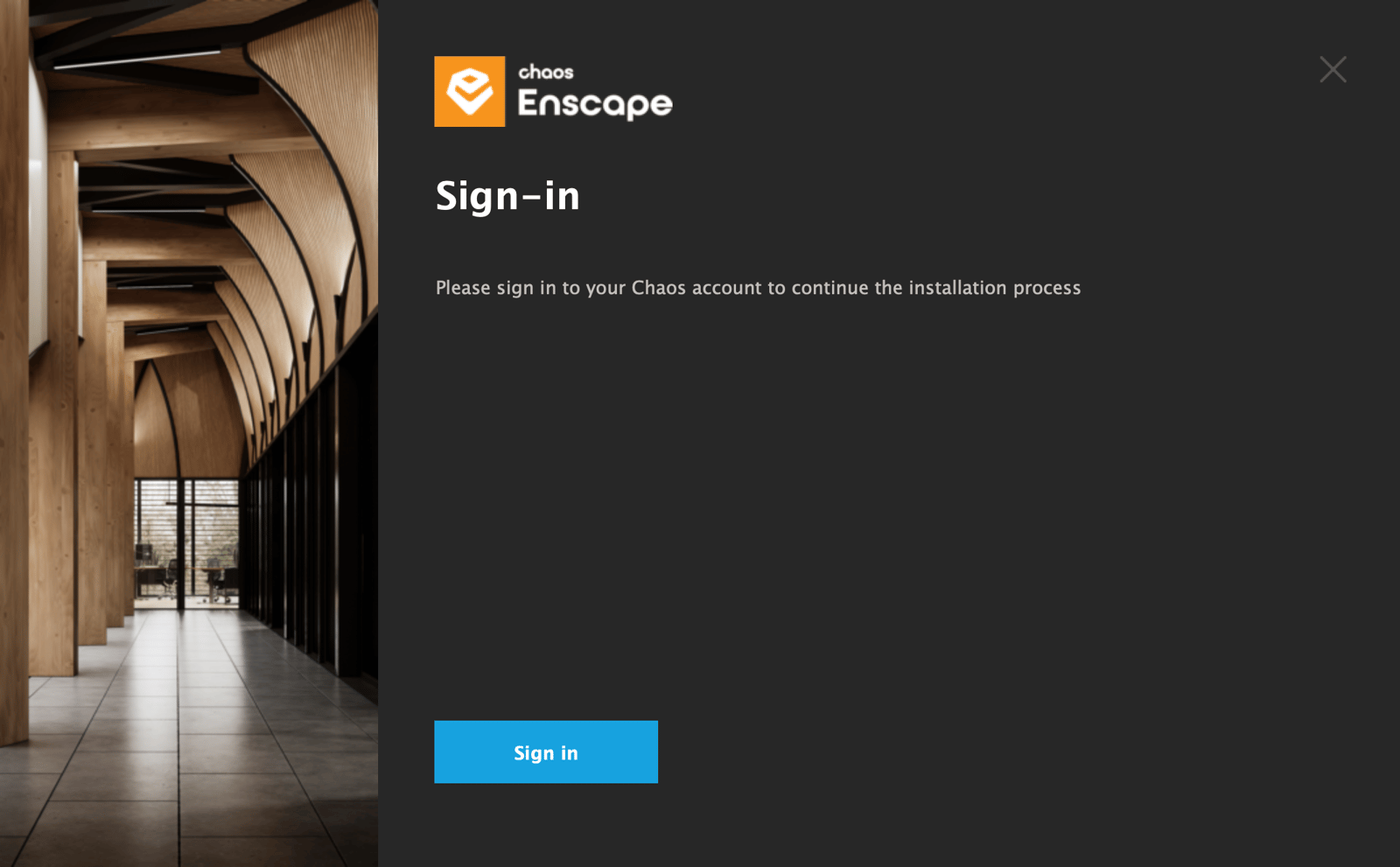
- Open the product. When prompted, sign in with your Chaos Account (or your organization’s SSO, if configured).
After you sign in, the product will automatically use one of the licenses your administrator has made available to you.