Chaos Vantage
Blend
This page provides details about the Blend texture in Chaos Vantage.
Last updated 28 February 2026
This page provides details about the Blend texture in Chaos Vantage.
Overview
The Blend texture allows two different textures to be blended together.
Settings
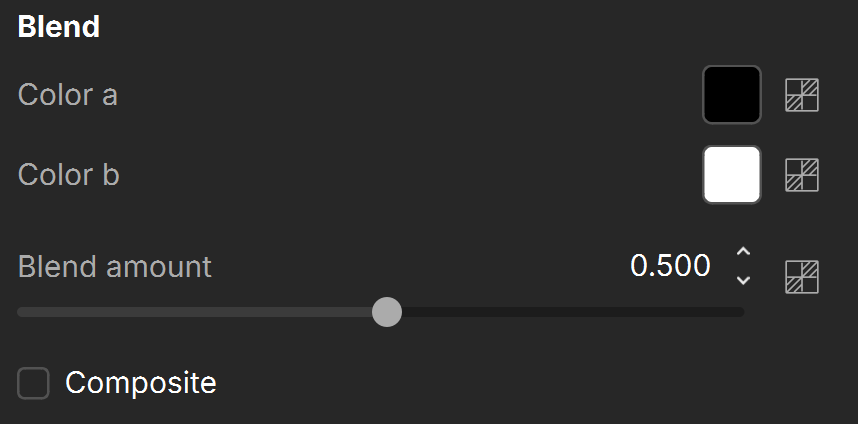
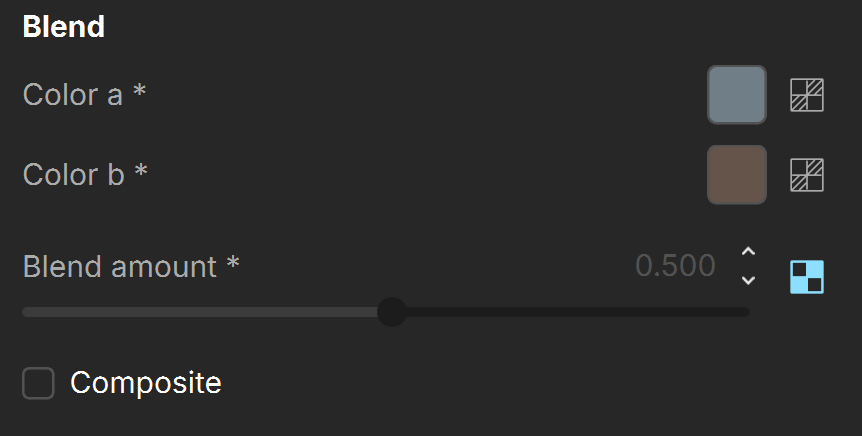
Color a – Specifies the first color or texture to blend.
Color b – Specifies the second color or texture to blend.
Blend amount – Specifies the amount of blending to apply. Lower values mean that Color a is prevalent, higher values mean that Color b is prevalent. See the Blend Amount Value and the Blend Amount Texture examples.
Composite – When enabled, a composite of the blended textures is used, i.e. Color b is composited over Color a with the given weight, taking its alpha into account.
Examples
The following examples demonstrate the effect that individual Blend Texture parameters have on the scene. Click on any image to view it at a higher resolution.
Example: Blend Amount Values
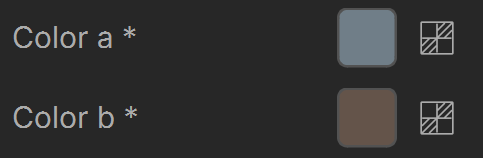
The diffuse component is tweaked with the Blend amount parameter. Color a is a darker greyish blue: RGB (112, 126, 136), while Color b is a very dark grayish orange: RGB (100, 84, 74). The Blend amount parameter controls the mixture of Color a and b.
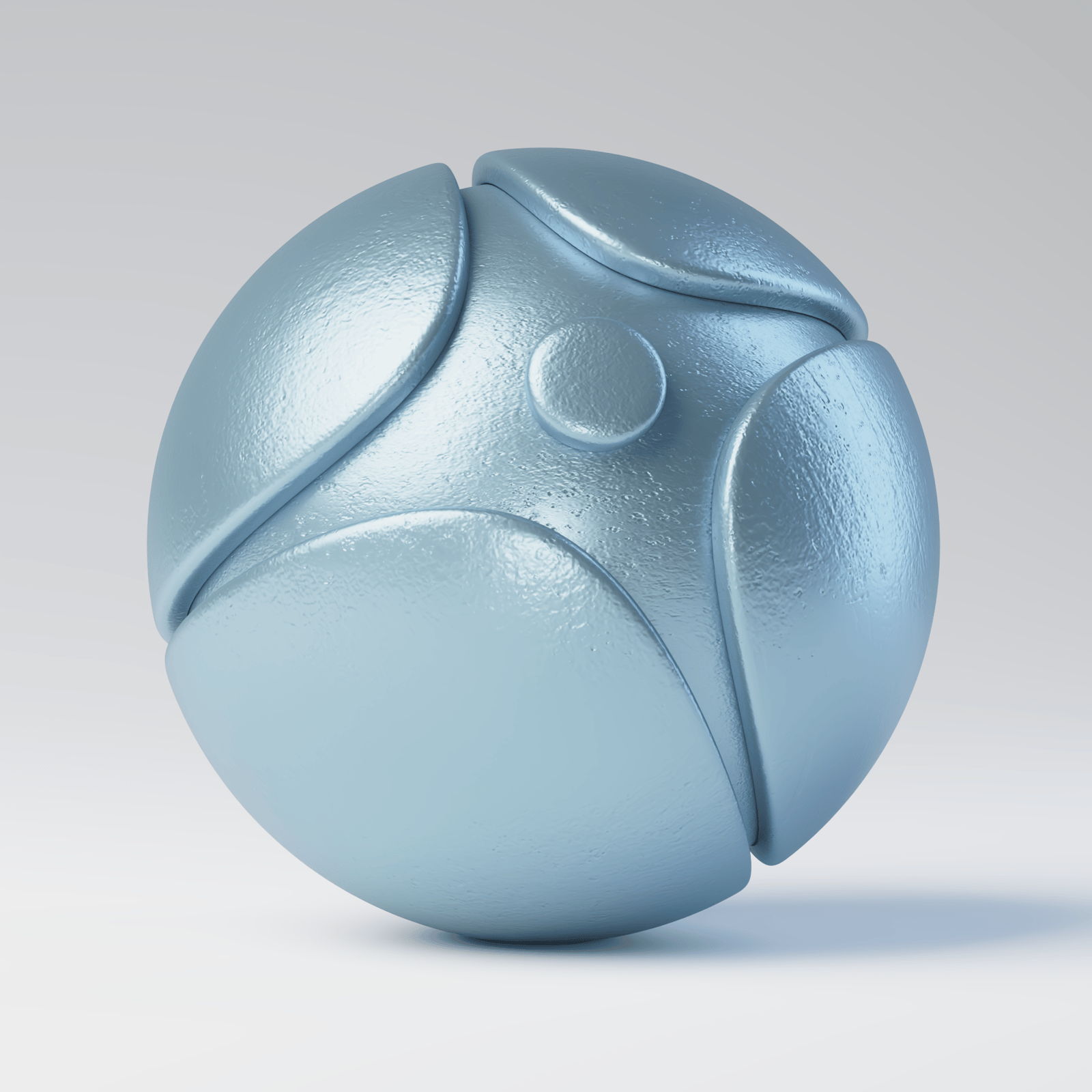
Blend amount is 0
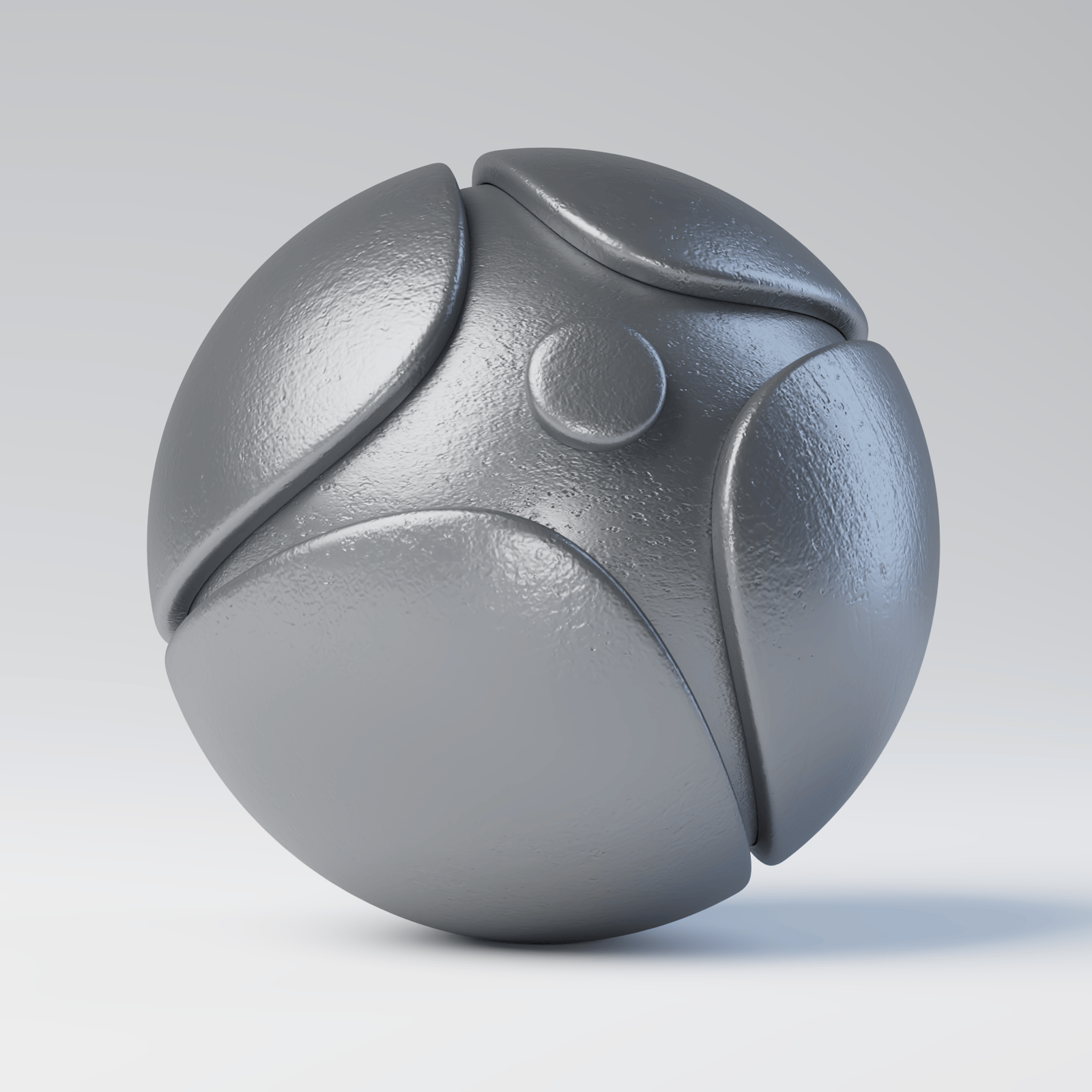
Blend amount is 0.5
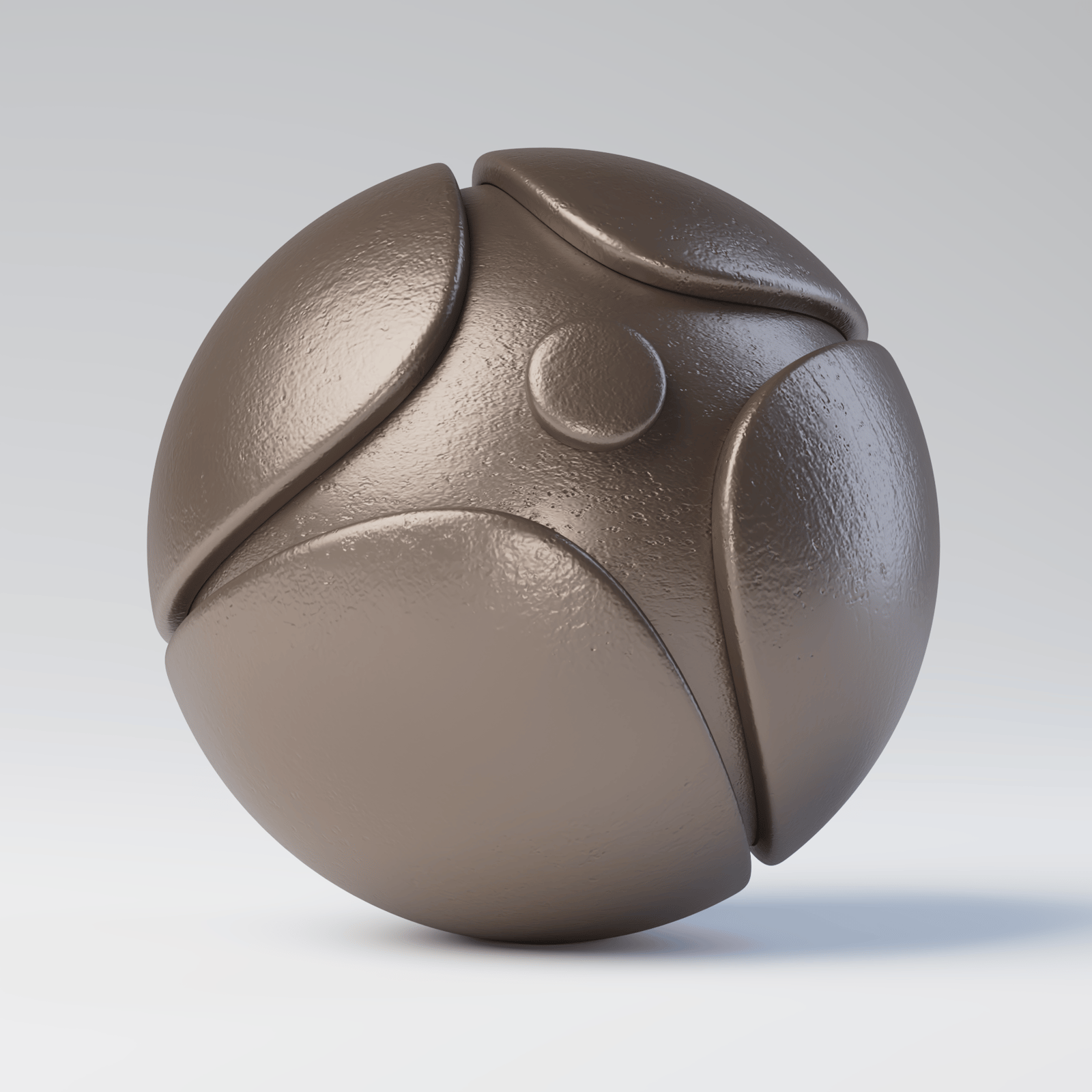
Blend amount is 1
In the first render, Color a is predominant, and the object appears bluish, while in the last render, Color b is predominant, and the object appears brownish. When the Blend amount slider is set to the middle, the two colors mix into a dark grey.
Textures can be used instead of colors. The Blend amount parameter works the same way as when blending colors – depending on where you move the slider, one texture or the other becomes predominant.
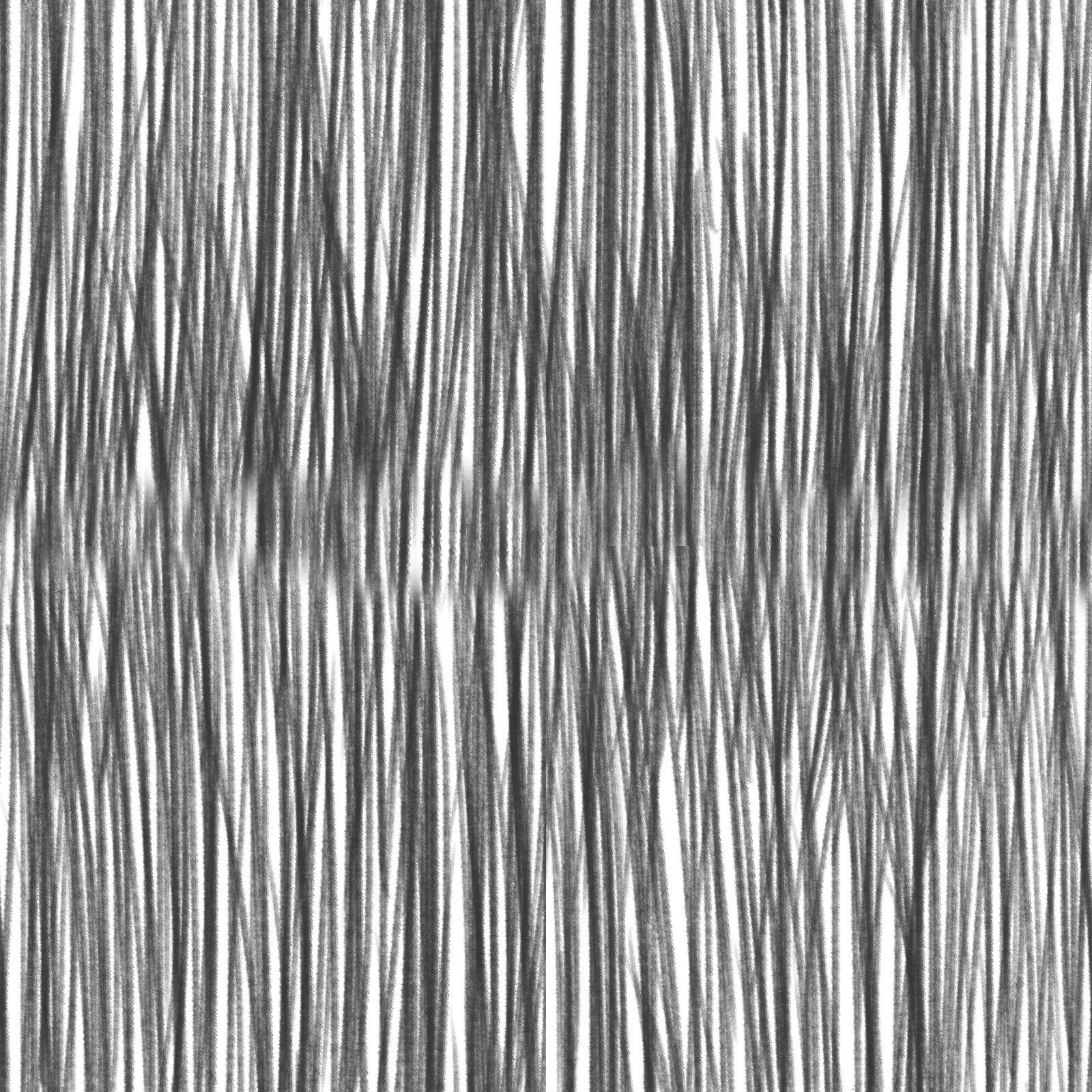
Color a
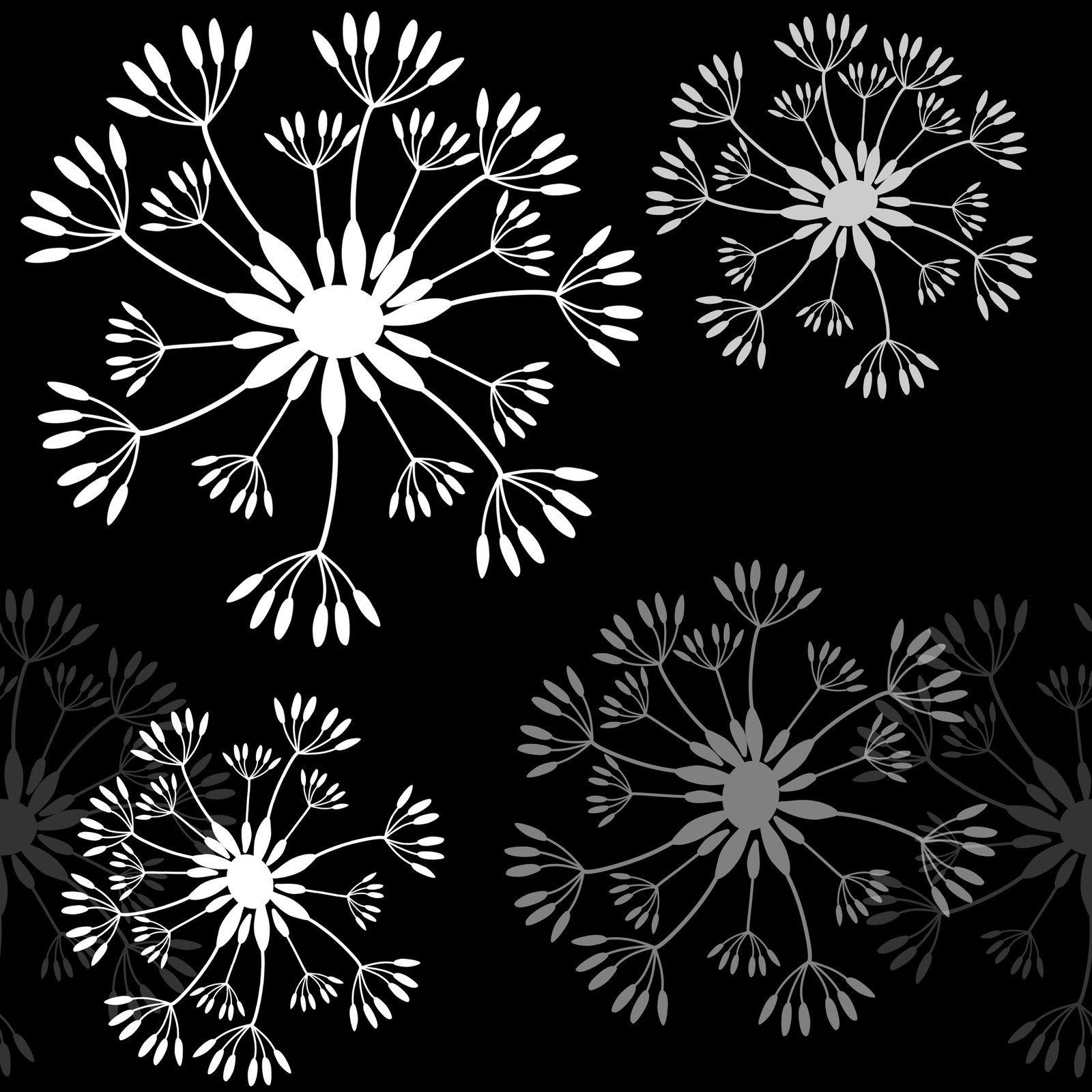
Color b
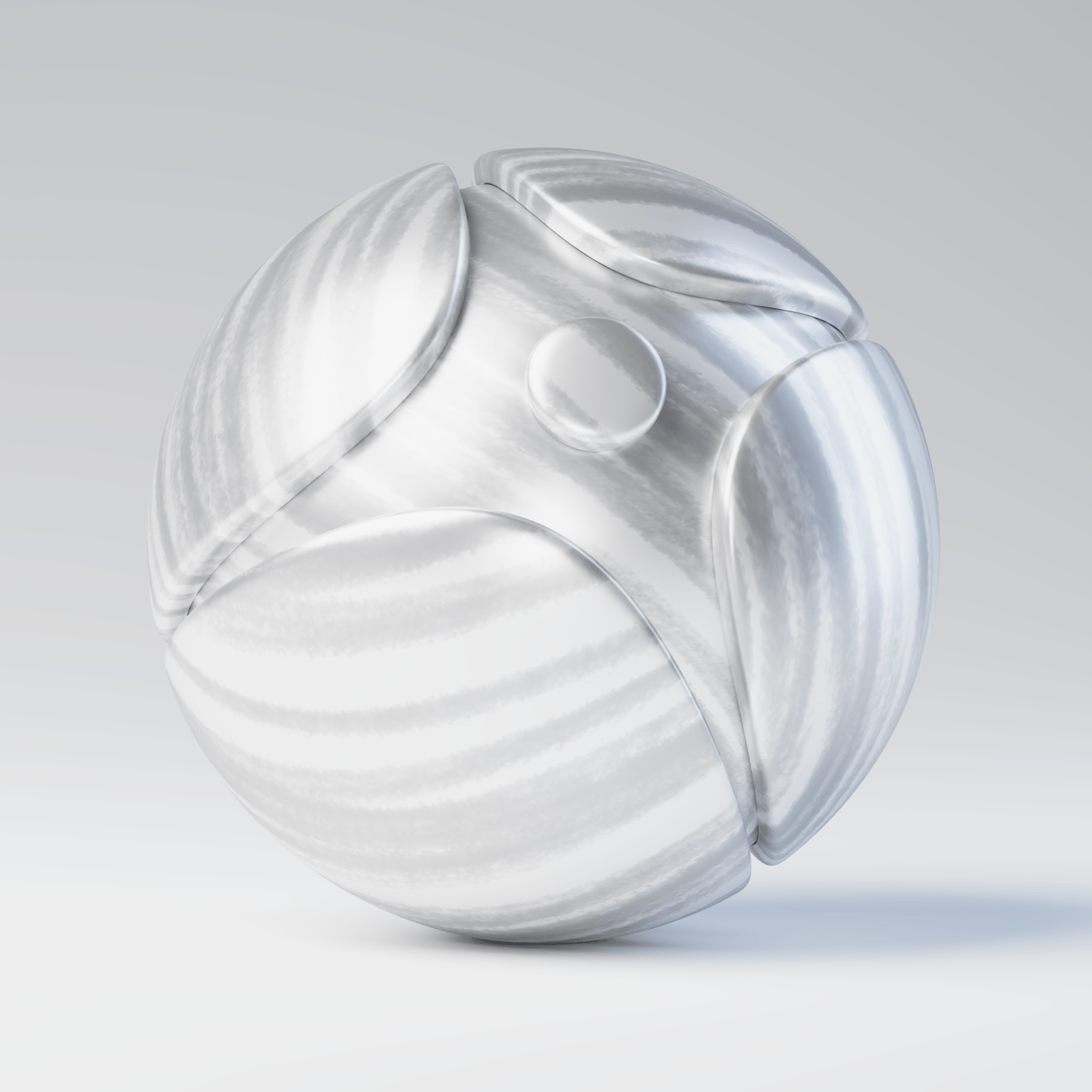
Blend amount is 0
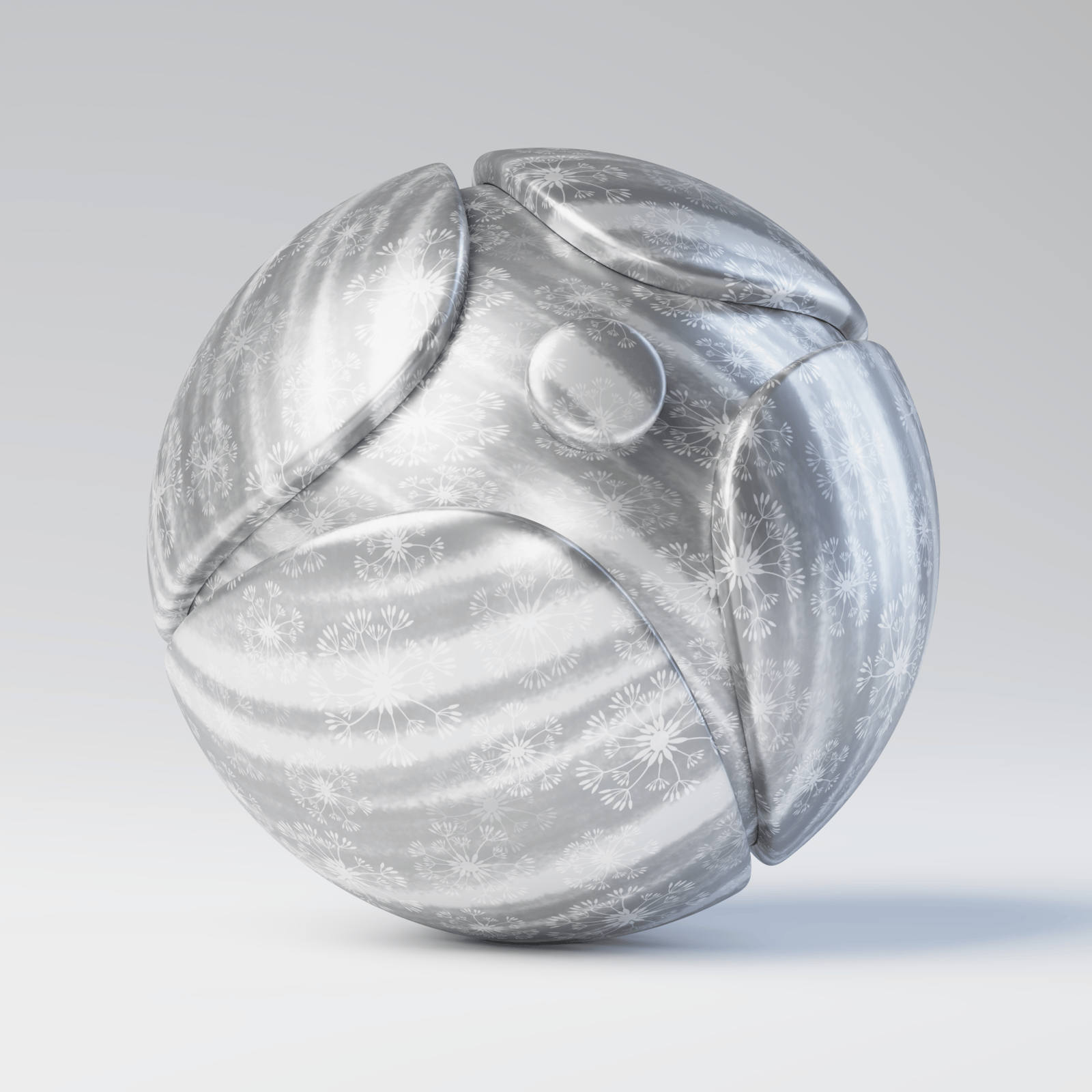
Blend amount is 0.5
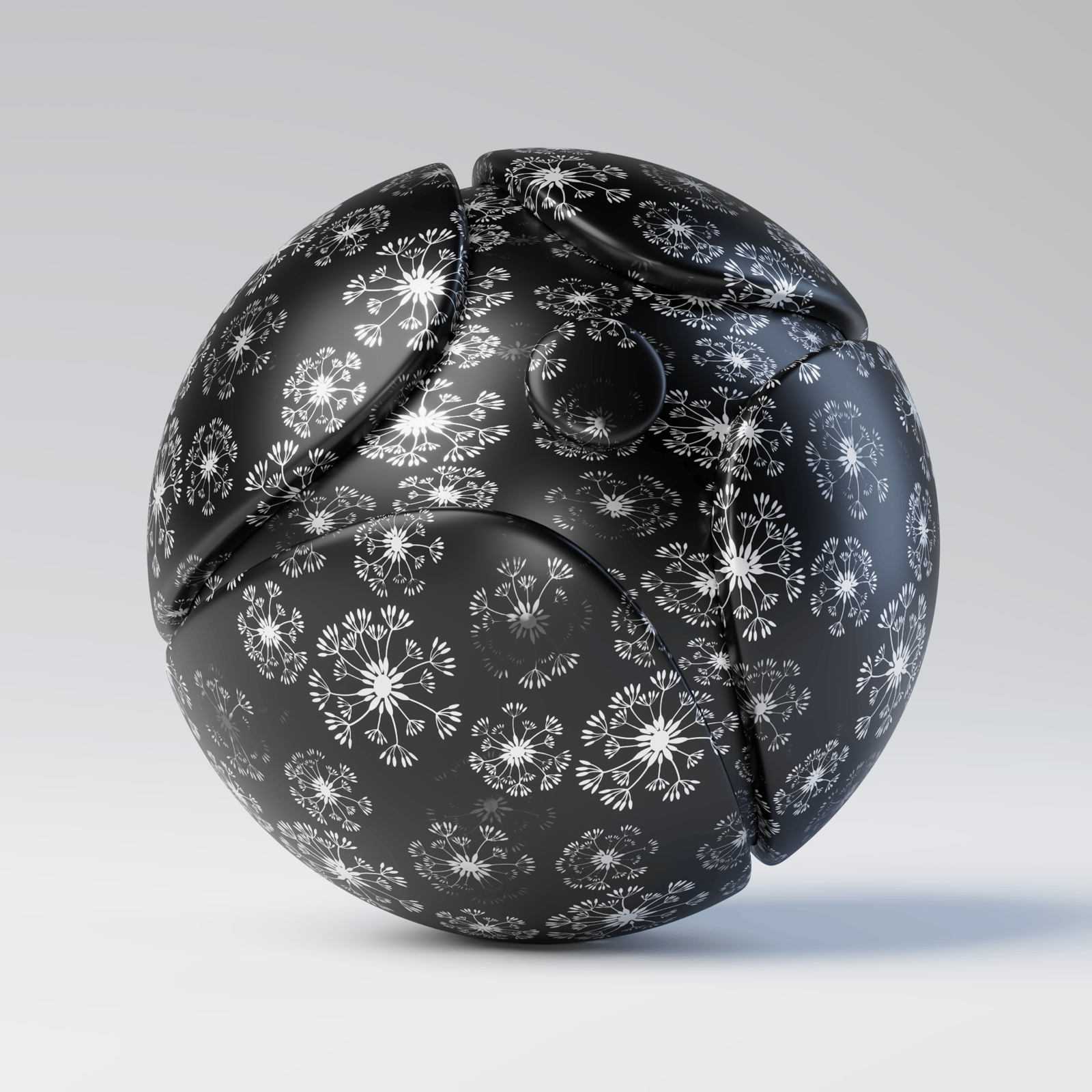
Blend amount is 1
Example: Blend Amount Texture
The diffuse component is tweaked with a Bitmap texture plugged into the Blend amount parameter. The texture is a black-and-white image. Color a is a darker greyish blue: RGB (112, 126, 136), while Color b is a very dark grayish orange: RGB (100, 84, 74).
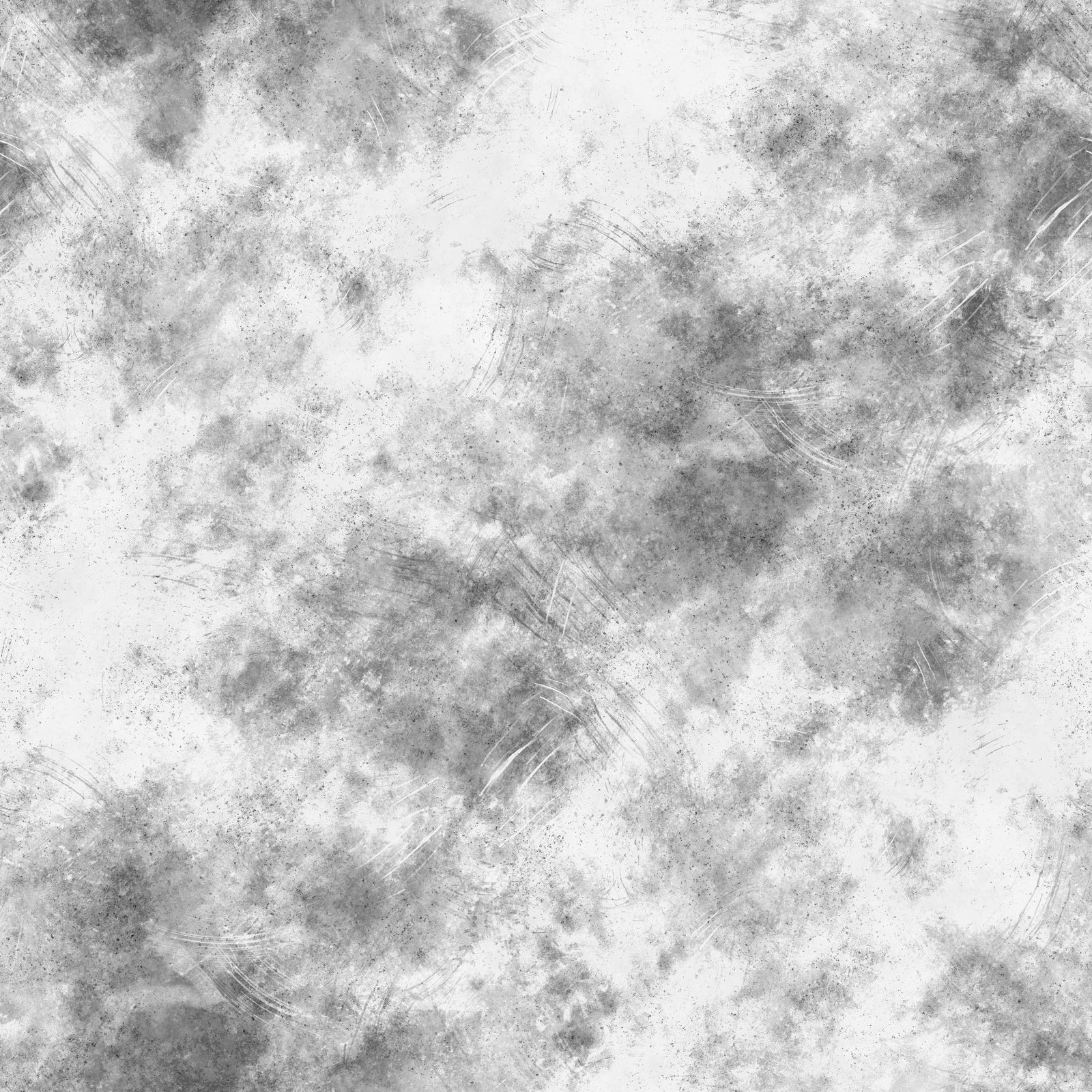
Bitmap
Set-up