Chaos Vantage
Bulge
This page provides details about the Bulge texture in Chaos Vantage.
Last updated 28 February 2026
This page provides details about the Bulge texture in Chaos Vantage.
Overview
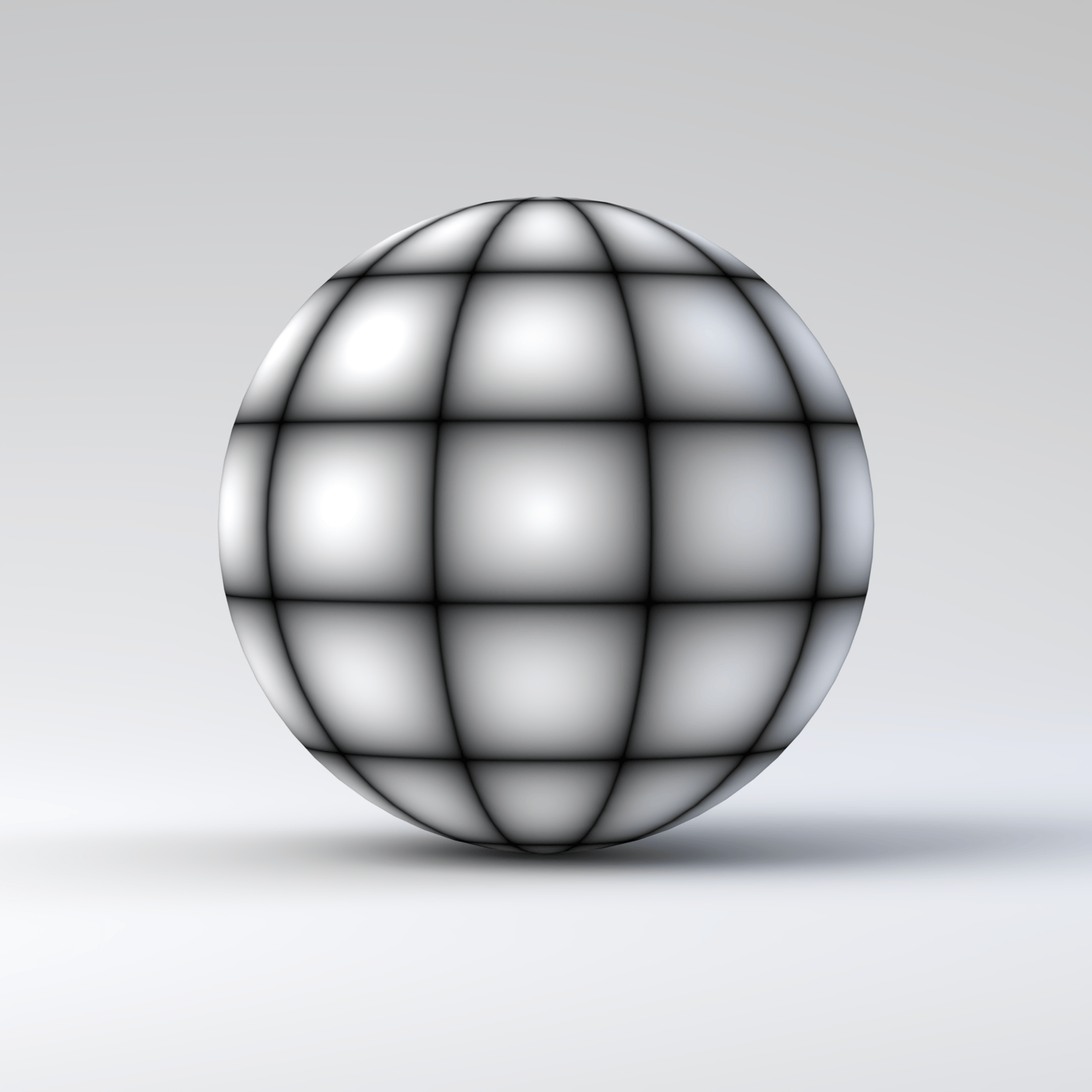
The Bulge texture map is similar to the Grid texture. However, it adds the feature of acting as if the grid lines are constraining the texture and the texture is inflated from beneath it.
The Bulge texture parameters are grouped into several tabs: Bulge, Common and Mapping Properties, UVW Coordinates, and UVW Randomize.
Settings
U width – Set the thickness of the horizontal lines. See the Width example below.
V width – Sets the thickness of the vertical lines. See the Width example below.
For information about the parameters in the Common and Mapping Properties, UVW Coordinates, and UVW Randomize tabs, see the Textures page.

Examples
The following examples demonstrate the effect that individual Bulge Texture parameters have on the scene. Click on any image to view it at a higher resolution.
Example: Width
The Bulge texture is mapped to the Diffuse color parameter.
Both U width and V width are 0

U width = 0.2, V width = 0

U width = 0, V width = 0.2