Chaos Vantage
Cellular
This page provides details about the Cellular texture in Chaos Vantage.
Last updated 28 February 2026
This page provides details about the Cellular texture in Chaos Vantage.
Overview
The Cellular map generates a procedural cellular noise pattern. The Cellular texture parameters are grouped into several tabs: Cellular, Common and Mapping Properties, UVW Coordinates, and UVW Randomize.
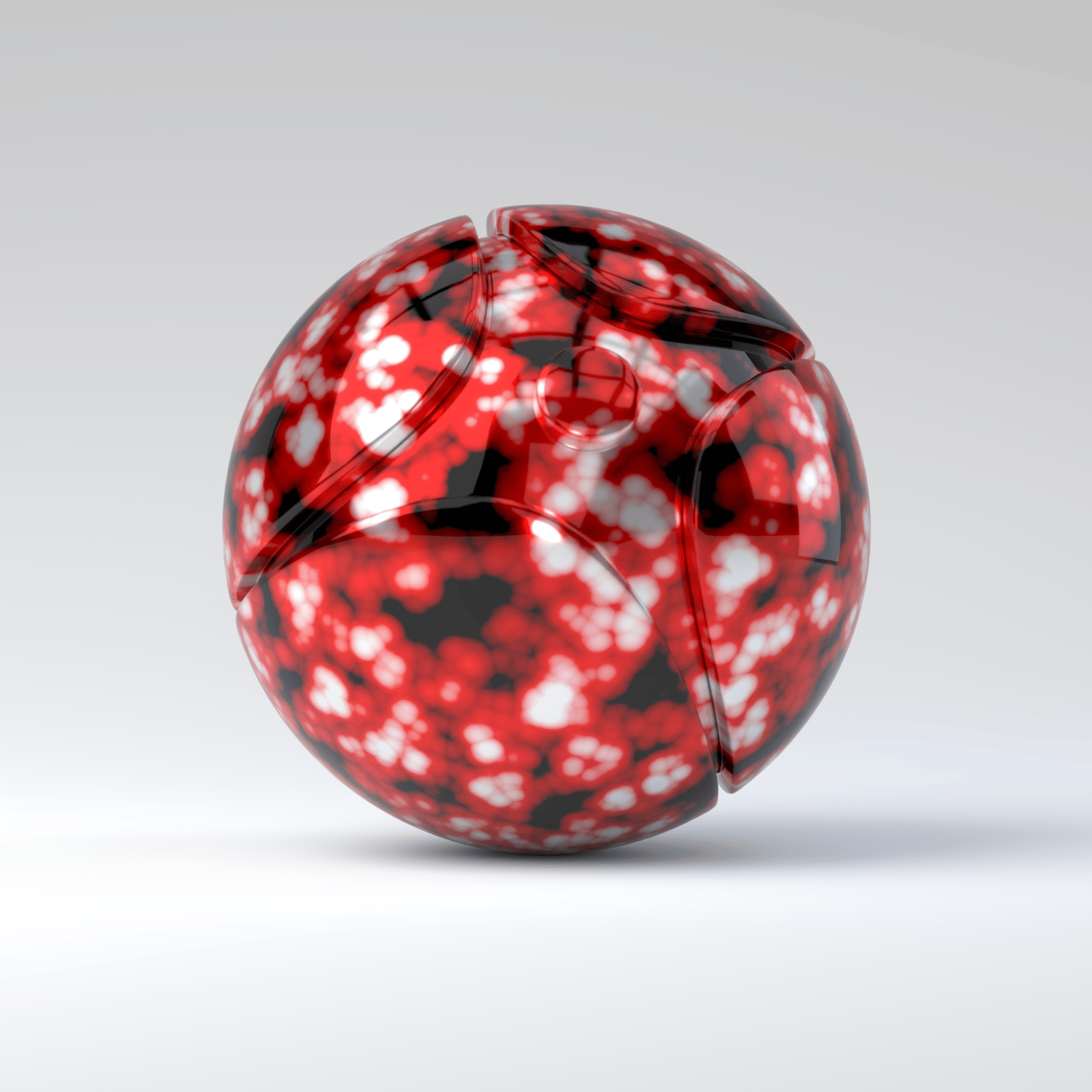
In the image on the right, the Cellular map is added to the Diffuse color parameter of a VRayMtl. The Center color is white, the Edge color is red, and the Background color is black. The Fractal option is enabled.
Settings
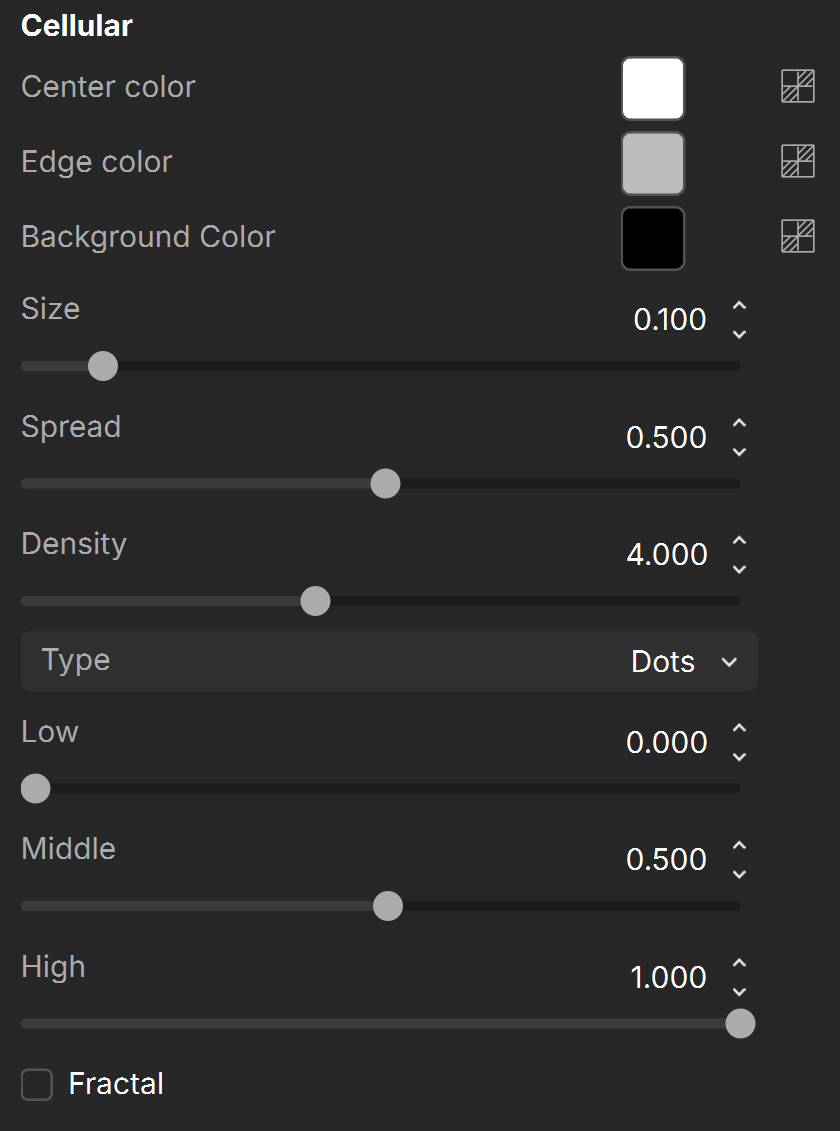
Center color – Controls the color of the center of the cells. See the Overview example above.
Edge color – Controls the color of the edges of the cells in the Cellular procedural texture. See the Overview example above.
Background Color – Controls the color of the background of the Cellular procedural texture. See the Overview example above.
Size – Controls the size of the Cellular procedural texture. See the Size example below.
Spread – Controls the spread of the procedural Cellular texture. See the Spread example below.
Density – Controls the Density of the Cellular texture. See the Density example below.
Type – Specifies which type to use for the Cellular texture. The choices are Dots, Chips, Cells, Chess Cells, or Plasma. See the Type example above.
Low – Controls the low threshold (background color).
Middle – Controls the middle threshold (edge color).
High – Controls the high threshold (center color).
Fractal – Enables the addition of fractal generation. Only available with Dots and Chips Types.
Fractal iterations – Controls the number of fractal iterations.
Fractal roughness – Controls the roughness of the fractal. A value of 0.0 is very rough and a value of 1.0 is very smooth, which negates the fractal.
For information about the parameters in the Common and Mapping Properties, UVW Coordinates, and UVW Randomize tabs, see the Textures page.
Examples
The following examples demonstrate the effect that individual Cellular Texture parameters have on the scene. Click on any image to view it at a higher resolution.
Example: Size
This example shows the effect of the Size parameter. The Cellular map is added to the Diffuse color parameter of a VRayMtl. The Center color is white, the Edge color is red, and the Background color is black. The rest of the parameters keep their default values.

Size = 0.10

Size = 0.15
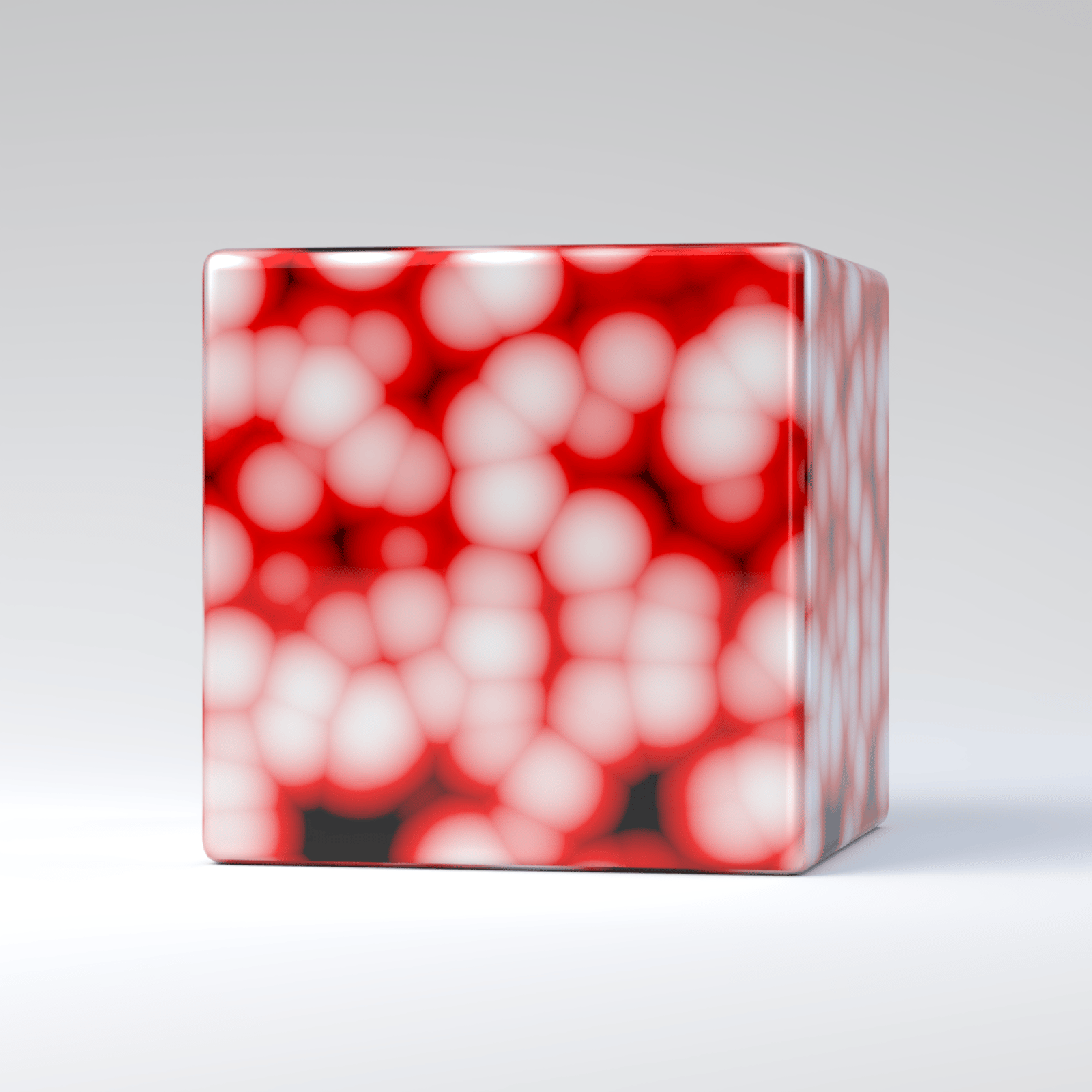
Size = 0.20
Example: Spread
This example shows the effect of the Spread parameter. The Cellular map is added to the Diffuse color parameter of a VRayMtl. The Center color is white, the Edge color is red, and the Background color is black. The rest of the parameters keep their default values.
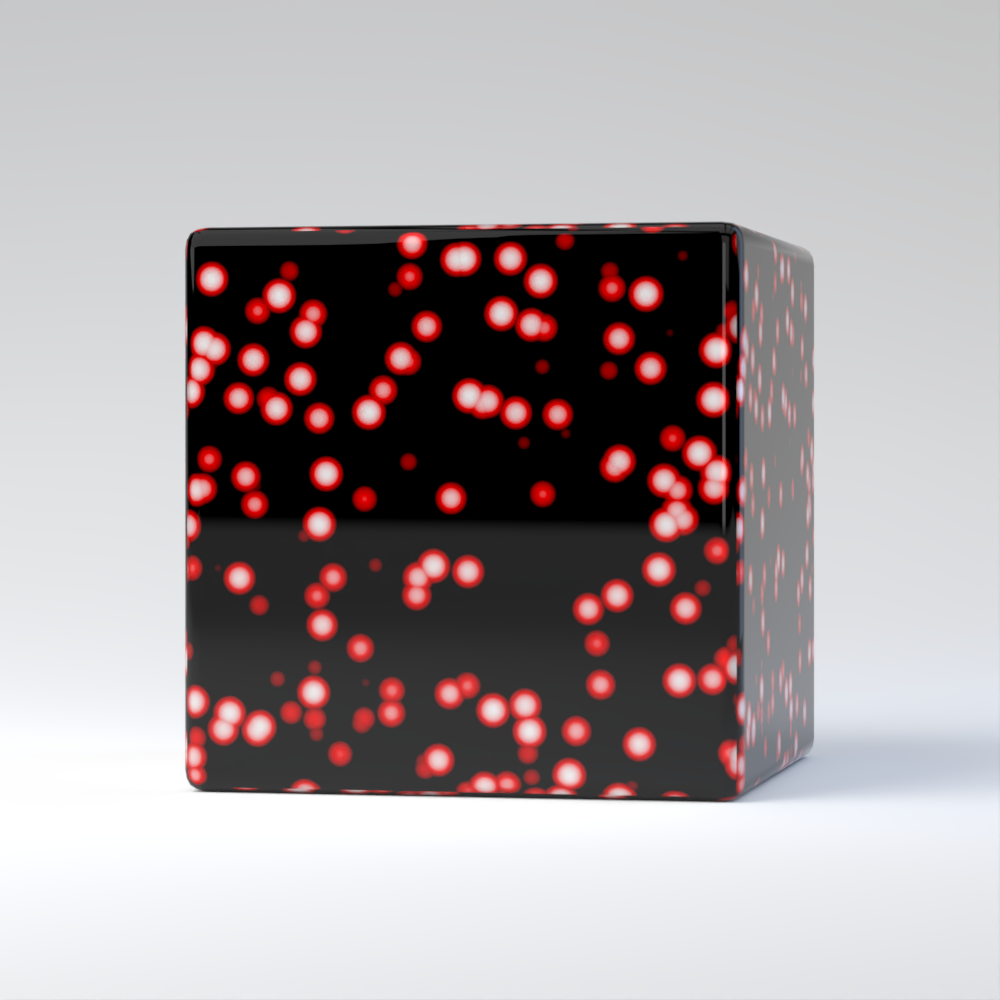
Spread = 0.1
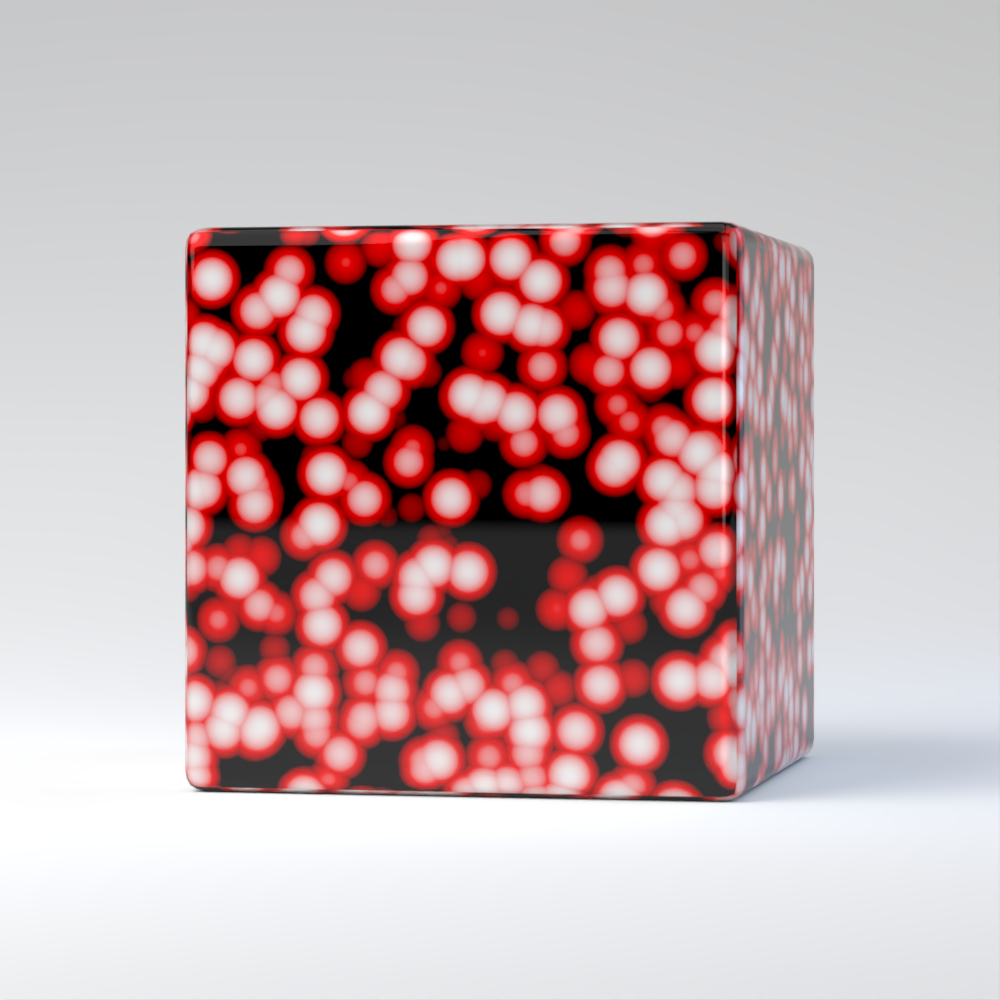
Spread = 0.3

Spread = 0.5
Example: Density
This example shows the effect of the Density parameter. The Cellular map is added to the Diffuse color parameter of a VRayMtl. The Center color is white, the Edge color is red, and the Background color is black. The rest of the parameters keep their default values.
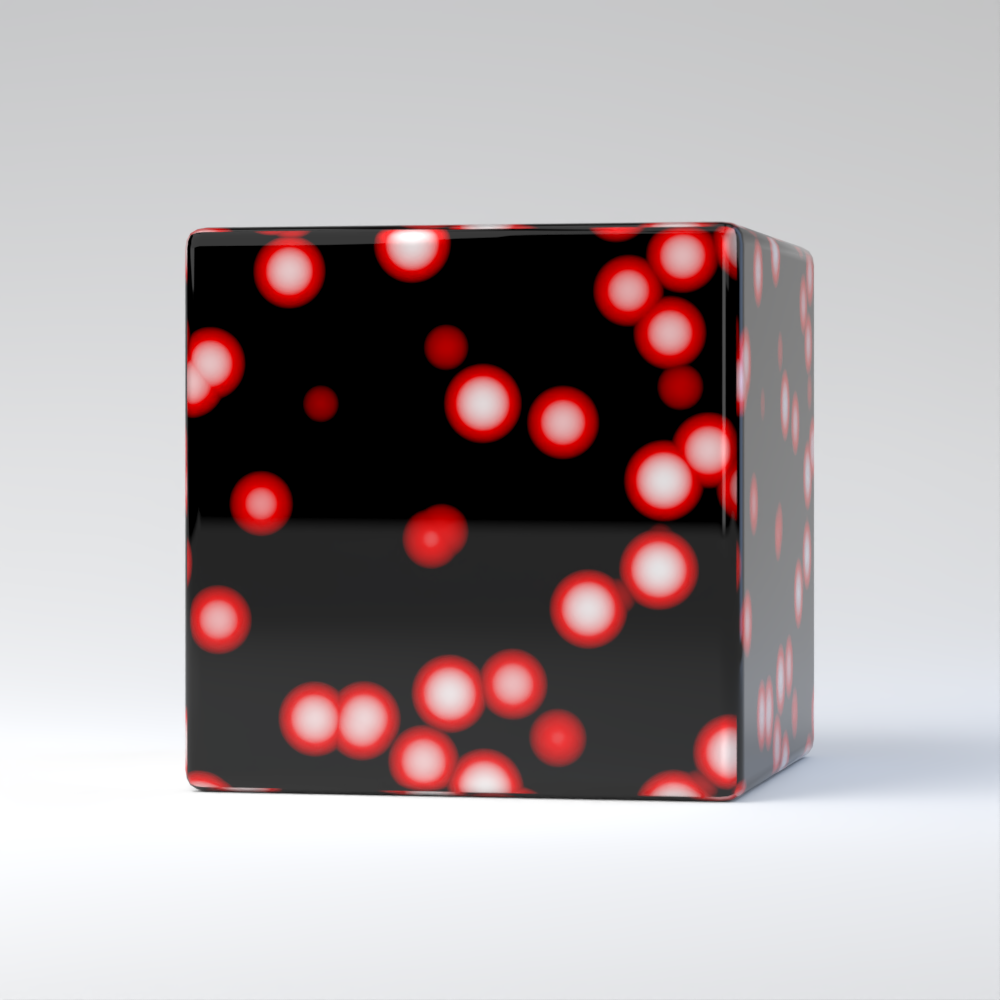
Density = 1

Density = 2

Density = 3
Example: Type
This example shows the different cellular types. The Cellular map is added to the Diffuse color parameter of a VRayMtl. The Center color is white, the Edge color is red, and the Background color is black. The Spread is lowered to 0.200 for the Cells and Chess cells types, and to 0.500 for the rest of the Cellular types. The rest of the parameters keep their default values.

Dots type

Chips type

Cells type
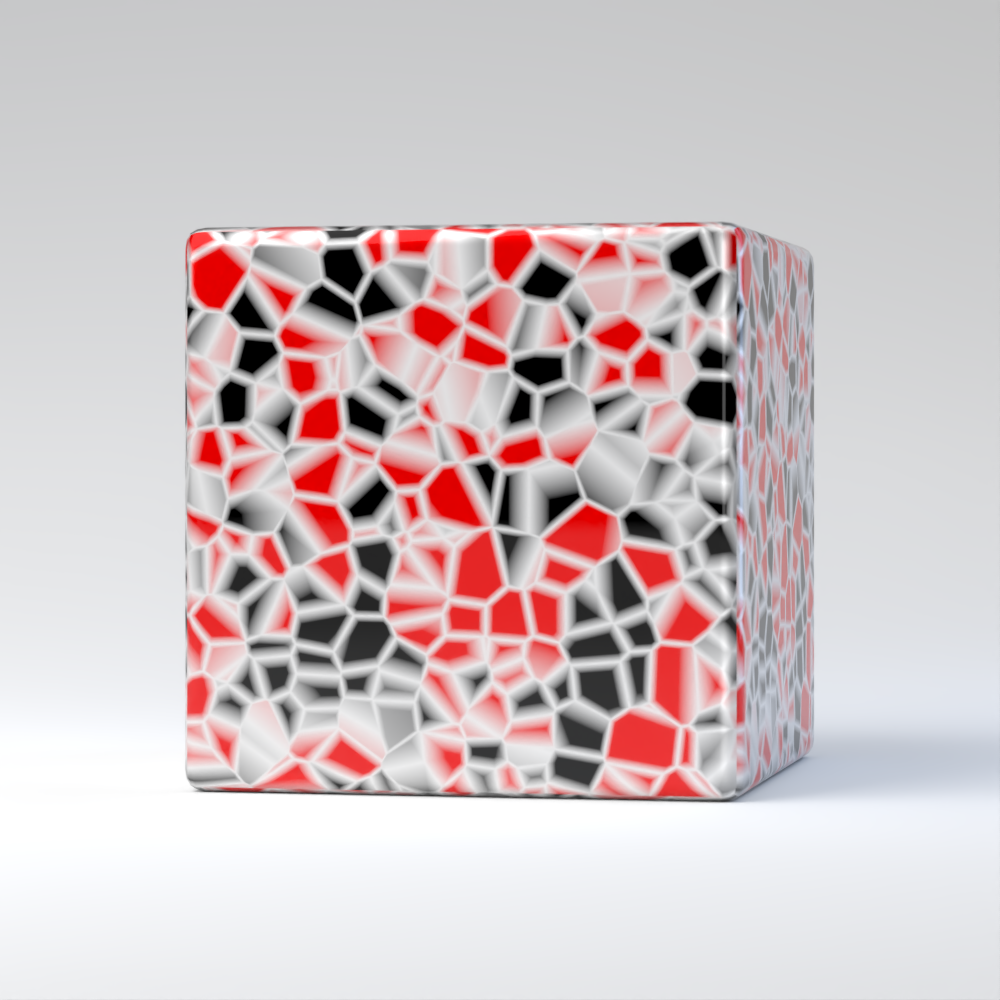
Chess cells type
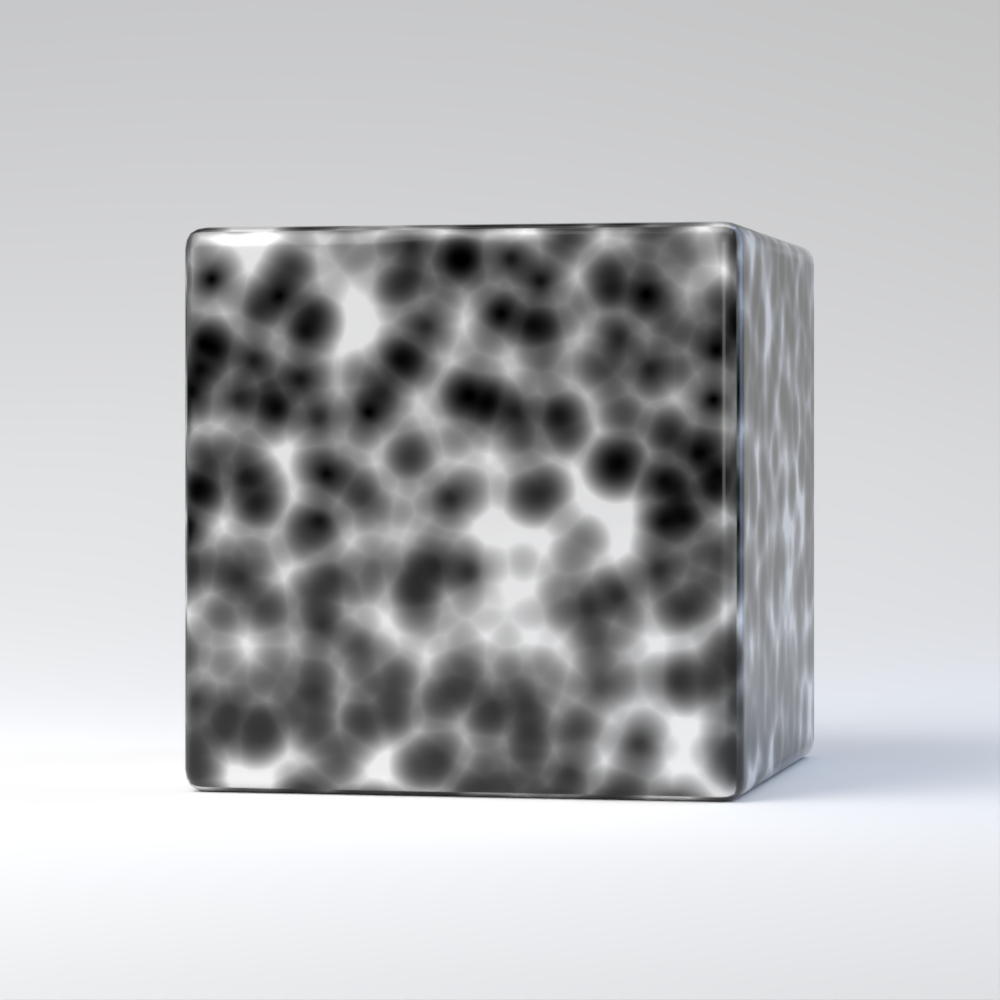
Plasma type