Chaos Vantage
Composition Guides Overlay Dialog
This page offers information about the composition guides overlay dialog in Chaos Vantage.
Last updated 17 February 2026
This page offers information about the composition guides overlay dialog in Chaos Vantage.
Overview
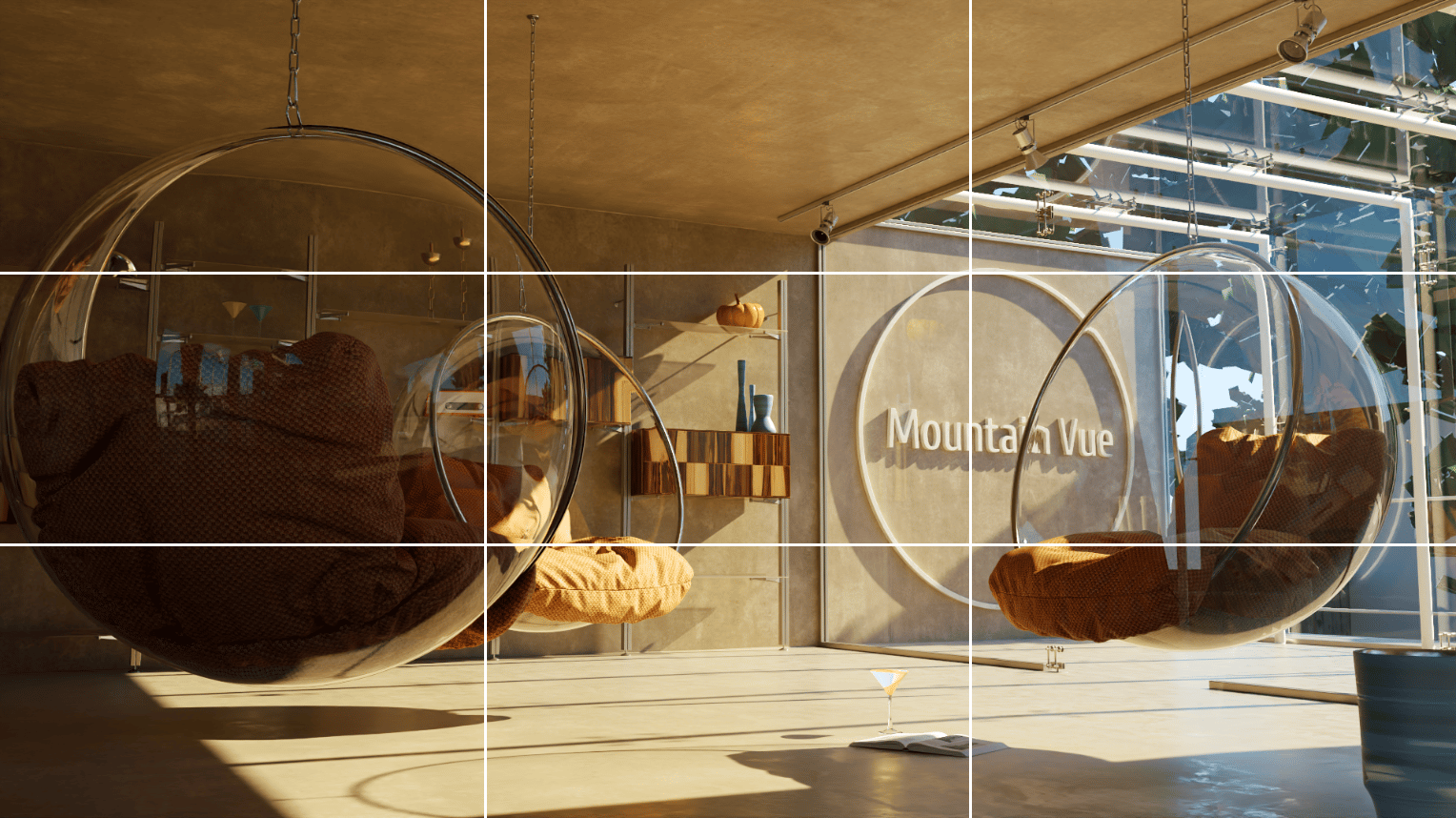
The Composition guides overlay dialog allows for a number of composition guides to be overlaid on the image. The available guides are Rule of Thirds, Central Cross, Golden Spiral, Golden Ratio, and Diagonals.

The dialog is accessible with a right-click on the Composition guides overlay button () in the viewport bar.
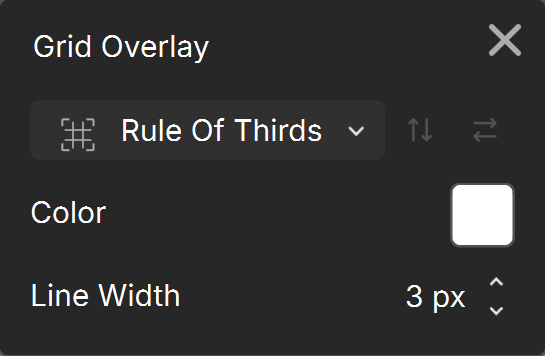
Composition guides overlay dialog
Overlay Type – Specifies the type of the composition guide to be overlayed over the viewport.
Flip Vertial / Flip Horizontal – Flips the composition overlay guide vertically/horizontally. Available only when Overlay Type is Golden Spiral.
Color – Specifies the color of the lines.
Line Width – Specifies the width of lines in pixels.
Click here for UI ...