Chaos Vantage
Edges
This page provides details about the Edges texture in Chaos Vantage.
Last updated 28 February 2026
This page provides details about the Edges texture in Chaos Vantage.
Overview
The Edges texture achieves an effect similar to wireframes. Since it is a texture, it allows for interesting effects that are not possible with the standard materials. The texture can also be used as a bump map to produce a "round corners" effect for mesh objects.
Settings
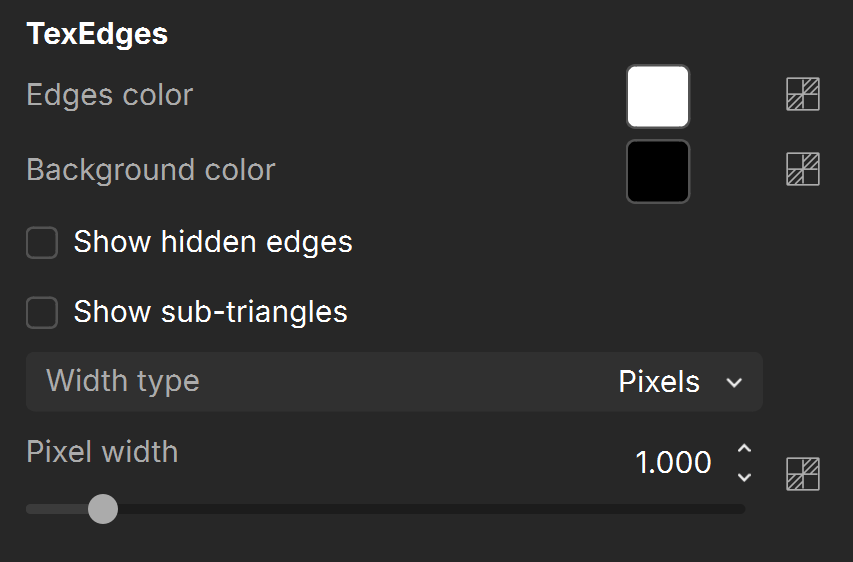
Edges color – Specifies the color of the edges. See the Colors example below.
Background color – Specifies the color of the faces. See the Colors example below.
Show hidden edges – When enabled, edges internal to polygons are shown as well. When disabled, only edges marked as "visible" are rendered. See the Hidden Edges example below.
Show sub-triangles – When enabled, edges generated by displacement mapping or render time subdivision are visible.
Width type –Specifies the scale for the width of the edges.
Pixel width – Thickness is measured in pixels. See the Pixel Width example below.
World width – Thickness is measured in world (scene) units.
Examples
The following examples demonstrate the effect that individual Edge Texture parameters have on the scene. Click on any image to view it at a higher resolution.
Example: Colors
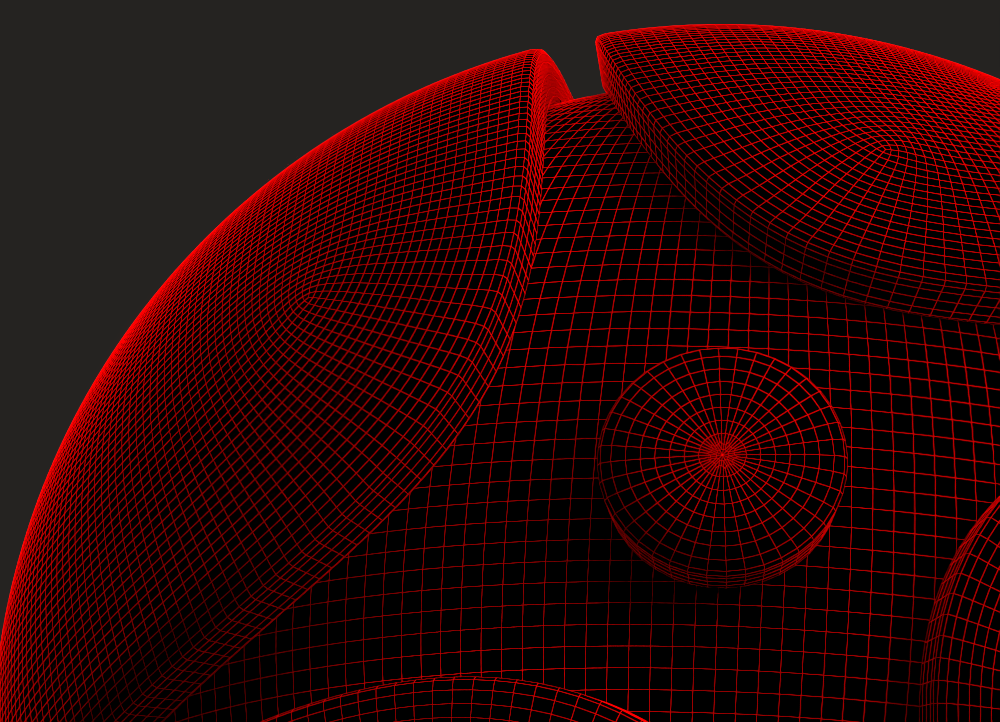
This example shows the effect of the Edge color and Background color. The Edges color affects the edges, while the Background colors is the background over the edges are placed.
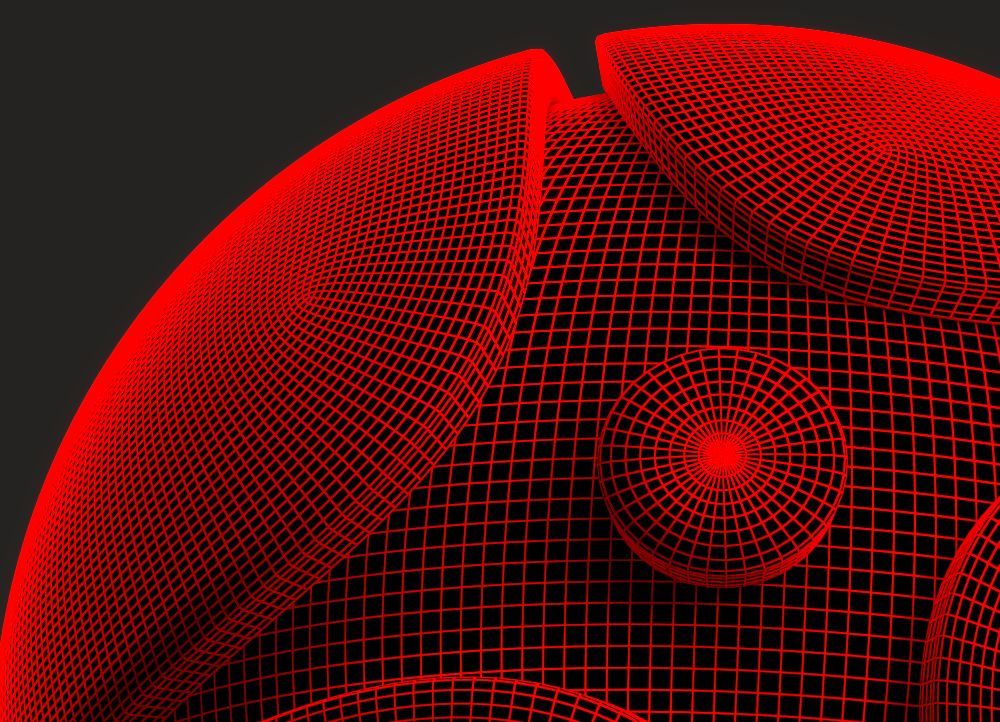
Edge color is red, Background color is black
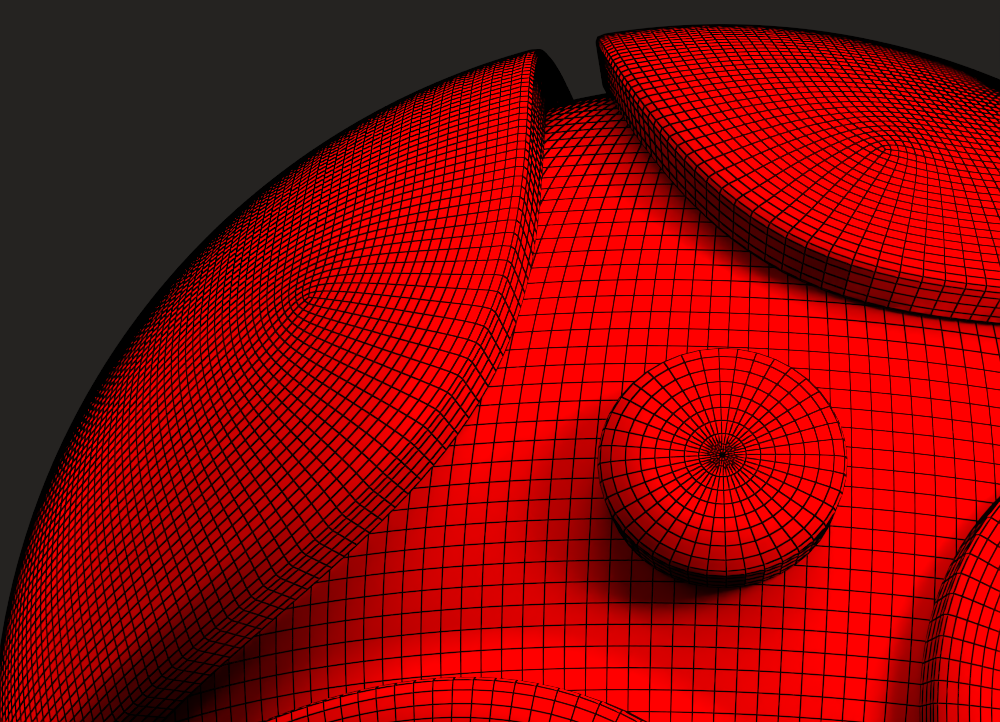
Here, the colors are switched: Edge color is black & Background color is red
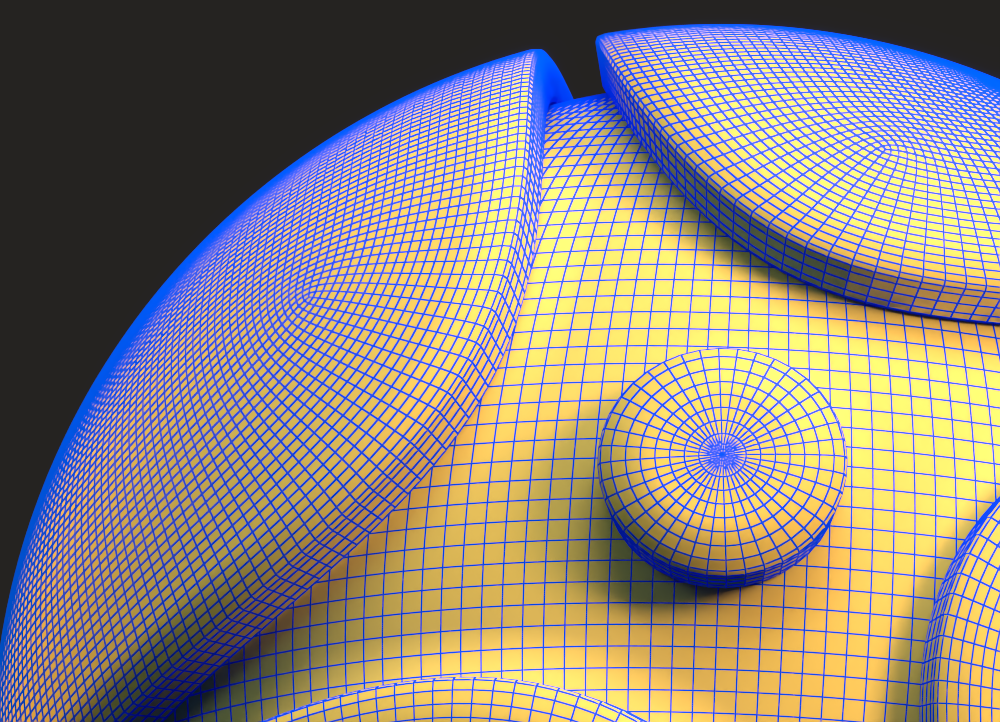
Edge color is blue, Background color is yellow
Example: Hidden Edges
This example shows the effect of the Show hidden edges parameter.
Show hidden edges is off
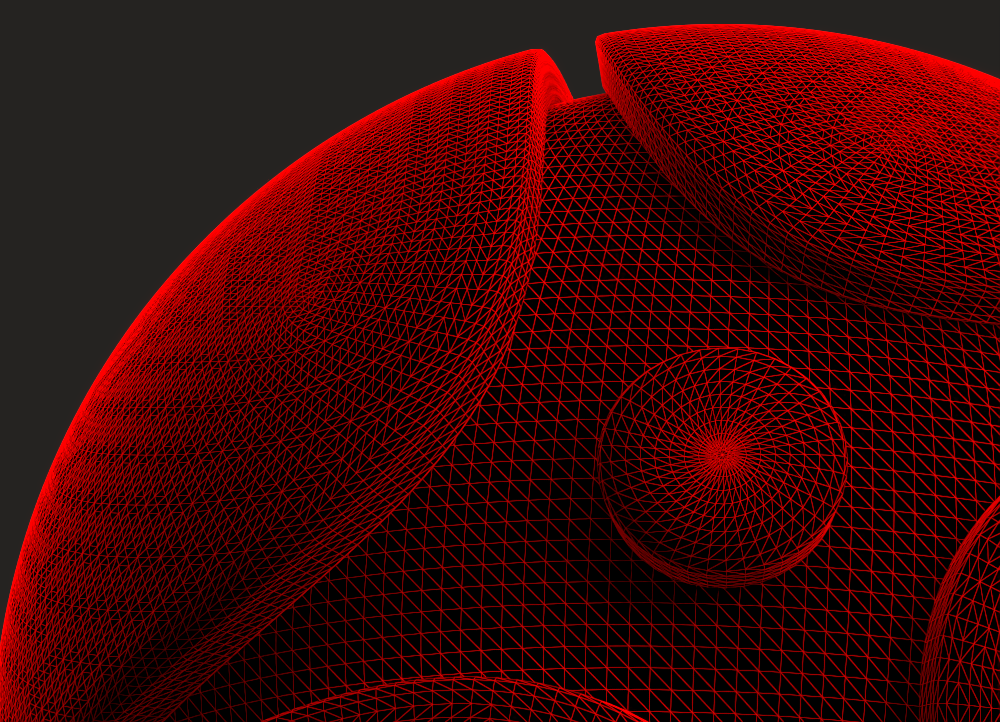
Show hidden edges is on
Example: Pixel Width
This example shows the effect of the Pixel width parameter. The Width type is set to Pixels.
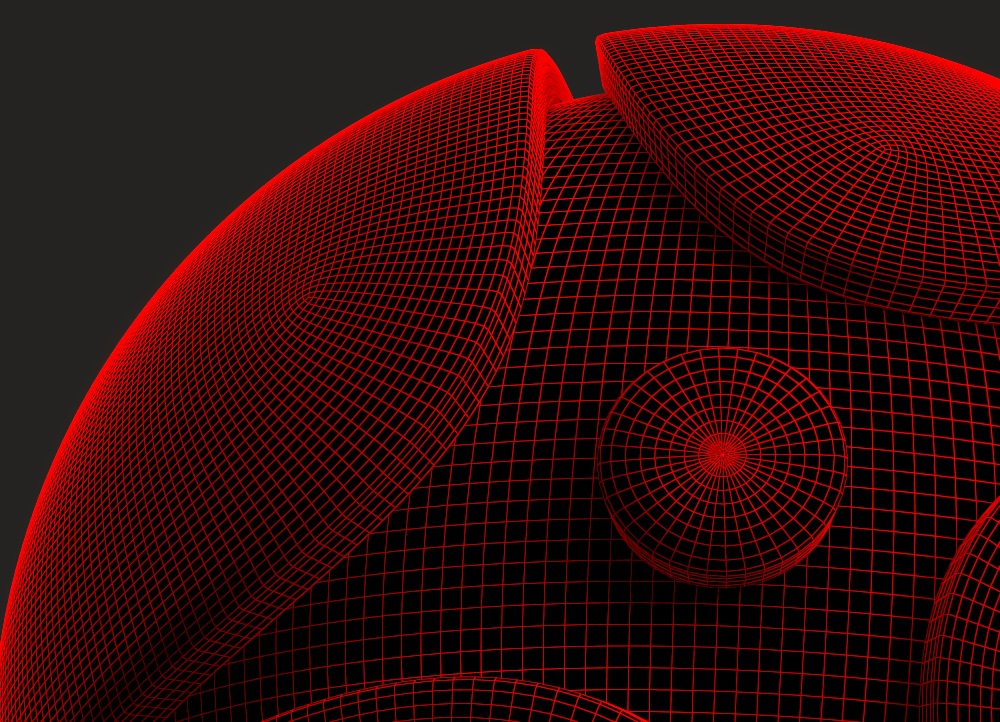
Pixel width = 0.5
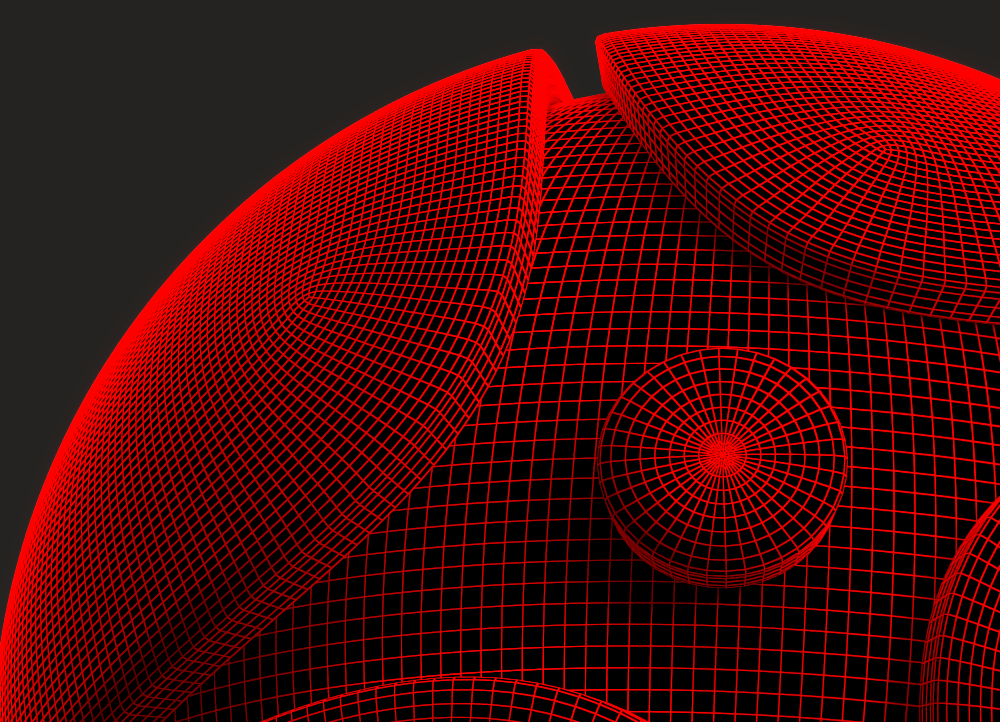
Pixel width = 1
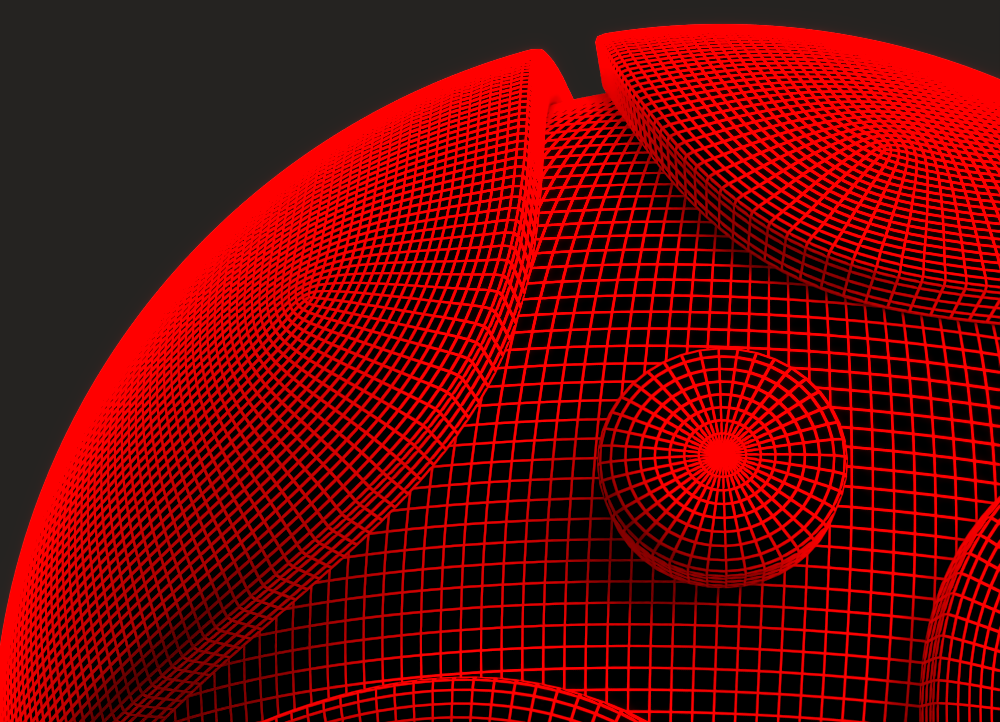
Pixel width = 2