Chaos Vantage
Getting Started
This page offers starting points for work with Chaos Vantage.
Last updated 1 July 2026
This page offers starting points for work with Chaos Vantage.

Sample Scenes
Learn how to download and open sample scenes.
View

Installation
Learn how to install Chaos Vantage.
View

Hydra Delegate Installation
Learn how to install Vantage Hydra delegate.
View

Open Scenes
Learn how to open scene files in Chaos Vantage.
View
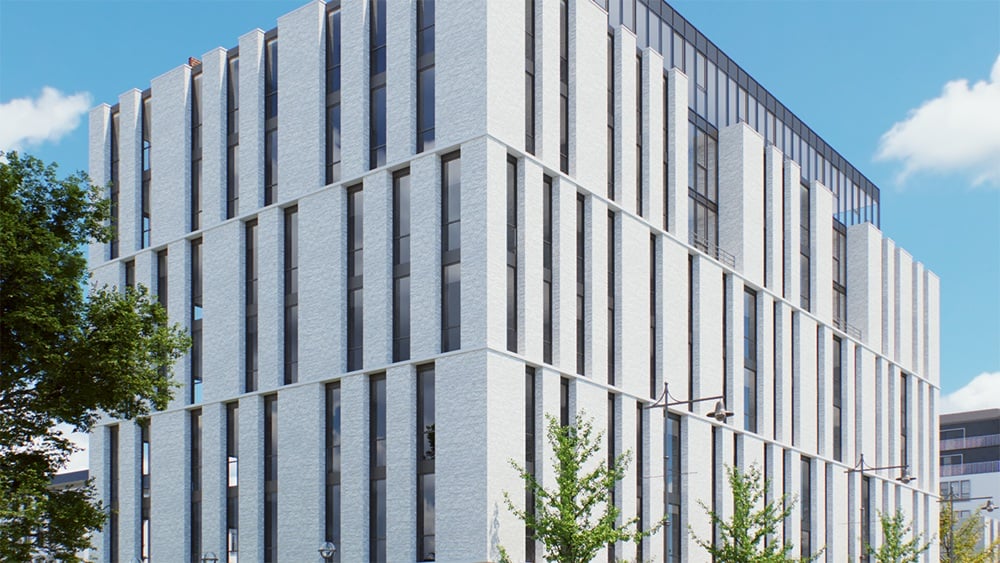
Navigation
Learn how to navigate around your scene.
View
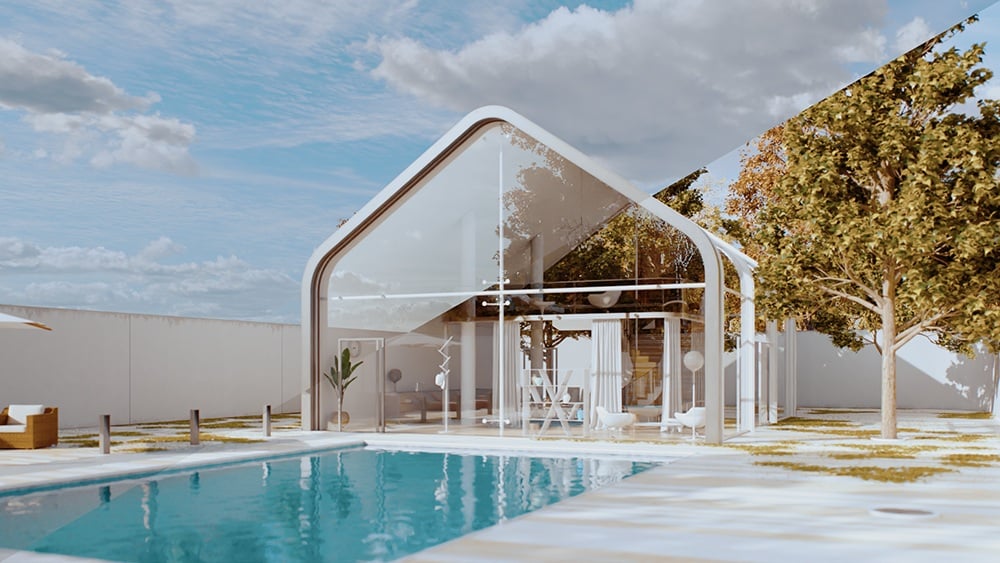
Merge and Place Scenes
Learn how to merge and place scenes.
View

Configuration Vantage File
Learn how to work with config vantage files.
View

Objects
Learn about the operations you can perform with objects.
View

Previz animation
Learn how to create a previz animation.
View

Lighting
Tips for image-based lighting, sunlight, and Cosmos HDRIs.
View

Lights
Tips for changing and rendering lights.
View
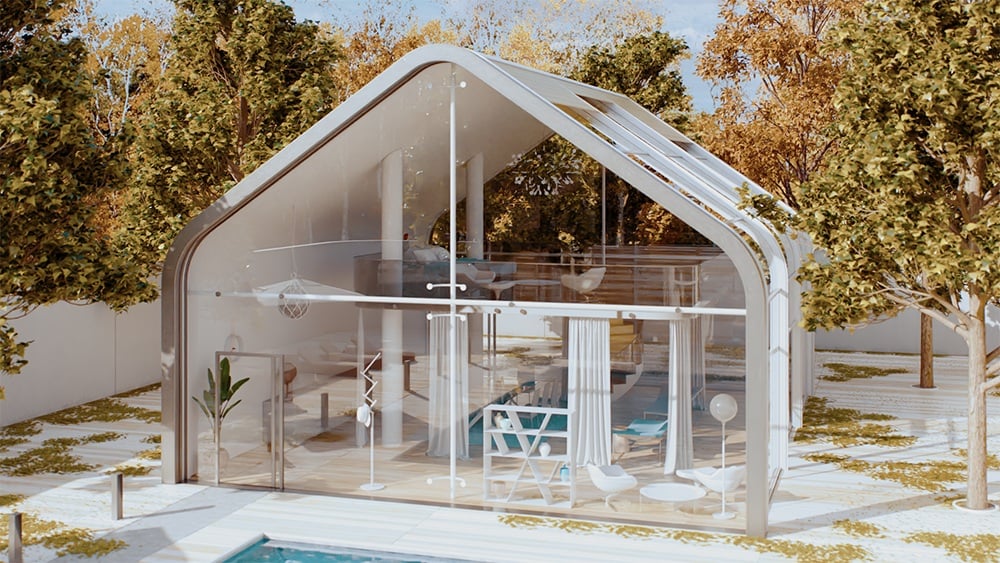
Camera Movement
Learn how to record camera movements
View

Work with Cameras
How to create, update, and delete cameras.
View

Offline Rendering
Tips for offline rendering.
View
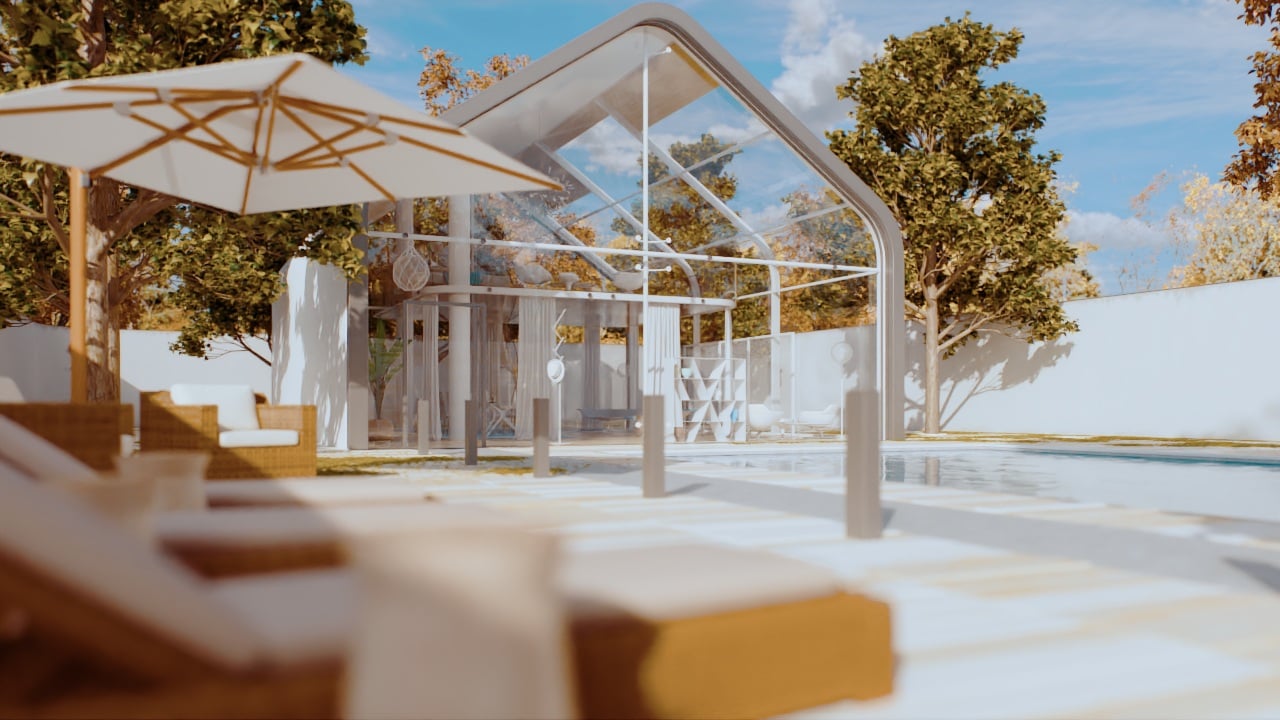
Render Queue
How to render multiple cameras.
View

Live Link
Learn how to work with Live-Link.
View

Import Changes
Tips for importing changes from Vantage to 3ds Max.
View

Corona for 3ds Max Scenes
Export Corona for 3ds Max scenes to render them in Vantage.
View

Corona for Cinema4D Scenes
Send Corona for Cinema4D scene to Vantage.
View

Corona for 3ds Max Animation
Render animations from Corona for 3ds Max in Vantage.
View

Corona for Cinema 4D Animation
Render animations from Corona for Cinema4D in Vantage.
View

Camera Animations
Tips for creating camera animations using the Animation Editor.
View
Chaos Cosmos
How to shade scenes with Chaos Cosmos.
View

Chaos Scatter
How to work with Scatter.
View

Car Material with Flakes
How to create a realistic car material with flakes.
View

Color Corrections
How to apply and modify color corrections.
View
Scene States
Learn how to use scene states.
View