Chaos Vantage
Mask
This page provides information about the Mask texture in Chaos Vantage.
Last updated 28 February 2026
This page provides information about the Mask texture in Chaos Vantage.
Overview
The Mask texture is used to add a mask to a texture. The lighter areas of the mask show the applied mask, while the darker areas show the underlying material color or texture. You can use Invert mask option to reverse the mask's effect.
Settings
Texture – Specifies the base texture to use. A color can be used instead.
Mask – Specifies the texture that is applied as a mask.
Invert mask – Inverts the mask before applying it to the base texture. The white areas become transparent and the black areas show the applied map. See the Invert Mask example below.

Example
The following examples demonstrate the effect that individual Mask Texture parameters have on the scene. Click on any image to view it at a higher resolution.
Example: Invert Mask
This example shows the effect of the Invert mask parameter. A blue color is used in the Color slot of the Texture parameter, and a black-and-white bitmap texture is used as the mask.

Setup
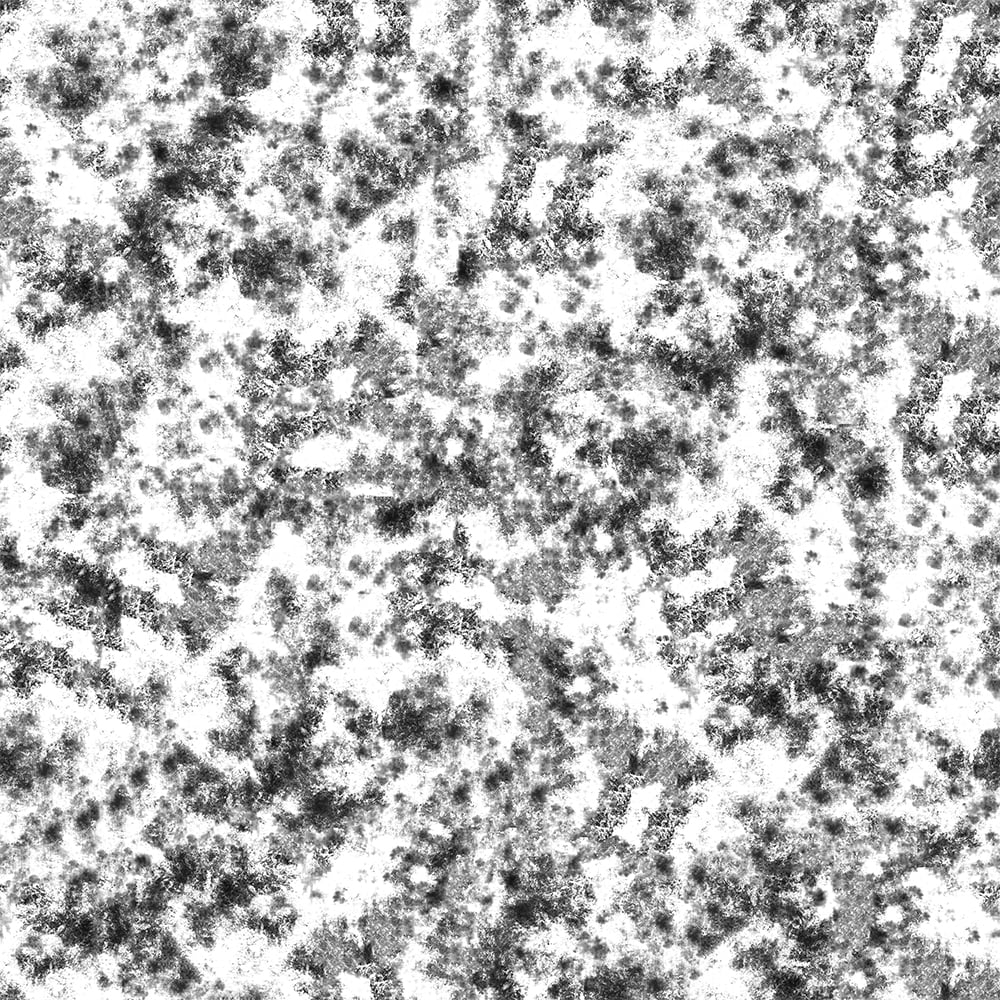
Bitmap

No texture is applied
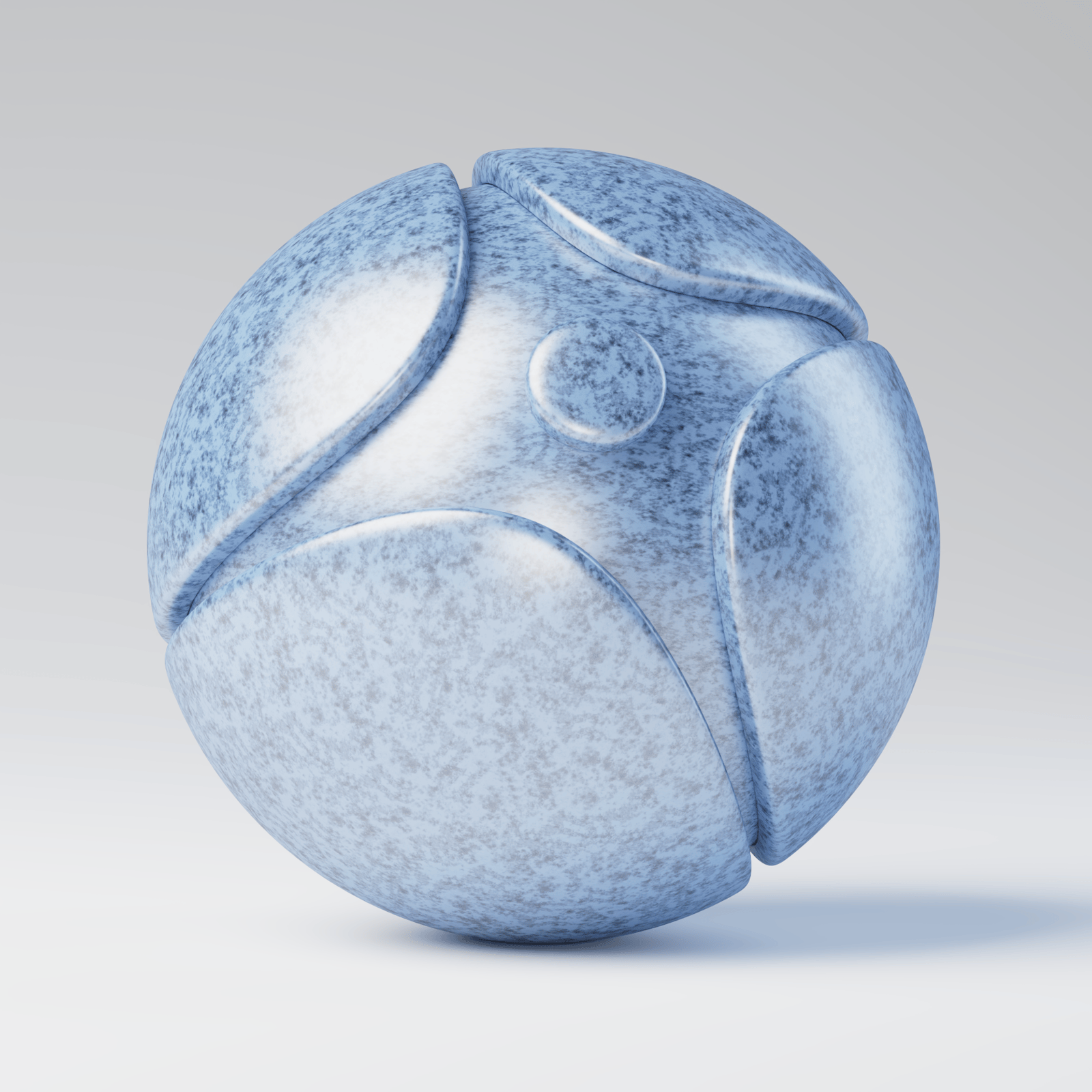
Invert mask is off

Invert mask is on