Chaos Vantage
Snap Dialog Menu
This page offers information about the Snap dialog menu in Chaos Vantage.
Last updated 6 March 2026
This page offers information about the Snap dialog menu in Chaos Vantage.
Overview

The Snap dialog menu provides options to specify snapping intervals for position, rotation, and scale values of the selected object. The dialog menu is accessible with a right-click on the Snap button ( ) in the top toolbar.
Snap dialog menu
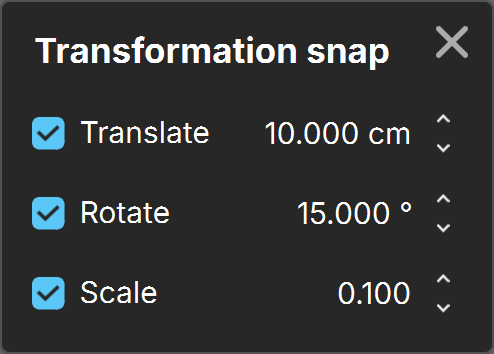
Transformation snap
Translate – Enables snapping for translation along the X, Y, and Z axis at the specified scene unit increment.
Rotate – Enables snapping for rotation along the X, Y, and Z axis at the specified degree increment.
Scale – Enables snapping for scaling along the X, Y, and Z axis at the specified increment.
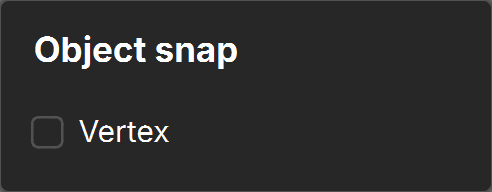
Object snap
Vertex – When enabled, snaps selected object to vertices of other scene mesh objects.