Chaos Vantage
Tiles
This page provides details about the Tiles texture in Chaos Vantage.
Last updated 28 February 2026
This page provides details about the Tiles texture in Chaos Vantage.
Overview
The Tiles texture generates a versatile procedural tile pattern with two colors or texture maps. The Tiles texture parameters are grouped into several tabs: Tiles, Common and Mapping Properties, UVW Coordinates, and UVW Randomize.

Settings
Pattern Type – Selects from certain preset tile patterns. Some channels controls may not be visible in the UI for this texture if the Pattern type chosen does not support or need it. See the Pattern Type example below.
Color mortar – Controls the color of the mortar. This channel can also be controlled by a texture map.
Color tiles – Controls the color of the tiles. This channel can also be controlled by a texture map.
Horizontal count – Controls the horizontal tile count. See the Horizontal & Vertical Count example below.
Vertical count – Controls the vertical tile count. See the Horizontal & Vertical Count example below.
Color variance – Controls the amount of color variety in the tiles.
Fade variance – Controls how faded the color from the Color variance.
Horizontal gap – Controls the size of the horizontal gap between the tiles. See the Horizontal & Vertical Gaps example below.
Vertical gap – Controls the size of the vertical gap between the tiles. See the Horizontal & Vertical Gaps example below.
Holes % – Controls the percentage of tiles that are missing.
Edge roughness – Controls how rough the edges of each tile are.
Random Seed – Used to generate the procedural Tiles Texture. This value can control Holes, Color variance, Fade variance, and Random shift.
Line shift – Controls the amount of shift between each line of tiles. Available for Custom Tiles type.
Random shift – Controls the amount of shift between each of the tiles. Available for Custom Tiles type.
Row modify – When enabled, the custom parameters are used. Available for Custom Tiles type.
Per row – Specifies the number of tiles in each row.
Row change – Specifies the amount of change to apply with each row.
Column modify – When enabled, the custom parameters are used. Available for Custom Tiles type.
Per column – Specifies the number of tiles in each row.
Column change – Specifies the amount of change to apply with each row.
For information about the parameters in the Common and Mapping Properties, UVW Coordinates, and UVW Randomize tabs, see the Textures page.

Examples
The following examples demonstrate the effect that individual Tiles Texture parameters have on the scene. Click on any image to view it at a higher resolution.
Example: Pattern Type
This example shows the different pattern types of the Tiles texture. Both the Horizontal count and Vertical count are set to 6, and the Horizontal gap and Vertical gap are set to 0.313. Color variance is added as well as Edge roughness (1.042) and Random seed (1583).
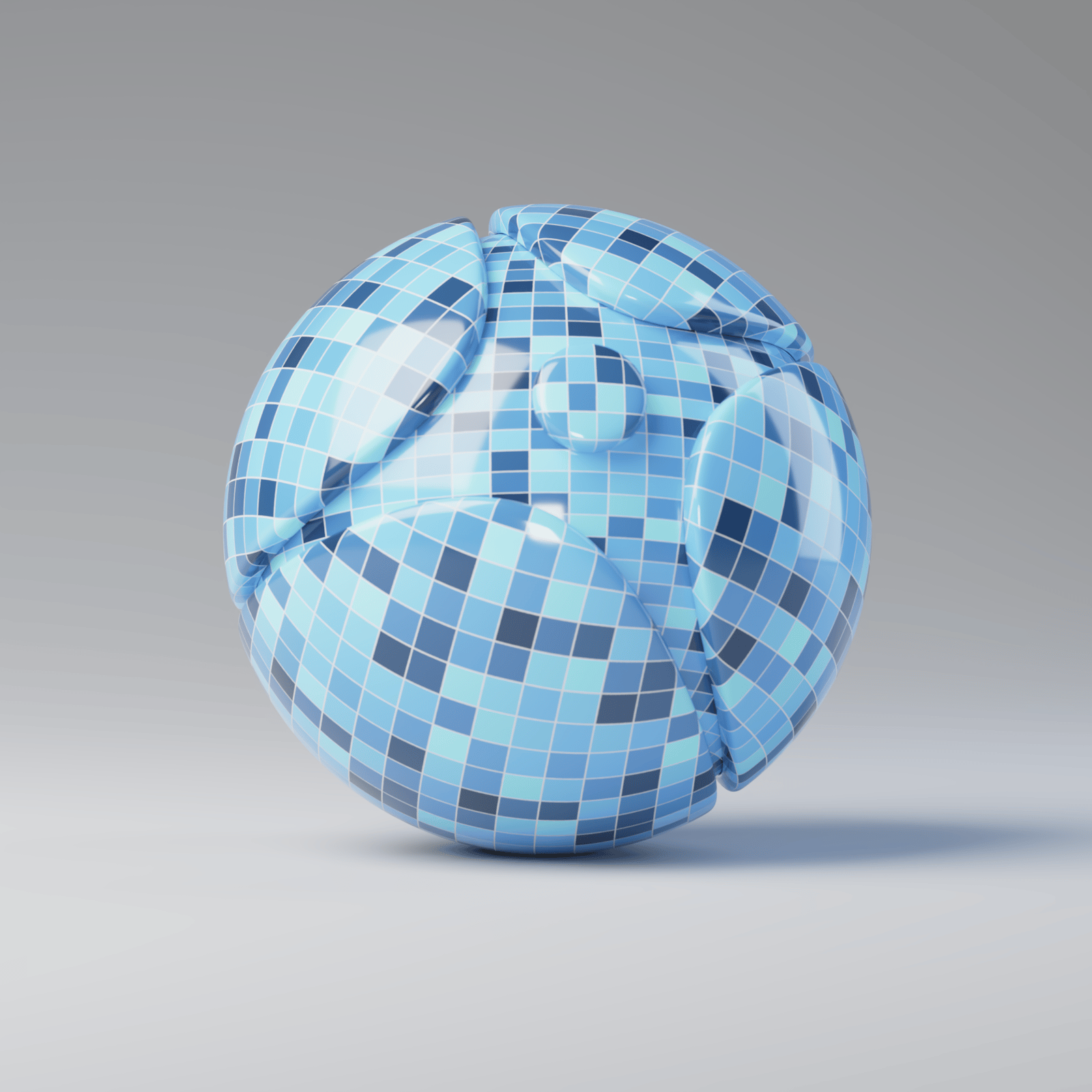
Custom Tiles

Running Bonds

Common Flemish Bond

English Bond

1/2 Running Bond

Stack Bond

Fine Running Bond

Fine Stack Bond
Example: Horizontal & Vertical Count
This example shows the effect of the Horizontal count and Vertical count. Both the Horizontal gap and the Vertical gap are set to 0.313. Color variance is added as well as Edge roughness (1.042) and Random seed (1583).

Horizontal count = 6, Vertical count = 6
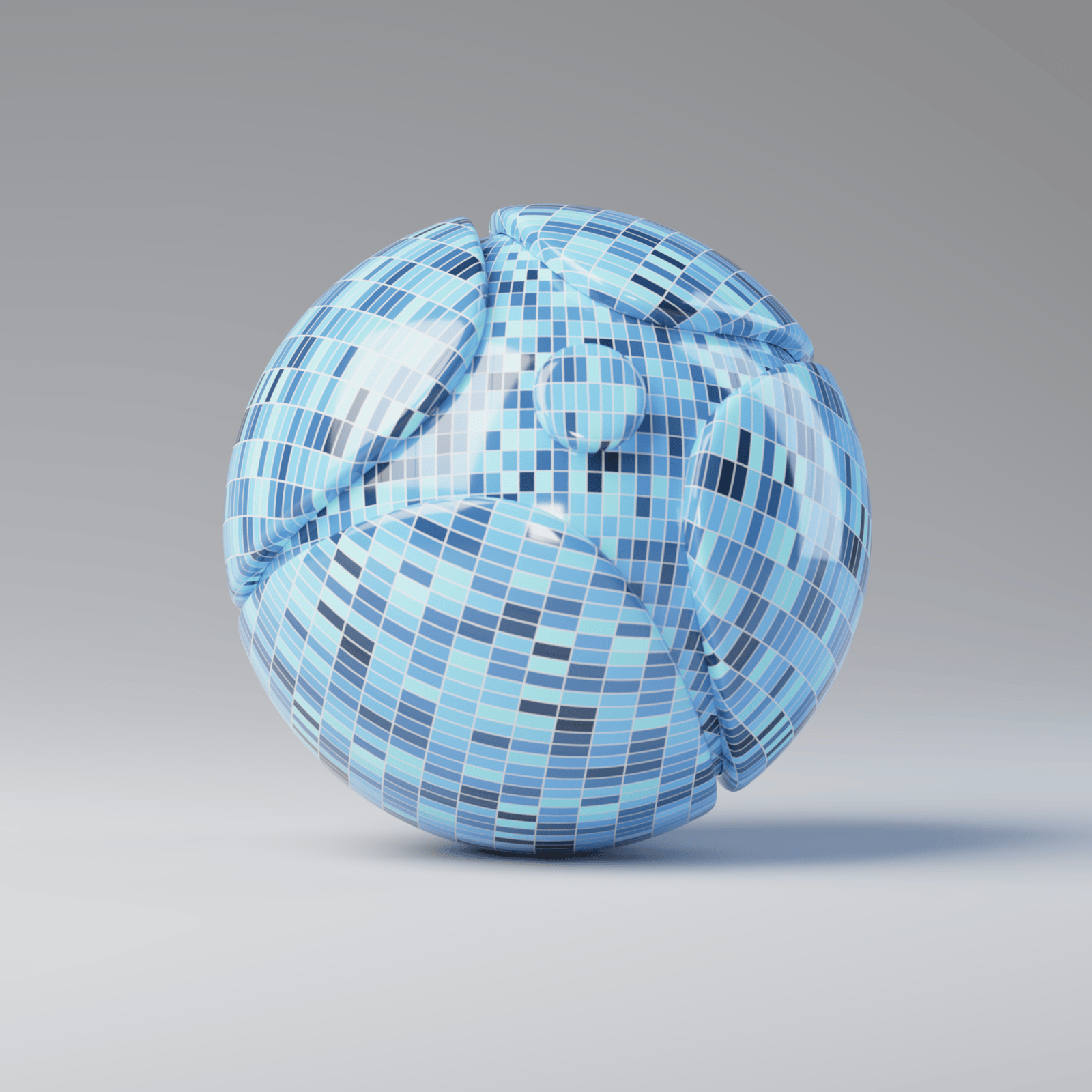
Horizontal count = 14, Vertical count = 6
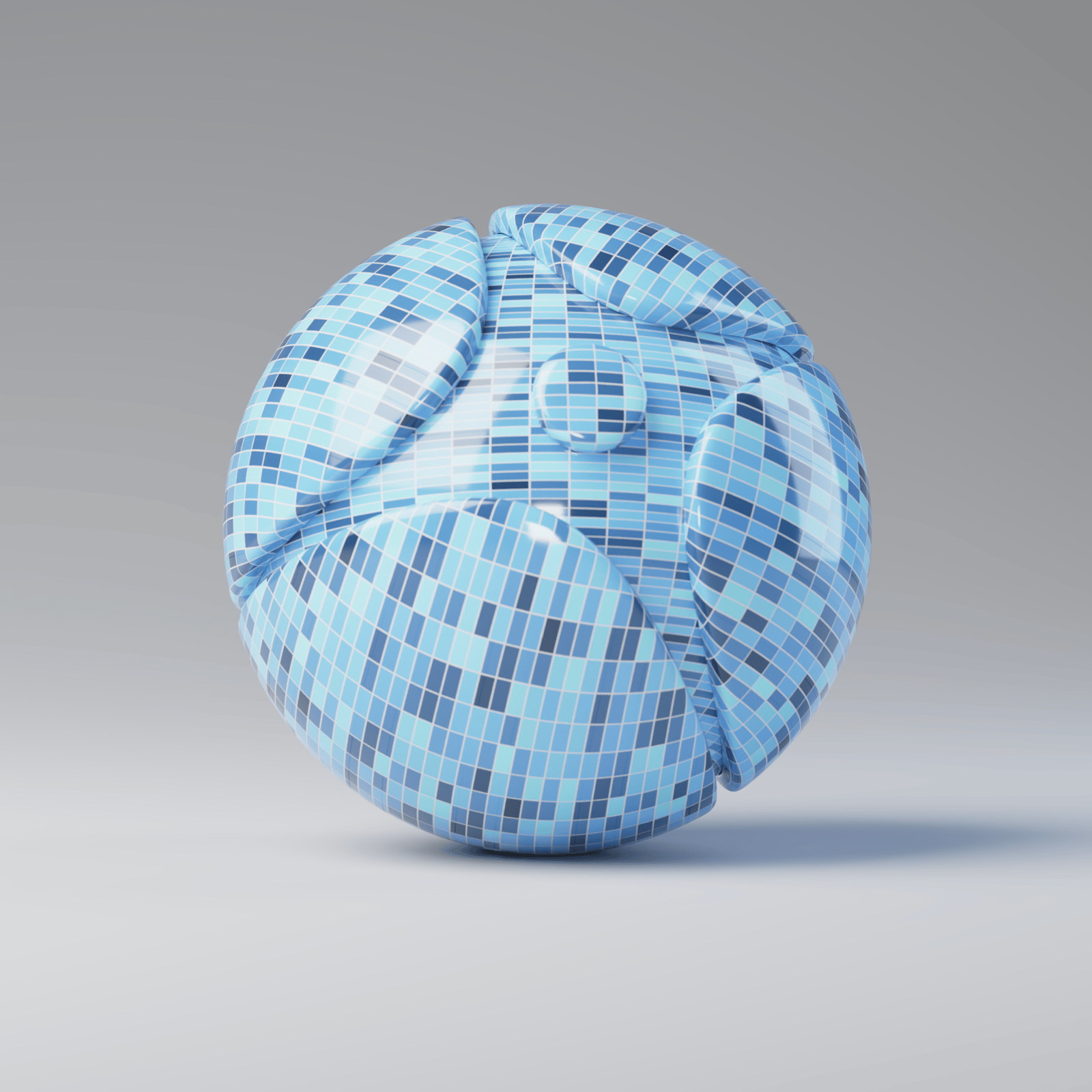
Horizontal count = 6, Vertical count = 14
Example: Horizontal & Vertical Gaps
This example shows the effect of the Horizontal count and Vertical count. Both the Horizontal count and Vertical count are set to 6. Color variance is added as well as Edge roughness (1.042) and Random seed (1583).
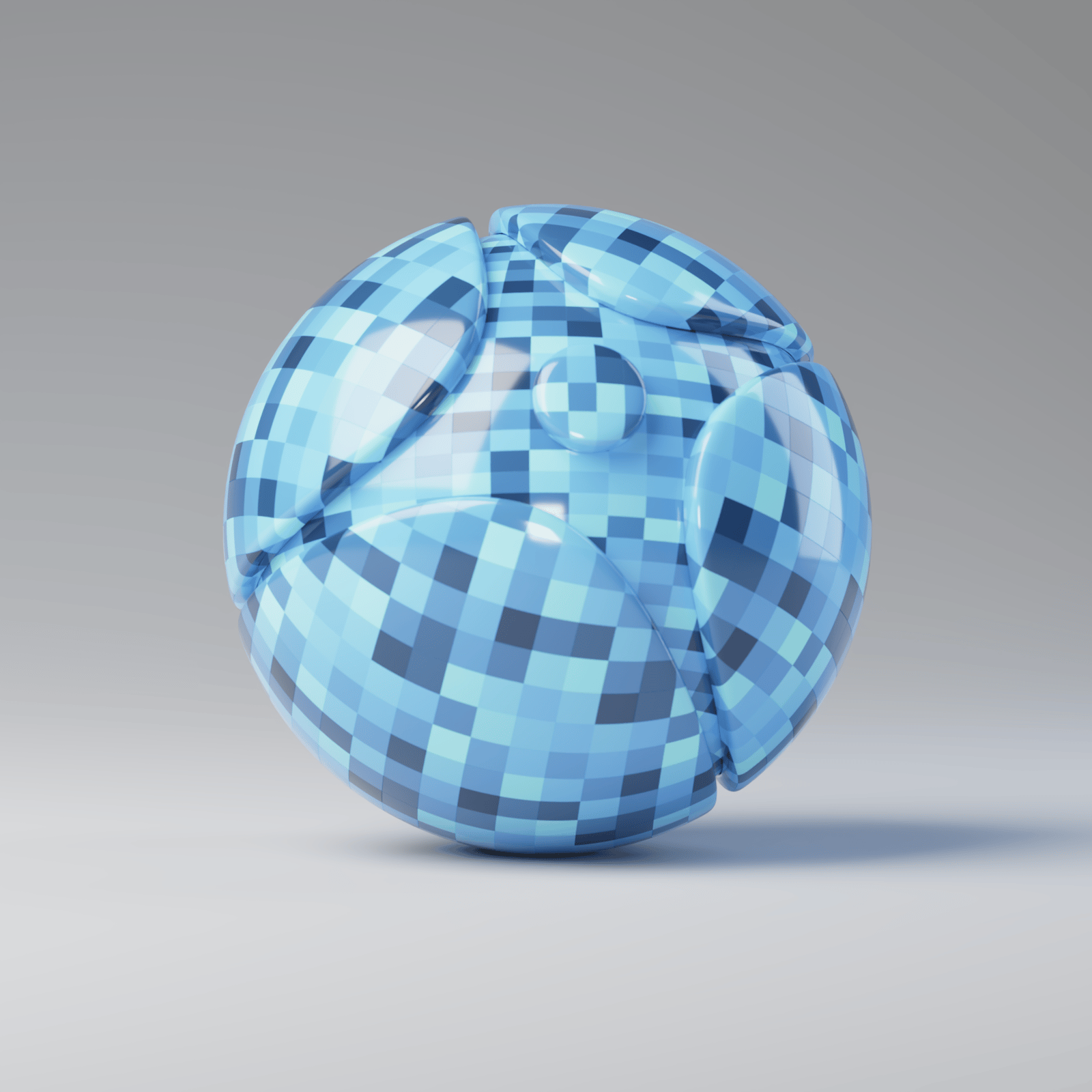
Horizontal gap = 0, Vertical gap = 0

Horizontal gap = 0.5, Vertical gap = 0.5
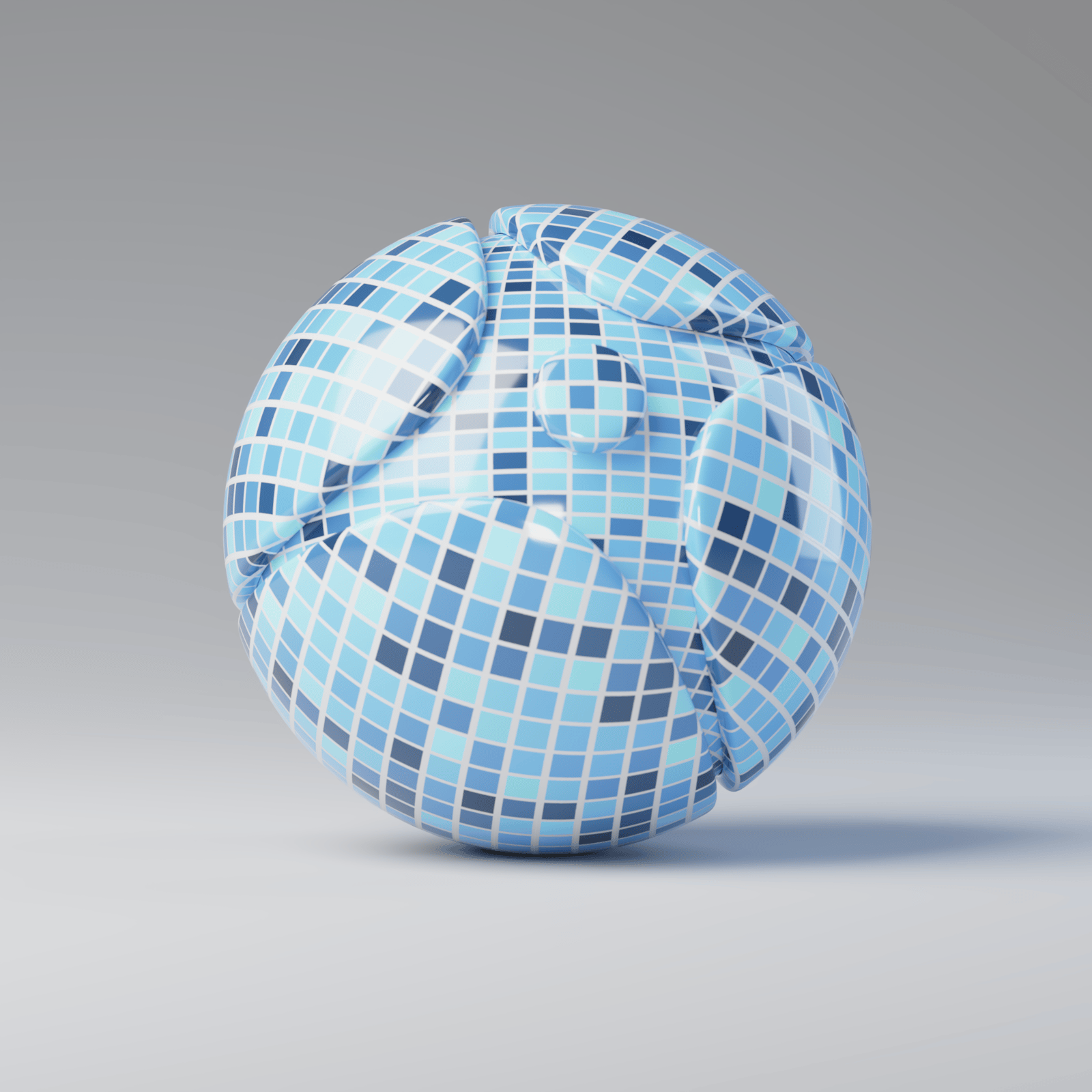
Horizontal gap = 1, Vertical gap = 1