Corona for Cinema 4D
Corona Select Material
This article explains the settings and values for the Corona Select Material.
Last updated 1 September 2026
This article explains the settings and values for the Corona Select Material.
Overview
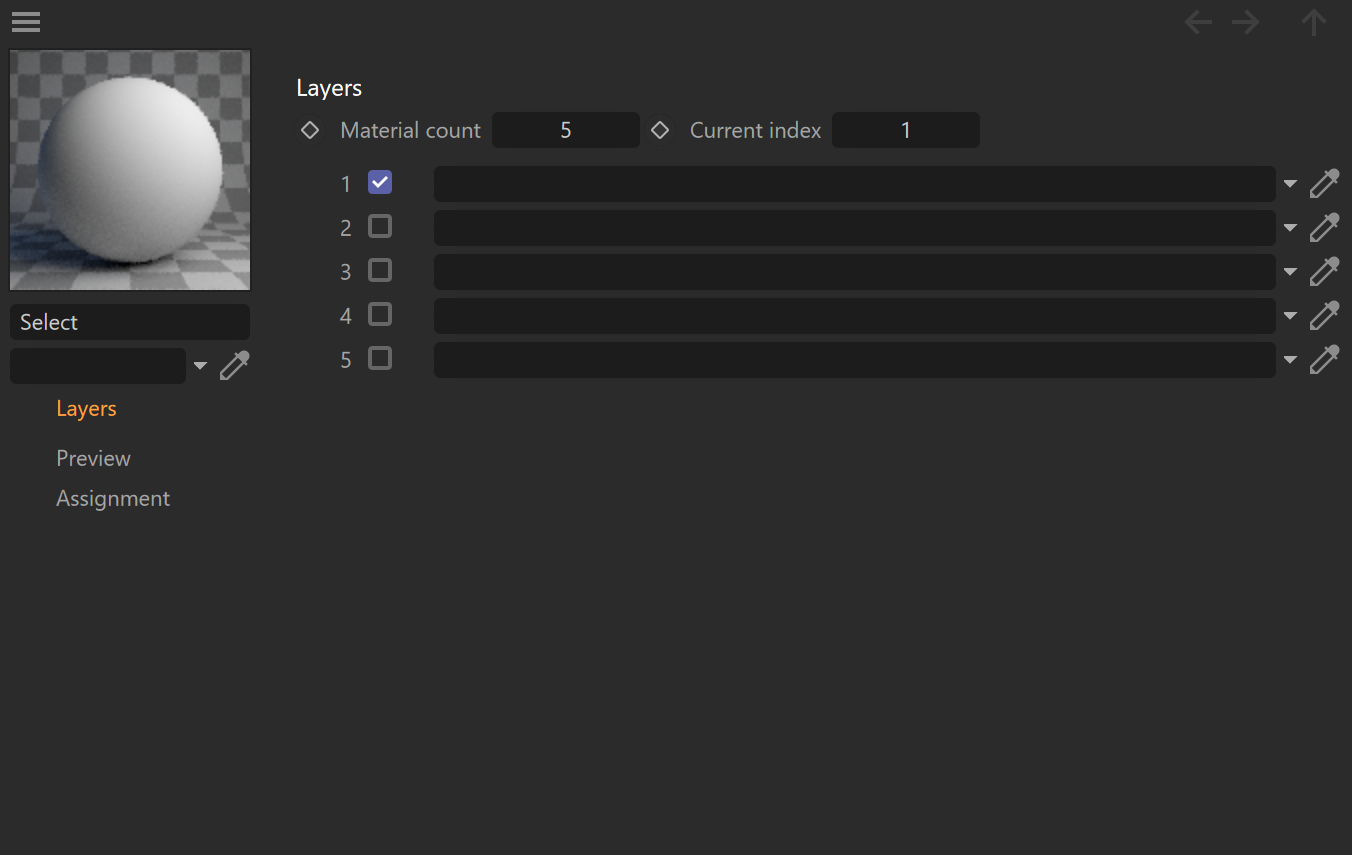
The Corona Select Material lets you plug multiple materials into a single material, and then choose which one of them to use in the actual rendering. To select a specific item, simply click the checkbox next to that item's name.
See also: Corona Select Shader

Layers
Material count – This parameter specifies the number of materials that you could select from.
Current index – This parameter sets the active material used for rendering.
List of materials – This parameter shows the number and names of all materials and allows selecting one of them by enabling the appropriate checkbox.
Examples



Click here to see the material setup
