Enscape Release Notes
4.10.0 macOS
We are also planning to release a large number of new assets. These will only be available through the Cosmos delivery system; therefore, only users on Enscape 4.11 and newer will receive the new assets once released. No new assets will be added to older Enscape versions. This limitation is due to internal changes i...
Last updated 1 September 2026
Release Notes 27.08.2025
New
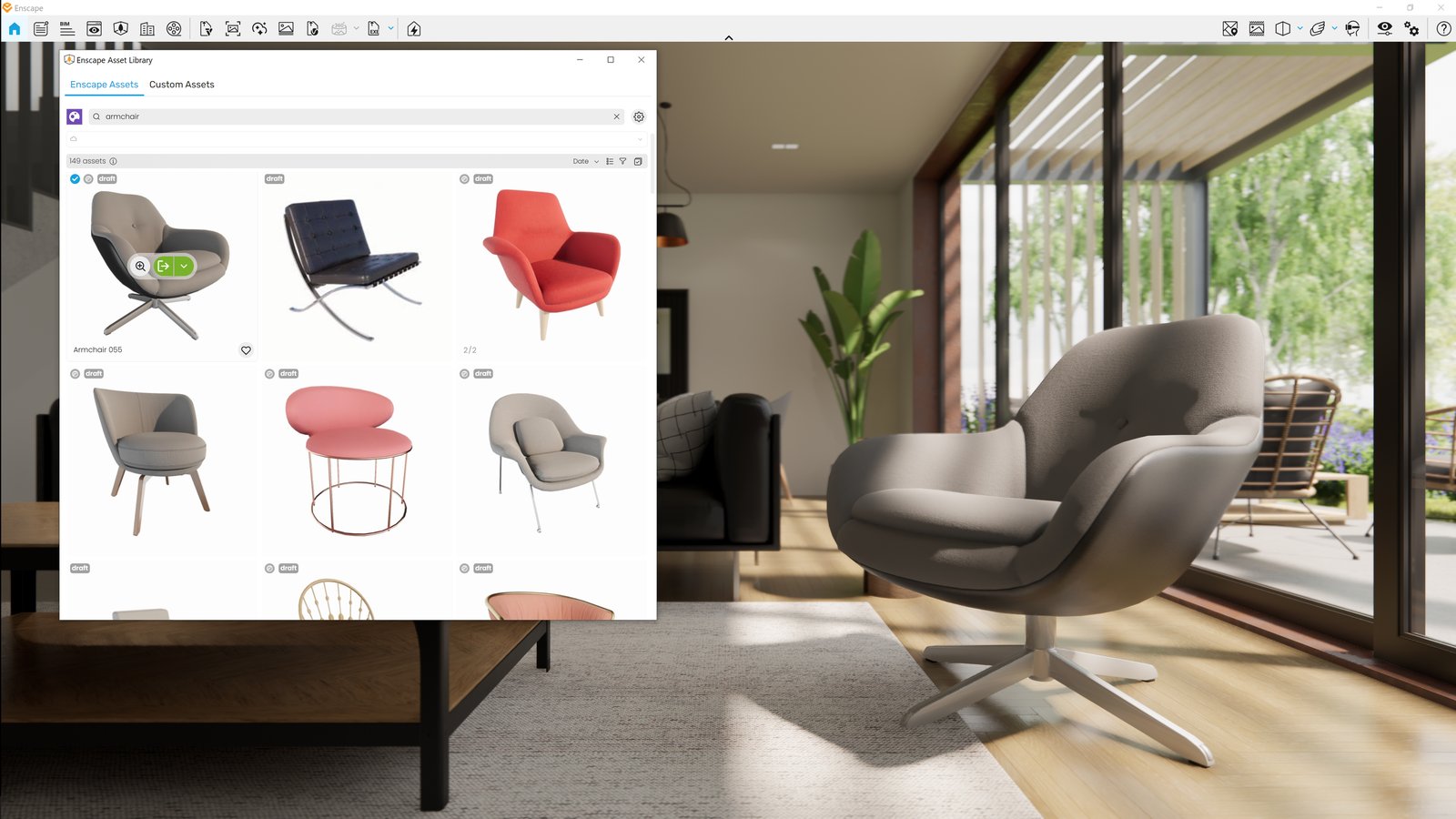
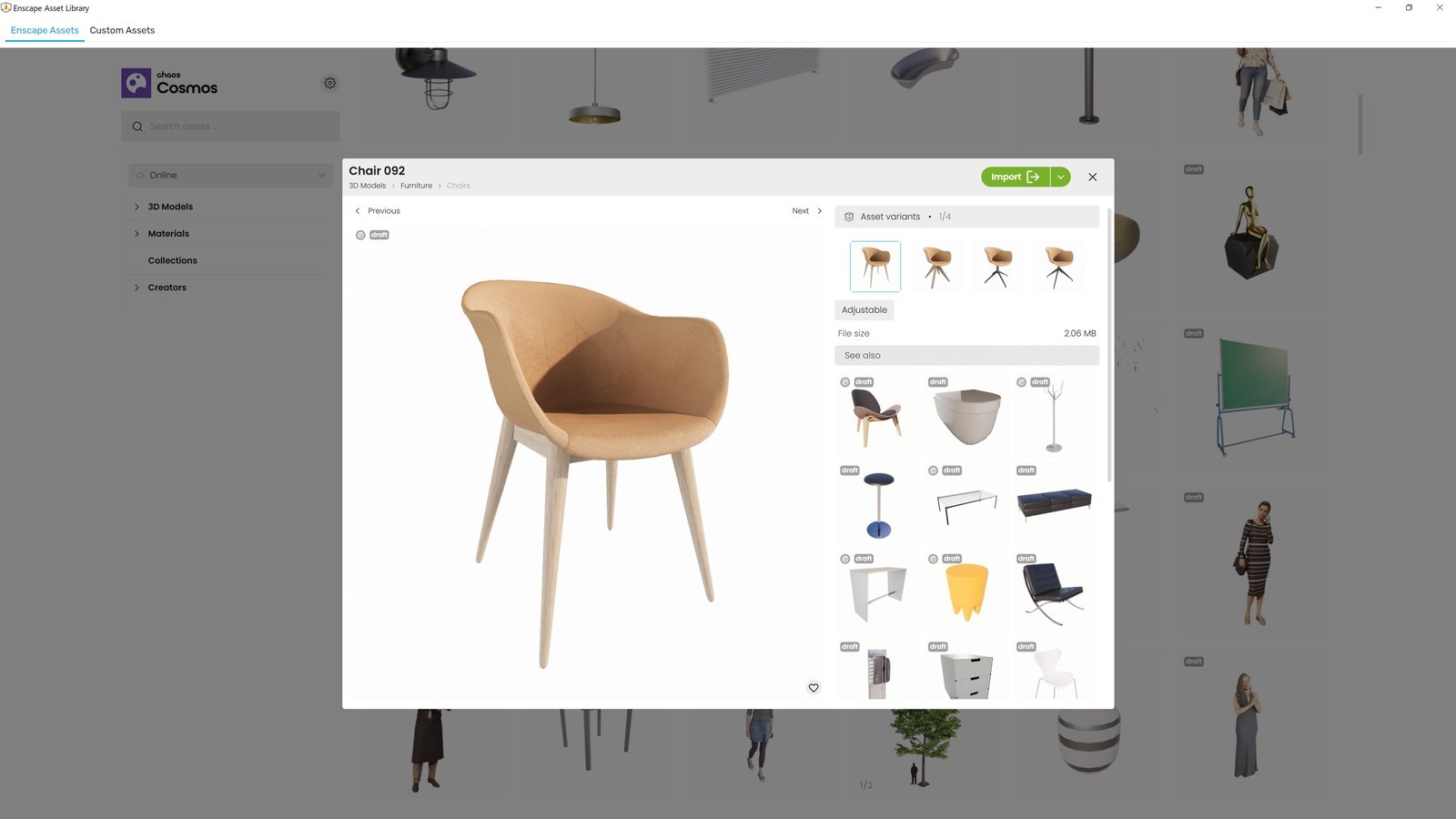
- New Asset Delivery Platform: Chaos Cosmos
Enscape now uses Chaos Cosmos as the platform for delivering assets soon. While the assets themselves remain unchanged, the system behind them is getting a major upgrade:- Same Enscape assets, now delivered through Cosmos
- Improved search and filtering for easier discovery
- More modern, intuitive interface for browsing and placing assets
- Consistent experience across Chaos products, with room for future growth
- Option to download all assets at once from the Cosmos settings menu
We are also planning to release a large number of new assets. These will only be available through the Cosmos delivery system; therefore, only users on Enscape 4.11 and newer will receive the new assets once released. No new assets will be added to older Enscape versions. This limitation is due to internal changes in our asset delivery mechanisms.
We’re excited about this transition and would love to hear your thoughts. Please share feedback in our Forum or reach out directly through our Idea Portal.
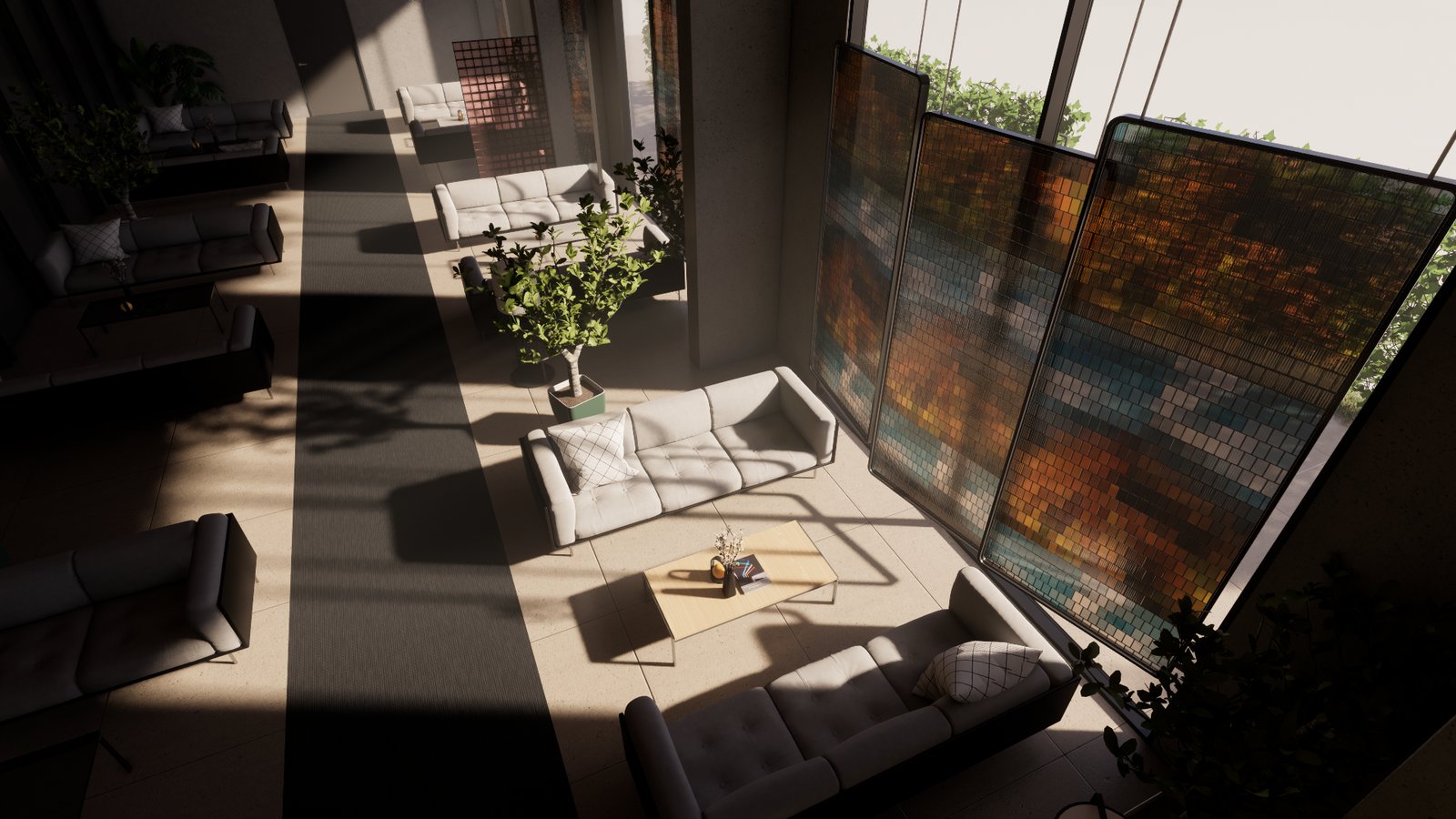
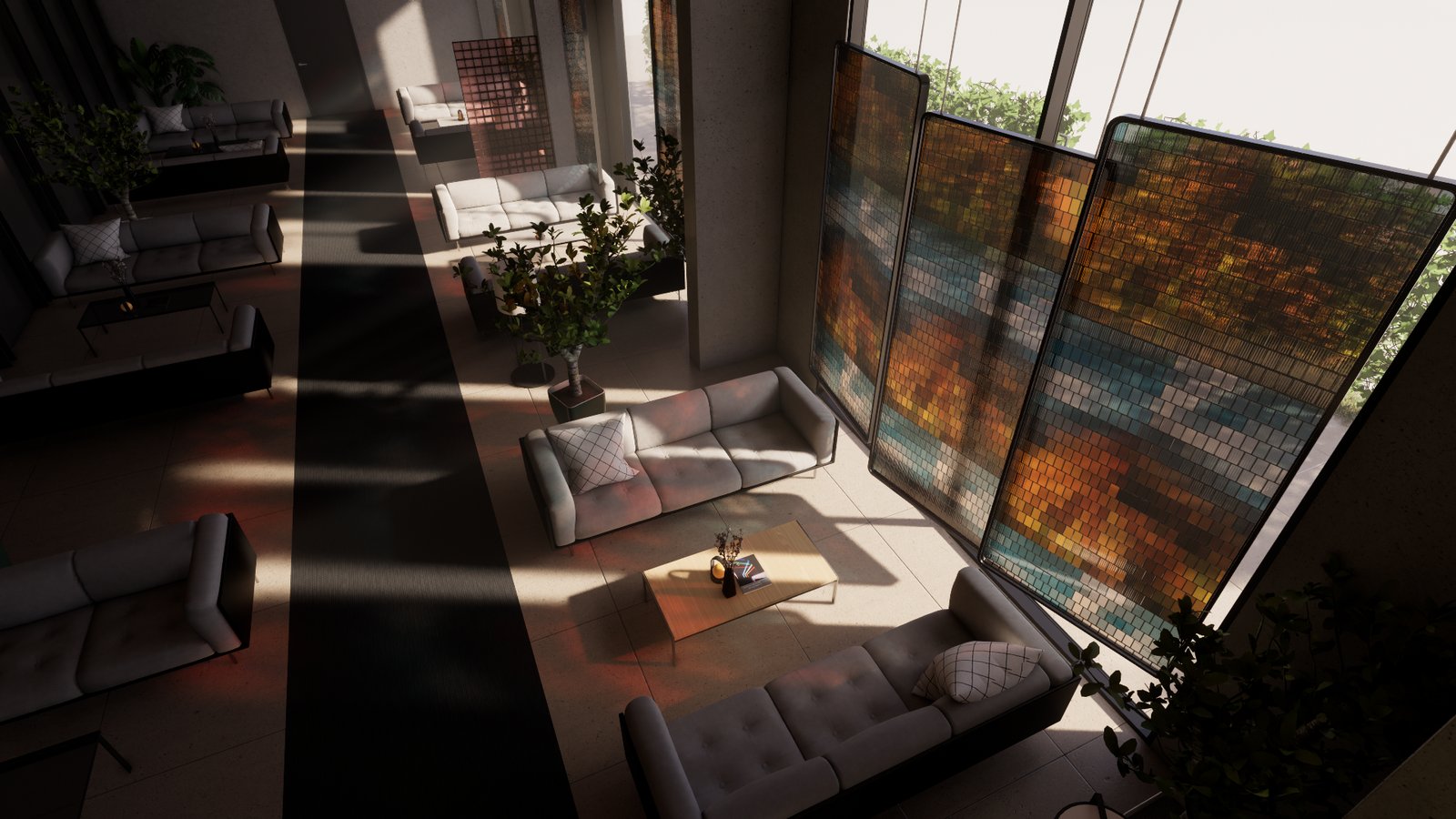
- Software ray-tracing: Introducing colored sun shadows for software ray tracing including support in fog for capture and walkthrough in Ultra quality.
Before:
After:
- V-Ray scene export improvements: Revit graphics overrides are now also taken in account for the V-Ray Scene Export if they are enabled for Enscape.
- [Rhino] PBR Material roughness texture support: Enscape now supports PBR roughness textures from Rhino’s Physically Based materials (Rhino 7 and 8), while maintaining compatibility with legacy custom materials.
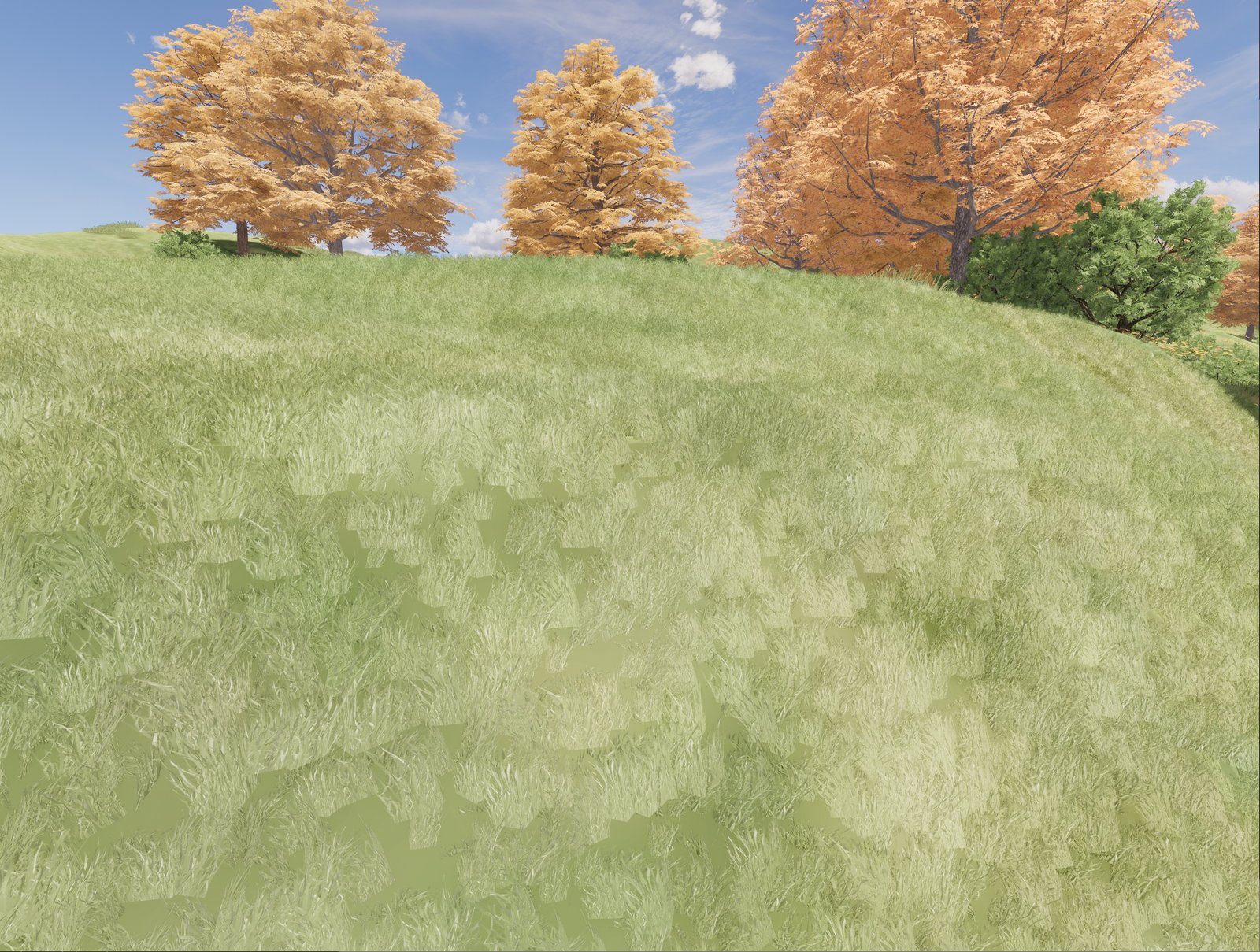
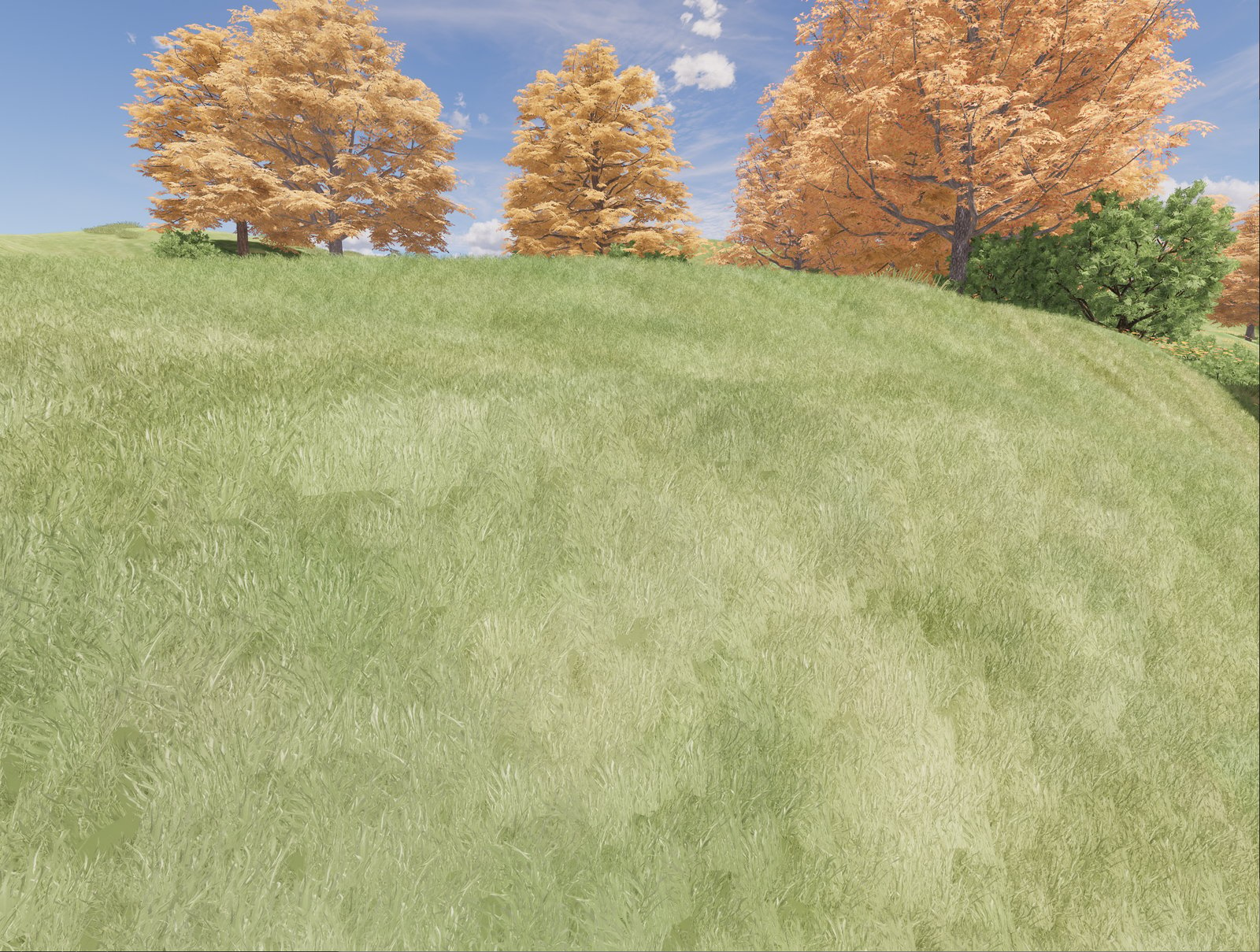
- Grass material improvements: More natural look with lower density settings, improved slope placement and smoother height variation. (Hint: More updates are on the way, stay tuned.)
Before:
After:
- Automatic Level of Detail for Scene Geometry: A new approach to automatically simplifying scene geometry to improve rendering performance.
- Disable AI Features option: Organization’s administrators can now disable AI features (Veras and AI Enhancer) if required by company policy by setting an environment variable CHAOS_DISABLE_GEN_AI to 1. This can be done per user or on system level.
Fixed Bugs
- SketchUp: Fixed an issue where changing scenes that had Enscape Sun Settings using SketchUp UI caused the sun to flicker.
- SketchUp: Fixed an issue that caused performance to drop upon Undo/Redo actions.
- Rhino: Fixed no error message is shown on macOS when the user has denied access to the Documents directory.
- Rhino: Fixed a problem when the active document was null, which was causing an exception to be logged.
- Visual settings: Default Output Folder used to fail to change sometimes after its initial update through the Visual Settings UI.
- Video Editor: Fixed an issue where Enscape freezes when closing the CAD with unsaved Video Editor Path.
- Video Editor: Fixed an issue where Enscape freezes when double-clicking the Video Preview Play Button while the General Settings Window is open.
- View Management: Fixed a rare error when the renderer unexpectedly exits during a view management operation.
- Collaborative Annotation: Fixed Collaborative Annotation titles vanishing on mouse hover, an issue where Collaborative Annotation IDs were duplicating instead of incrementing sequentially and fixed creating or deleting an embedded collaboration issue creating multiple undo steps in the CAD.
Known Issues
- SSO Login Bug Prevents Second User from Using Enscape on Same PC: A second user cannot sign in into Enscape using their own credentials and obtain a license session.