Enscape Release Notes
4.12.0 macOS
Last updated 1 September 2026
Release Notes 24.09.2025
New
- Improved Grass Shading: Improved shading quality of our existing 3D procedural grass material, which now casts shadows onto itself.
Before:
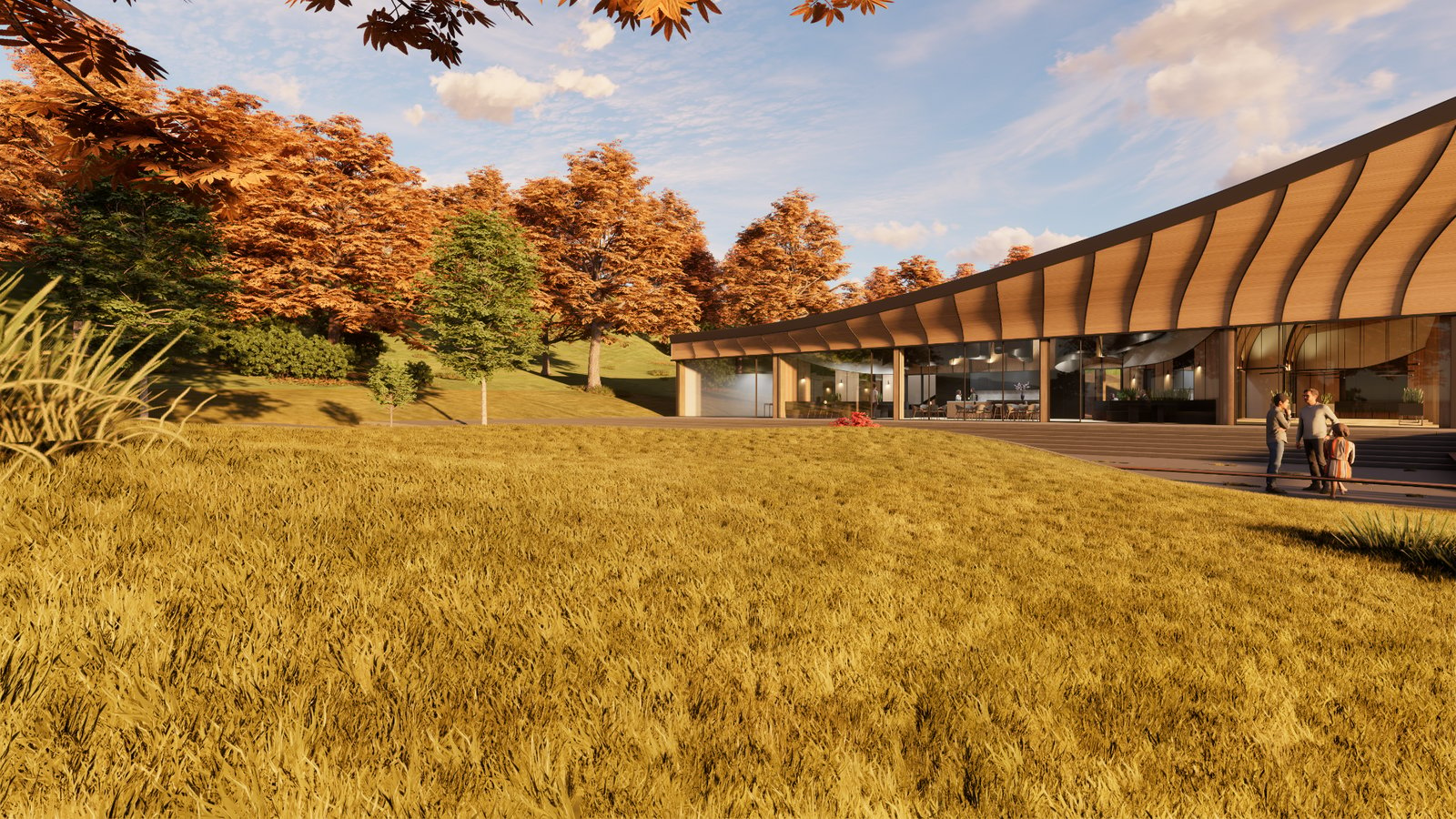
After:
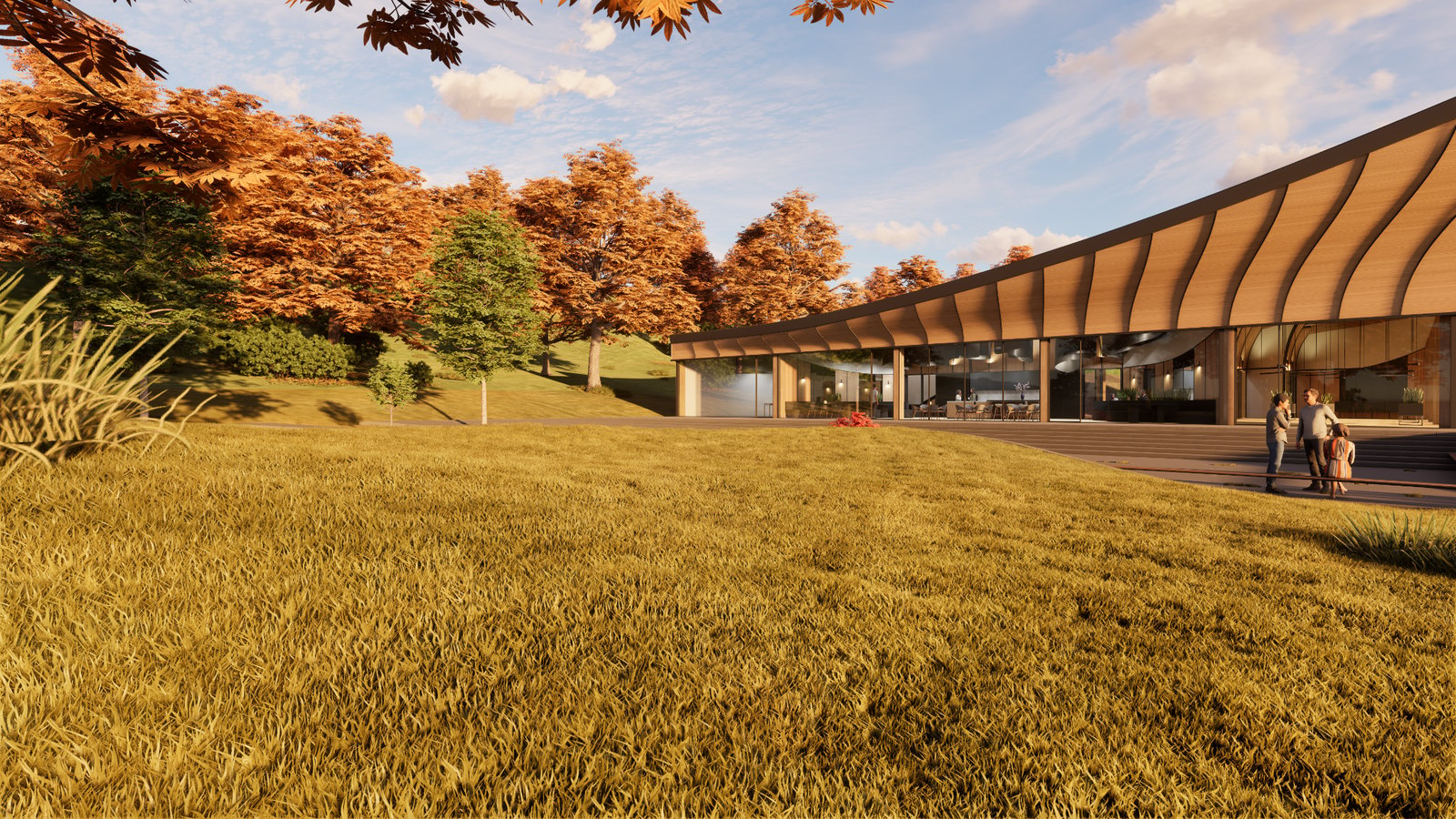
Before:
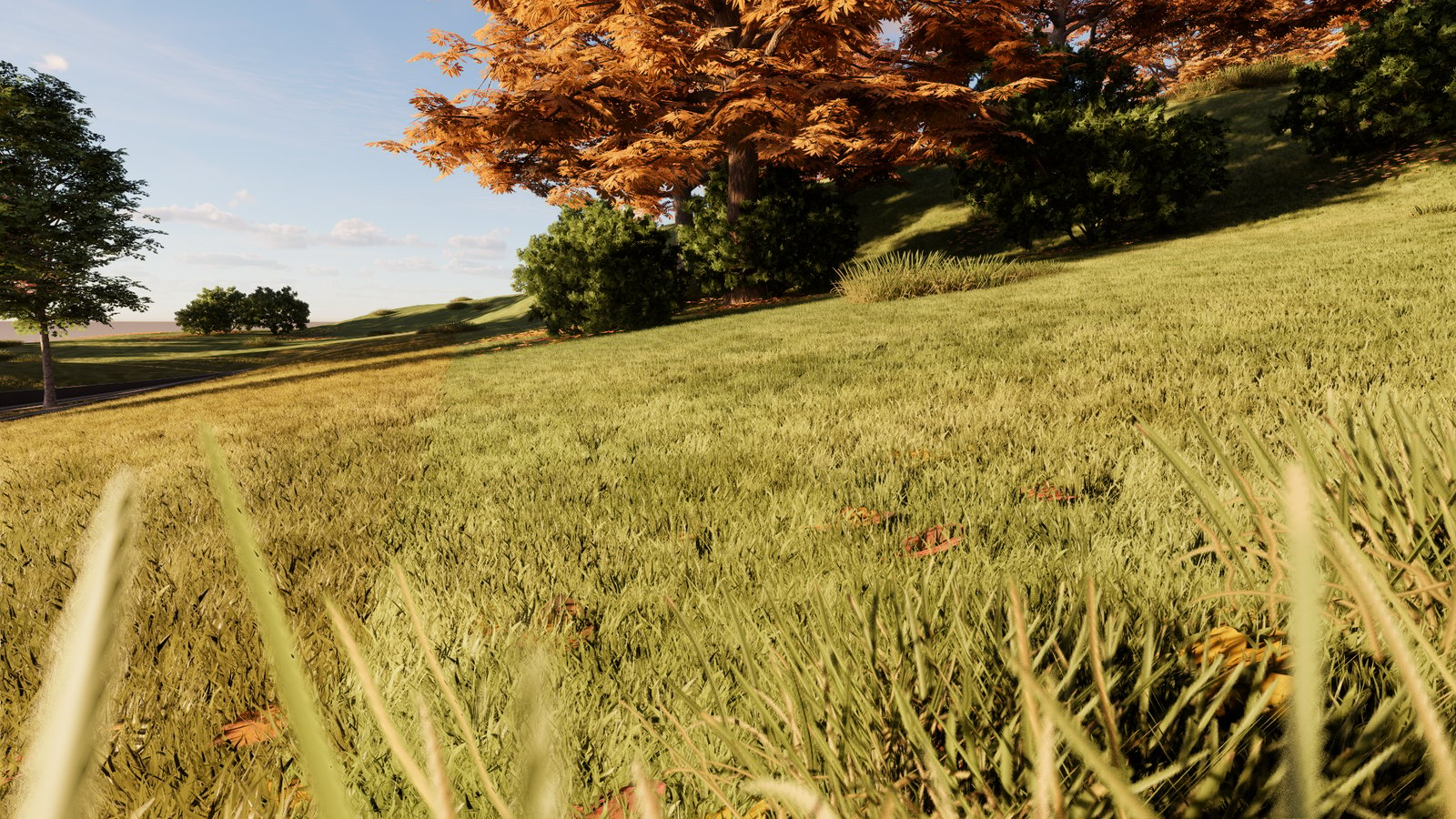
After:
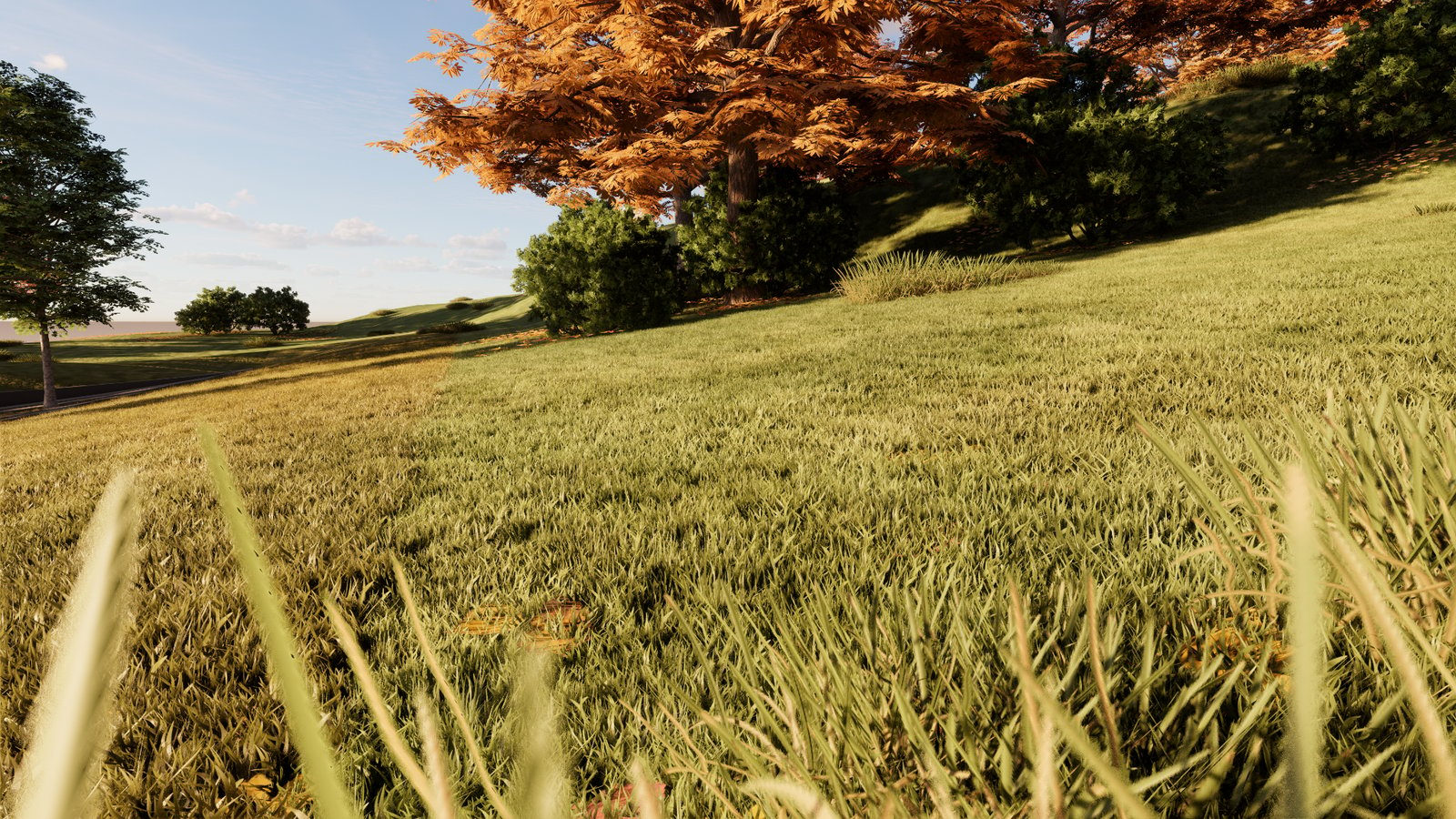
- Virtual Environment Guide: To address growing demand for remote workflows, we’re introducing a new guide covering how to run Enscape on virtual environments via remote access. While we still only officially support local installations, the document shares internally tested setups and best practices for remote use.
In parallel, we’ve resolved a known issue where the camera viewpoint jumped unexpectedly when using Windows Remote Desktop with multiple displays. This fix is part of our broader virtual environment improvements. Please try it out and share your feedback. - Rhino Mirror Material Consistency: Improved consistency when rendering mirror materials using Rhino’s physically based materials. Enscape now more accurately interprets 0 roughness / 100% metallic values, making mirrors appear correctly without needing to switch to the Enscape material type.
Fixed Bugs
- Rhino: Fixed Rhino’s physically based materials not being shown correctly in Enscape when the material’s metallic value was 0.5 or above.
- Rhino: Resolved an issue where a white-tinted material with WCS mapping was not displaying correctly.
- Rhino: Resolved an issue where a white-tinted material with WCS was not displaying correctly on Rhino.
- SketchUp: Envisions object containing SketchUp’s top-level ungrouped geometry is no longer unnamed when a V-Ray Scene Export is done and the resulting .vrscene file is opened in Envision.
- SketchUp: Fixed an issue where modifying or removing component instances caused glued entities to not update.
- Vectorworks 2025 Update 6: Fixed an issue that caused Enscape to stop syncing after switching to a 2D perspective.
- Asset Placement: Fixed unchanged asset placeholder not disappearing when discarding all asset changes.
- White Mode: Fixed white mode category exclusion not working correctly without an internet connection
- Fog: Fixed blurriness of distant objects when viewed through transparent surfaces; they were appearing sharp instead of blurred.
- Rendering: Fixed a minor issue with vegetation in screen space reflections.
- Video Editor: Fixed arrows not repeating on video editor preview paths
- Veras: Fixed hyperlinks in About Veras window.
Known Issues
- Enscape crashes in (heavy load) captures: Crash in PathTrace.glsl may occur under high GPU loads when rendering large screenshots (e.g., 4K with artificial lights or 6K without artificial lights).