Veras
User Interface
This page provides information about Veras interface and the differences between the Web and the Integrated versions.
Last updated 1 September 2026
This page provides information about Veras interface and the differences between the Web and the Integrated versions.
Veras Toolbar
Veras Toolbar consists of five Main Tabs, located on the left side of the toolbar, and icons, located on the right side.
Integrated Version:

Veras in Enscape for SketchUp example
Web Version:

Web Version toolbar
Veras Tabs
Veras functions are divided into five Main Tabs:
Veras Guided Walkthroughs
When opening Veras for the first time, Veras Tips will pop up to navigate through the options and processes.
They can be reset from the General Settings by using Reset Guided Walkthroughs option:

Settings icon
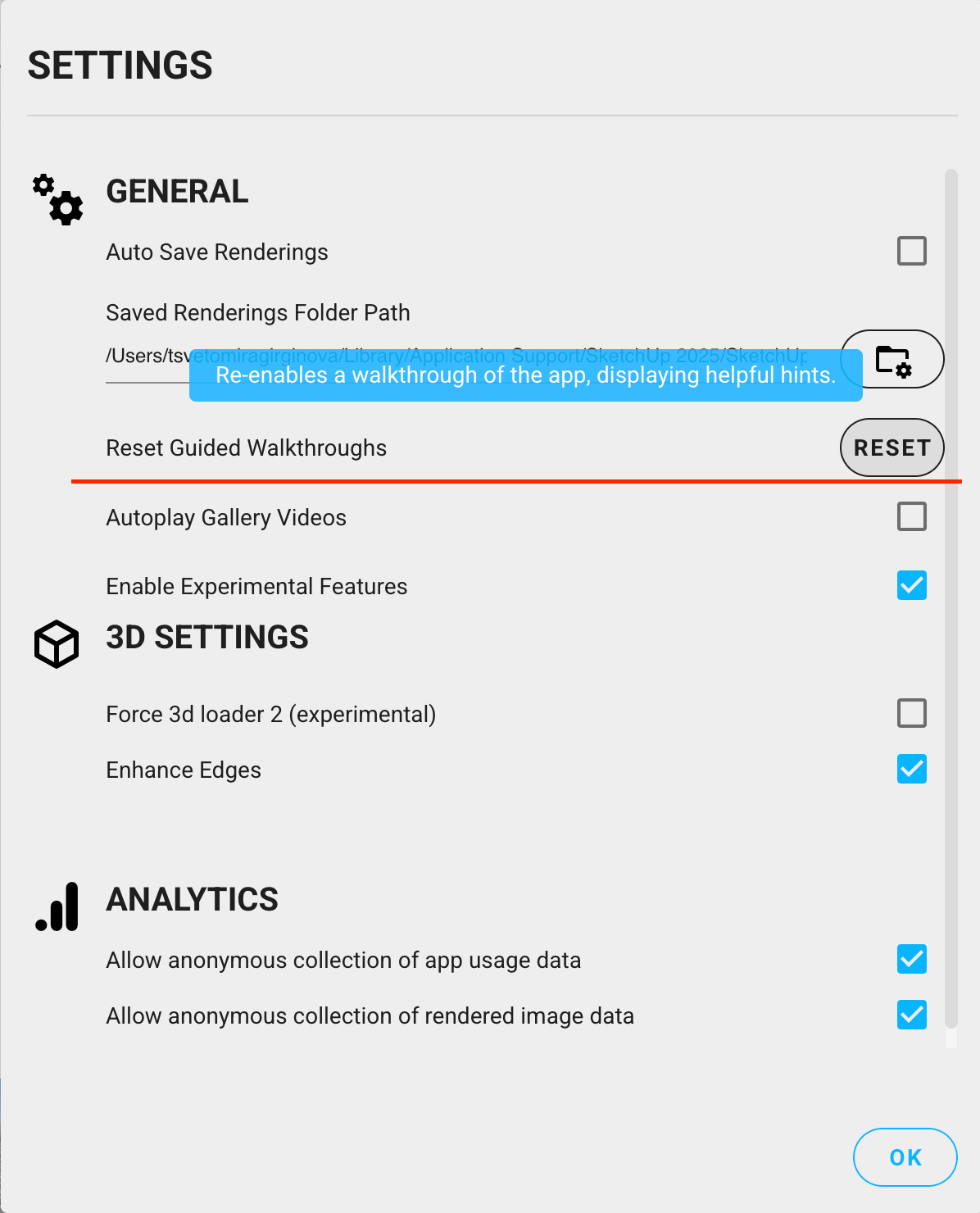
Reset Guided Walkthroughs
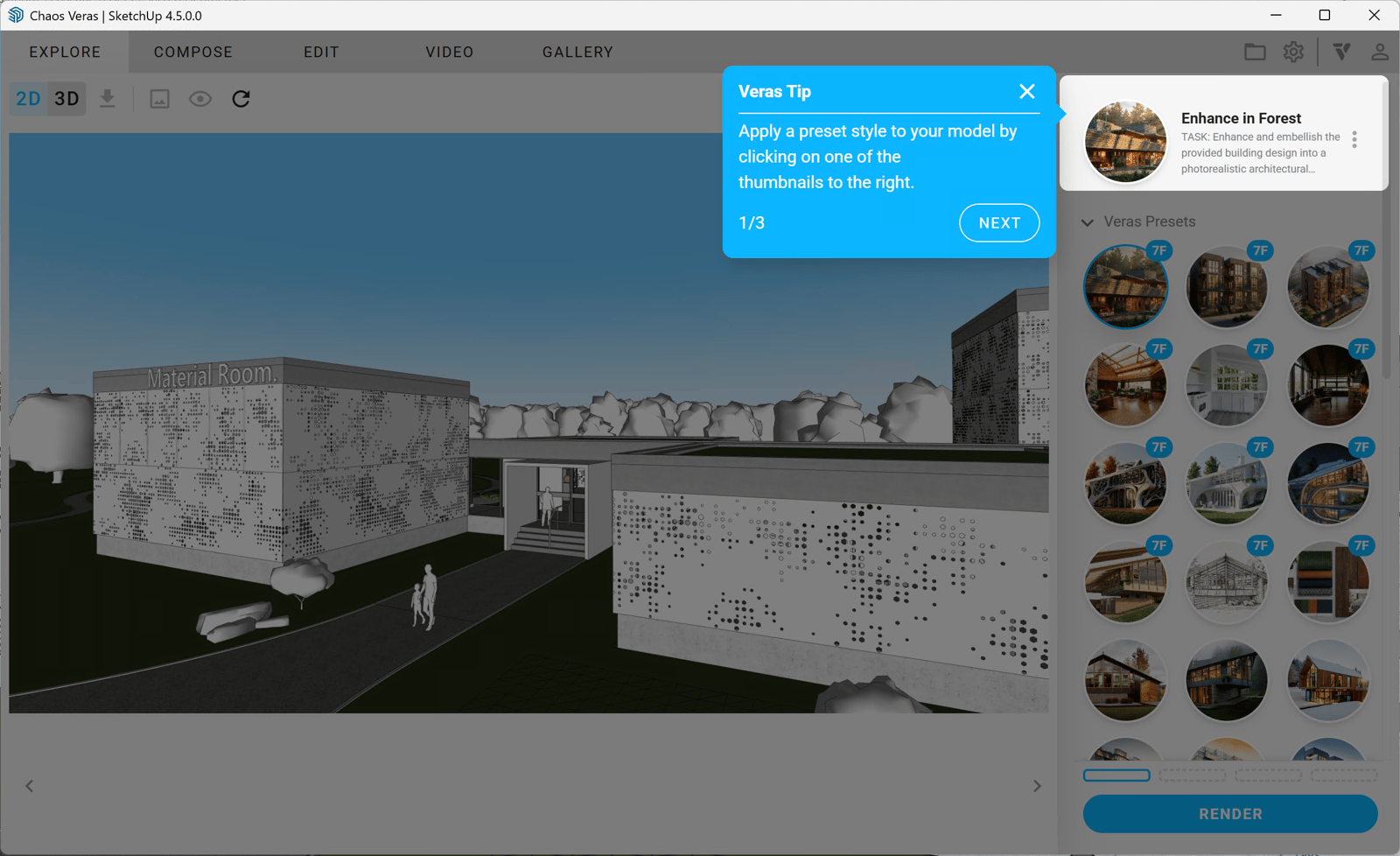
Veras Presets Tip
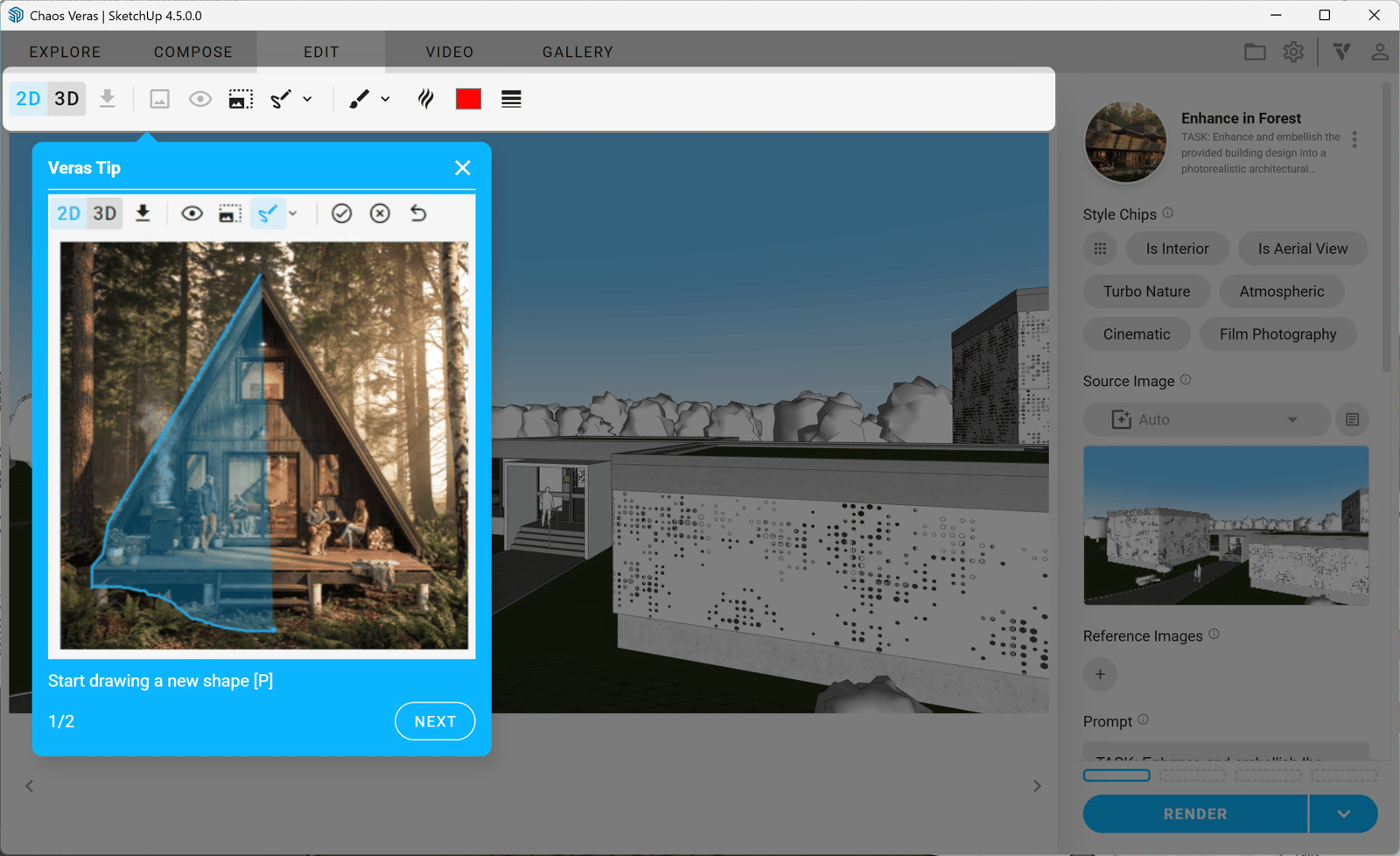
Veras Selection Tip