V-Ray for 3ds Max
Frame Info Rollout
This page provides information on the Frame Info rollout.
Last updated 6 May 2026
This page provides information on the Frame Info rollout.
Overview
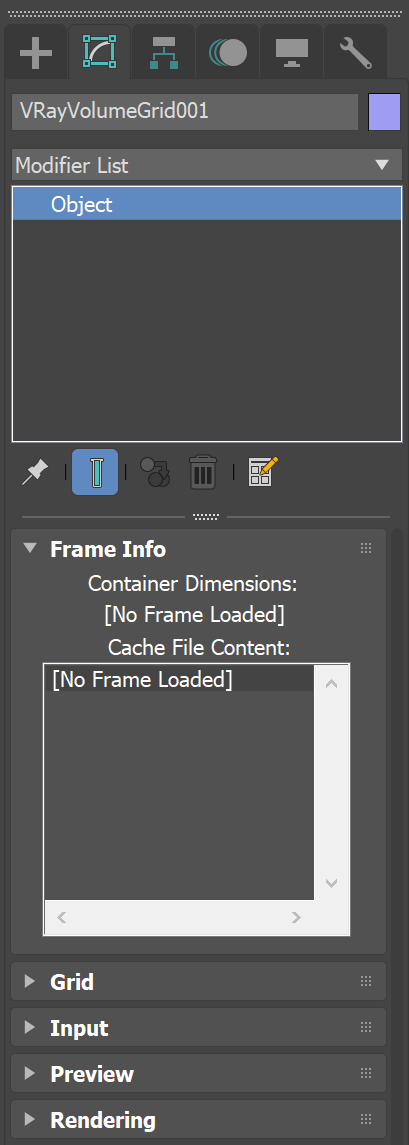
The Frame Info rollout allows you to quickly check the size, dimensions, and contents of the loaded cache file for the current frame. The information is for display only, and cannot be changed on this rollout. To change the input file, use the Preview & Render Cache Path field on the Input rollout.
UI Path

Parameters
Container Dimensions - If a file is successfully loaded, shows the size of the bounding box of the cached contents for the current frame, in scene units. Prints [No Frame Loaded] otherwise. This parameter ignores any transformations (such as Scaling) applied to the transform node.
Cache File Content - If a file is successfully loaded, displays information regarding the channels present in the cache for the current frame. The container's size, as well as the total number of cells/voxels, is printed at the top. For each individual channel (such as Velocity, or Smoke), a single line consisting of the name and Min / Max range for that channel is also displayed.