V-Ray for Blender
Brute Force Engine
This page provides information on the Brute Force rollout under the GI tab in V-Ray's Render Settings.
Last updated 18 September 2025
This page provides information on the Brute Force rollout under the GI tab in V-Ray's Render Settings.
Overview
The Brute force method for computing global illumination recomputes the GI values for every single shaded point separately and independently from other points. This method is very accurate, especially if you have many small details in the scene.
To speed up Brute force GI, you can use a faster method for approximating secondary GI bounces, while using the brute force method for the primary bounces.
The Brute force GI rollout appears only when the Brute force method is selected as an Engine within.
For more information on how the Brute force GI calculations work, please see the Brute Force GI theory page.
UI Path: ||Properties Editor|| > Render > GI
Parameters
This section is available only if you have chosen Brute force as the secondary GI engine.
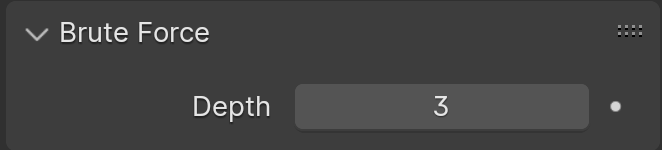
Depth – Determines the number of samples used to approximate GI. Please note that this is not the exact number of rays that V-Ray traces.