V-Ray for Blender
Cameras
This page provides a list of the available cameras in V-Ray for Blender.
Last updated 17 July 2026
This page provides a list of the available cameras in V-Ray for Blender.
Overview
The V-Ray Camera Attributes can be added to every Blender standard camera by selecting the camera object and enabling a set of attributes. This allows the use of V-Ray Physical Camera and V-Ray Dome camera capabilities in a Blender scene.
Enabling the V-Ray Camera Attributes
Adding the V-Ray Camera attributes is the most direct way to add specific functionality to a Blender camera. Enabling one of these options allows you to change the camera's attributes directly.
These options include tools to control the camera like a real camera with F-stop, shutter speed, ISO film speed, and other settings; turning the camera into a dome camera; and setting up a stereoscopic camera for rendering left/right pairs of images.
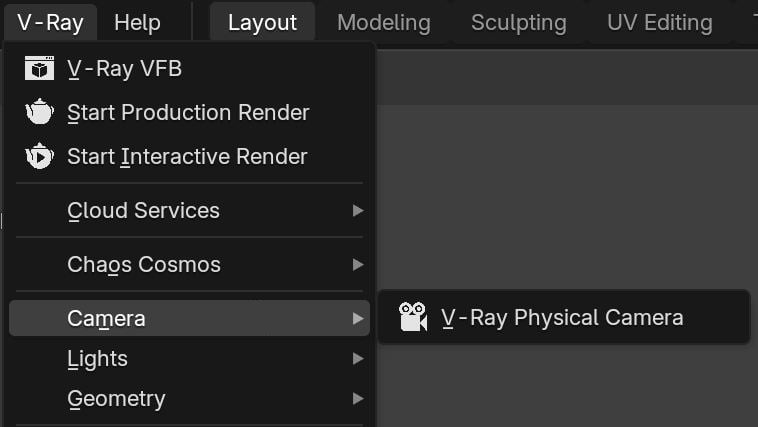
You can either use the quick setup buttons in the V-Ray menu (Physical camera only) or manually enable the options in the camera Data properties.