V-Ray for Blender
Clamp
This page provides information about the Clamp utility texture in V-Ray for Blender.
Last updated 18 September 2025
This page provides information about the Clamp utility texture in V-Ray for Blender.
Overview
V-Ray Clamp is a utility texture that can be used to clamp the colors of textures.
UI Path: ||V-Ray Node Editor|| > Shader > Add > Texture Utilities > V-Ray Clamp
Node Input Sockets
This section describes the input sockets of the node. Some sockets have dedicated parameters, which are further described below, and some sockets are just inputs.
Texture – Input slot for the texture whose colors are clamped.
Min Color – Input slot for the minimum color value. All colors below this value will equal this color.
Max Color – Input slot for the maximum color value. All colors above this value will equal this color.

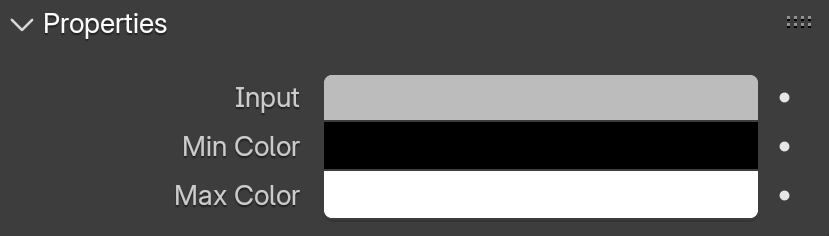
Properties
Texture – Sets a fallback color when there is no texture connected or it is not read properly.
Min Color – Sets a minimum color value. All colors below this value will equal this color.
Max Color – Sets a maximum color value. All colors above this value will equal this color.