V-Ray for Blender
Coat Glossiness
This page provides information about the Coat Glossiness Render Channel in V-Ray for Blender.
Last updated 18 September 2025
This page provides information about the Coat Glossiness Render Channel in V-Ray for Blender.
Overview
The Coat Glossiness Render channel is analogous to the Reflection Glossiness Render Channel, with the main difference being that all Coat render elements can be subtracted from the main back-to-beauty composite, graded, and added back in.
UI Path: ||V-Ray Node Editor|| > World > Render Channels > Advanced > V-Ray Coat Glossiness

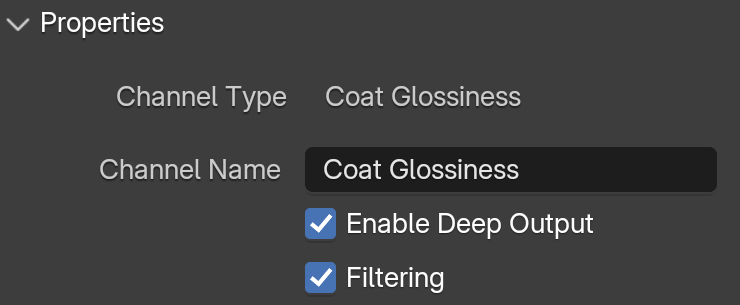
Properties
See the Render Channels page to find out where you can find these properties.
Channel Name – Customizable name for the render channel.
Enable Deep Output – Specifies whether to include this render channel in deep images.
Filtering – Applies an image filter to this channel.