V-Ray for Blender
Color Correction
This page provides information about the V-Ray Color Correction utility texture in V-Ray for Blender.
Last updated 18 September 2025
This page provides information about the V-Ray Color Correction utility texture in V-Ray for Blender.
Overview
The V-Ray Color Correction utility texture enables the application of various color corrections.
UI Path: ||V-Ray Node Editor|| > Shader > Add > Texture Utilitites > V-Ray Color Correction
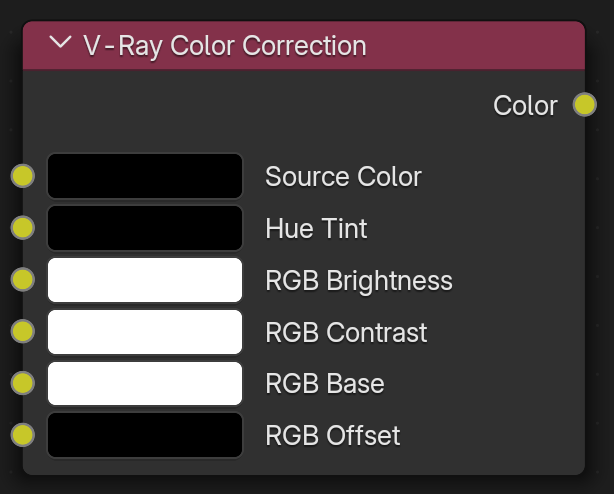
Node Input Sockets
This section describes the input sockets of the node. Some sockets have dedicated parameters, which are further described below, and some sockets are just inputs.
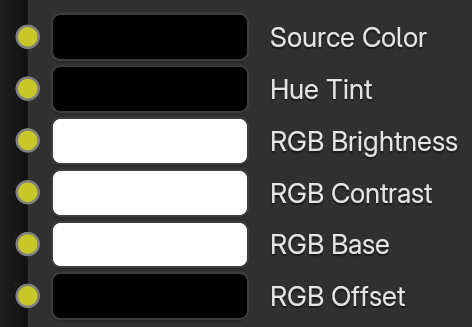
Source Color – The color node connected here will be color corrected.
Hue Tint – Accepts color nodes to tint the Source Color.
RGB Brightness – This slot allows color nodes to be connected to enhance the brightness of the Source Color.
RGB Contrast – This slot allows color nodes to be connected to enhance the contrast of the Source Color.
RGB Base – Allows a color texture to be connected to serve as a base multiplier for the Source Color. Keep this at white to not alter the Source Color.
RGB Offset – This slot allows a color node to determine the color offset of the Source Color.
Properties
Source Color – Allows a fallback color to be applied when there is no texture connected.
Texture Map – Input socket for the input of a texture map.
Hue Shift – Specifies a value for the adjustment of the current color hue.
Saturation – Specifies a value for the saturation or desaturation of colors.

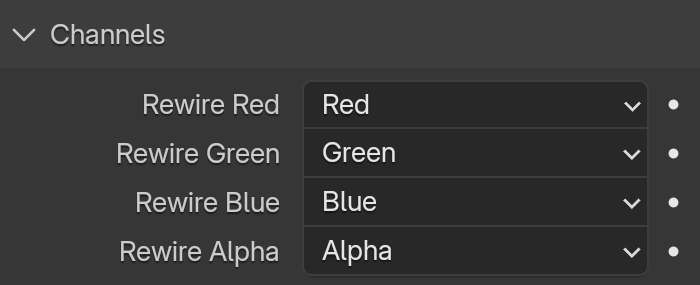
Channels
Rewire Red/Green/Blue/Alpha – Allows the following channels to be assigned to the Red, Green, Blue, or Alpha channels:
Red – Assigns the red channel.
Green – Assigns the green channel.
Blue – Assigns the blue channel.
Alpha – Assigns the alpha channel.
Redinv – Assigns the inverse of the red channel.
Greeninv – Assigns the inverse of the green channel.
Blueinv – Assigns the inverse of the blue channel.
Alphainv – Assigns the inverse of the alpha channel.
Monochrome – Assigns the channel to be monochrome.
One – Assigns the value 1.
Zero – Assigns the value 0.
Color
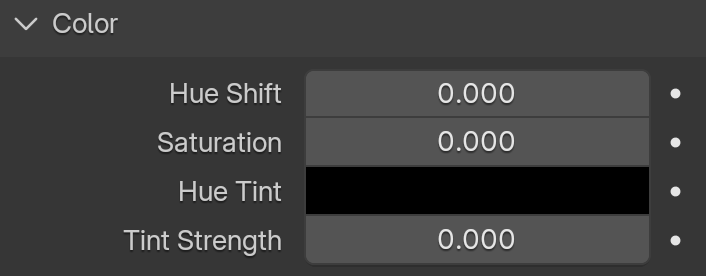
Hue Shift – Specifies a value for the adjustment of the current color hue.
Saturation – Specifies a value for the saturation or desaturation of colors.
Hue Tint – Specifies a color that is used to tint current colors.
Tint Strength – Adjusts the strength of the hue tint.
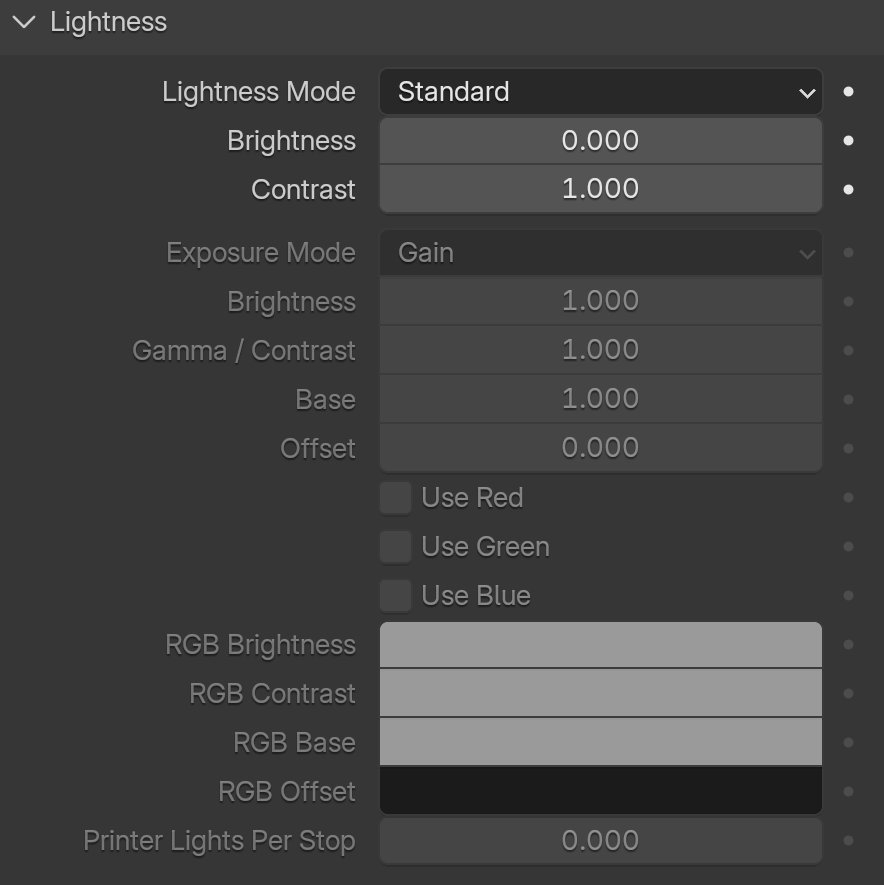
Lightness
Lightness Mode – Specifies the lightness mode that is used. You can choose between Standard and Advanced mode.